


【就业班作业】【第六周】编译安装http2.4,实现可以正常访问,并将编译步骤和结果提交。
一、获取源码:
mkdir sources
cd /data/sources
wget https://mirrors.bfsu.edu.cn/apache//httpd/httpd-2.4.46.tar.bz2
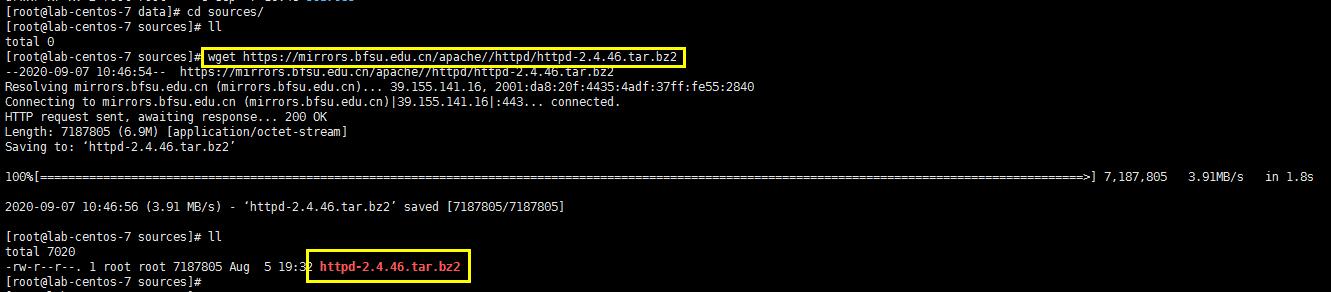
2、解压文件
tar -jxf httpd-2.4.46.tar.bz2
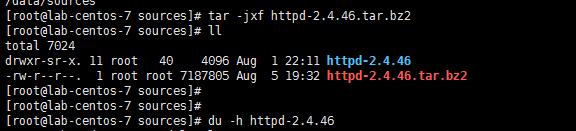
3、开始编译(编辑过程)
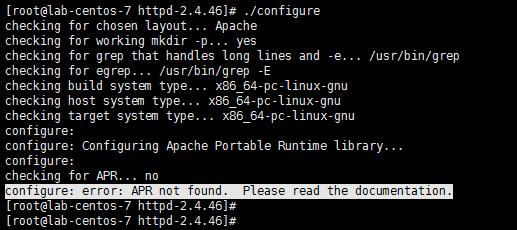
apr报错解决:源码安装apr
wget https://mirrors.tuna.tsinghua.edu.cn/apache//apr/apr-1.7.0.tar.bz2
tar -jxf apr-1.7.0.tar.bz2
cd apr-1.7.0
./configure --prefix=/usr/local/apr/
make && make install
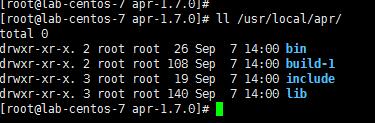
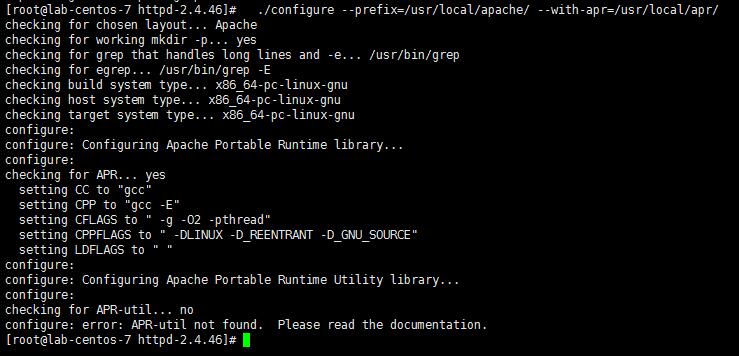
解决apr-util报错:源码安装apr-util-1.6.1
wget https://mirrors.tuna.tsinghua.edu.cn/apache//apr/apr-util-1.6.1.tar.bz2
tar -jxf apr-util-1.6.1.tar.bz2
cd apr-util-1.6.1
./configure --prefix=/usr/local/apr-util/ --with-apr=/usr/local/apr/
make && make install
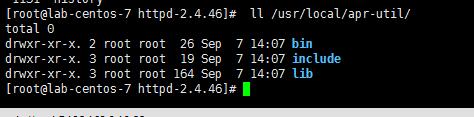
最后的编辑:
cd ../httpd-2.4.46
./configure --prefix=/usr/local/apache/ --with-apr=/usr/local/apr/ --with-apr-util=/usr/local/apr-util/
make && make install

/usr/local/apache/bin/apachectl start
/usr/local/apache/bin/apachectl restart

systemctl stop firewalld
systemctl disable firewalld
systemctl status firewalld
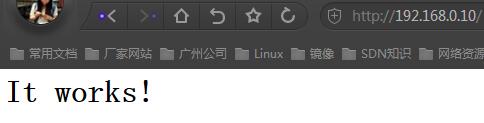
(结束)

 浙公网安备 33010602011771号