
各版本浏览器驱动下载
Chrome:
http://chromedriver.storage.googleapis.com/index.html
下载步骤:
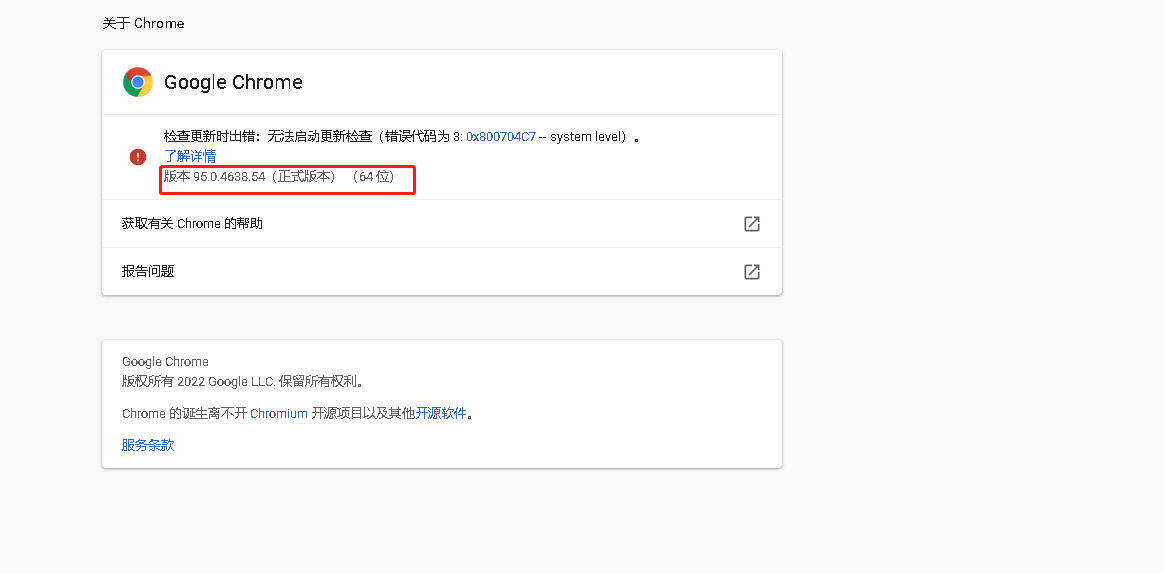
- 点击谷歌浏览器右上角三个点,选择【帮助】->【关注Google Chrome】或者在谷歌浏览器中直接访问地址:chrome://settings/help
- 查看自己浏览器版本,如下如所示,我们的版本是95.0.4638.54
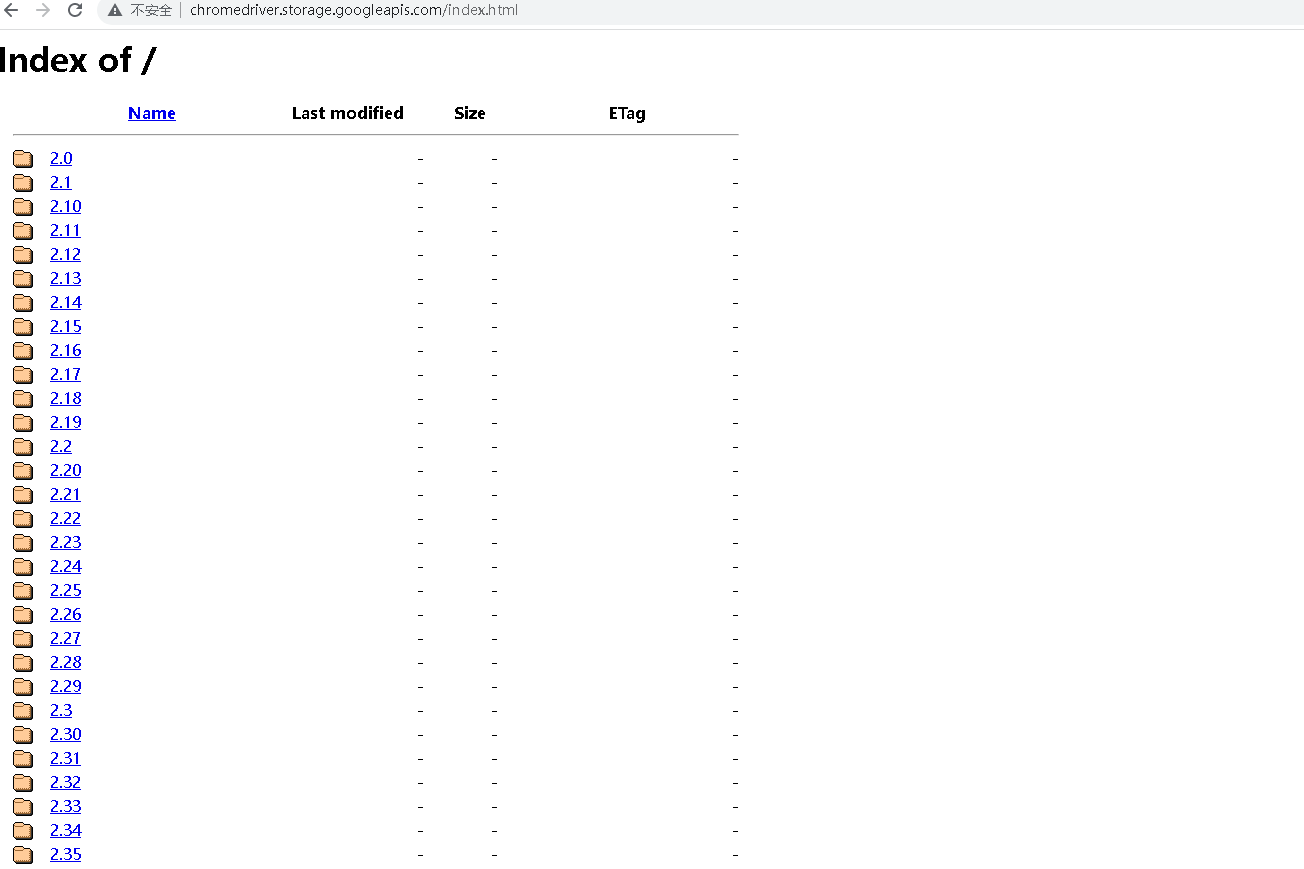
- 浏览器访问驱动下载地址(http://chromedriver.storage.googleapis.com/index.html)
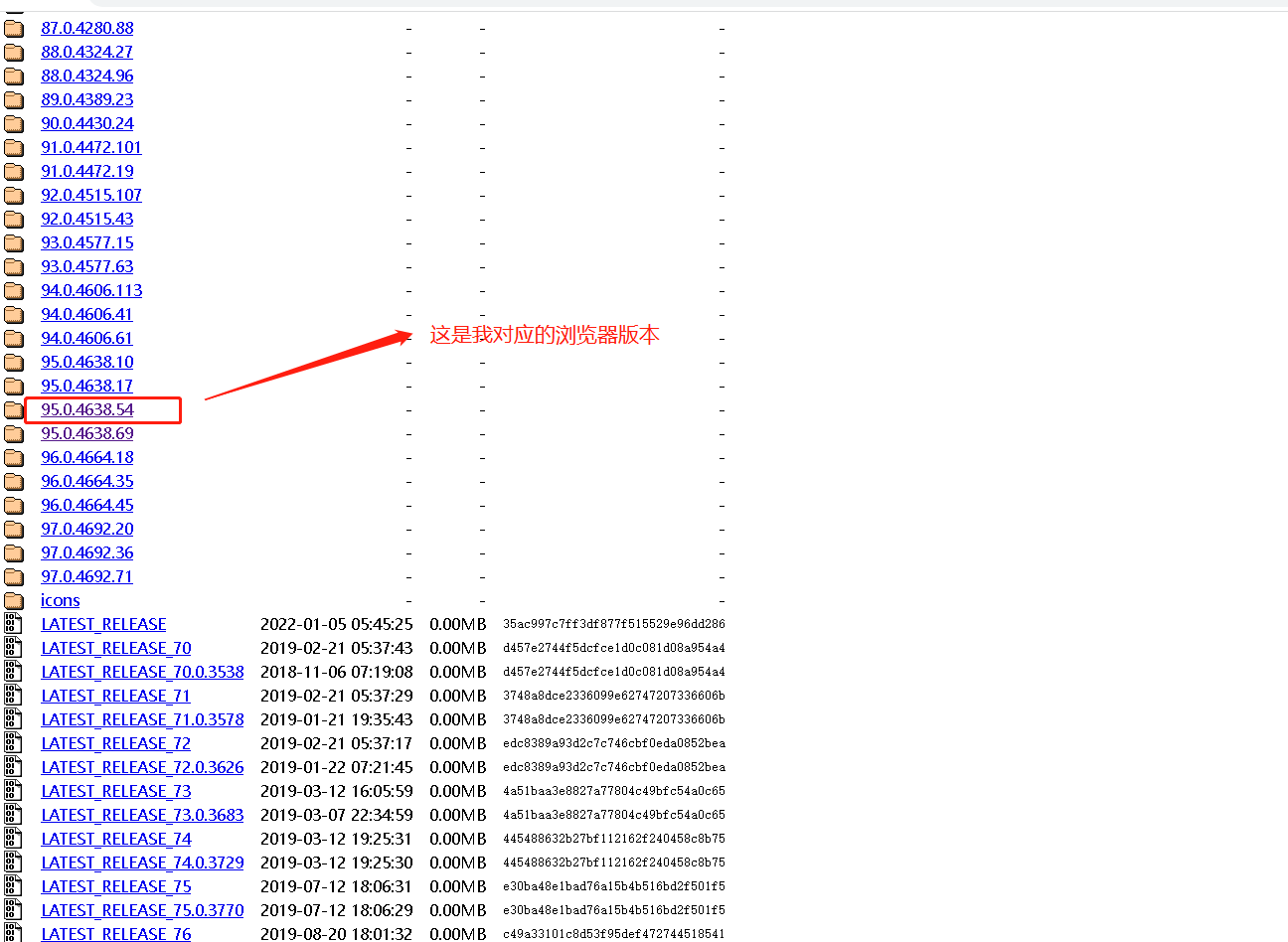
- 选择对应版本下载
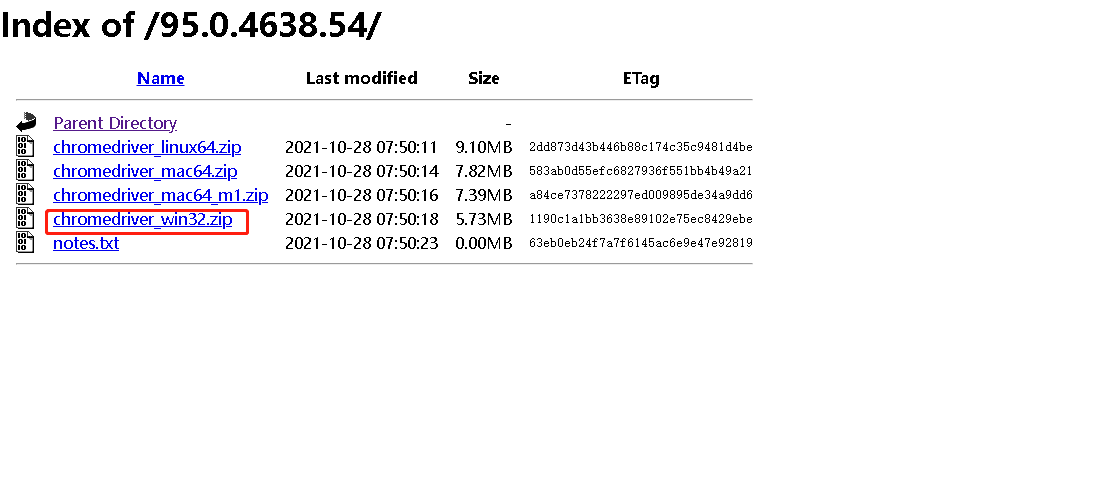
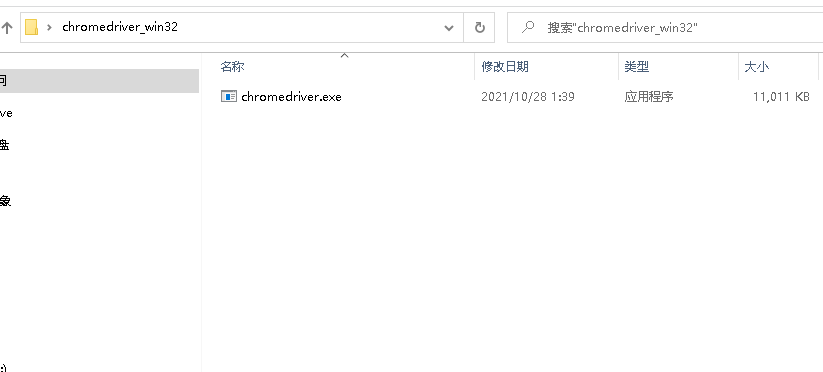
- 进入目录下,选择自己对应的版本,下载后解压到自己指定的目录,就可以看到驱动文件了
Firefox:
https://github.com/mozilla/geckodriver/releases/
IE:
http://selenium-release.storage.googleapis.com/index.html

 浙公网安备 33010602011771号