

2023-2-14 微信小程序 <view>组件字体居中 方法
当我想要编辑一行文本时,第一个想到的方法是:
直接在view组件里面打上想要的字,再设置其text-align属性为center
test.wxml
<view class="test">测试</view>
test.wxss
.test{
  background-color:#ccc;
  text-align:center;
}
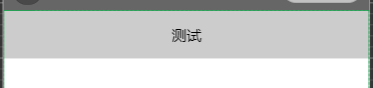
效果图:

但我想要这一行高一点,添加height: 80rpx;
效果图:

这时我希望文本上下能设置padding的间距,达到留白且文本水平、垂直都居中的样式。
于是我又看了一下标签,选择把文字放在text标签中,再在外面套一个view标签,通过设置flex/align-items/justify-content来实现居中效果。
wxss:
.test{
  height: 100rpx;
  display: flex;
  justify-content: center;
  align-items: center;
  background-color:#ccc;
  text-align:center;
}
效果图:

 浙公网安备 33010602011771号