svg整理
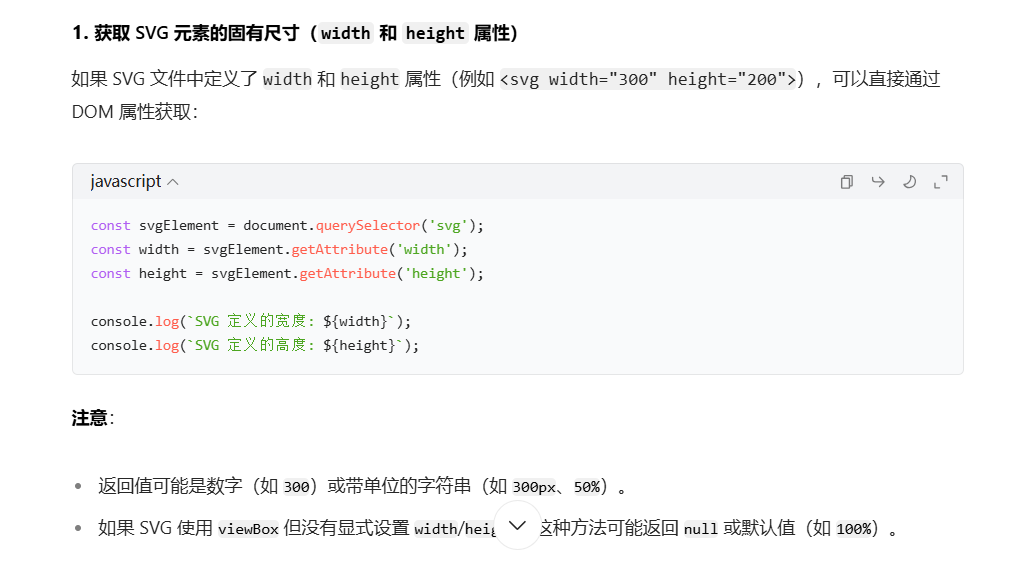
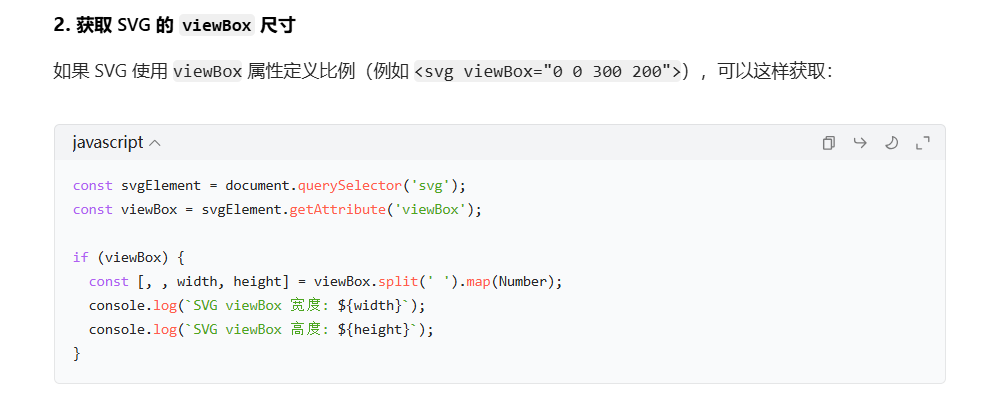
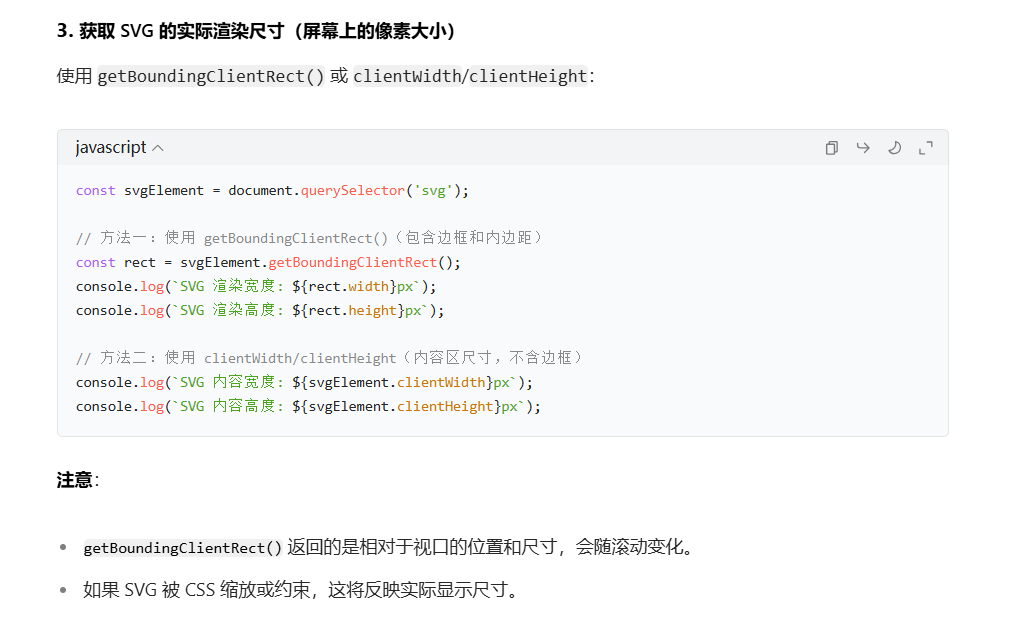
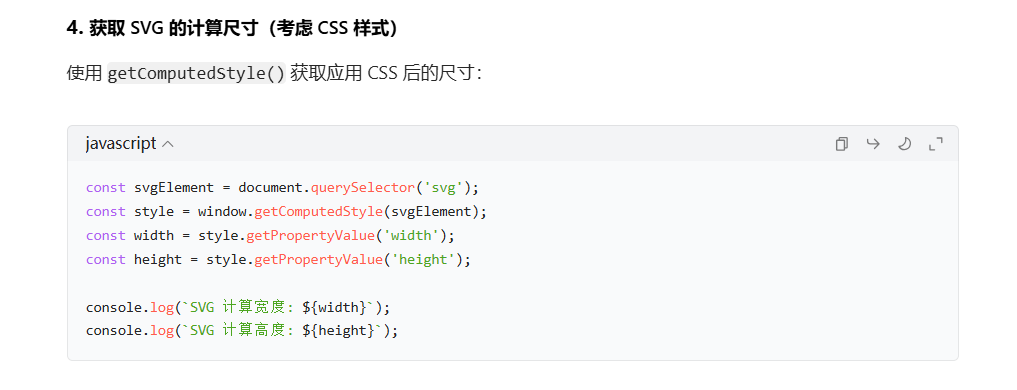
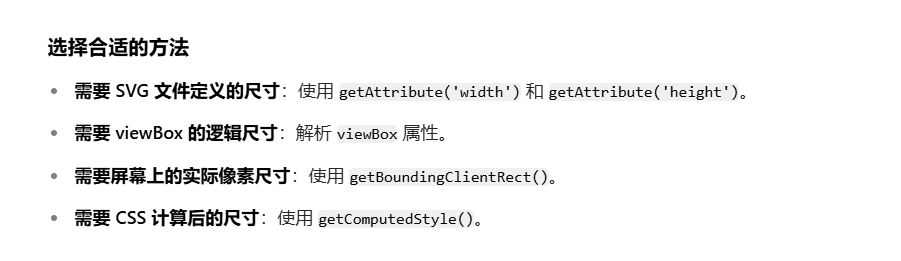
<!DOCTYPE html>
<html>
<head>
  <style>
    svg {
      width: 80%;
      max-width: 500px;
      height: auto;
    }
  </style>
</head>
<body>
  <svg viewBox="0 0 300 200" width="300" height="200">
    <rect width="100%" height="100%" fill="lightblue" />
  </svg>

  <script>
    const svg = document.querySelector('svg');

    // 1. 获取定义的 width/height 属性
    const definedWidth = svg.getAttribute('width');
    const definedHeight = svg.getAttribute('height');
    console.log(`定义尺寸: ${definedWidth} × ${definedHeight}`);

    // 2. 获取 viewBox 尺寸
    const viewBox = svg.getAttribute('viewBox');
    if (viewBox) {
      const [, , vbWidth, vbHeight] = viewBox.split(' ').map(Number);
      console.log(`viewBox 尺寸: ${vbWidth} × ${vbHeight}`);
    }

    // 3. 获取渲染尺寸
    const rect = svg.getBoundingClientRect();
    console.log(`渲染尺寸: ${rect.width.toFixed(2)} × ${rect.height.toFixed(2)}px`);

    // 4. 获取计算尺寸
    const style = window.getComputedStyle(svg);
    const computedWidth = style.getPropertyValue('width');
    const computedHeight = style.getPropertyValue('height');
    console.log(`计算尺寸: ${computedWidth} × ${computedHeight}`);
  </script>
</body>
</html>
不积跬步,无以至千里;不积小流,无以成江海。

 浙公网安备 33010602011771号