• 博客园logo
  • 会员
  • 周边
  • 新闻
  • 博问
  • 闪存
  • 赞助商
  • Chat2DB
    • 搜索
      所有博客
    • 搜索
      当前博客
  • 写随笔 我的博客 短消息 简洁模式
    用户头像
    我的博客 我的园子 账号设置 会员中心 简洁模式 ... 退出登录
    注册 登录

loay

  • 博客园
  • 联系
  • 订阅
  • 管理

View Post

jQuery

jQuery重点讲解知识点 *

一 选择器

1 基础选择器

类选择器

元素选择器

ID选择器

子元素选择器

后代元素选择器

2 属性选择器

完美匹配

包含

前缀

开头

结尾

空格

3 jQuery扩展选择器

eq

even

odd

first

last

gt

lt

二 DOM操作

1 Class操作

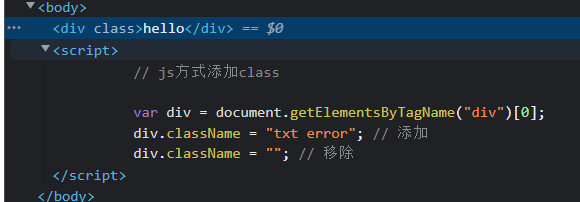
javascript操作

`

Document

hello

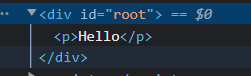
` ![image](https://img2022.cnblogs.com/blog/2926290/202207/2926290-20220731212725856-1601103567.png)

addClass() ;removeClass(); toggleClass() ; hasClass() ;

`

Document

Hello

Hello

itbaizhan

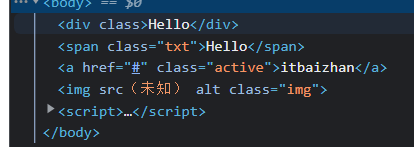
` * 1. addClass() :添加class,不会覆盖原有的class 可以添加多个class,用个空格隔开 ![image](https://img2022.cnblogs.com/blog/2926290/202207/2926290-20220731214242992-1931830922.png)

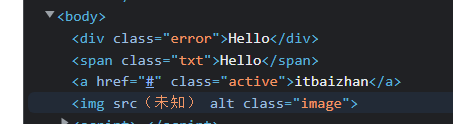
* 2. removeClass() :移除class,可以移除一个或者多个,也可以全部移除
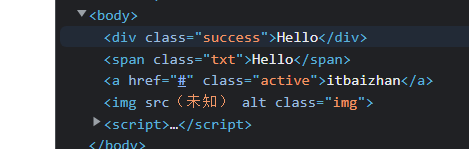
image

image

* 3. toggleClass() :开关,如果存在则删除,如果不存在则添加
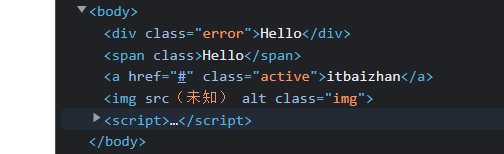
image

* 4. hasClass() :判断一个元素是否存在某个class,存在返回true,不存在返回false

image
链式调用

image

2 文本操作

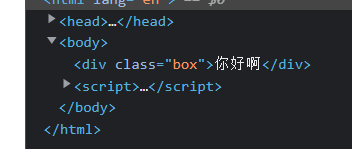
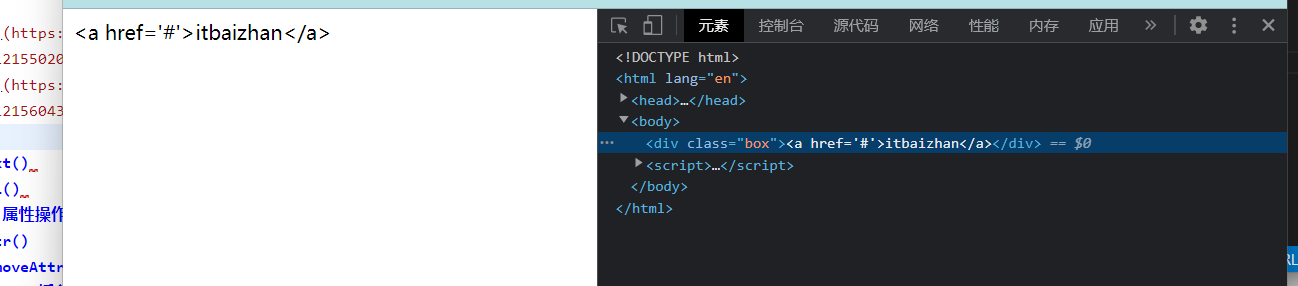
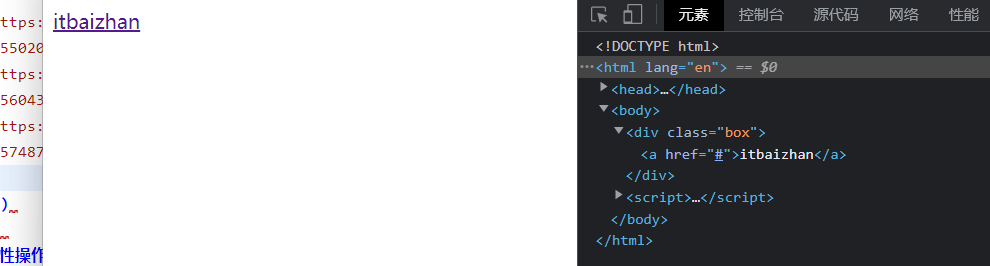
html()

`

Document

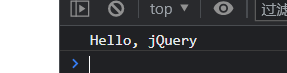
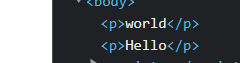
Hello, jQuery

`

image

image

image

image

text()

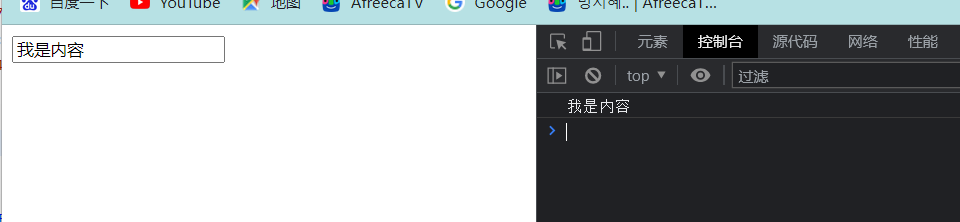
val()

image

image

3 属性操作

attr()

`

Document

小姐姐

`

image

removeAttr()

`

Document

itbaizha

`

image

4 DOM 插入并包裹现有内容

javascript操作

`

Document

Hello

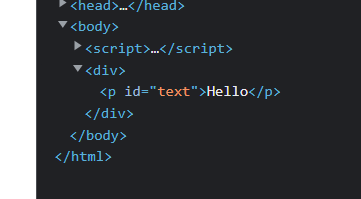
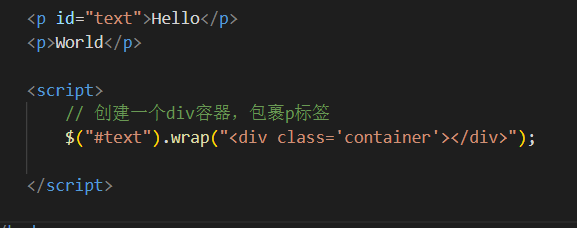
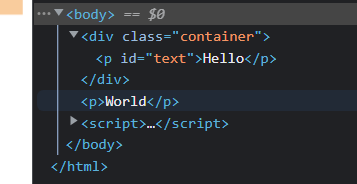
` ![image](https://img2022.cnblogs.com/blog/2926290/202207/2926290-20220731221331697-1273116127.png)

.wrap()

image

image

.unwrap()

`

Document


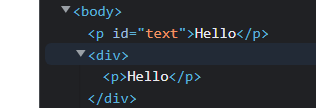
Hello


Hello


`

image

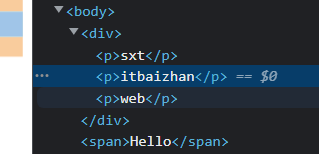
.wrapAll()

`

Document

sxt


itbaizhan


Hello

web

`

image

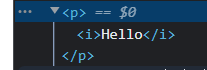
.wrapInner()

`

Document

Hello

`

image

5 DOM 插入现有元素内

javascript操作

`

Document

`

image

.append()

`

Document


分割线


`

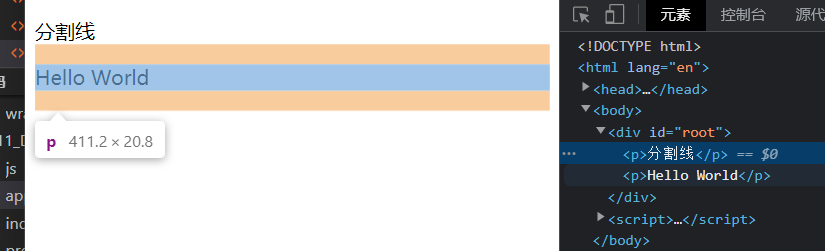
image

.prepend()

`

Document


分割线


`

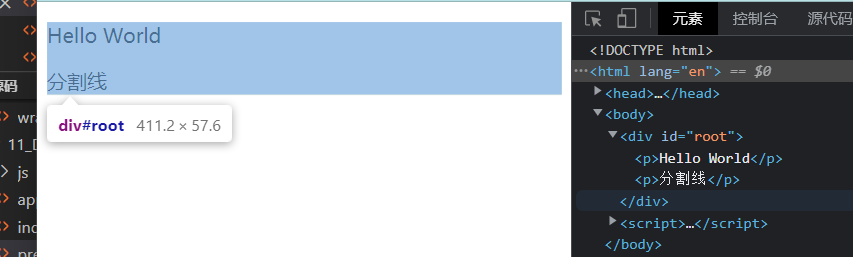
image

6 DOM 插入现有元素外

.after()

`

Document

Hello

`

image

.before()

`

Document

Hello

`

image

7 DOM 移除

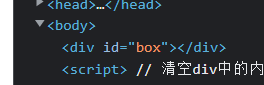
.empty()

`

Document


Hello


Wrold

`

image

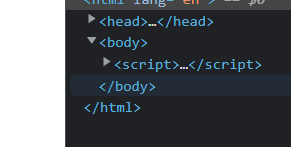
.remove()

`

Document


Hello


Wrold

`

image

8 DOM 替换

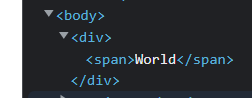
.replaceAll()

`

Document


Hello


`

image

.replaceWith()

`

Document


Hello


`

image

三 CSS操作

1 尺寸

.css()

.height()

.width()

.innerHeight()

.innerWidth()

.outerHeight()

.outerWidth()

2 位置

.offset()

.position()

.scrollLeft()

.scrollTop()

四 事件处理

1 绑定事件处理器

.on()

五 遍历

1 列表遍历

.map()

.each()

2 列表中获得一个JS对象的DOM元素

.get()

3 树遍历(关系)

.children()

.find()

.next()

.parent()

.siblings()

六 动画

1

.show()

.hide()

.fadeIn()

.fadeOut()

.slideDown()

.slideUp()

.animate()

posted on 2022-08-01 09:08  loay  阅读(236)  评论(0)    收藏  举报

刷新页面返回顶部
 
博客园  ©  2004-2026
浙公网安备 33010602011771号 浙ICP备2021040463号-3