

实用指南:Python跳跳棋游戏:从基础实现到高级算法详解
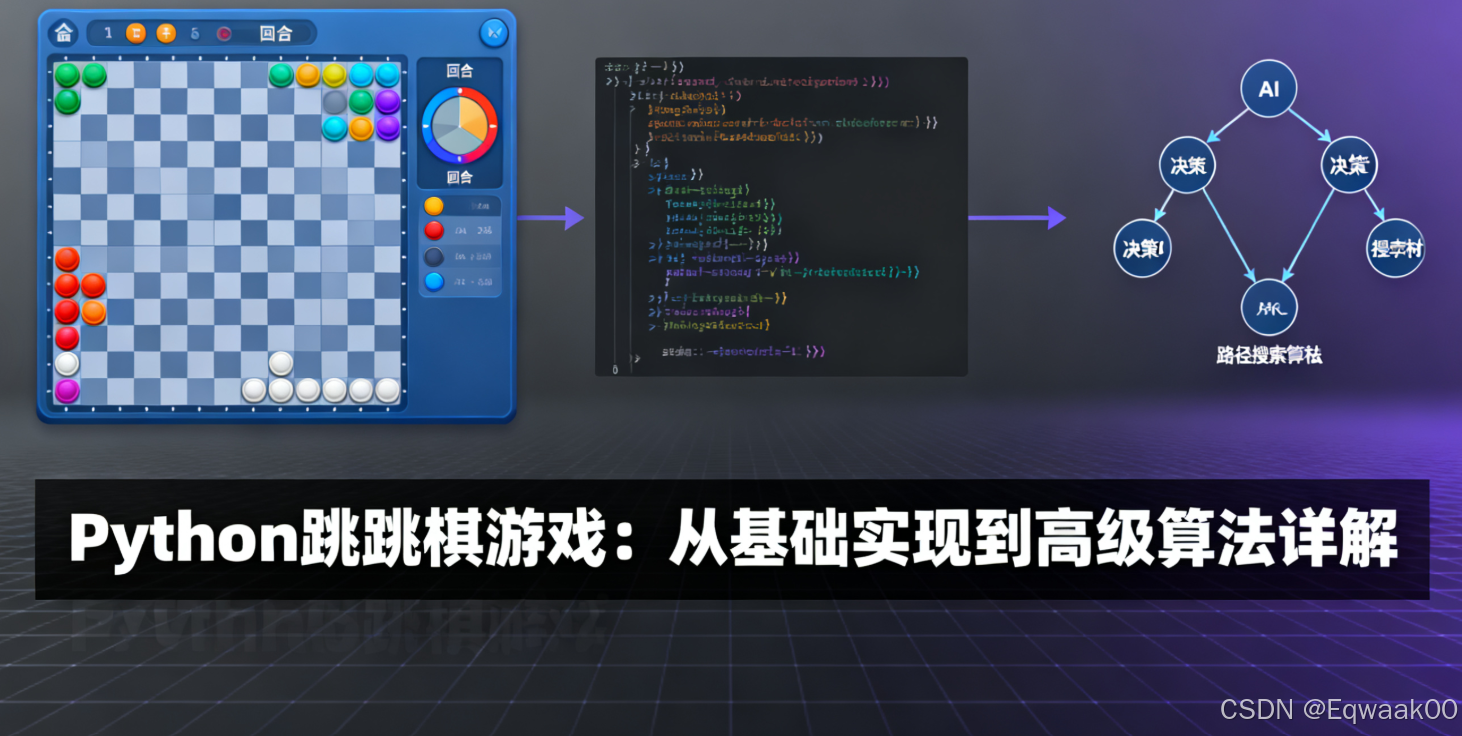
引言
跳跳棋(Checkers/Draughts)作为世界上最古老、最受欢迎的棋盘游戏之一,已有超过3000年的历史。这款游戏不仅有趣,还蕴含着丰富的算法策略。本文将使用Python和Pygame库实现一个完整的跳跳棋游戏,并深入探讨其背后的算法原理和实现技术。
核心知识要点:
- Pygame高级图形渲染技术
- 跳跳棋规则与移动算法的实现
- Minimax算法与Alpha-Beta剪枝
- 游戏状态评估函数设计
- AI对战系统实现
游戏规则概述
跳跳棋基本规则:
- 棋盘为8×8黑白相间的格子
- 双方各有12个棋子,开始时置于己方三行的黑格中
- 棋子只能沿对角线向前移动
- 跳过对方棋子可以将其吃掉
- 连续跳跃可以吃掉多个棋子
- 到达对方底线的棋子升级为"王",可向前后移动
- 吃掉对方所有棋子或使对方无法移动即获胜
项目结构设计
checkers_game/
├── main.py            # 游戏入口
├── constants.py       # 常量定义
├── board.py           # 棋盘类
├── piece.py           # 棋子类
├── ai.py              # AI算法实现
└── game.py            # 游戏逻辑控制
深度技术实现
1. 常量定义 (constants.py)
# 颜色常量
BLACK = (0, 0, 0)
WHITE = (255, 255, 255)
DARK_GRAY = (101, 67, 33)
LIGHT_GRAY = (230, 220, 170)
RED = (255, 0, 0)
BLUE = (65, 105, 225)
CROWN_GOLD = (255, 215, 0)
HIGHLIGHT = (50, 205, 50, 170)
# 游戏设置
WIDTH, HEIGHT = 800, 800
ROWS, COLS = 8, 8
SQUARE_SIZE = WIDTH // COLS
PADDING = 15
OUTLINE = 2
CROWN_RADIUS = SQUARE_SIZE // 4
HIGHLIGHT_ALPHA = 100
# AI设置
AI_DEPTH = 4  # Minimax搜索深度
2. 棋子类实现 (piece.py)
import pygame
from .constants import BLACK, WHITE, RED, BLUE, SQUARE_SIZE, CROWN_GOLD, CROWN_RADIUS, PADDING, OUTLINE
class Piece:
    def __init__(self, row, col, color):
        self.row = row
        self.col = col
        self.color = color
        self.king = False
        self.x = 0
        self.y = 0
        self.calc_pos()
    def calc_pos(self):
        """计算棋子在屏幕上的位置"""
        self.x = SQUARE_SIZE * self.col + SQUARE_SIZE // 2
        self.y = SQUARE_SIZE * self.row + SQUARE_SIZE // 2
    def make_king(self):
        """将棋子升级为'王'"""
        self.king = True
    def draw(self, win):
        """绘制棋子"""
        # 棋子主体
        radius = SQUARE_SIZE // 2 - PADDING
        pygame.draw.circle(win, self.color, (self.x, self.y), radius)
        # 棋子边框
        border_color = WHITE if self.color == RED else BLACK
        pygame.draw.circle(win, border_color, (self.x, self.y), radius + OUTLINE, OUTLINE)
        # 绘制王冠标记
        if self.king:
            win.blit(
                pygame.font.SysFont(None, 36).render('K', True, CROWN_GOLD),
                (self.x - 10, self.y - 15)
            )
    def move(self, row, col):
        """移动棋子到新位置"""
        self.row = row
        self.col = col
        self.calc_pos()
    def __repr__(self):
        return str(self.color)
3. 棋盘类实现 (board.py)
import pygame
from .piece import Piece
from .constants import BLACK, WHITE, DARK_GRAY, LIGHT_GRAY, RED, BLUE, ROWS, COLS, SQUARE_SIZE
class Board:
    def __init__(self):
        self.board = []
        self.red_left = self.blue_left = 12
        self.red_kings = self.blue_kings = 0
        self.create_board()
    def draw_squares(self, win):
        """绘制棋盘格子"""
        win.fill(DARK_GRAY)
        for row in range(ROWS):
            for col in range(row % 2, COLS, 2):
                pygame.draw.rect(win, LIGHT_GRAY,
                                (row * SQUARE_SIZE, col * SQUARE_SIZE,
                                 SQUARE_SIZE, SQUARE_SIZE))
    def create_board(self):
        """初始化棋盘棋子"""
        for row in range(ROWS):
            self.board.append([])
            for col in range(COLS):
                if col % 2 == ((row + 1) % 2):
                    if row < 3:
                        self.board[row].append(Piece(row, col, BLUE))
                    elif row > 4:
                        self.board[row].append(Piece(row, col, RED))
                    else:
                        self.board[row].append(0)
                else:
                    self.board[row].append(0)
    def draw(self, win):
        """绘制整个棋盘"""
        self.draw_squares(win)
        for row in range(ROWS):
            for col in range(COLS):
                piece = self.board[row][col]
                if piece != 0:
                    piece.draw(win)
    def move(self, piece, row, col):
        """移动棋子并处理升级为'王'的逻辑"""
        self.board[piece.row][piece.col], self.board[row][col] = self.board[row][col], self.board[piece.row][piece.col]
        piece.move(row, col)
        # 检查是否升级为"王"
        if row == 0 or row == ROWS - 1:
            if not piece.king:
                piece.make_king()
                if piece.color == RED:
 浙公网安备 33010602011771号