

[stm32f207]uclinux boot
1.Download project modle.
Go to official site:
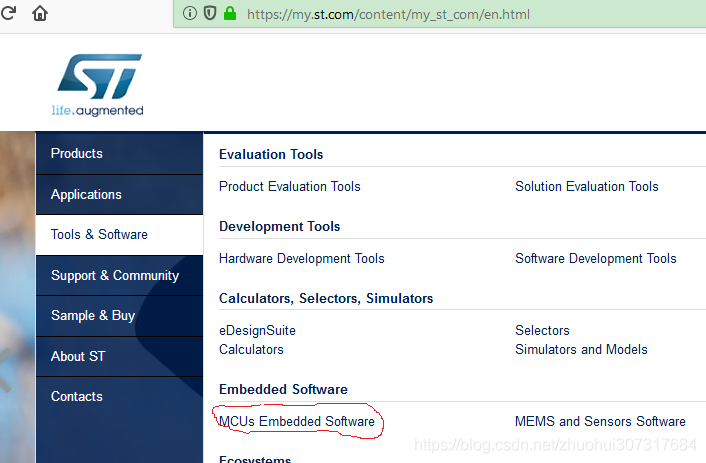
Click here:
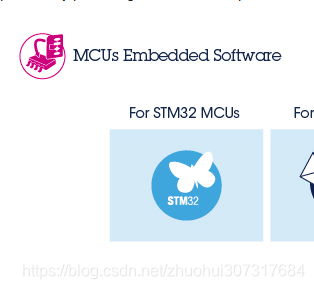
Then click here:
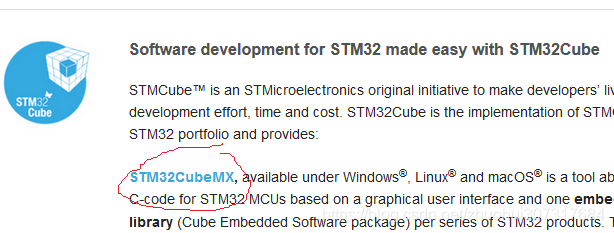
then download this:
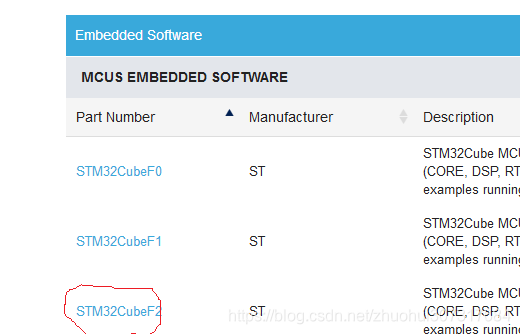
Lastst, download STM32CubeF2:
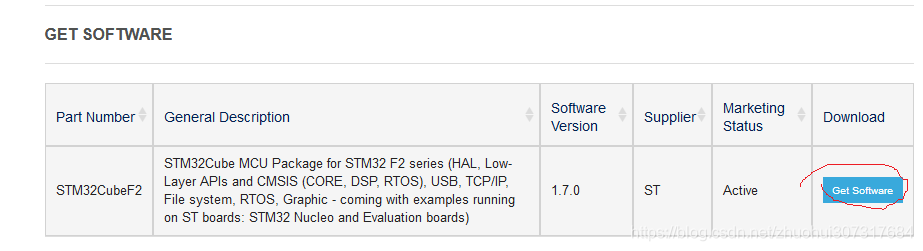
2.Download IAR 6.7.
Because stm32CubeF2 is use IAR-6.7.
IAR-6.10 can't build the project, miss some *.h file.
1.Base project.
贡献一个STM32F207VGT6的IAR工程模版
http://www.stmcu.org.cn/module/forum/forum.php?mod=viewthread&tid=598692&highlight=IAR++STM32
2.Create new project.
Use current IAR to create a new project, then put the STM32F207 source code in it. Configure the setting. At laster, building.
3.
1.Create a base project.
(1)Copy a demo project "C:\Program Files (x86)\IAR Systems\Embedded Workbench 6.0\arm\examples\ST\STM32F10x\IAR-STM32F107VC-SK\Buzzer" and then modify from it.
Note: IAR version is V6.10
(2)Change Device to "ST STM32F207xx".

(3)
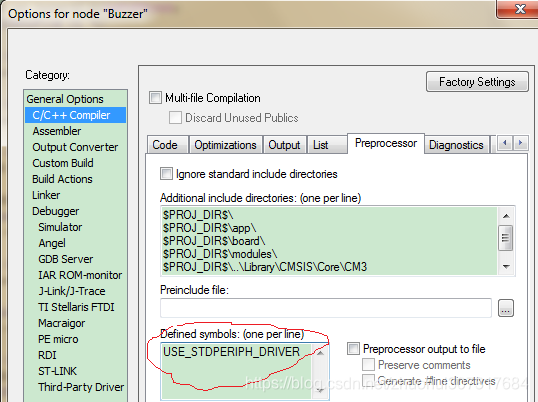
(4)
official document:
(end)


 浙公网安备 33010602011771号