angular 在开发过程中对于表单的验证
import {ReactiveFormsModule, FormsModule, FormControl, FormGroup, Validators} from "@angular/forms";//表单内容对象
public user = {name: '', password: ''};
//表单
public arrList = null;
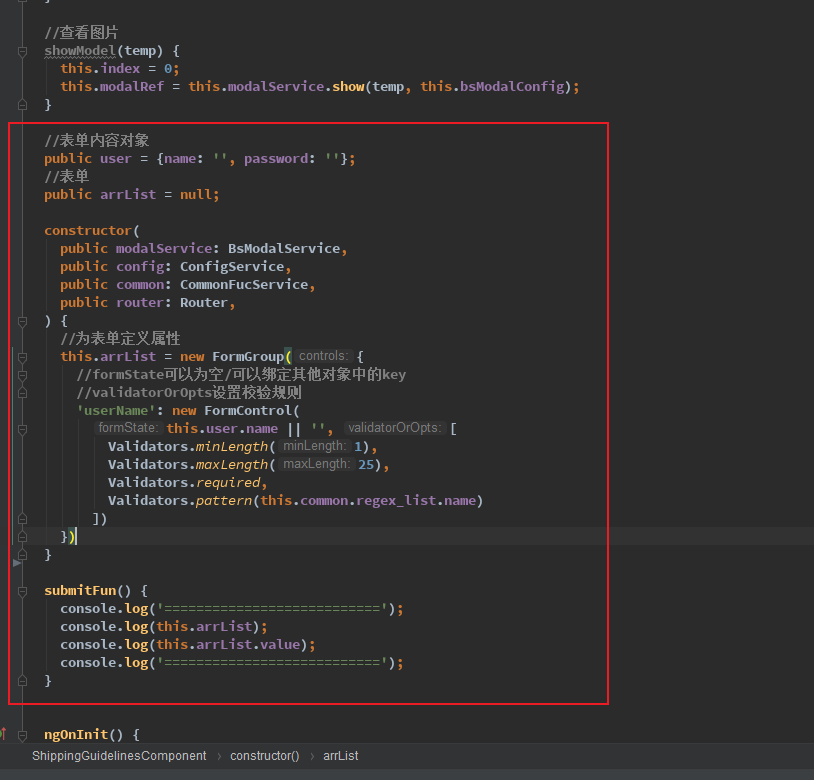
constructor(
public modalService: BsModalService,
public config: ConfigService,
public common: CommonFucService,
public router: Router,
) {
//为表单定义属性
this.arrList = new FormGroup({
//formState可以为空/可以绑定其他对象中的key
//validatorOrOpts设置校验规则
'userName': new FormControl(
this.user.name || '', [
Validators.minLength(1),
Validators.maxLength(25),
Validators.required,
Validators.pattern(this.common.regex_list.name)
])
})
}
submitFun() {
console.log('===========================');
console.log(this.arrList);
console.log(this.arrList.value);
console.log('===========================');
}
--------------------------------HTML---------------------------------------------
<form (ngSubmit)="submitFun()" [formGroup]="arrList">
表单
<input formControlName="userName" name="userName" type="text">
<div *ngIf="arrList.get('userName').invalid&&(arrList.get('userName').touched ||arrList.get('userName').dirty)">
<span *ngIf="arrList.get('userName').hasError('minlength')" class="font_12 red">长度太短</span>
<span *ngIf="arrList.get('userName').hasError('maxlength')" class="font_12 red">长度太长</span>
<span *ngIf="arrList.get('userName').hasError('required')" class="font_12 red">此选项为必填项</span>
<span *ngIf="arrList.get('userName').hasError('pattern')" class="font_12 red">填写错误</span>
</div>
<button class="btn_red" type="submit">提交</button>
</form>
-------------------------------------截图------------------------------------------------




 浙公网安备 33010602011771号