

后台--------添加经纬度(通过详情地址搜索获得内容)
在public/index.html文件下需要添加引入地图从操作
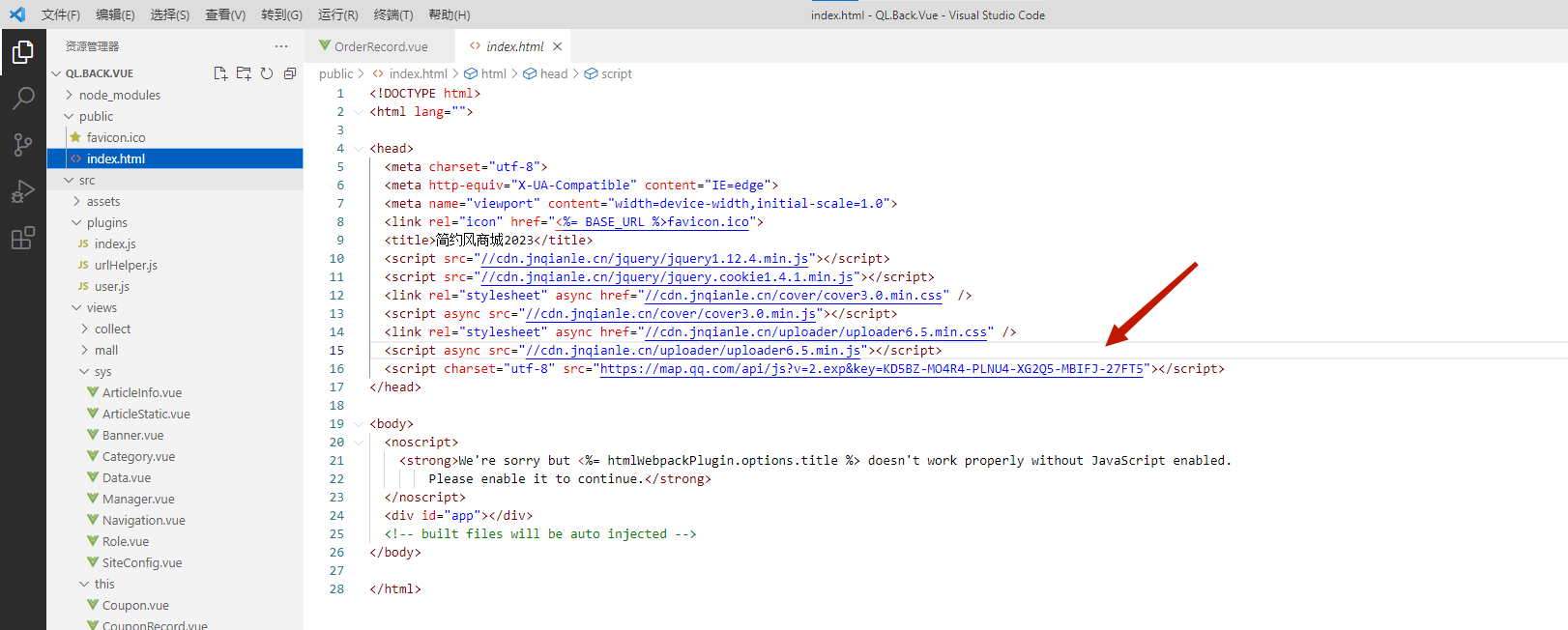
<script charset="utf-8" src="https://map.qq.com/api/js?v=2.exp&key=KD5BZ-MO4R4-PLNU4-XG2Q5-MBIFJ-27FT5"></script>
在对话框中添加经纬度代码下
 <el-row :gutter="24">
              <el-col :span="10">
                <el-form-item
                  prop="latitude"
                  label="经度"
                  :rules="[{ required: false, message: '不能为空' }]"
                >
                  <el-input
                    v-model="form.latitude"
                    placeholder="请输入经度"
                  ></el-input>
                </el-form-item>
              </el-col>
              <el-col :span="10">
                <el-form-item
                  prop="longitude"
                  label="纬度"
                  :rules="[{ required: false, message: '不能为空' }]"
                >
                  <el-input
                    v-model="form.longitude"
                    placeholder="请输入纬度"
                  ></el-input>
                </el-form-item>
              </el-col>
              <el-col :span="4">
                <el-button type="sucdess" @click="dialogMap = true"
                  >选择坐标</el-button
                >
              </el-col>
            </el-row>
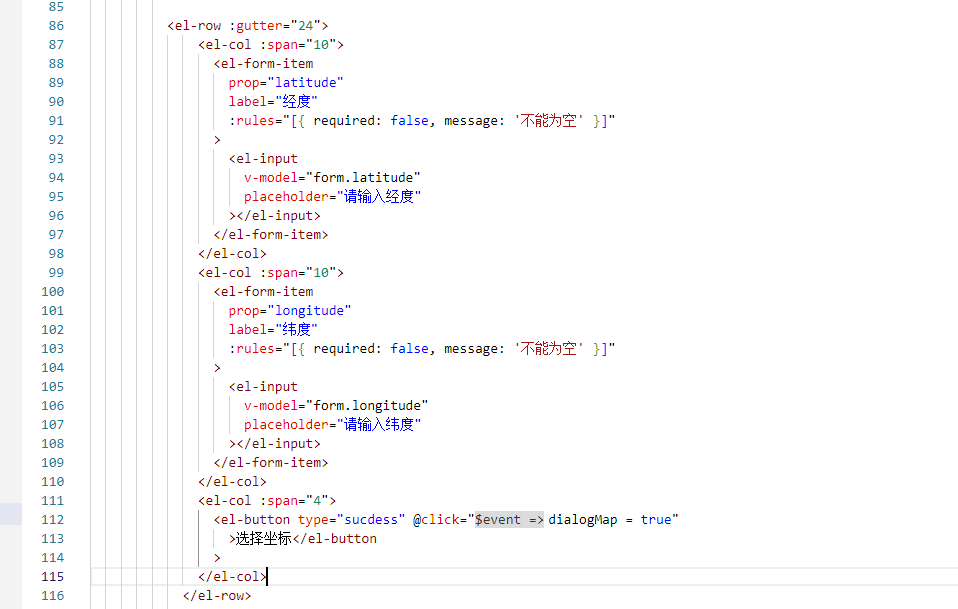
在对话框下面设置一个选择地图的操作
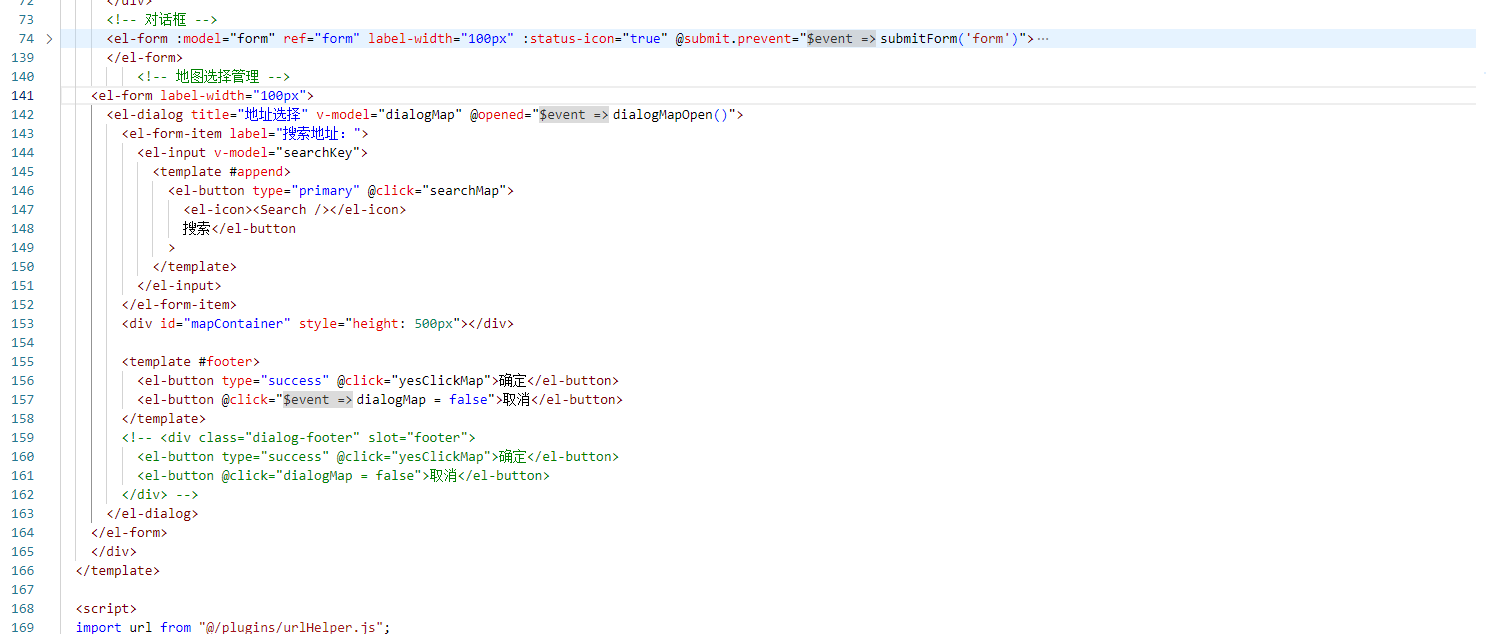
<el-form label-width="100px">
      <el-dialog title="地址选择" v-model="dialogMap" @opened="dialogMapOpen()">
        <el-form-item label="搜索地址:">
          <el-input v-model="searchKey">
            <template #append>
              <el-button type="primary" @click="searchMap">
                <el-icon><Search /></el-icon>
                搜索</el-button
              >
            </template>
          </el-input>
        </el-form-item>
        <div id="mapContainer" style="height: 500px"></div>

        <template #footer>
          <el-button type="success" @click="yesClickMap">确定</el-button>
          <el-button @click="dialogMap = false">取消</el-button>
        </template>
        <!-- <div class="dialog-footer" slot="footer">
          <el-button type="success" @click="yesClickMap">确定</el-button>
          <el-button @click="dialogMap = false">取消</el-button>
        </div> -->
      </el-dialog>
    </el-form>
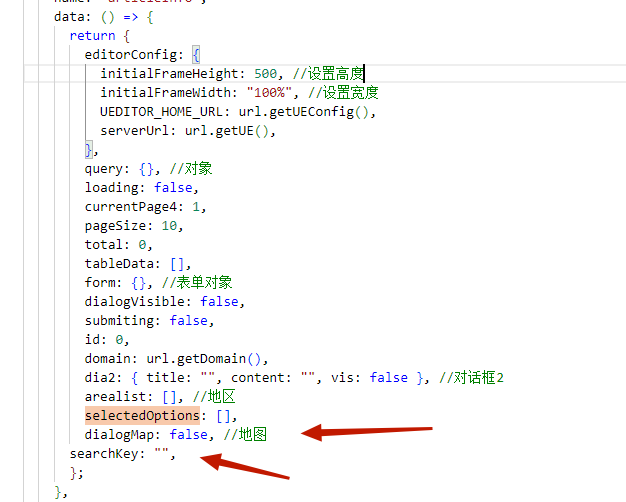
在data中添加dialogMap和serchKey
在methods中设置经纬度的方法
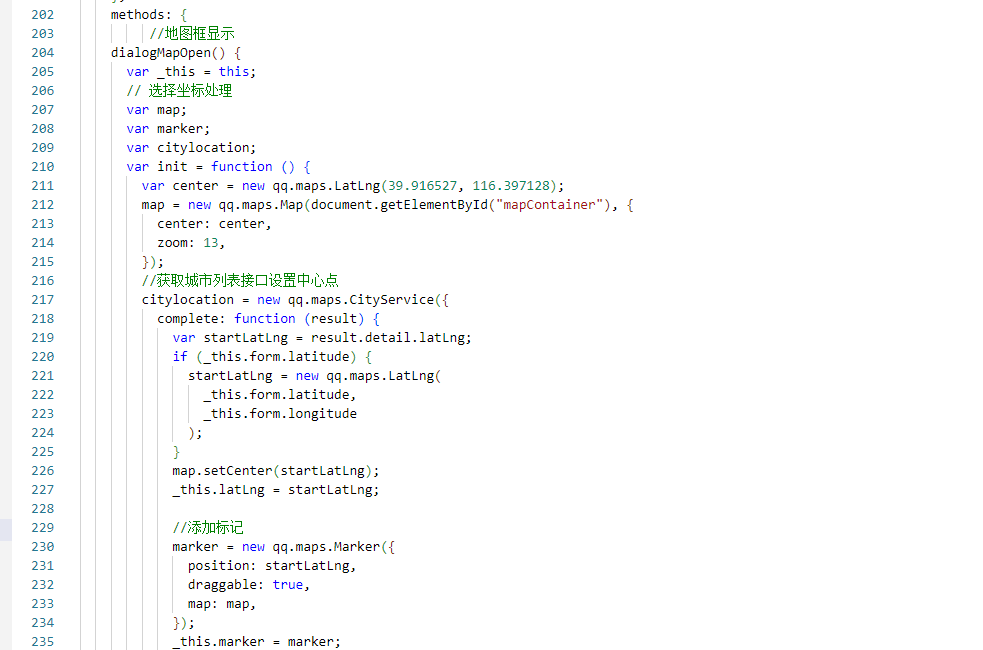
 //地图框显示
    dialogMapOpen() {
      var _this = this;
      // 选择坐标处理
      var map;
      var marker;
      var citylocation;
      var init = function () {
        var center = new qq.maps.LatLng(39.916527, 116.397128);
        map = new qq.maps.Map(document.getElementById("mapContainer"), {
          center: center,
          zoom: 13,
        });
        //获取城市列表接口设置中心点
        citylocation = new qq.maps.CityService({
          complete: function (result) {
            var startLatLng = result.detail.latLng;
            if (_this.form.latitude) {
              startLatLng = new qq.maps.LatLng(
                _this.form.latitude,
                _this.form.longitude
              );
            }
            map.setCenter(startLatLng);
            _this.latLng = startLatLng;

            //添加标记
            marker = new qq.maps.Marker({
              position: startLatLng,
              draggable: true,
              map: map,
            });
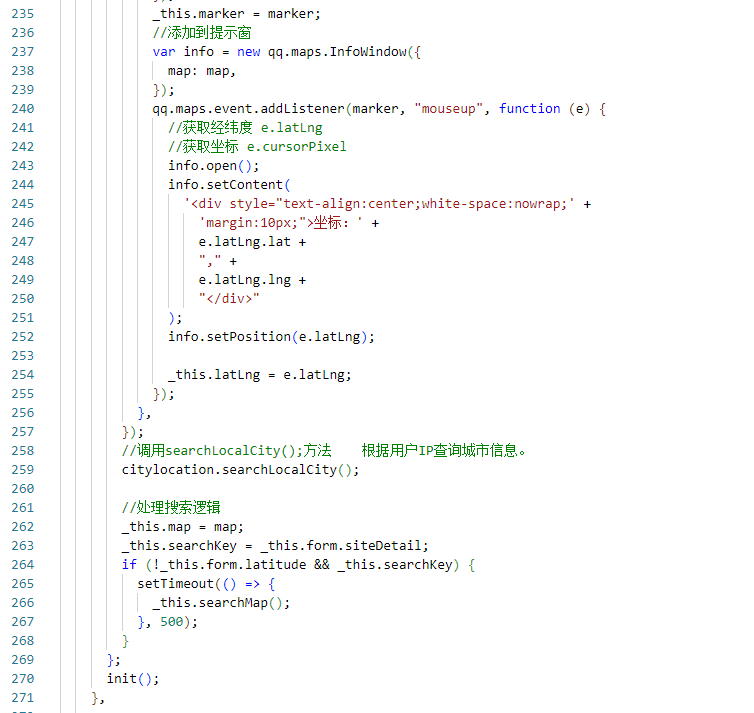
            _this.marker = marker;
            //添加到提示窗
            var info = new qq.maps.InfoWindow({
              map: map,
            });
            qq.maps.event.addListener(marker, "mouseup", function (e) {
              //获取经纬度 e.latLng
              //获取坐标 e.cursorPixel
              info.open();
              info.setContent(
                '<div style="text-align:center;white-space:nowrap;' +
                  'margin:10px;">坐标:' +
                  e.latLng.lat +
                  "," +
                  e.latLng.lng +
                  "</div>"
              );
              info.setPosition(e.latLng);

              _this.latLng = e.latLng;
            });
          },
        });
        //调用searchLocalCity();方法    根据用户IP查询城市信息。
        citylocation.searchLocalCity();

        //处理搜索逻辑
        _this.map = map;
        _this.searchKey = _this.form.siteDetail;
        if (!_this.form.latitude && _this.searchKey) {
          setTimeout(() => {
            _this.searchMap();
          }, 500);
        }
      };
      init();
    },
设置确定和搜索按钮
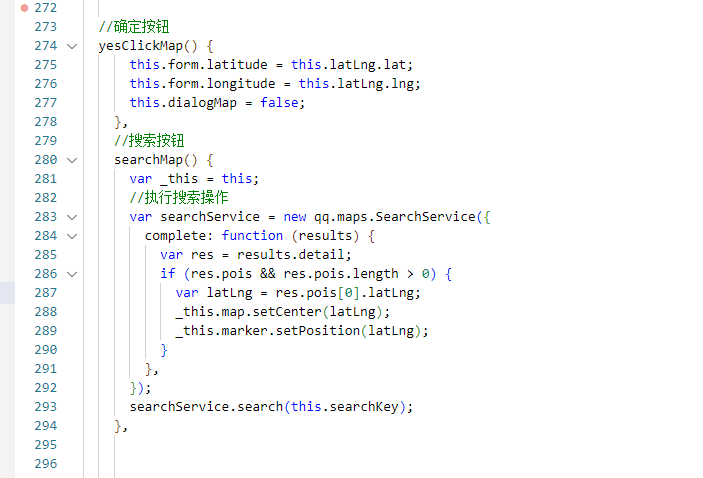
 //确定按钮
  yesClickMap() {
      this.form.latitude = this.latLng.lat;
      this.form.longitude = this.latLng.lng;
      this.dialogMap = false;
    },
    //搜索按钮
    searchMap() {
      var _this = this;
      //执行搜索操作
      var searchService = new qq.maps.SearchService({
        complete: function (results) {
          var res = results.detail;
          if (res.pois && res.pois.length > 0) {
            var latLng = res.pois[0].latLng;
            _this.map.setCenter(latLng);
            _this.marker.setPosition(latLng);
          }
        },
      });
      searchService.search(this.searchKey);
    },
在搜索按钮里面加入提示,当找不到数据时提示一下

//搜索按钮
    searchMap() {
      var _this = this;
      //执行搜索操作
      var searchService = new qq.maps.SearchService({
        complete: function (results) {
          var res = results.detail;
          if (res.pois && res.pois.length > 0) {
            var latLng = res.pois[0].latLng;
            _this.map.setCenter(latLng);
            _this.marker.setPosition(latLng);
            _this.$message({
                  type: "success",
                  message: "操作成功!",
                });
          }
          else{
            _this.$message({
                  type: "warning",
                  message: "请重新输入!",
                });
          }

        },
      });
      searchService.search(this.searchKey);
    },

 浙公网安备 33010602011771号