


图片压缩
from sklearn.datasets import load_sample_image
from sklearn.cluster import KMeans
import matplotlib.pyplot as plt
import numpy as np

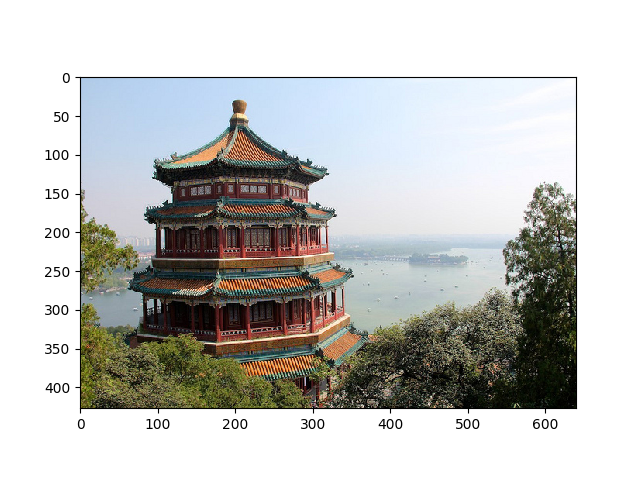
china = load_sample_image("china.jpg")
plt.imshow(china)
plt.show()
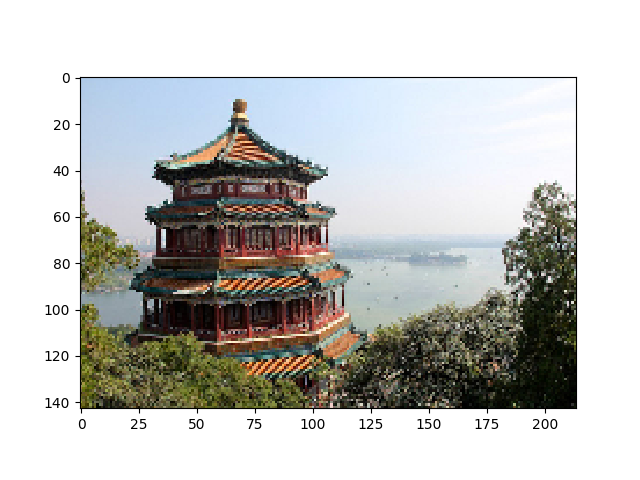
image = china[::3,::3] #降低分辨率
X = image.reshape(-1,3)
print(china.shape,image.shape,X.shape)
x=image.reshape(-1,3)            #重造数组
n_colors = 64                    #(256,256,256)
model = KMeans(n_colors)
labels = model.fit_predict(X)    #每个点的颜色分类,0-63
colors = model.cluster_centers_    #64个聚类中心,颜色值
new_image=colors[labels]#进行颜色填充
new_image=image.reshape(143,214,3)
new_image=new_image.reshape(image.shape)    #还原原来的数组
plt.imshow(image);
plt.show()
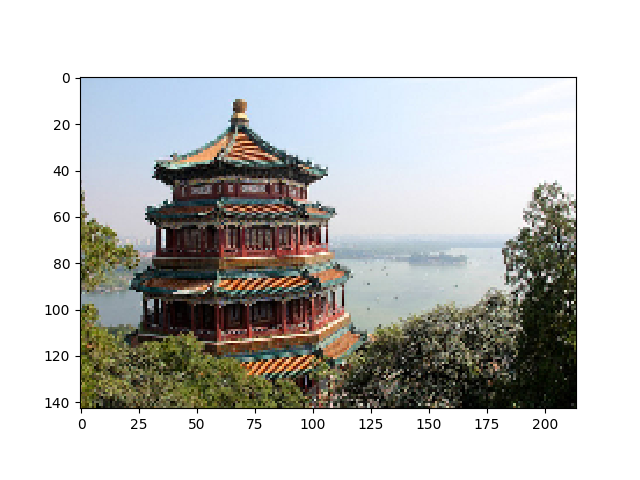
plt.imshow(new_image.astype(np.uint8)  )#转换为数据类型
plt.show()

 浙公网安备 33010602011771号