
【Aspose.Words for Java】 对word文档,增加页眉,页脚,插入内容区图像,
一、环境准备
- jar包:aspose-words-20.4.jar
或者去官方网站下载:
官方网站:https://www.aspose.com/
下载地址:https://downloads.aspose.com/words/java/new-releases/aspose.words-for-java-20.10
不过官方有水印等,需要破解,自行到百度下载

1、 导入idea开发工具,maven中pom.xml
由于Aspose是商业工具,工具包在Aspose 官方私有Maven存储库中托管所有Java API 。您可以通过简单的配置在Maven项目中轻松地直接使用Aspose.Words for Java API
<repositories>
    <repository>
        <id>AsposeJavaAPI</id>
        <name>Aspose Java API</name>
        <url>https://repository.aspose.com/repo/</url>
    </repository>
</repositories>
2、然后再次导入jar包
<dependencies>
    <dependency>
        <groupId>com.aspose</groupId>
        <artifactId>aspose-words</artifactId>
        <version>20.6</version>
        <classifier>jdk17</classifier>
    </dependency>
    <dependency>
        <groupId>com.aspose</groupId>
        <artifactId>aspose-words</artifactId>
        <version>20.6</version>
        <classifier>javadoc</classifier>
    </dependency>
</dependencies>
二、开始功能演示
  String Newdir = "D:\\data\\img_leian\\";
  //   Document 可接收本地路径,同时也可以接收InputStream 流,【web项目中可通过ClassPathResource对象进行读取项目下的文件】
  // Document doc = new Document(Newdir+"analysis_report_001.docx");
     Document doc = new Document();
  //   文档构建工具类,可对当前加入的模板进行编辑、新增等部分功能。
  DocumentBuilder builder = new DocumentBuilder(doc);
  //   1、开始插入页眉
  //   将光标移动到页眉位置
  builder.moveToHeaderFooter(HeaderFooterType.HEADER_PRIMARY);
  String imageFileName = Newdir + "header.png";
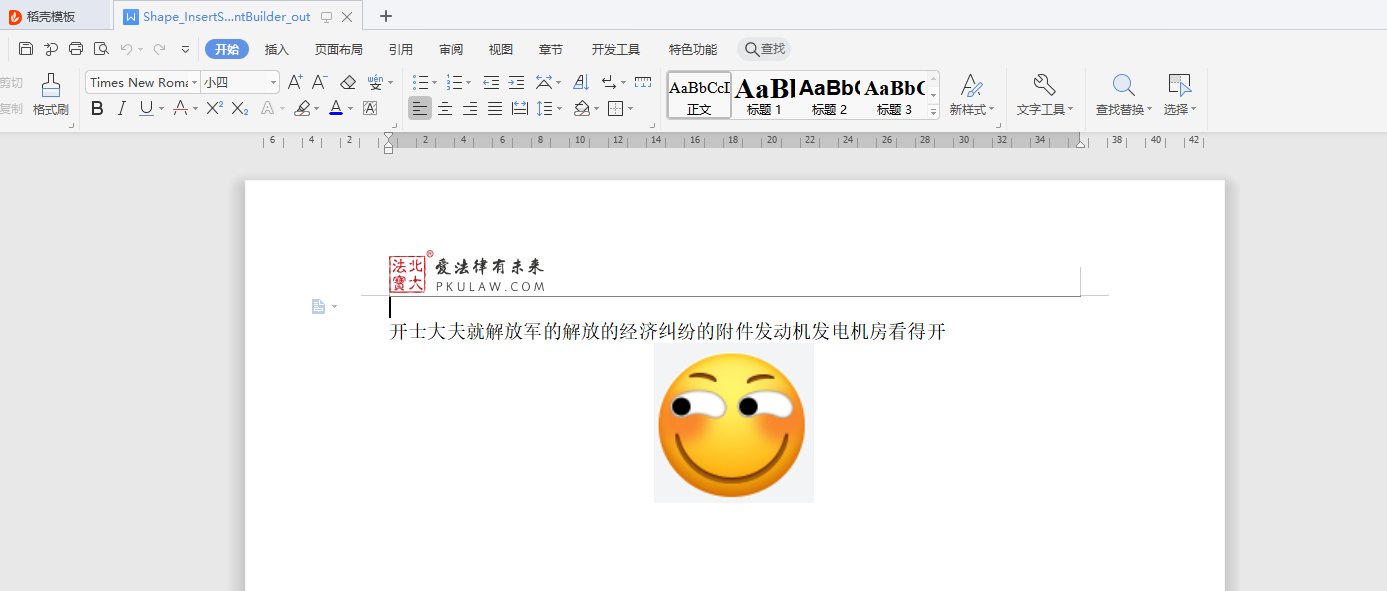
  builder.insertImage(imageFileName, RelativeHorizontalPosition.MARGIN, 0, RelativeVerticalPosition.TOP_MARGIN, 44, 97, 27, WrapType.THROUGH);
  builder.getParagraphFormat().setAlignment(ParagraphAlignment.LEFT);
  //   添加页眉线
  Border borderHeader = builder.getParagraphFormat().getBorders().getBottom();
  borderHeader.setShadow(true);
  borderHeader.setDistanceFromText(22);
  borderHeader.setLineStyle(LineStyle.SINGLE);
  //   2、开始插入页脚
  //   将光标移动到页脚位置
  builder.moveToHeaderFooter(HeaderFooterType.FOOTER_PRIMARY);
  //   添加页脚线
  Border borderFooter = builder.getParagraphFormat().getBorders().getTop();
  borderFooter.setDistanceFromText(0);
  borderFooter.setLineStyle(LineStyle.SINGLE);
  //   设置页脚边距
  builder.getPageSetup().setHeaderDistance(36.9);
  builder.getPageSetup().setFooterDistance(49);
  Paragraph paragraph = builder.insertParagraph();
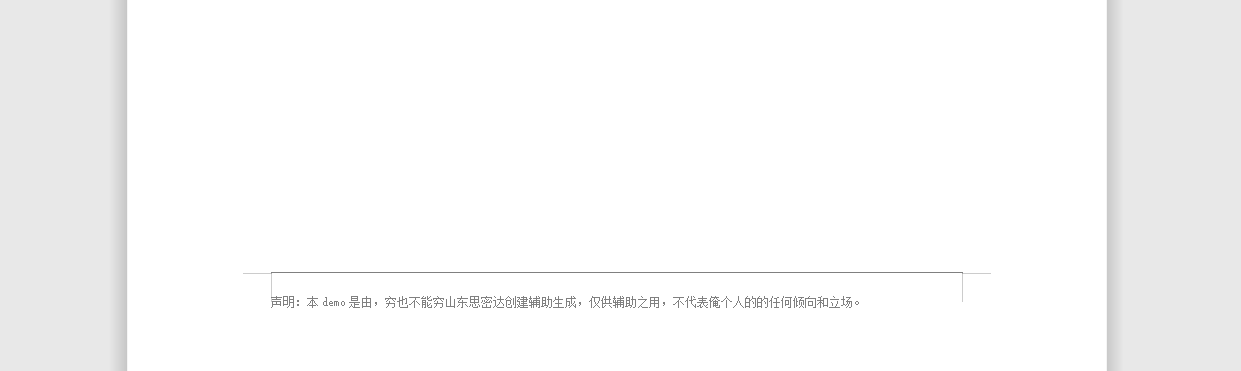
  Run run = new Run(doc,"声明:本demo是由,穷也不能穷山东思密达创建辅助生成,仅供辅助之用,不代表俺个人的的任何倾向和立场。");
  run.getFont().setSize(7.5);
  run.getFont().setName("宋体");
  paragraph.appendChild(run);
 //    3、开始插入内容
  builder.moveToDocumentStart();
  Paragraph paragraph13 = builder.insertParagraph();
  paragraph13.appendChild(new Run(doc,"开士大夫就解放军的解放的经济纠纷的附件发动机发电机房看得开"));
  //   4、开始插入二维码图片【这里暂时用图像替代】
  //   将光标移动到文档内的末尾。
  builder.moveToDocumentEnd();
  builder.writeln();
  Shape shape = builder.insertImage(Newdir+"QRCodeImage.png",100,100);
  shape.setBehindText(false);
  shape.setWrapType(WrapType.NONE);
  //   进行水平居中
  shape.setHorizontalAlignment(HorizontalAlignment.CENTER);
  shape.setVerticalAlignment(VerticalAlignment.CENTER);
  //   5、将生成后的文档进行保存,注:save方法,可以保存到OutputStream中,可用于响应给前端,生成下载文件
   doc.save(Newdir+ "Shape_InsertShapeUsingDocumentBuilder_out.docx");
三、生成后的文档截图
-
页眉加内容部分
![]()
-
页脚部分
![]()

 浙公网安备 33010602011771号