


QT6 windows 11 VS2022 发布后启动

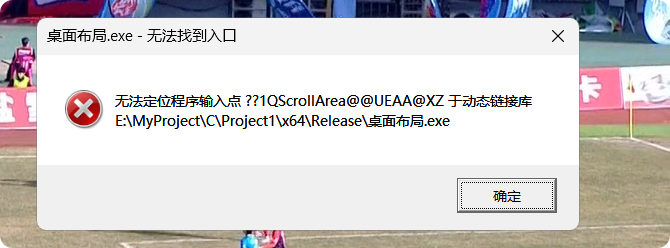
用VS2022 发布 生成的文件,启动hi各种报错和缺少文件,补全后还会报错

C:\Qt\6.9.2\mingw_64\bin\windeployqt.exe 桌面布局.exe  进行以来文件收集还是不行,报错。


最后解决方法,使用qt creator 下的cmd,有 mingwh和vs de mscv,打开VS 哪个,使用上面命令过。正常启动
执行命令会有下面警告,不用管
E:\MyProject\C\Project1\x64\Release\Warning: Cannot find any version of the dxcompiler.dll and dxil.dll.
Warning: Cannot find Visual Studio installation directory, VCINSTALLDIR is not set.
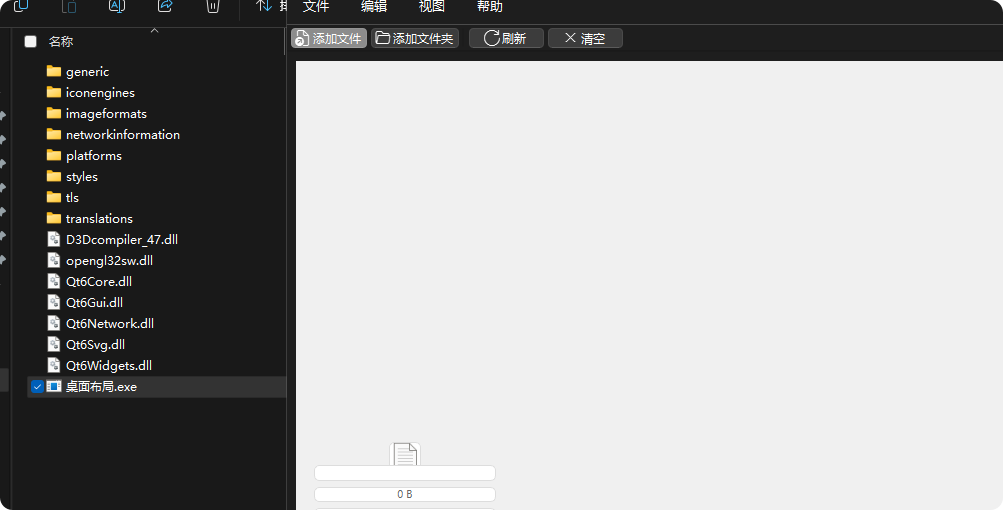
正常启动。用 mingw 执行命令收集会启动报错

 浙公网安备 33010602011771号