

vscode的CRLF转LF
问题: 每一行末尾都处出现黄色波浪线
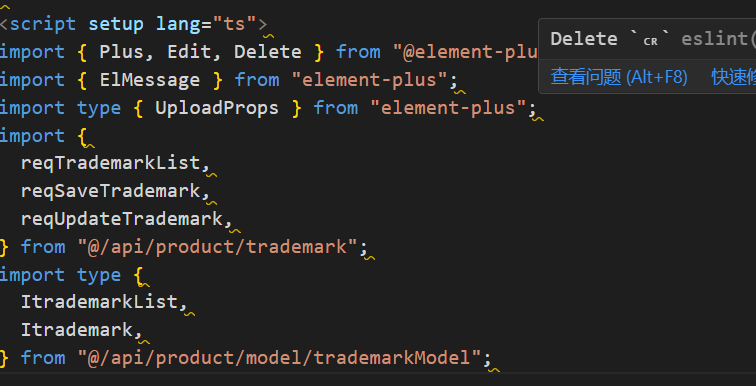
警告:Delete CR eslint
原因: 换行符为CRLF格式的,eslint校验不通过, 应该改为LF格式(这个文件之前是被苹果电脑编辑过)
解决方法:
- 安装插件EditorConfig for VS Code
- 在根目录新建文件.editorconfig
- 写入以下代码
root = true
[*]
charset = utf-8
indent_style = space
indent_size = 2
end_of_line = lf
insert_final_newline = true
trim_trailing_whitespace = true

 浙公网安备 33010602011771号