
VUE + TS 中使用html2canvas和iframe实现打印功能
HTML
<div id="#printArea">需要打印的区域</div>
<div class="print">
<iframe id='iframe' style="display:none;"></iframe>
</div>
JAVASCRIPT
页面引入 html2canvas、jquery
import html2canvas from 'html2canvas';
![]()
import $ from 'jquery';
// 打印
private onPrint() {
const el: any = $('#printArea')[0];
const iframe = window.frames[0];
iframe.document.close();
html2canvas(el, {
scale: 1,
width: el.offsetWidth,
height: el.offsetHeight,
allowTaint: true,
useCORS: true,
}).then(function (canvas) {
const context: any = canvas.getContext('2d');
context.mozImageSmoothingEnabled = false;
context.webkitImageSmoothingEnabled = false;
context.msImageSmoothingEnabled = false;
context.imageSmoothingEnabled = false;
const src64: any = canvas.toDataURL();
const newImg: any = document.createElement('img');
newImg.crossOrigin = 'Anonymous';
newImg.src = src64;
iframe.document.write('<img src="' + newImg.src + '" />');
setTimeout(() => {
iframe.window.print();
});
});
}
结果展示
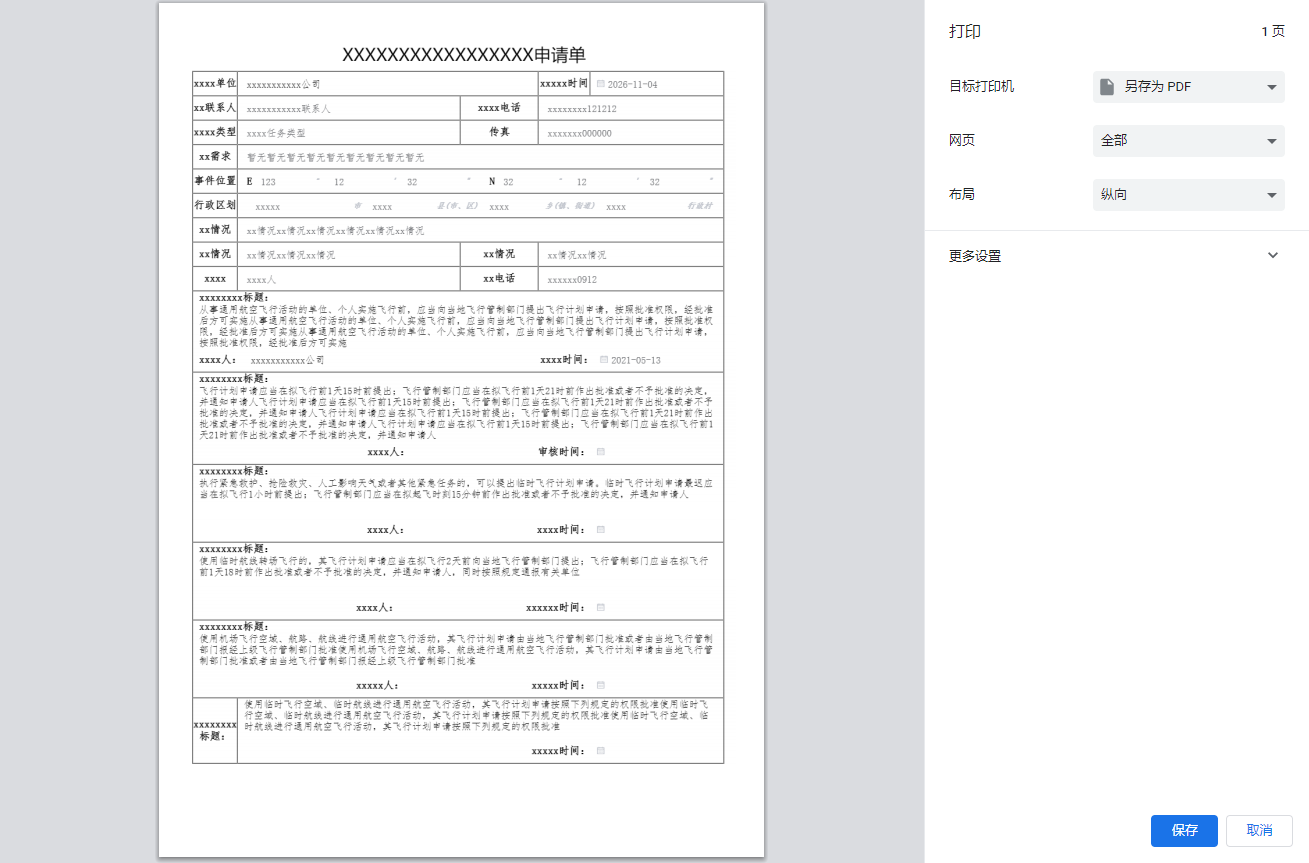
(表格部分文本域使用了div 代替了el-textarea ,否则会导致html2canvas截取的文本域出现无法换行问题)

 浙公网安备 33010602011771号