
【kubesphere开发】【console二次开发】Kubesphere-console二次开发
参考链接:
https://blog.csdn.net/qq_33909098/article/details/109078108
一、公开ks-apiserver服务
公开ks-apiserver服务,开启调试端口30881。然后就可以通过<node_ip>:<30881>端口访问ks-apiserver服务
kubectl -n kubesphere-system patch svc ks-apiserver -p '{"spec":{"type":"NodePort","ports":[{"name":"ks-apiserver","port":80,"protocal":"TCP","targetPort":9090,"nodePort":30881}]}}'
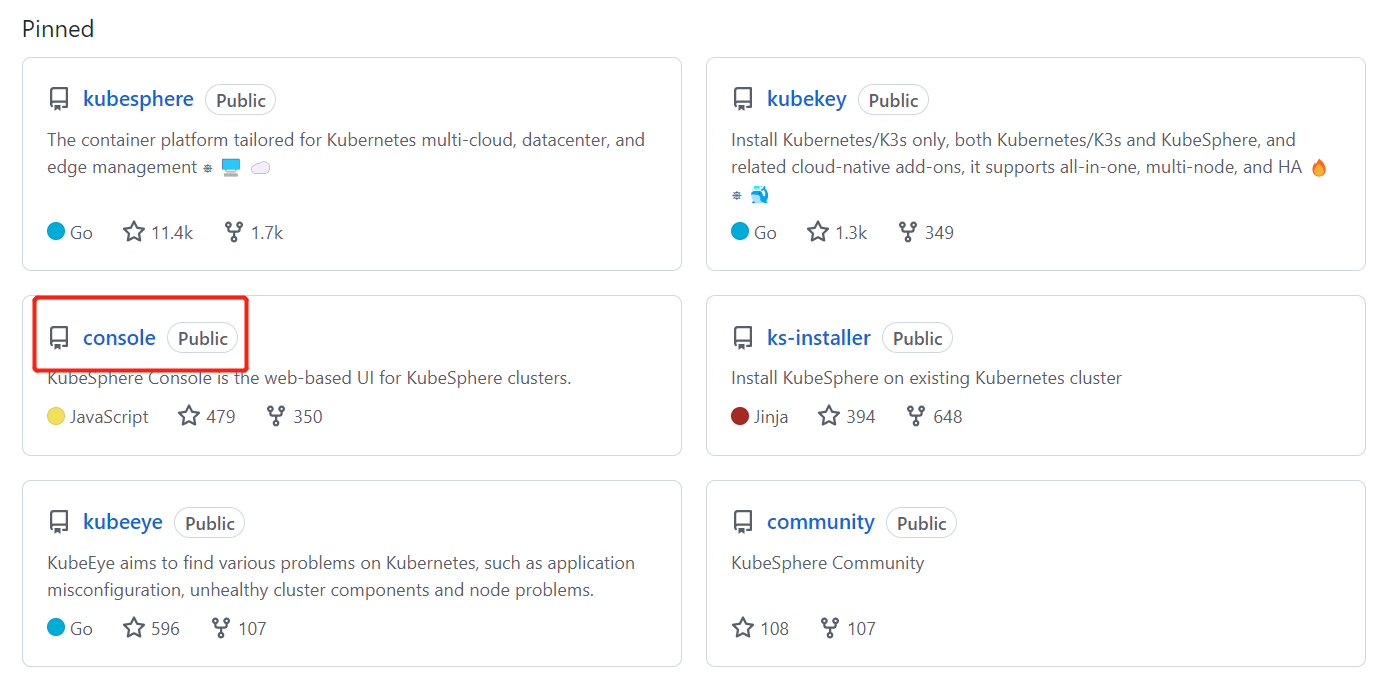
二、下载console代码
https://github.com/kubesphere
git clone https://github.com/kubesphere/console.git
三、创建本地配置文件 local_config.yaml
切换到 console/server/下建立 local_config.yaml 文件


文件内容:
server:
  apiServer:
    url: http://192.168.10.62:30881
    wsUrl: ws://192.168.10.62:30881
四、yarn安装与配置
npm install -g yarn
yarn config set registry https://registry.npm.taobao.org
五、采用yarn编译运行kubesphere-console代码
yarn //安装kubesphere-console的依赖包
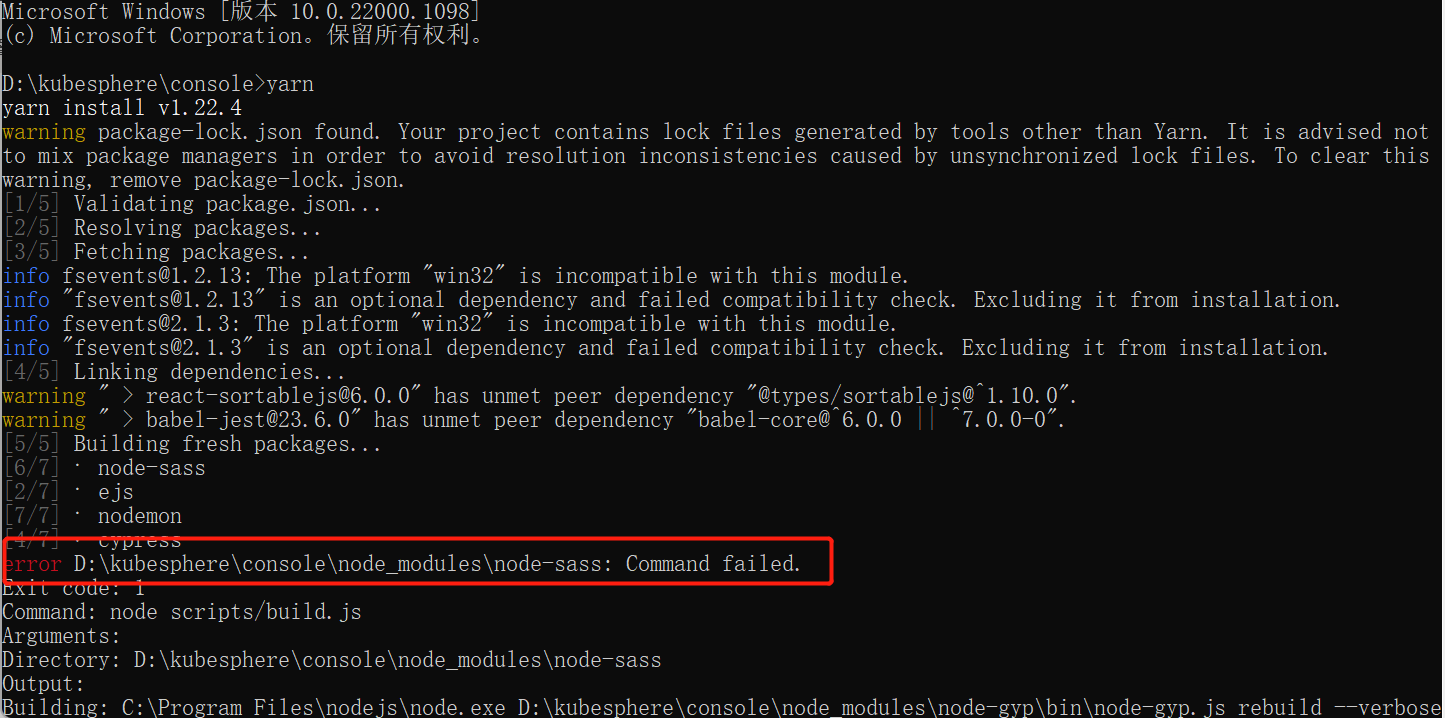
解决办法:
npm install -g mirror-config-china --registry=http://registry.npm.taobao.org
npm install node-sass
重新执行yarn

六、服务启动
yarn dev:client
yarn dev:server
或者
yarn start

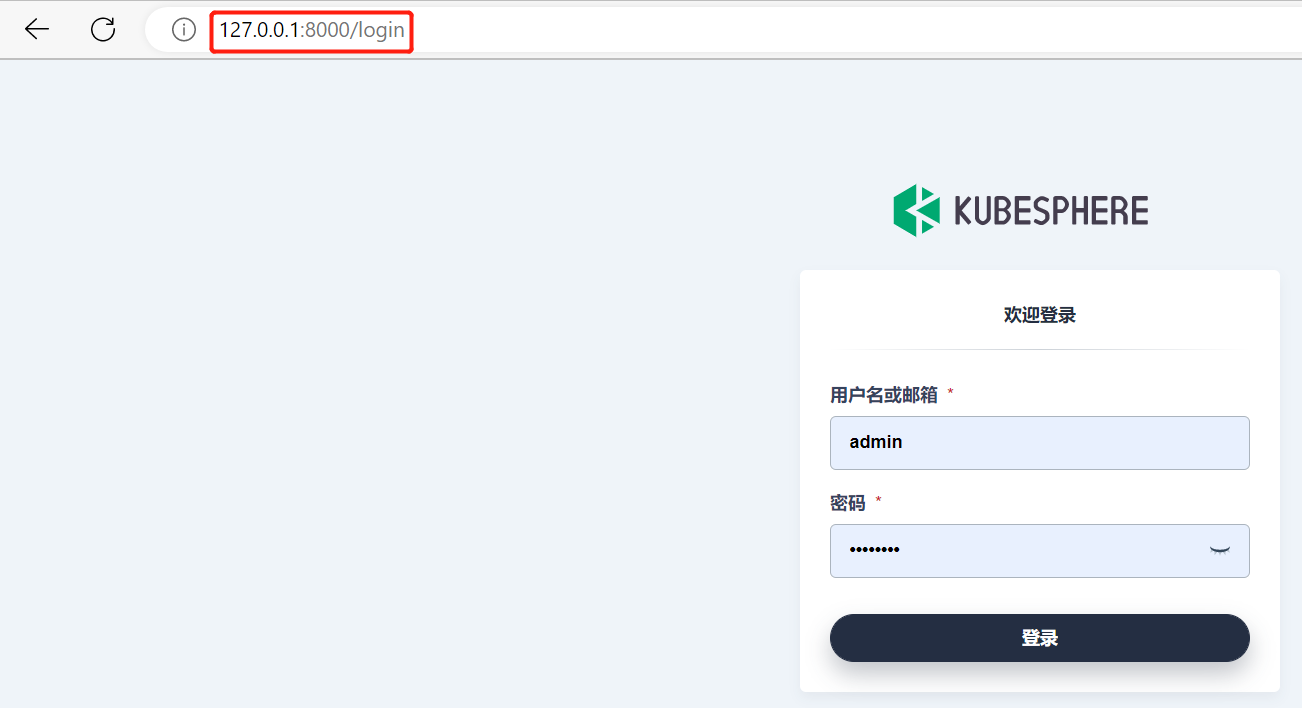
七、服务访问
http://127.0.0.1:8000/login
八、打包部署【未完待续】

 浙公网安备 33010602011771号