
解决vue不规则空格的方法
问题描述:
就是有时候会报这个错误:Irregular whitespace not allowed
或者出现报老多warning,说你的代码不规则
解决问题
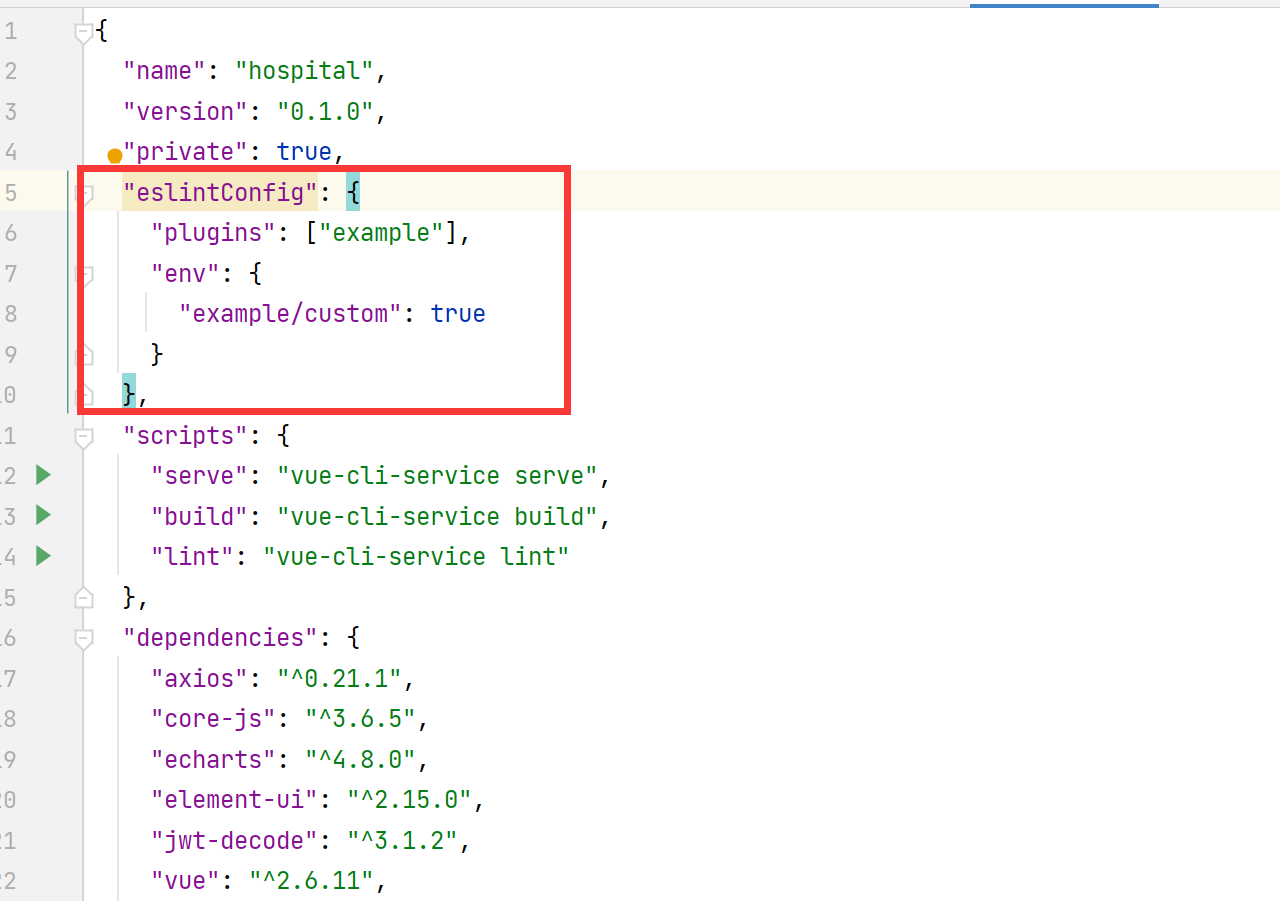
一、在 package.json中添加
{
  "name": "system",
  "version": "0.1.0",
  "private": true,
  "eslintConfig": {
    "plugins": ["example"],
    "env": {
        "example/custom": true
    }
   },
}
二、 在项目根目录添加独立的配置文件.eslintrc.js 内容如下:
module.exports = {
  root: true,
  env: {
    node: true
  },
  'extends': [
    'plugin:vue/essential',
    'eslint:recommended'
  ],
  parserOptions: {
    parser: 'babel-eslint'
  },
  rules: {
    'no-console': process.env.NODE_ENV === 'production' ? 'warn' : 'off',
    'no-debugger': process.env.NODE_ENV === 'production' ? 'warn' : 'off'
  }
}

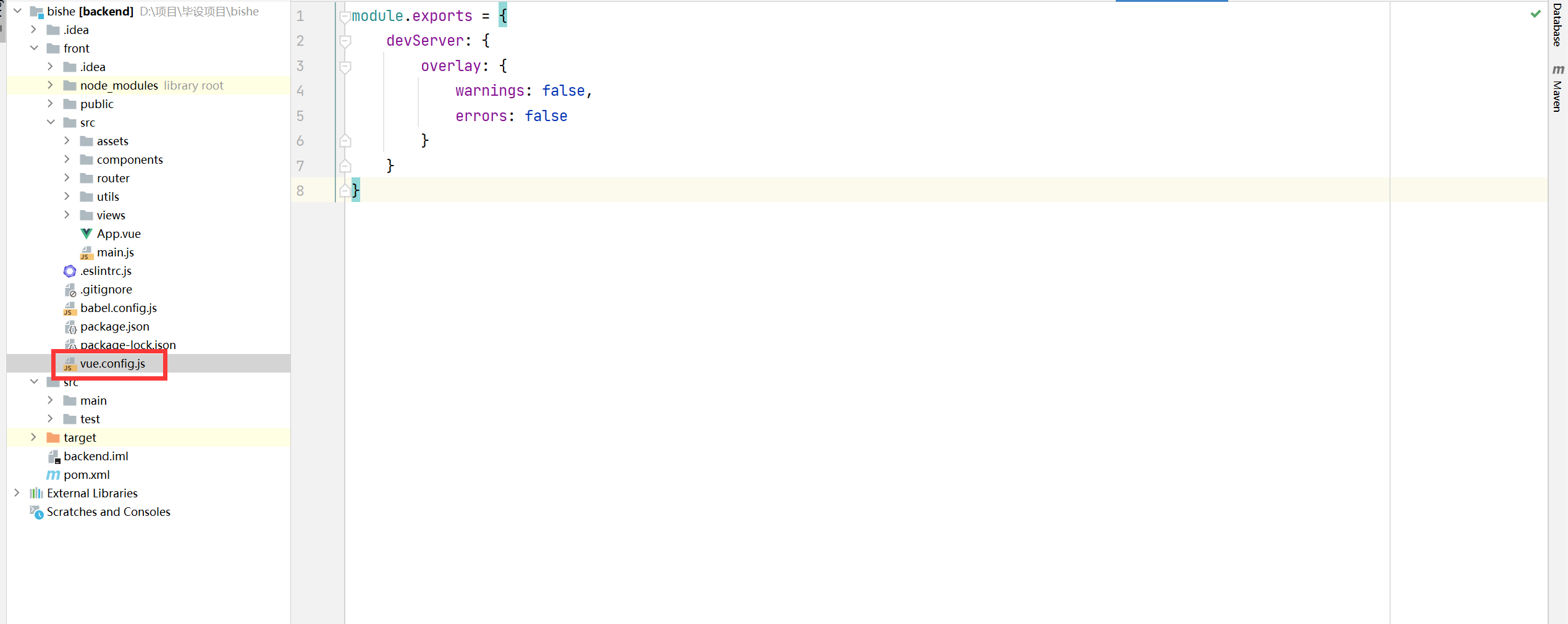
三、 在项目根目录创建vue.config.js,有此文件添加内容即可
module.exports = {
    devServer: {
        overlay: {
            warnings: false,
            errors: false
        }
    }
}

 浙公网安备 33010602011771号