

实验4:开源控制器实践——OpenDaylight
1.基础要求
a)Mininet拓扑生成并连接控制器的结果

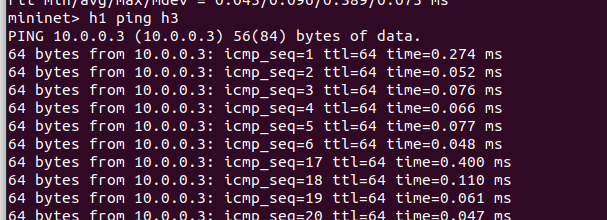
b)Mininet中ping测试截图并体现个人信息
2.进阶要求
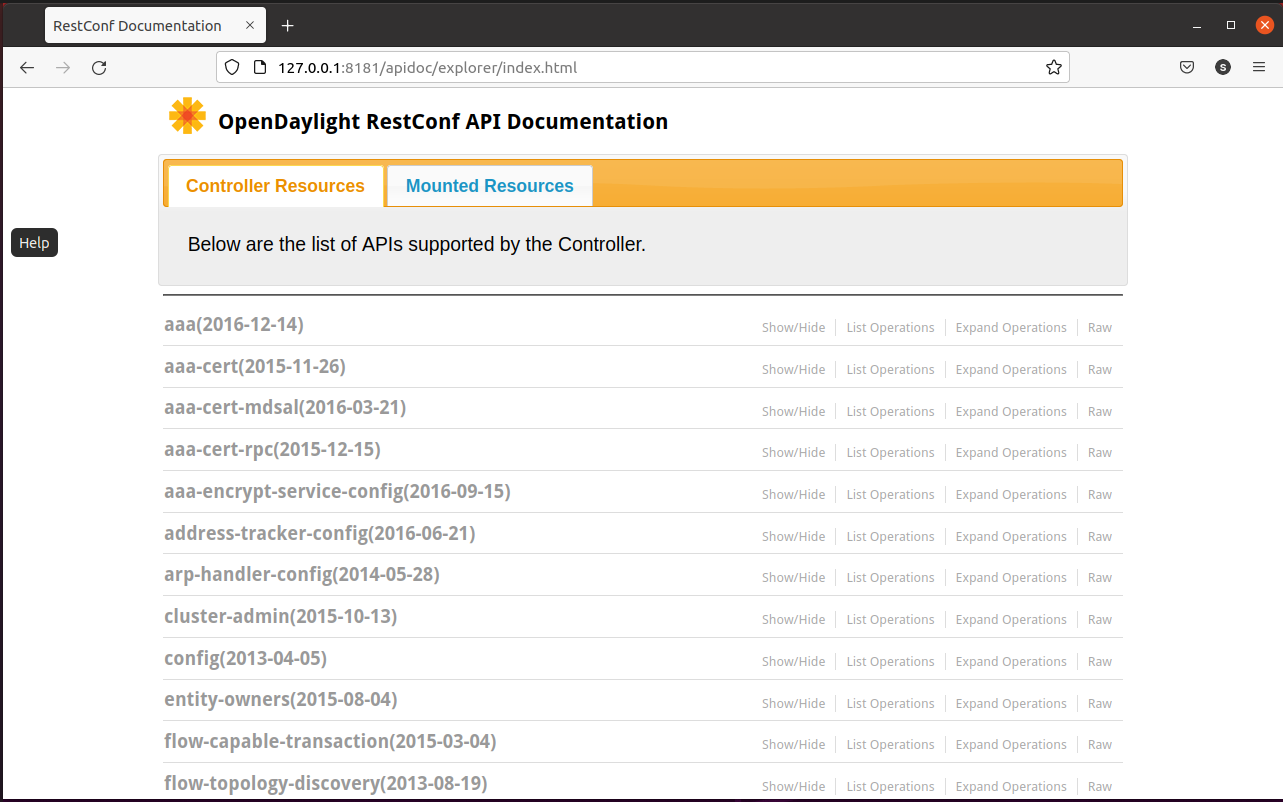
整理和记录ODL控制器主要的REST API文档
ODL提供的文档链接(Rest API文档)127.0.0.1:8181/apidoc/explorer/index.html
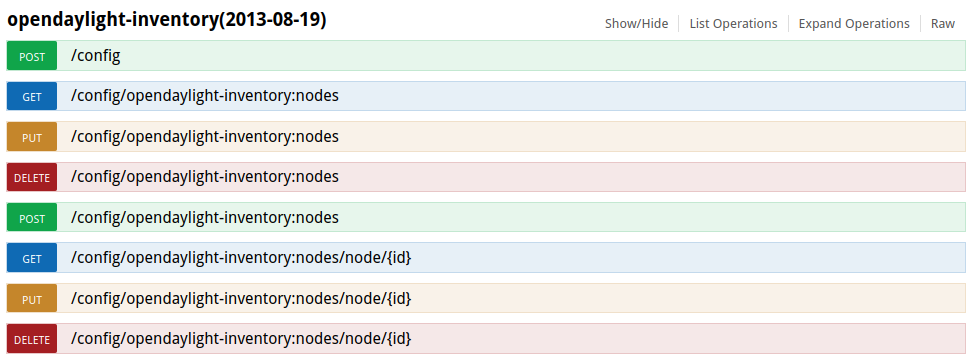
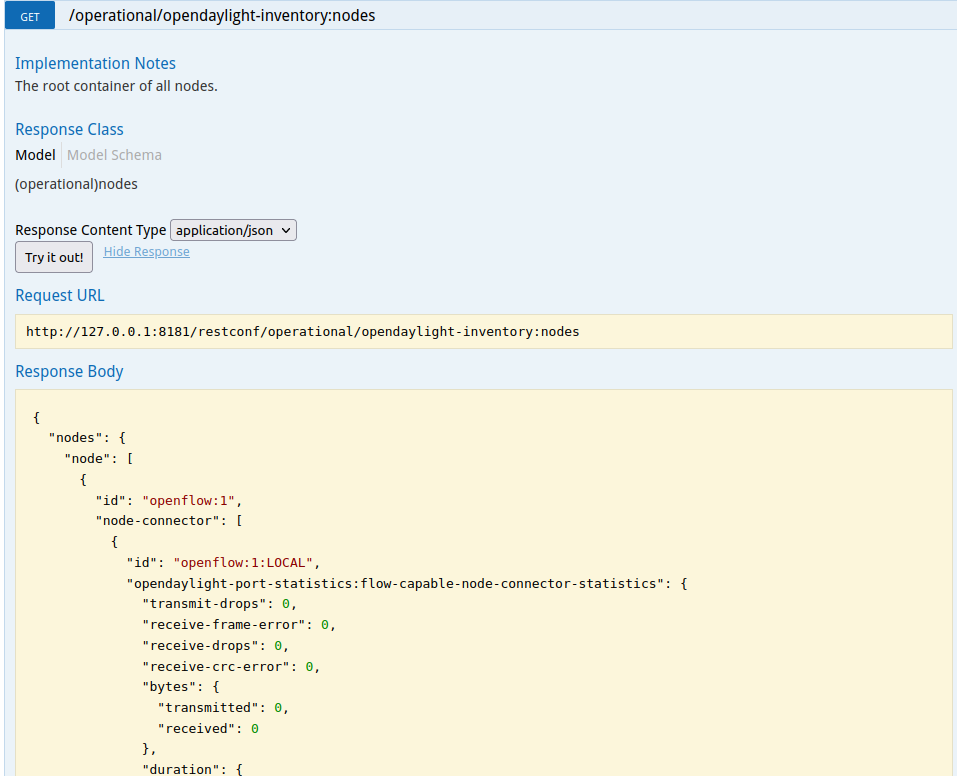
获取拓扑的交换机
http://127.0.0.1:8181/apidoc/explorer/index.html#!/opendaylight-inventory(2013-08-19)
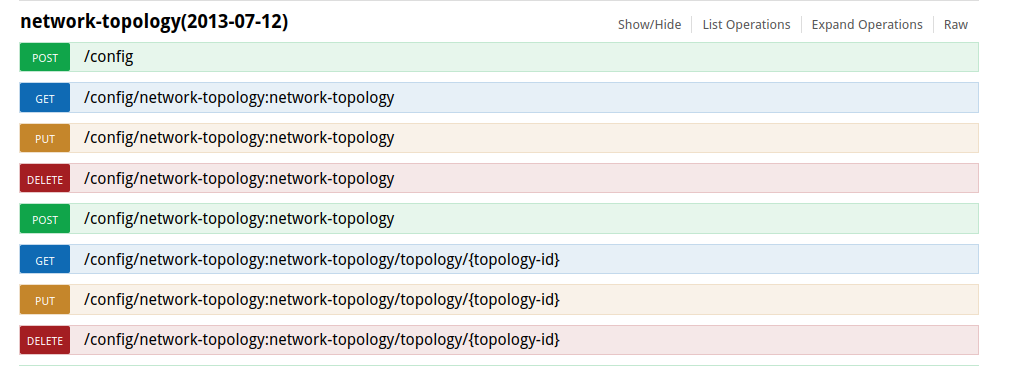
获取拓扑结构
http://127.0.0.1:8181/apidoc/explorer/index.html#!/network-topology(2013-07-12)
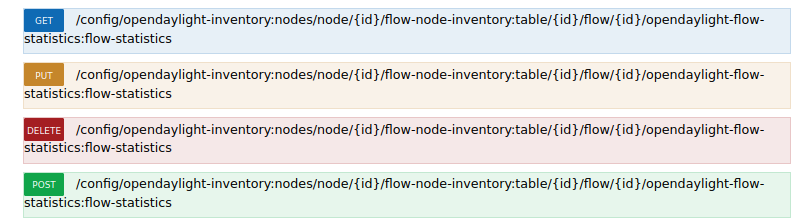
流表的信息统计
链接:127.0.0.1:8181/apidoc/explorer/index.html#!/opendaylight-inventory(2013-08-19)/GET_flow_statistics_get_282
流表的增删改查
链接:127.0.0.1:8181/apidoc/explorer/index.html#!/opendaylight-inventory(2013-08-19)/GET_flow_get_215

组表的查看
链接:127.0.0.1:8181/apidoc/explorer/index.html#!/opendaylight-inventory(2013-08-19)/GET_group_get_141

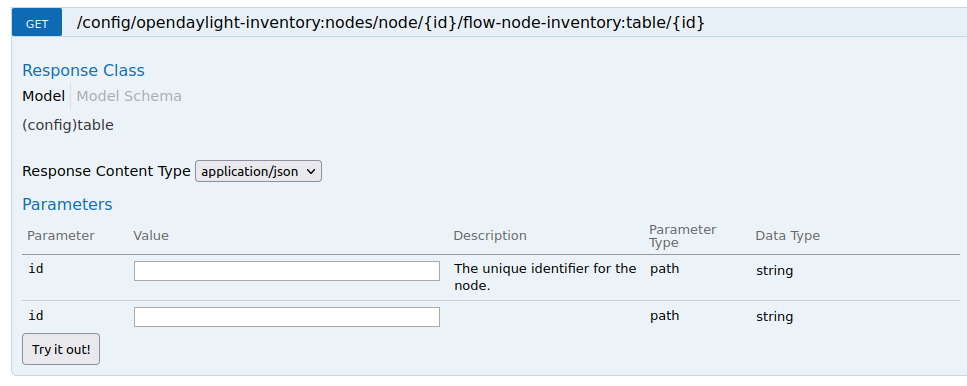
获取交换机中某个流表的信息
链接:127.0.0.1:8181/apidoc/explorer/index.html#!/opendaylight-inventory(2013-08-19)/GET_table_get_211
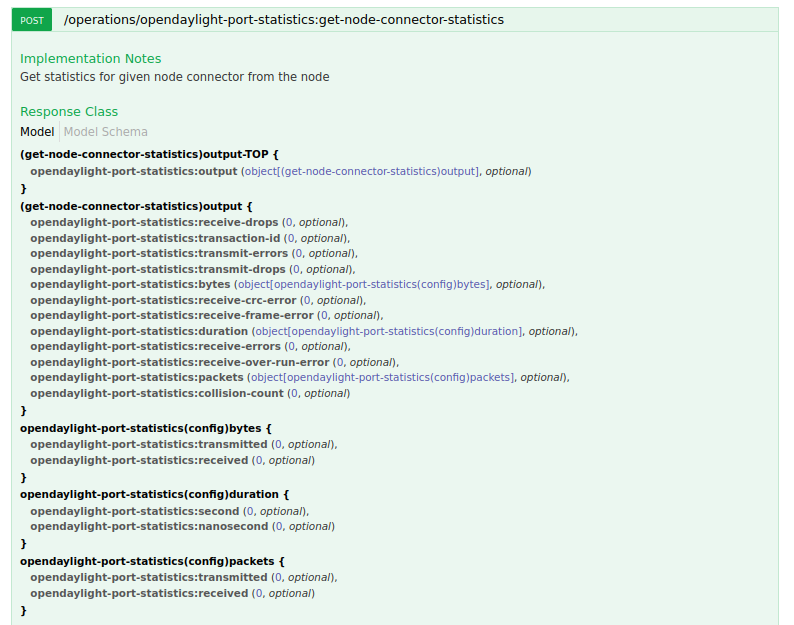
获取特定交换机端口的状态
链接:127.0.0.1:8181/apidoc/explorer/index.html#!/opendaylight-port-statistics(2013-12-14)/get_node_connector_statistics_post_0
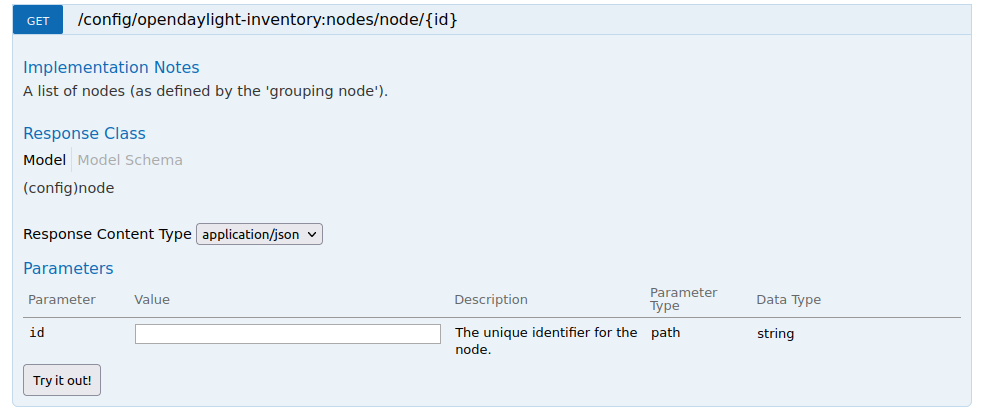
获取指定交换机的信息
链接:127.0.0.1:8181/apidoc/explorer/index.html#!/opendaylight-inventory(2013-08-19)/GET_node_get_5
3.个人总结
a)实验感想
本次实验难度不大,问题主要是出在对于接口调试工具postman使用操作上的不熟悉。通过进一步地学习,掌握了怎样使用Postman工具调用ODL API接口下发流表从而实现拓扑内主机h1和h3网络中断10s。
b)实验过程中问题及解决办法
要记得先在Mininet CLI中运行h1 ping h3,再在Postman处选择动作PUT
流规则优先级设大一些
先在Mininet上pingall才会在ODL 的用户界面看到主机
要根据实际控制器部署地址修改ip,如果在本地才是127.0.0.1

 浙公网安备 33010602011771号