win10自动化测试appium+python2019环境(完整代码)
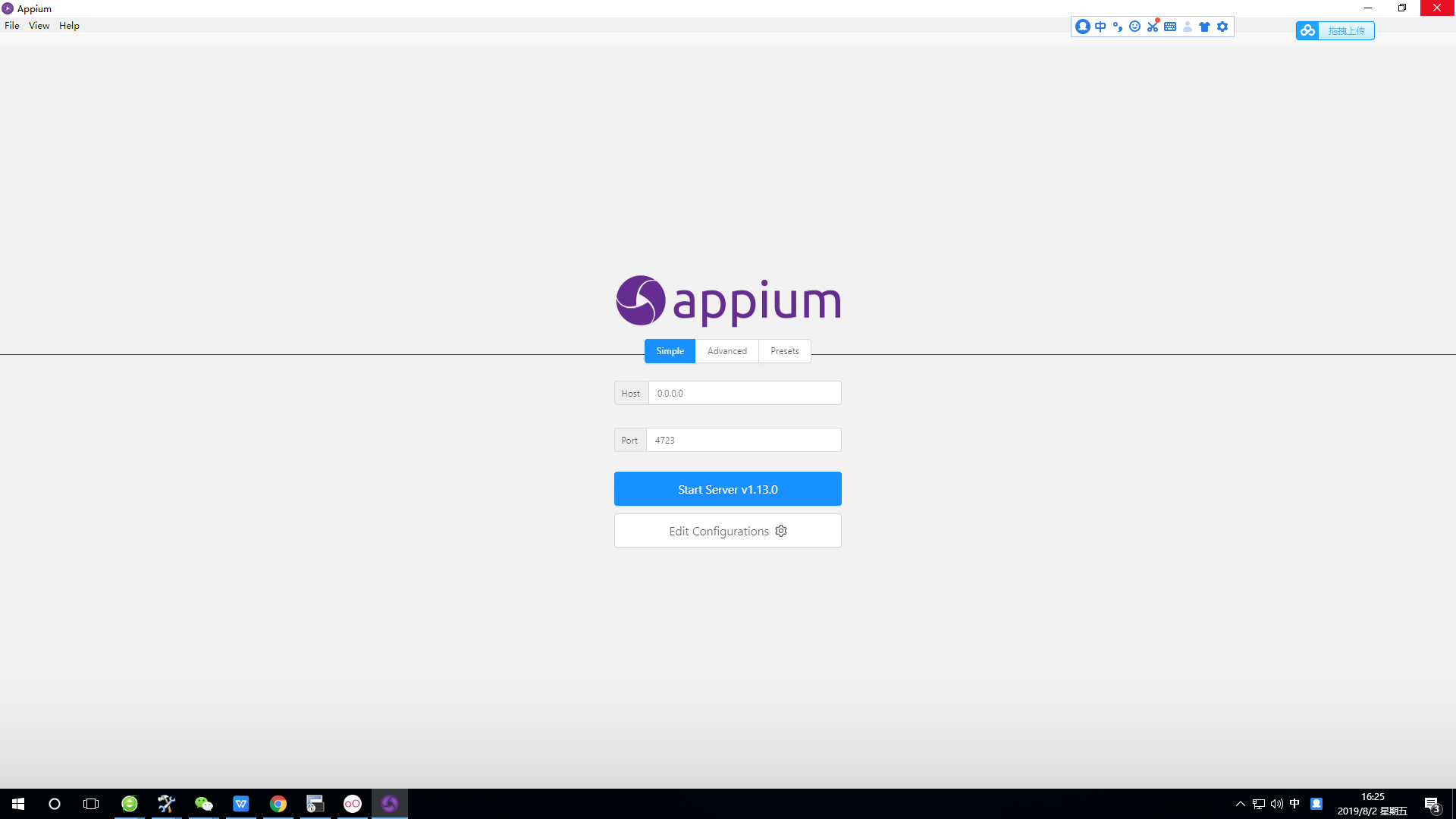
环境搭建查看另一篇博客,支持2019年最新的运行环境,使用的是appium桌面版
2019-08-0216:08:11
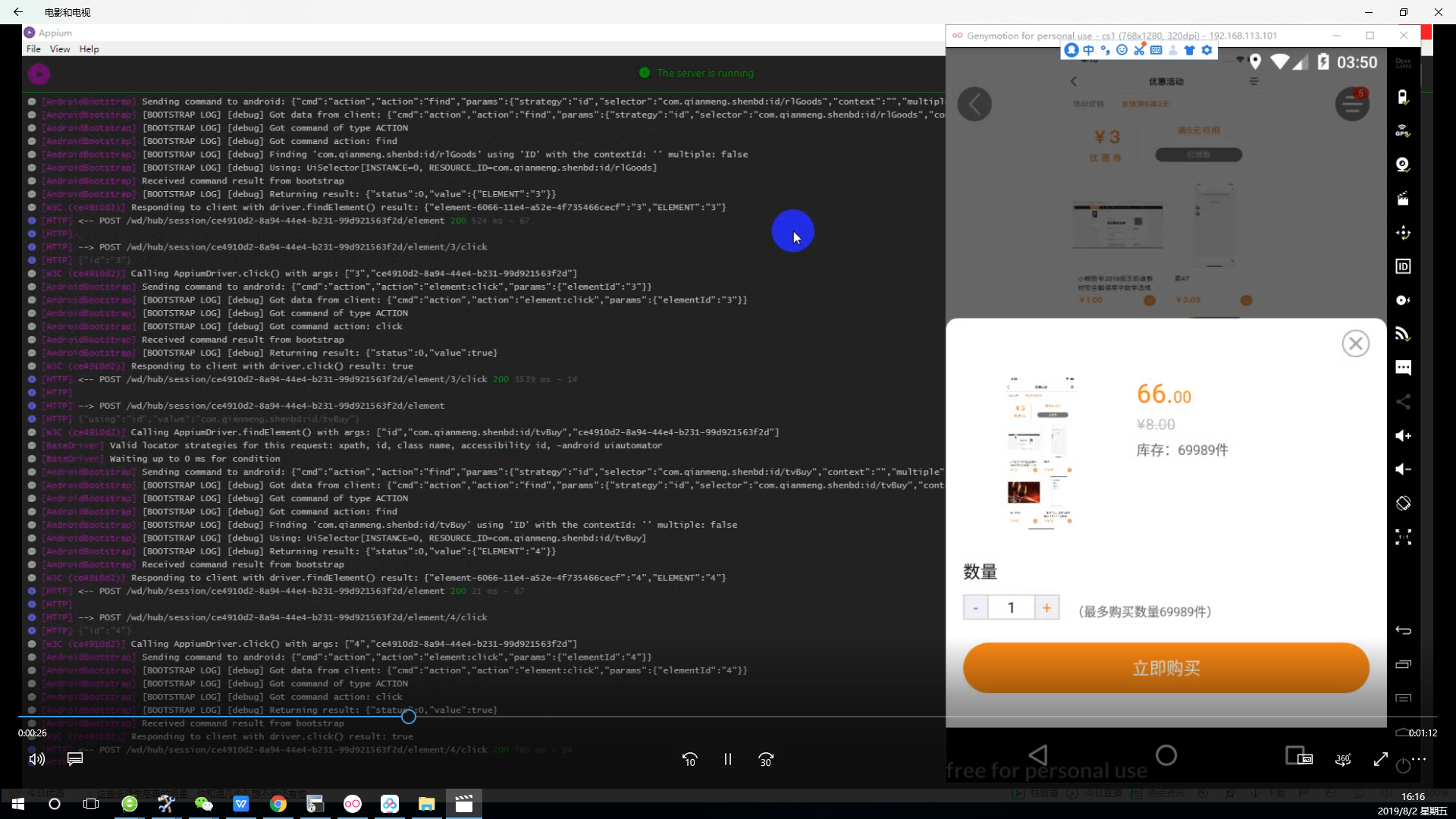
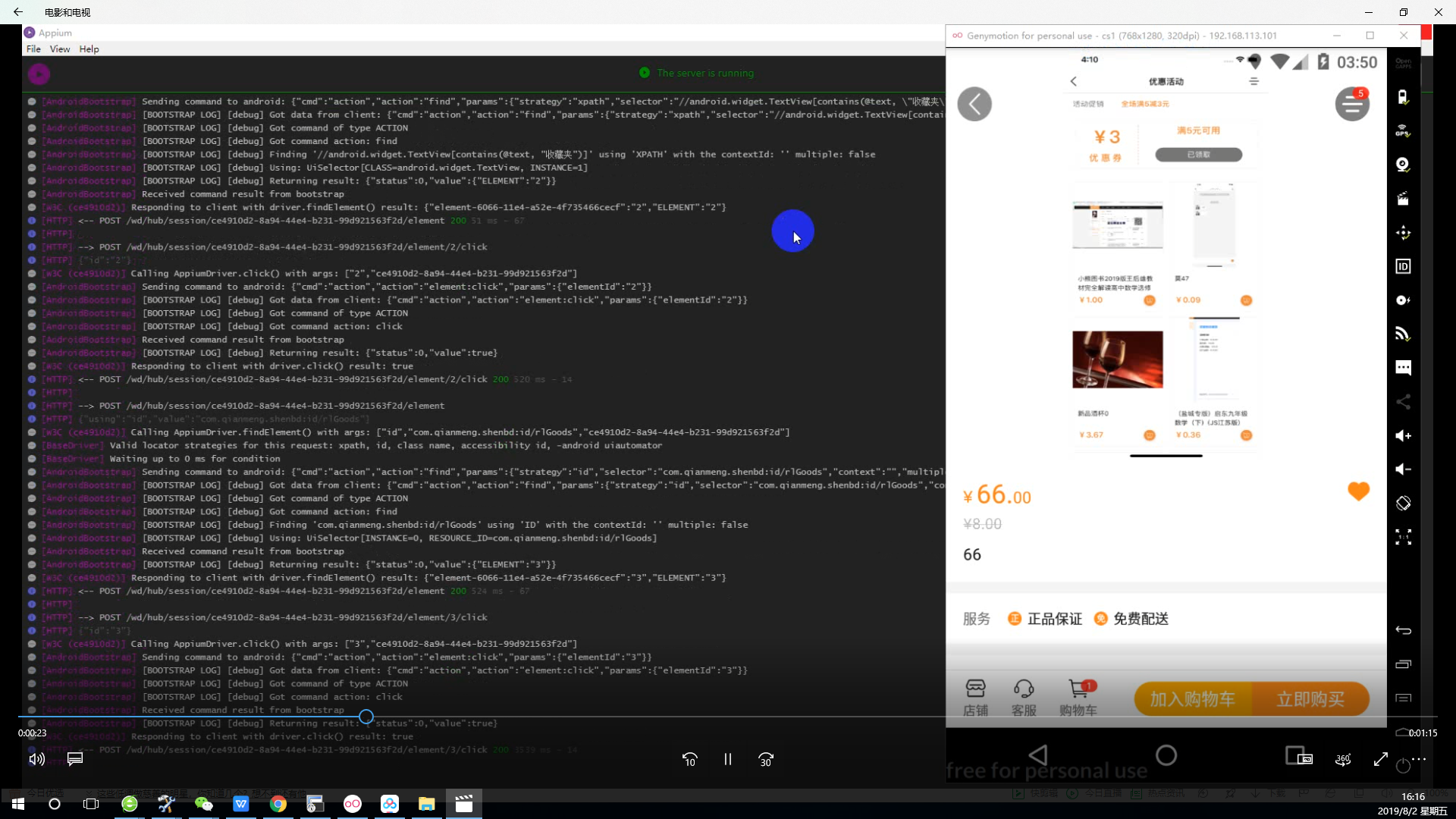
百度网盘有测试运行的视频:
链接:https://pan.baidu.com/s/1iSVtCQk8BdfzPu62HEQx7g
提取码:4tyw
复制这段内容后打开百度网盘手机App,操作更方便哦
 1 #author=lijing
 2 #我的身边店  2019.8.2
 3 #coding=utf-8
 4 #导入涉及的包
 5 import unittest
 6 from appium import webdriver
 7 import os,time
 8 from appium.webdriver.common.touch_action import TouchAction
 9 #创建数组
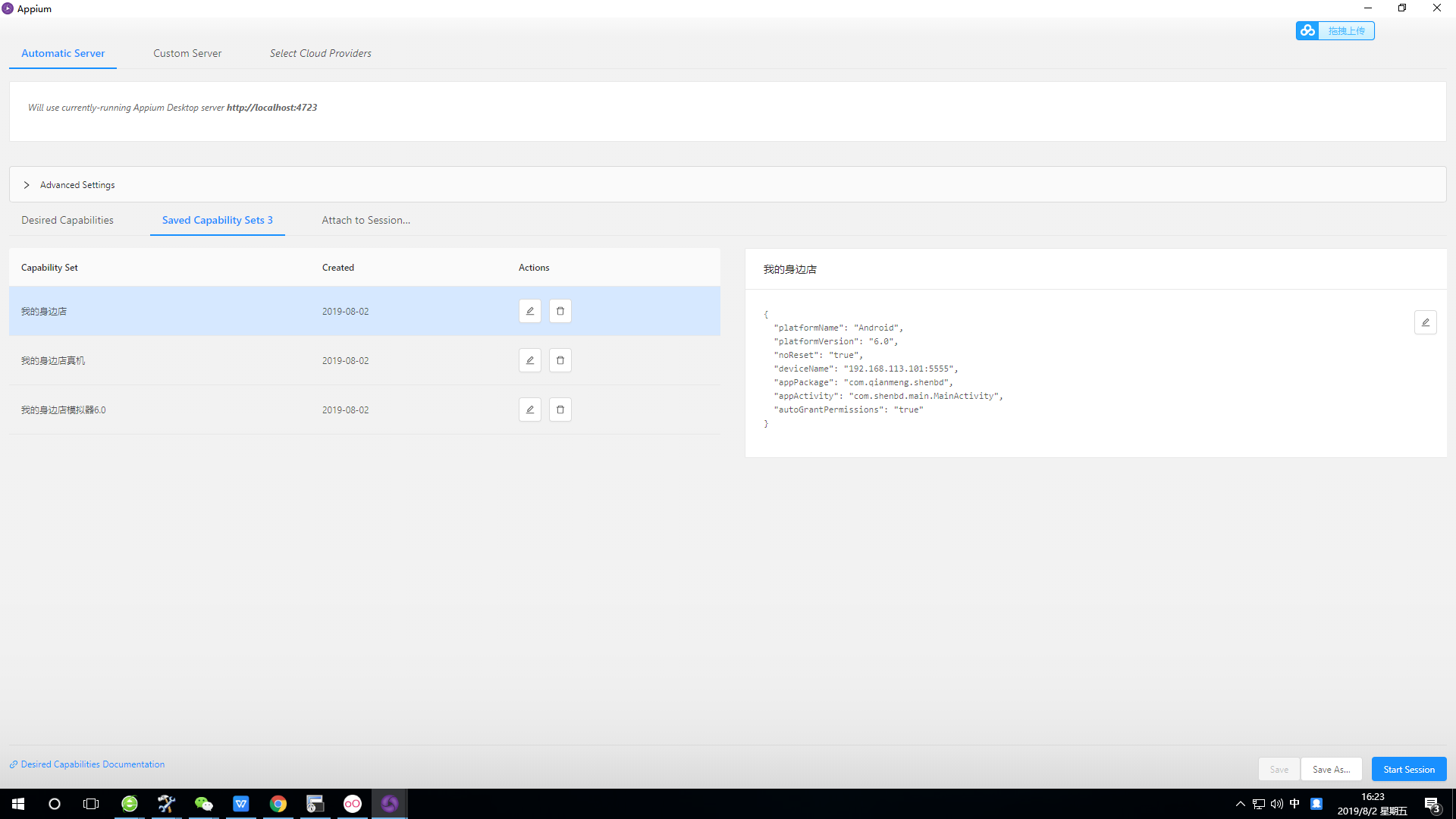
10 desired_caps = {}
11 desired_caps['platformName'] = 'Android'
12 desired_caps['platformVersion'] = '6.0'
13 desired_caps['deviceName'] = '192.168.113.101:5555'
14 desired_caps['appPackage'] = 'com.qianmeng.shenbd'
15 desired_caps['noReset'] = 'true'
16 desired_caps['appActivity'] = 'com.shenbd.main.MainActivity'
17 #链接appium
18 driver = webdriver.Remote('http://localhost:4723/wd/hub', desired_caps)
19 #设置休眠,休眠缺失,会导致程序异常
20 time.sleep(5)
21 #文本定位
22 driver.find_element_by_xpath('//android.widget.TextView[contains(@text, "我的")]').click()
23 time.sleep(5)
24 driver.find_element_by_xpath('//android.widget.TextView[contains(@text, "收藏夹")]').click()
25 #id定位
26 el41 = driver.find_element_by_id("com.qianmeng.shenbd:id/rlGoods")
27 el41.click()
28 time.sleep(5)
29 el4 = driver.find_element_by_id("com.qianmeng.shenbd:id/tvBuy")
30 el4.click()
31 time.sleep(5)
32 el5 = driver.find_element_by_id("com.qianmeng.shenbd:id/tvBuy")
33 el5.click()
34 time.sleep(5)
35 driver.find_element_by_xpath('//android.widget.TextView[contains(@text, "请选择预计送达时间")]').click()
36 time.sleep(5)
37 #xpath定位
38 el21 = driver.find_element_by_xpath("/hierarchy/android.widget.FrameLayout/android.widget.FrameLayout/android.widget.FrameLayout/android.widget.RelativeLayout/android.widget.LinearLayout/android.widget.LinearLayout/android.widget.ListView[1]/android.widget.LinearLayout[3]/android.widget.TextView")
39 el21.click()
40 time.sleep(5)
41 el42 = driver.find_element_by_xpath("/hierarchy/android.widget.FrameLayout/android.widget.FrameLayout/android.widget.FrameLayout/android.widget.RelativeLayout/android.widget.LinearLayout/android.widget.LinearLayout/android.widget.ListView[2]/android.widget.LinearLayout[3]/android.widget.LinearLayout/android.widget.TextView[1]")
42 el42.click()
43 time.sleep(5)
44 #滑动操作定位
45 TouchAction(driver)   .press(x=344, y=1009)   .move_to(x=429, y=373)   .release()   .perform()
46 time.sleep(5)
47 el9 = driver.find_element_by_id("com.qianmeng.shenbd:id/tv_pay_way")
48 el9.click()
49 TouchAction(driver)   .press(x=375, y=949)   .move_to(x=378, y=883)   .release()   .perform()
50 time.sleep(5)
51 el10 = driver.find_element_by_id("com.qianmeng.shenbd:id/tv_sure")
52 el10.click()
53 time.sleep(5)
54 el24 = driver.find_element_by_id("com.qianmeng.shenbd:id/tv_commit")
55 el24.click()
56
57 time.sleep(10)
58
59
60 driver.quit()

 浙公网安备 33010602011771号