
【electron】进程间通信ipcMain、ipcRenderer
先上预览:

主进程
import {
  app, protocol, BrowserWindow,
  net,
  ipcMain,
  Menu
} from 'electron'

。。。

,
    {
      label: "类型",
      submenu: [
        { label: "选项1", type: 'checkbox' },
        { label: "选项2", type: 'checkbox' },
        { label: "", type: 'separator' },
        { label: "item1", type: 'radio',
        click(){
          console.log('click called!')
          BrowserWindow.getFocusedWindow()
          .webContents.send('mtp','来自于主进程的消息')

        }
      },
      ]
    }

ipcMain.on('msg1', (env, data) => {
  console.log(data)
  env.sender.send('msg1Re','一条来着主进程消息')
})
ipcMain.on('msg2', (env, data) => {
  console.log(data)
  env.returnValue='一条来着主进程同步消息'
})
渲染进程
<!-- 此页面作为开发调试使用,调试单点功能项 -->
<template>
    <div>
        <h2>主进程与渲染进程通信</h2>
        <button @click="snedMainMsg">向主进程发异步消息</button>
        <button @click="snedMainSyncMsg">向主进程发同步消息</button>
    </div>
</template>
<script setup>
import {
    // remote,
    ipcRenderer } from 'electron'

const TAG = "TestDebug"
console.log(TAG);
function snedMainMsg(){
    console.log(TAG,"sendMainMsg called!")
    ipcRenderer.send('msg1','来自于渲染进程的一条异步消息')
}
function snedMainSyncMsg(){
   let result= ipcRenderer.sendSync('msg2','来自于渲染进程的一条同步消息')
        console.log(result);
}

ipcRenderer.on('msg1Re',(ev,data)=>{
    console.log(TAG,data);
})
ipcRenderer.on('msg2Re',(ev,data)=>{
    console.log(TAG,data);
})
ipcRenderer.on('mtp',(ev,data)=>{
    console.log(TAG,data);
})

</script>
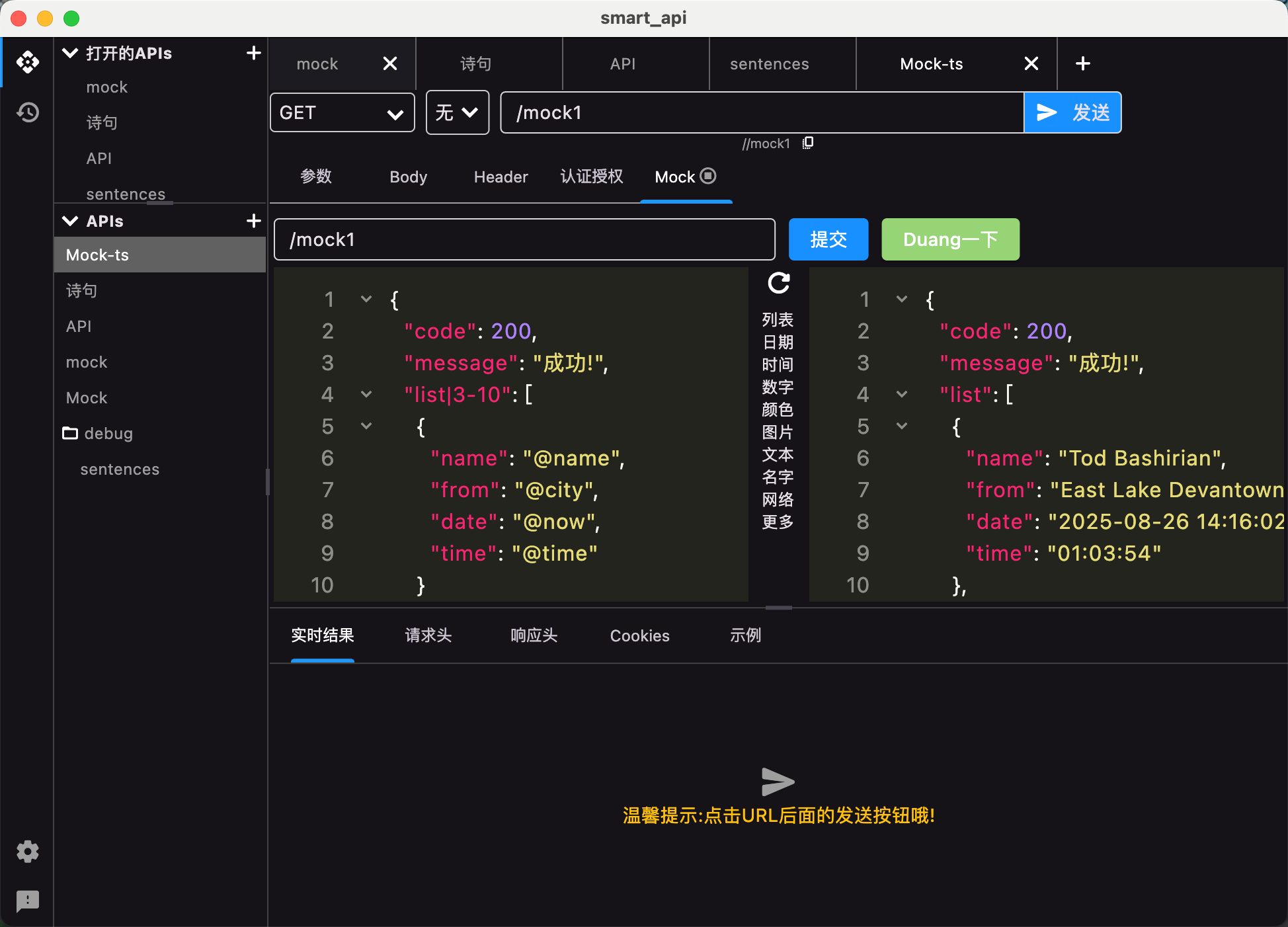
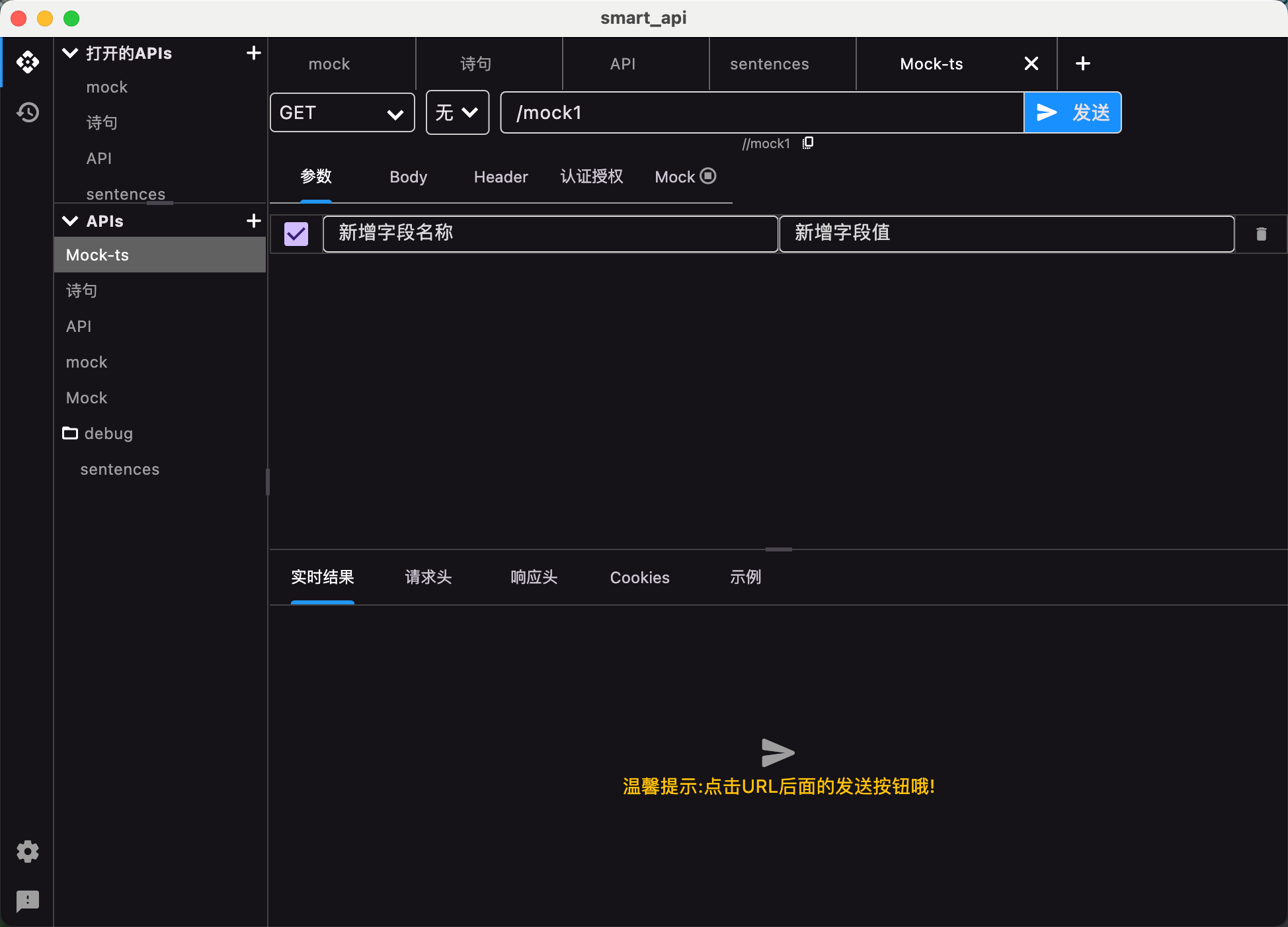
## SmartApi开发工具
全新版本
极小,极快,极限性能的开发调试工具
官网地址:[http://www.smartapi.site/](http://www.smartapi.site/)
## 旧版本不在维护更新

 浙公网安备 33010602011771号