
搭建LAMP环境
第一步
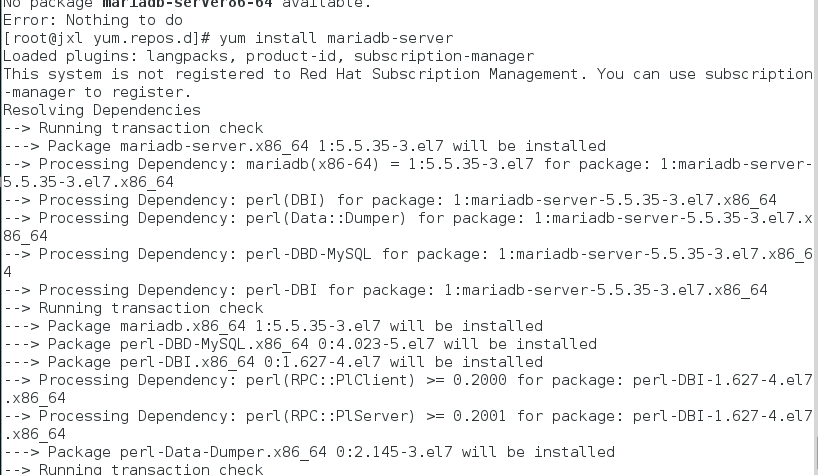
安装mariadb
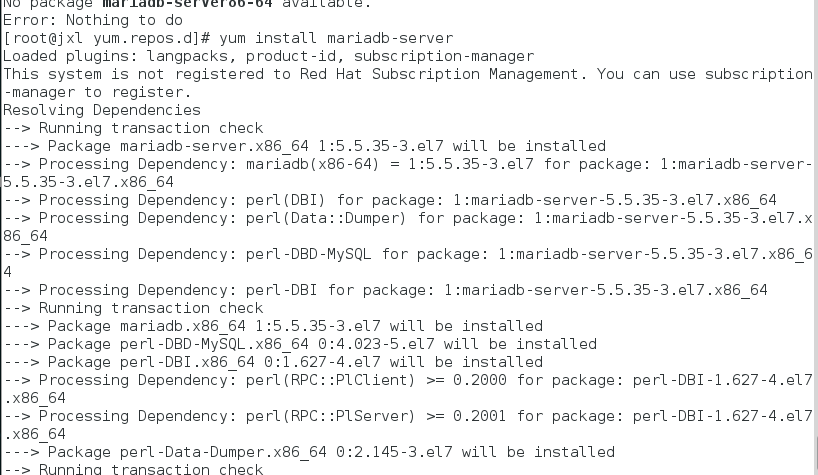
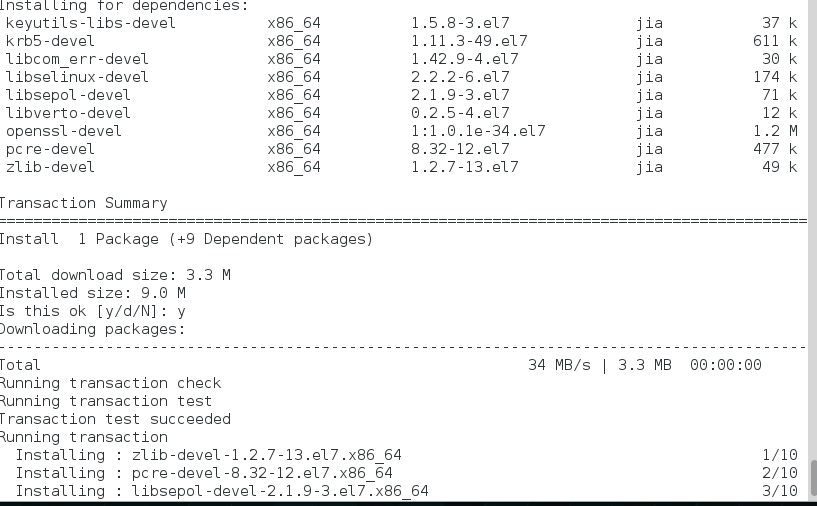
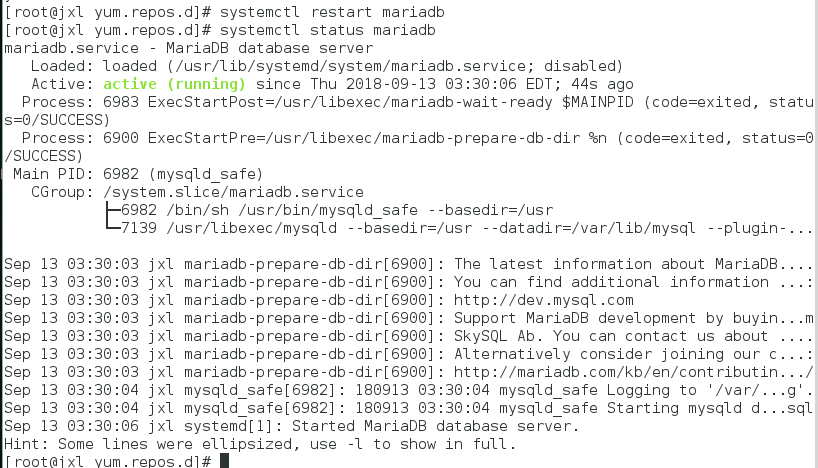
systemctl start mariadb.service #启动MariaDB
systemctl stop mariadb.service #停止MariaDB
systemctl restart mariadb.service #重启MariaDB
systemctl enable mariadb.service #设置开机启动
为root账户设置密码
mysql_secure_installation
回车,根据提示输入y
输入2次密码,回车
输入y
最后出现:Thanks for using MySQL!
MySql密码设置完成,重新启动 MySQL:
systemctl restart mariadb.service #重启MariaDB
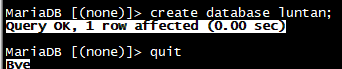
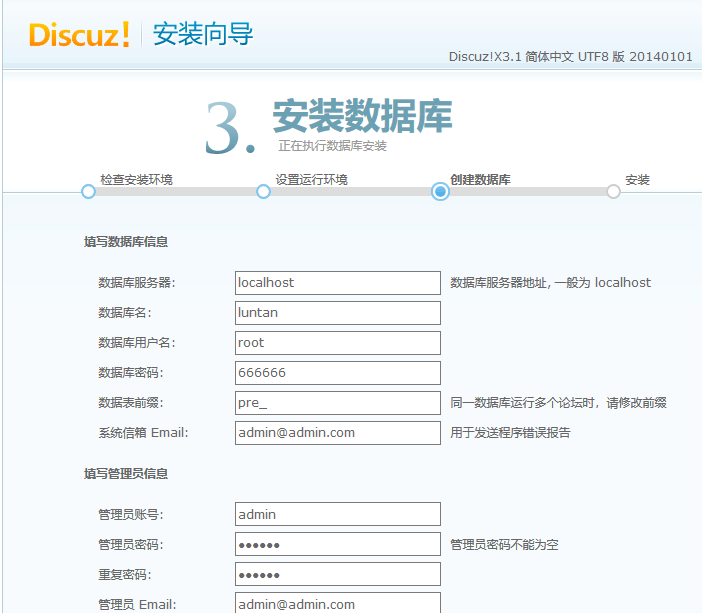
创建数据库
第二步
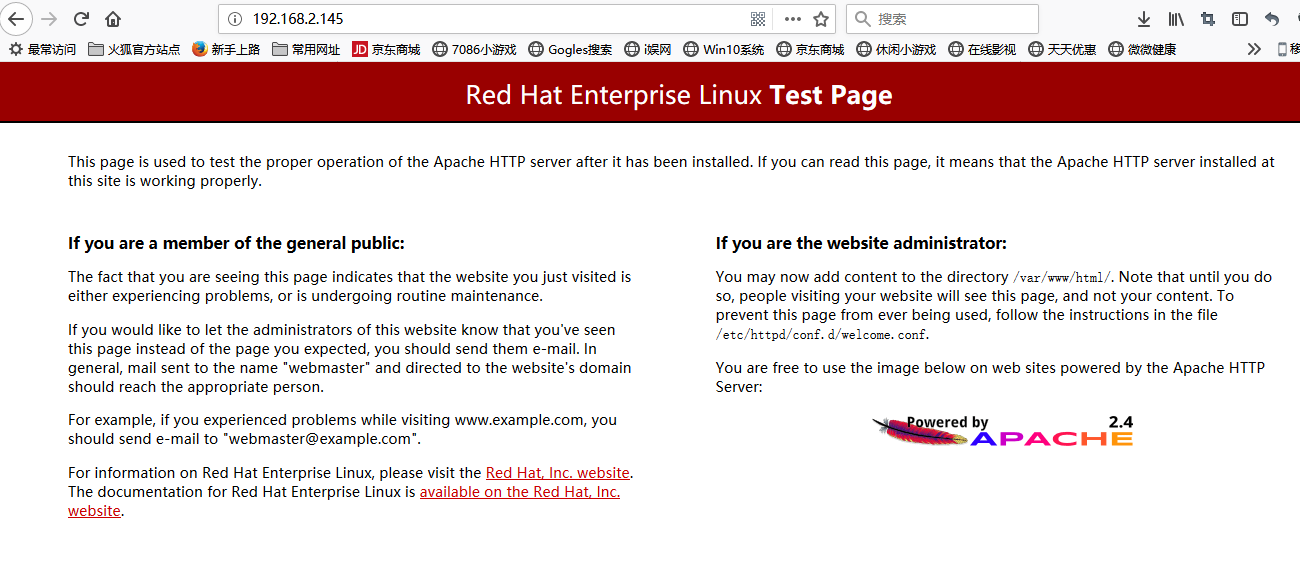
安装Apache
systemctl start httpd.service #启动apache
systemctl stop httpd.service #停止apache
systemctl restart httpd.service #重启apache
systemctl enable httpd.service #设置apache开机启动

第三步
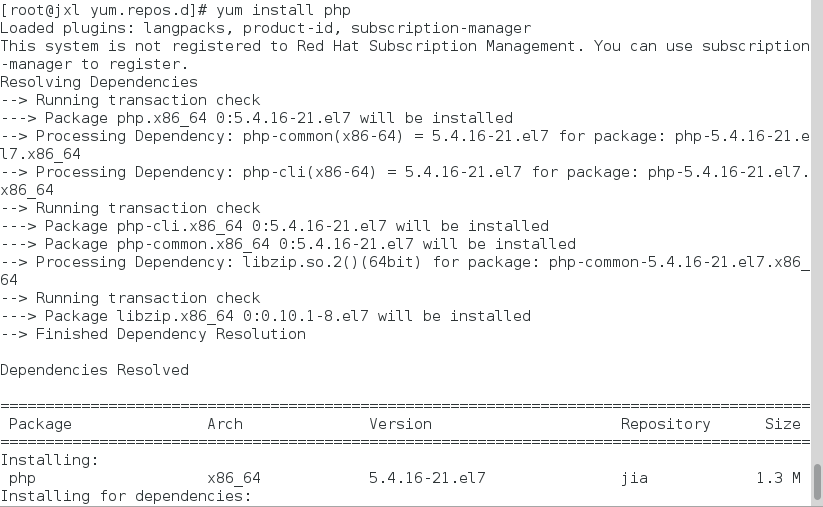
安装PHP
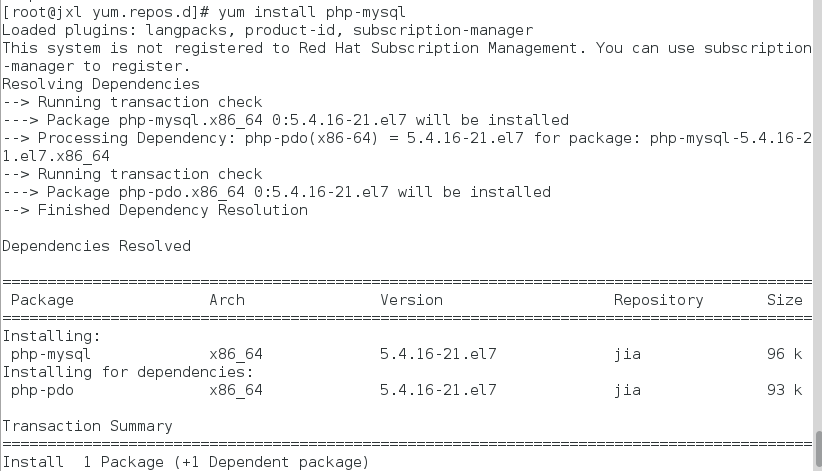
systemctl restart mariadb.service #重启MariaDB
systemctl restart httpd.service #重启apache

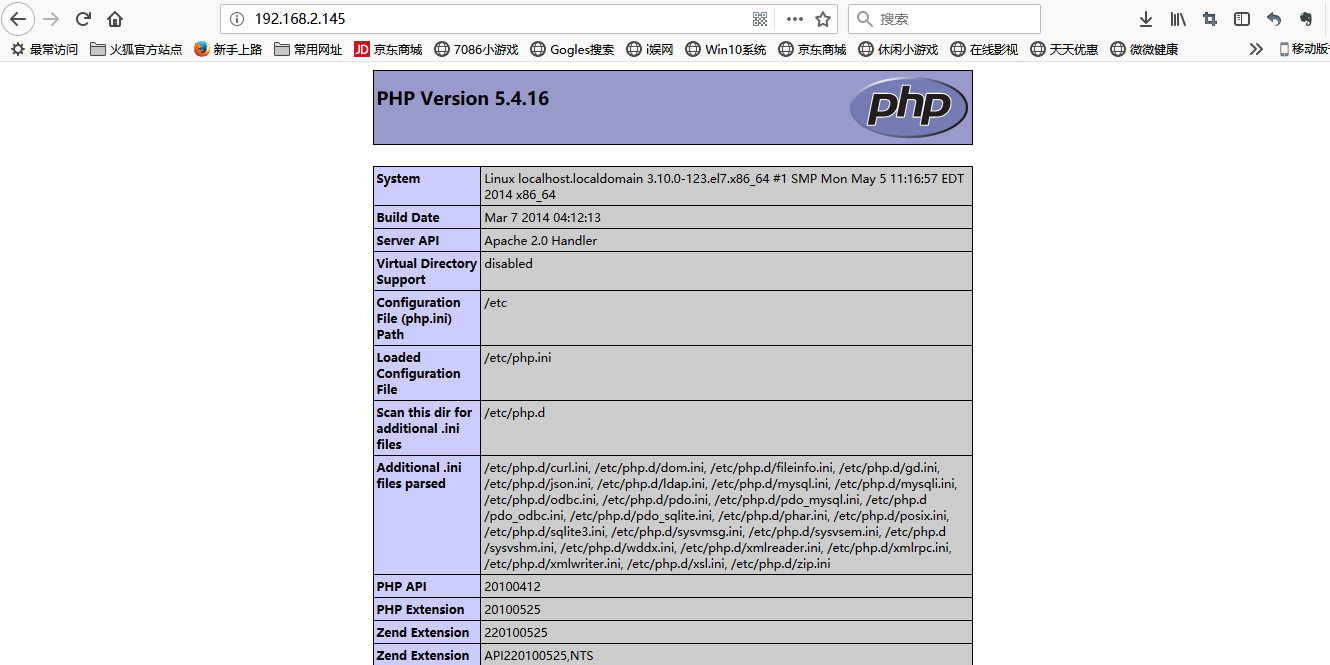
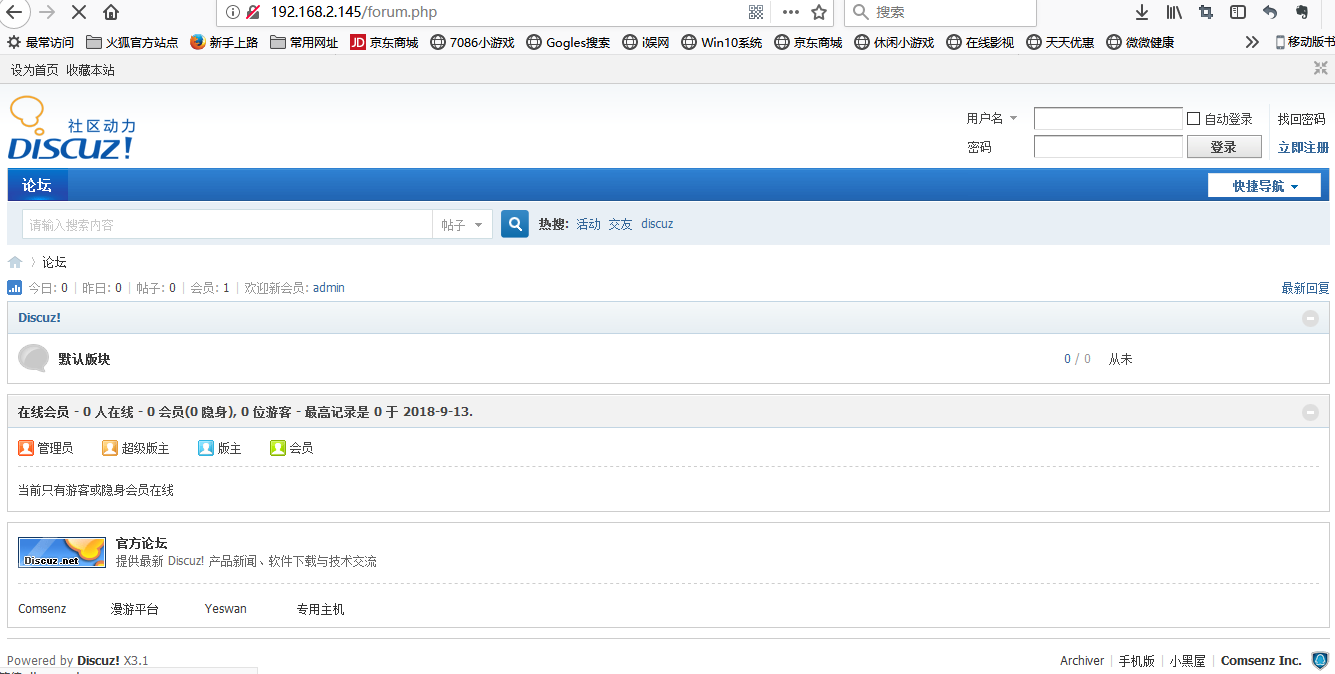
测试

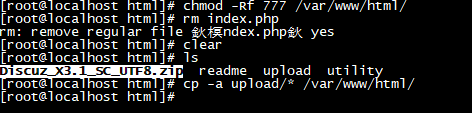
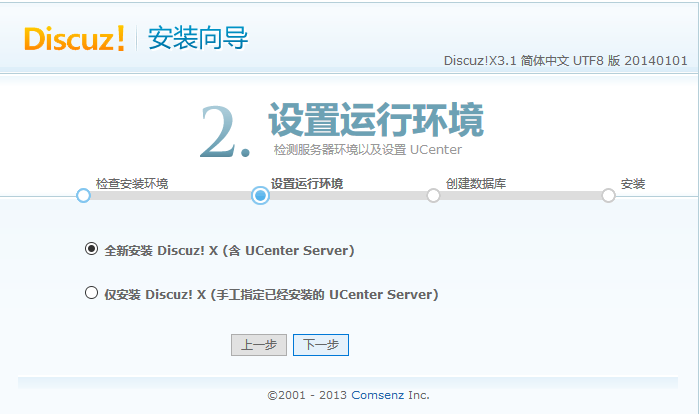
传入安装包并解压

修改文件权限

 浙公网安备 33010602011771号