
MS自带库建模+Lammps分子动力学模拟
1.MS建模
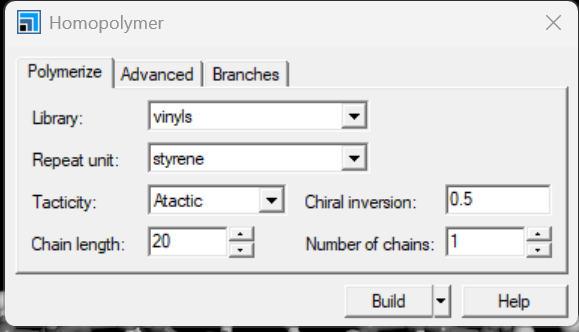
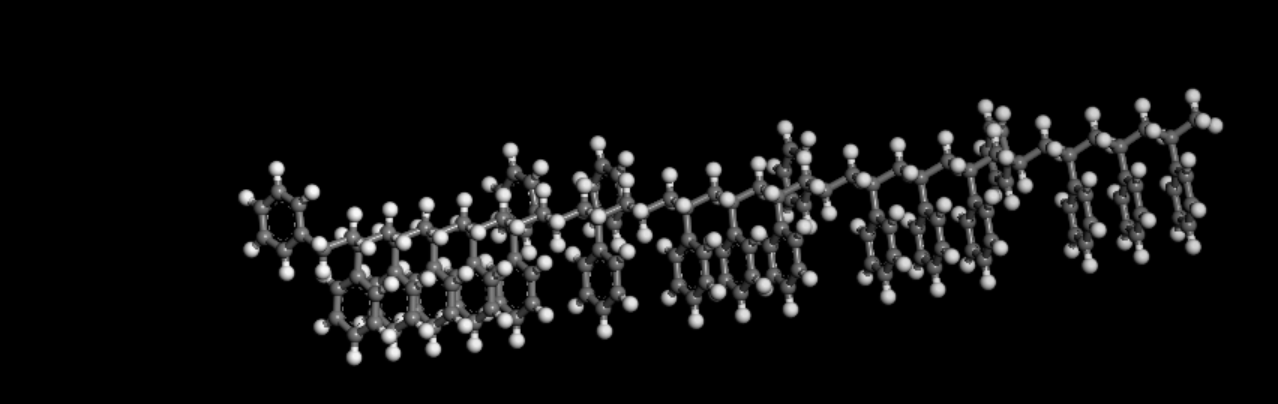
MS软件中新建一个example包,新建3D原子,点击bulid ,build polymers,homopolymer然后选择聚苯乙烯

1.1能量最小化
点击上方modules选择Forcite之后计算,选择中等质量,立场选择cvff,这软件对电脑性能要求高。

1.2几何优化
同能量最小化,用能量最小化后的.xsd文件进行,选择第二个几何优化
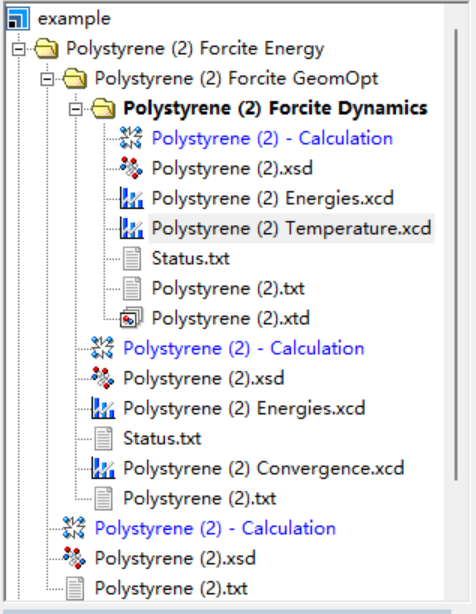
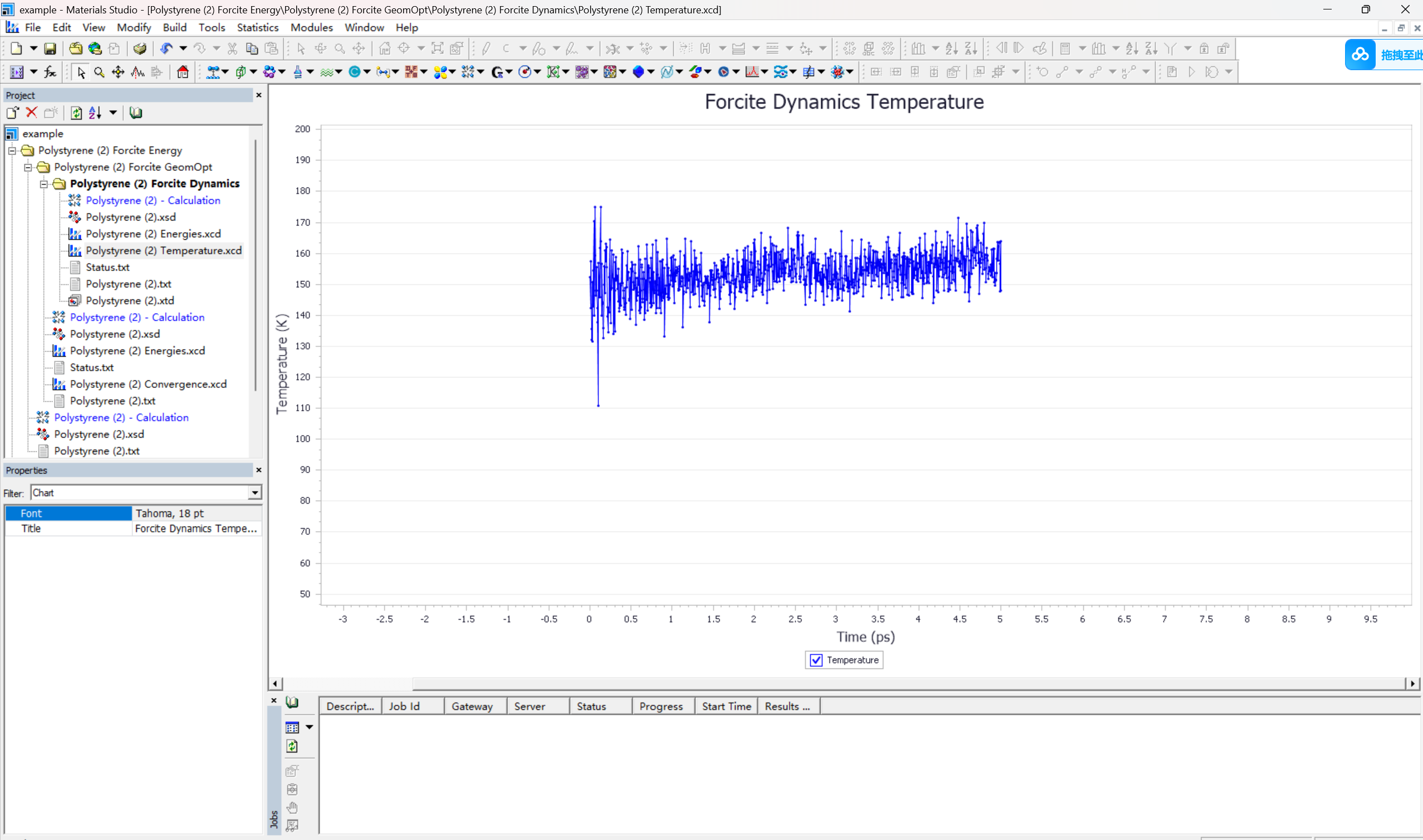
1.3动力学模拟
1.MS建模.xsd文件转lammps.data文件
首先导出为cor,car格式,之后用msi2工具转换成data
去lammps/bin目录下按shift+右键powershell打开,输入以下命令后生成data文件

2.编写in文件在lammps进行分子动力学模拟
初始化
units real
boundary p p p
atom_style full
bond_style harmonic
angle_style harmonic
dihedral_style harmonic
improper_style cvff
pair_style lj/cut/coul/long 10
kspace_style pppm 1.0e-4
read_data Polystrene.data
thermo 100
thermo_style custom step ebond eangle lx ly lz density
velocity all create 300 123456
minimize 1e-8 1e-8 1000 1000
write_data min.data
dump 1 all custom 100 annealing1.lammpsstrj id type x y z
dump 2 all custom 100 annealing2.lammpsstrj id type xu yu zu
fix 1 all npt temp 300 500 100 iso 1 1 1000 drag 2
run 5000
unfix 1
fix 1 all npt temp 500 500 100 iso 1 1 1000 drag 2
run 5000
unfix 1
fix 1 all npt temp 500 300 100 iso 1 1 1000 drag 2
run 5000
unfix 1
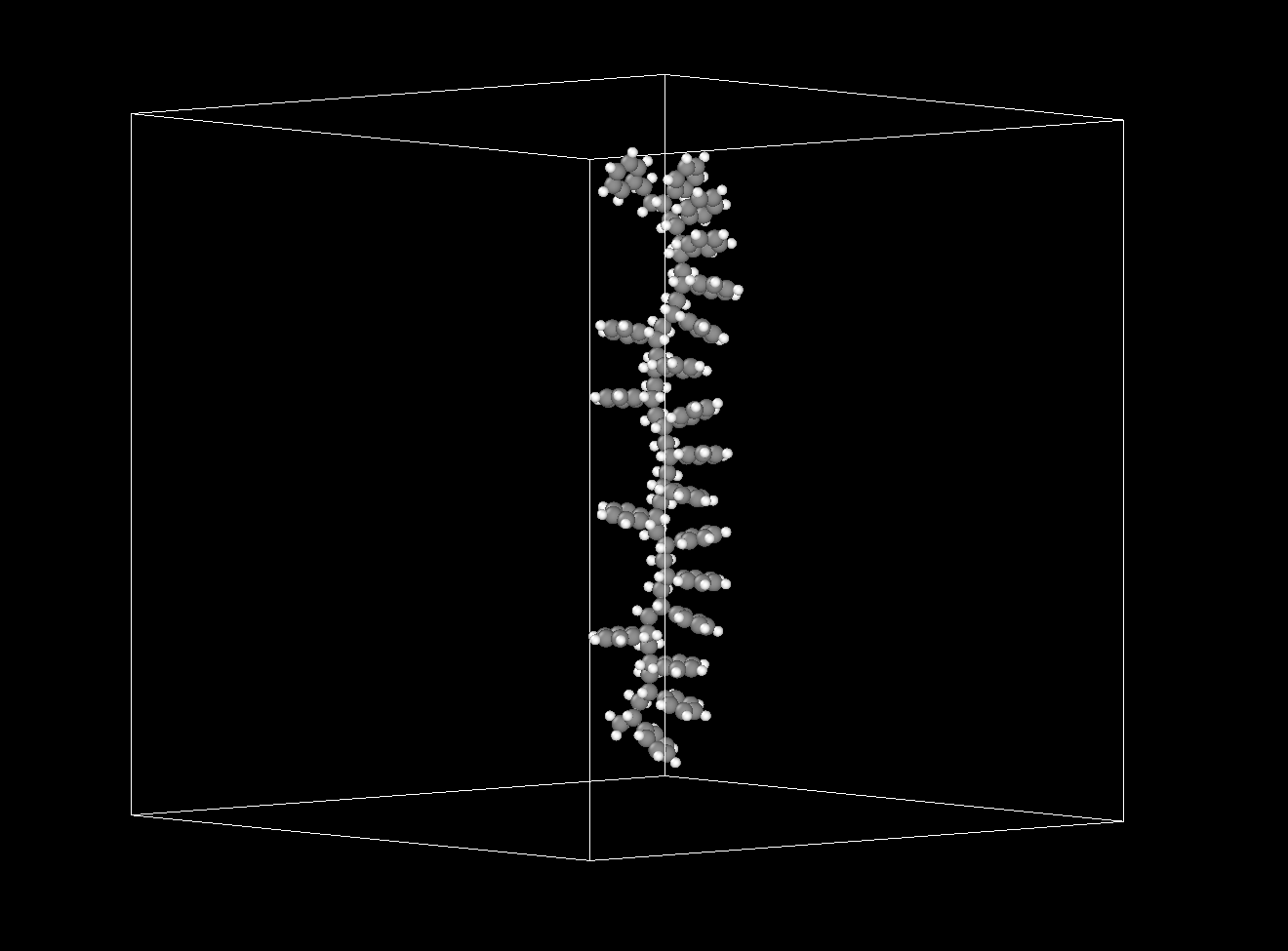
能量最小化


 浙公网安备 33010602011771号