
下载nginx
http://nginx.org/
直接下载1.29.3版本也可以
http://nginx.org/download/nginx-1.29.3.tar.gz
官网不再看到linux系统的release版本
上传下载包到linux系统,解压并执行命令(说明:./configure --prefix=/usr/local/nginx --with-http_ssl_module)
--prefix指定安装路径
tar -zxvf nginx-1.29.3.tar.gz
 ./configure
报错:
./configure: error: the HTTP rewrite module requires the PCRE library.
You can either disable the module by using --without-http_rewrite_module
添加缺失依赖
yum install -y pcre
yum install -y pcre-devel
./configure: error: the HTTP gzip module requires the zlib library.
yum install -y zlib
yum install -y zlib-devel
模糊总结:缺少什么包,就安装该包和该包-devel,不好使,再搜索其他方式
再次执行
./configure
Configuration summary
+ using system PCRE library
+ OpenSSL library is not used
+ using system zlib library
执行完毕后,显示OpenSSL library is not used,说明没有启用ssl
./configure --prefix=/usr/local/nginx --with-http_ssl_module
报错:
./configure: error: SSL modules require the OpenSSL library.
You can either do not enable the modules, or install the OpenSSL library
如果不需要ssl支持可以不配置该参数(或者使用参数 --without-http_ssl_module)
yum install -y openssl-devel
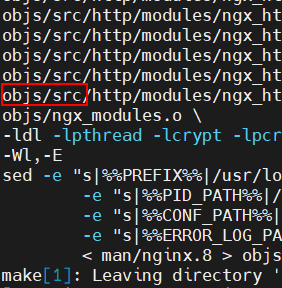
再次执行,可以看到任务执行完成后,生成了objs文件夹。即结果。
添加http2模块支持--with-http_v2_module
./configure --prefix=/usr/local/nginx --with-http_ssl_module --with-http_v2_module
安装
make install
启动时报错
nginx: [emerg] bind() to 0.0.0.0:80 failed (13: Permission denied)
一般80小于1024的端口需要高权限才能启动,执行sudo启动
sudo ./nginx
如果遇到warn,nginx: [warn] the "listen ... http2" directive is deprecated, use the "http2
可以将配置
listen 443 ssl http2; 改成
listen 443 ssl;
http2 on;
再次启动
sudo ./nginx -s reload

 浙公网安备 33010602011771号