windows agent启动后,子进程不断被杀死,造成可用性告警频繁
windows agent在日志中发现不断在重启Agent.py,然后服务卸载后,依然能找到agent的进程信息
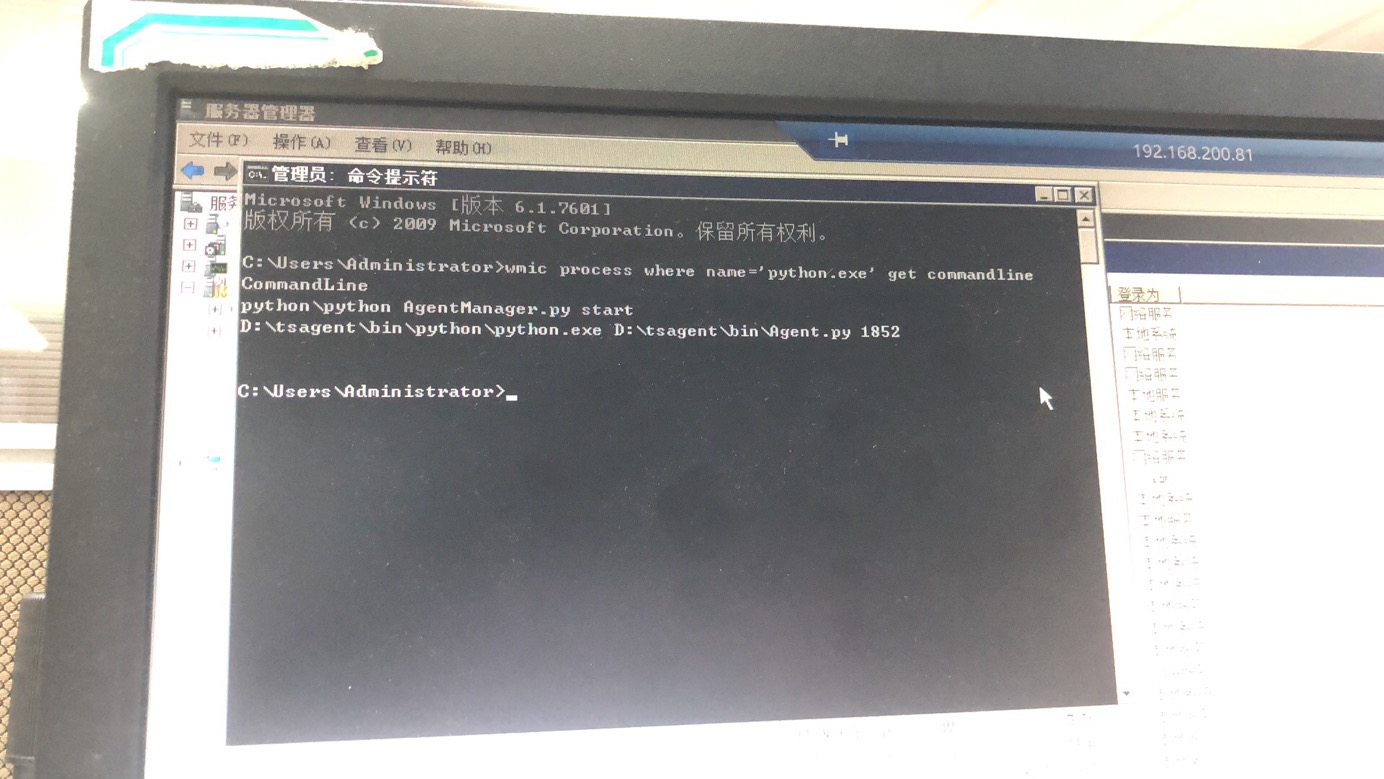
1.查询响应的进程命令及pid
wmic process where name='python.exe' get ProcessId,Commandline
2.通过查询的pid
taskkill /pid 1852 -t -f
其中1852为进程pid
3.重新install agent客户端

windows agent在日志中发现不断在重启Agent.py,然后服务卸载后,依然能找到agent的进程信息
1.查询响应的进程命令及pid
wmic process where name='python.exe' get ProcessId,Commandline
2.通过查询的pid
taskkill /pid 1852 -t -f
其中1852为进程pid
3.重新install agent客户端

 浙公网安备 33010602011771号