

【实战】spring-data连接es
首先肯定是先引入依赖撒:
 <dependency>
            <groupId>org.springframework.boot</groupId>
            <artifactId>spring-boot-starter-data-elasticsearch</artifactId>
  </dependency>
看一下这个starter,是个纯粹的starter,不包含autoconfig的配置类:
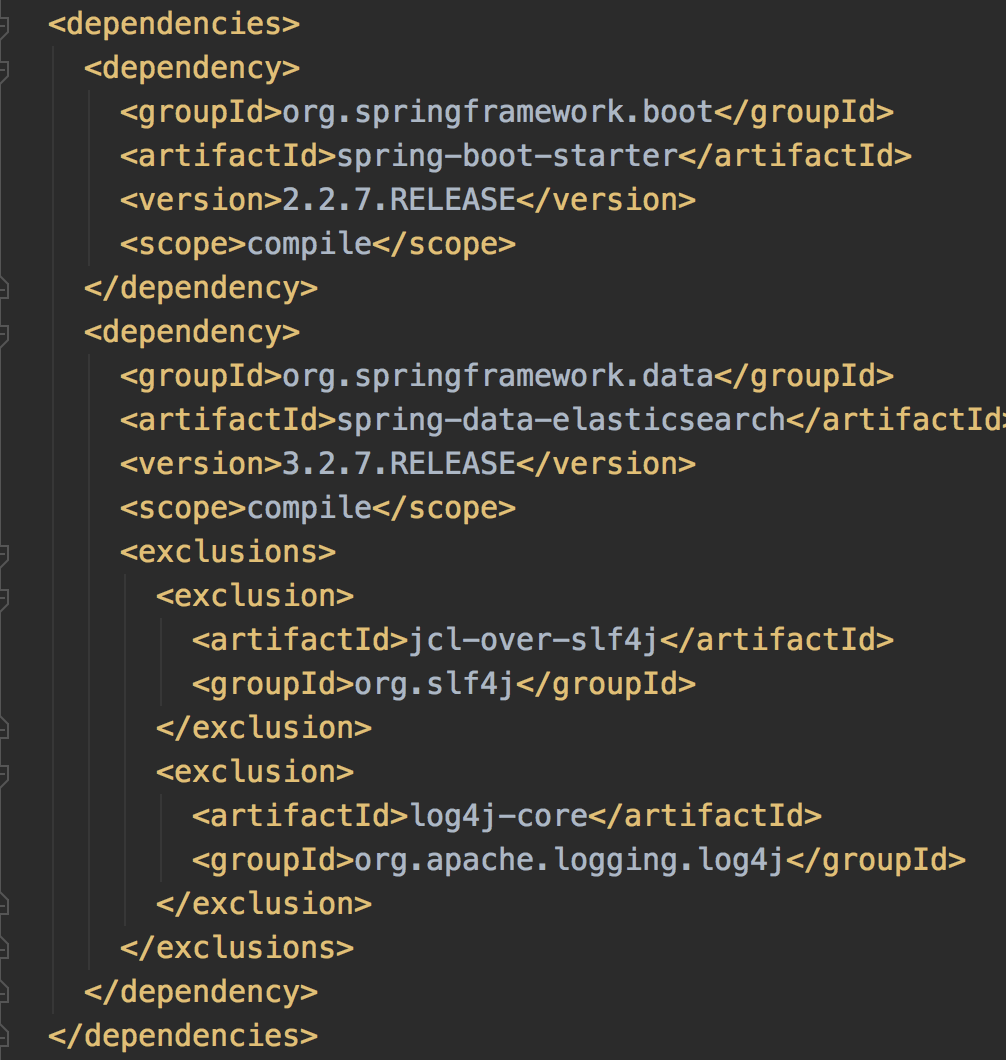
传递了上面这些依赖,这可是springboot呀应该是会有autoconfig的。我们看一下 spring-autoconfig,可以找到这些配置:

jest和rest是两种客户端,jest是社区维护,rest是官方在维护,建议使用rest。
首先看一下配置属性类:org.springframework.boot.autoconfigure.elasticsearch.rest.RestClientProperties
@ConfigurationProperties(prefix = "spring.elasticsearch.rest")
public class RestClientProperties {

	/**
	 * Comma-separated list of the Elasticsearch instances to use.
	 */
	private List<String> uris = new ArrayList<>(Collections.singletonList("http://localhost:9200"));

	/**
	 * Credentials username.
	 */
	private String username;

	/**
	 * Credentials password.
	 */
	private String password;

	/**
	 * Connection timeout.
	 */
	private Duration connectionTimeout = Duration.ofSeconds(1);

	/**
	 * Read timeout.
	 */
	private Duration readTimeout = Duration.ofSeconds(30);
默认本地9200端口,连接超时1s,查询超时30s
在org.springframework.boot.autoconfigure.elasticsearch.rest.RestClientConfigurations中,会根据properties构造RestClientBuilder,再用RestClientBuilder构造RestHighLevelClient和RestClient,并注册到spring容器。
org.springframework.boot.autoconfigure.elasticsearch.rest.RestClientBuilderCustomizer则定义了一个接口用于实现这个接口的bean对RestClientBuilder做自定义操作,在构造RestClientBuilder最后会进行回调
so,先对照properties进行如下配置

然后模拟一个插入操作:
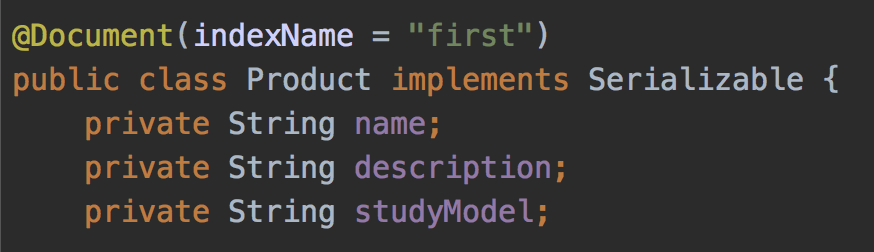

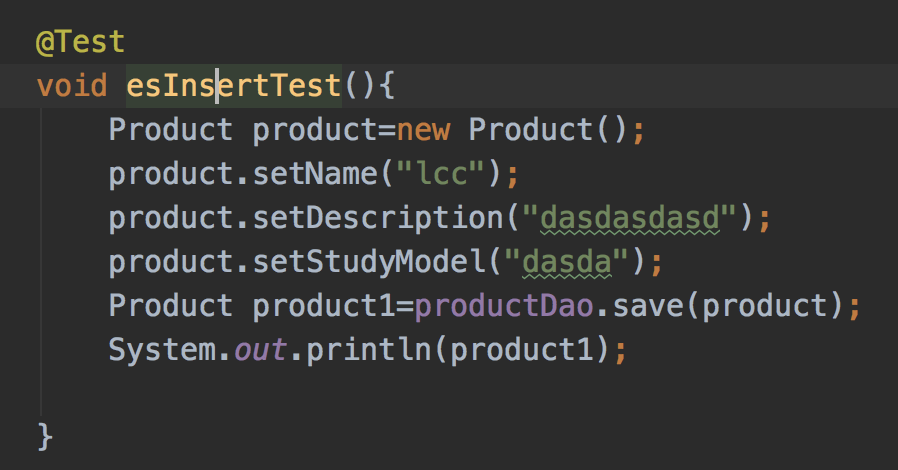
执行测试用例后,报这个错误:
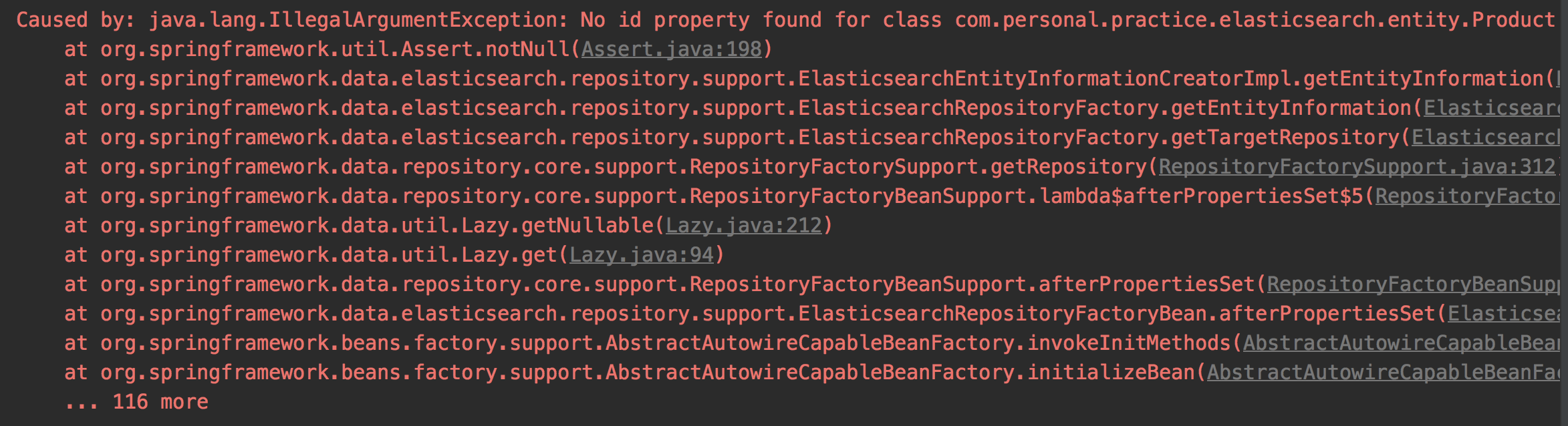
补上id属性:
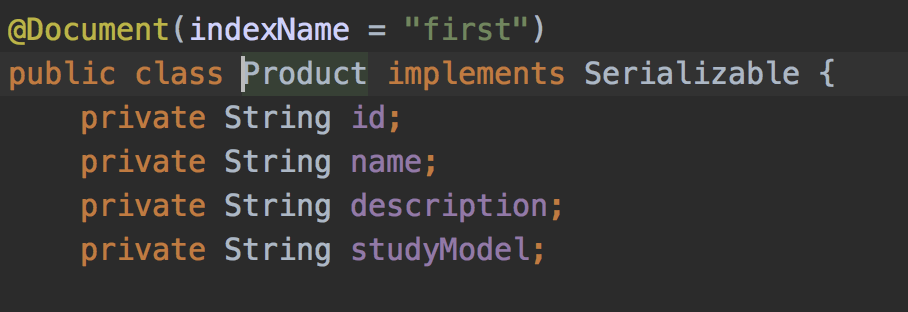
执行:
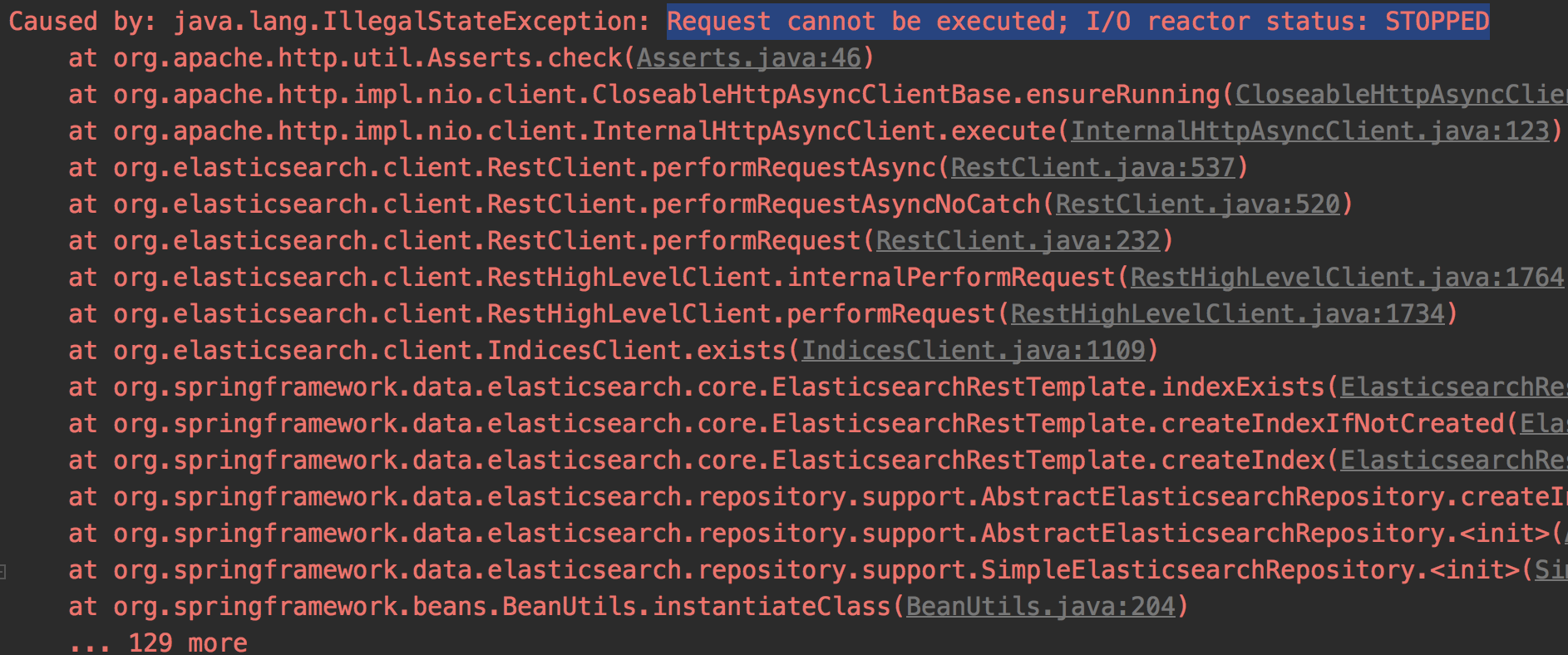
emm从堆栈看是在构造bean的时候会去检查es索引是否存在,过程中请求出了问题
后续:
发现autoconfig的代码跟错了 正确的properties应该是这些:

org.springframework.boot.autoconfigure.data.elasticsearch.ElasticsearchProperties:
@ConfigurationProperties(prefix = "spring.data.elasticsearch")
public class ElasticsearchProperties {

	/**
	 * Elasticsearch cluster name.
	 */
	private String clusterName = "elasticsearch";

	/**
	 * Comma-separated list of cluster node addresses.
	 */
	private String clusterNodes;

	/**
	 * Additional properties used to configure the client.
	 */
	private Map<String, String> properties = new HashMap<>();
重新指定clusterName和clusterNodes:
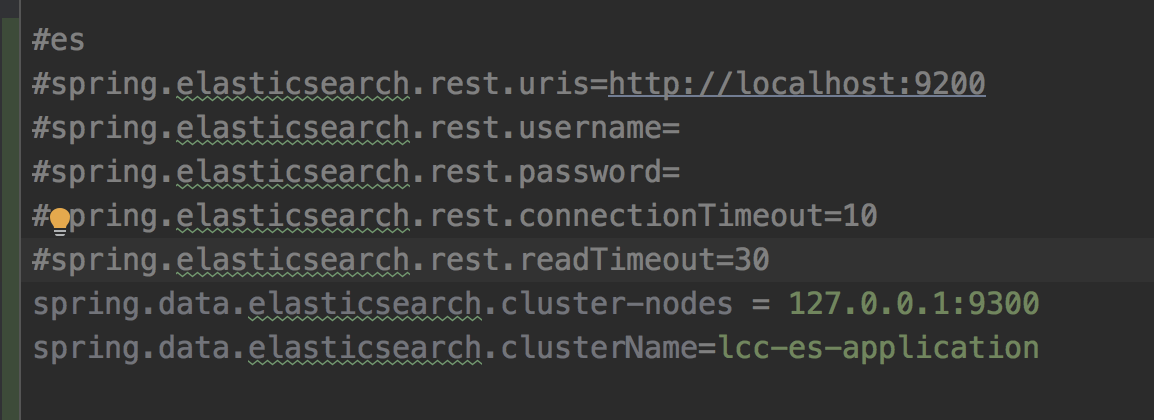
clusterName必须争取不然会None of the configured nodes are available
完了之后执行测试用例:
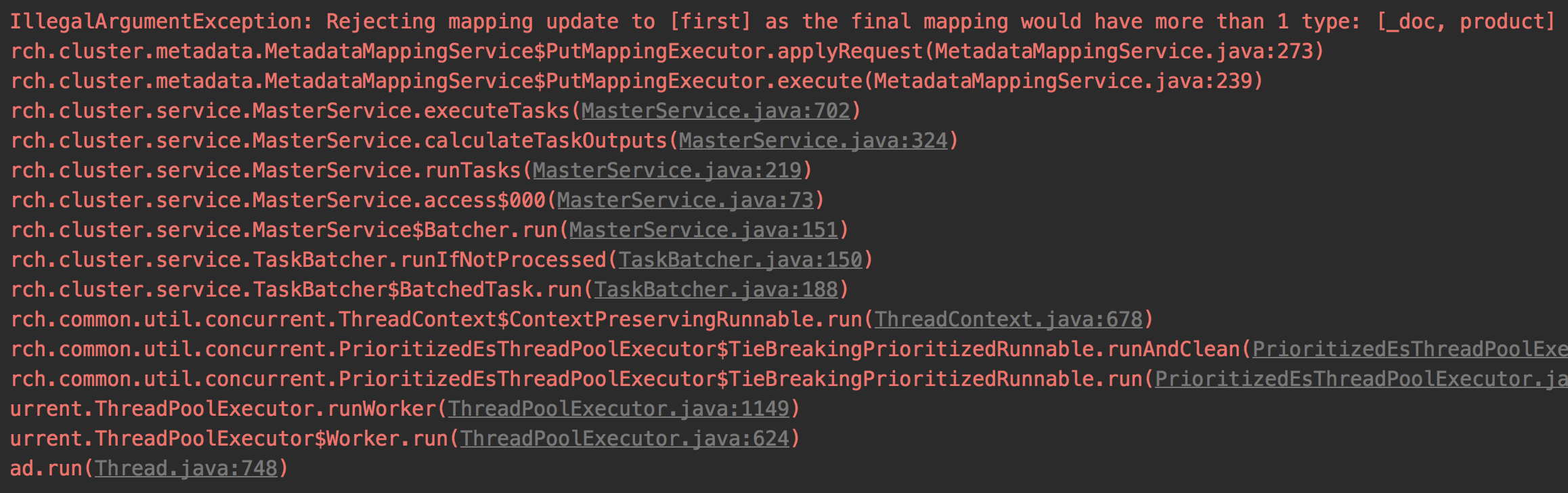
考虑到6.0只允许有一个type7.0删除了type,所以就没指定type,不知道是不是这个原因,默认会用product当type 我们补上type的值:
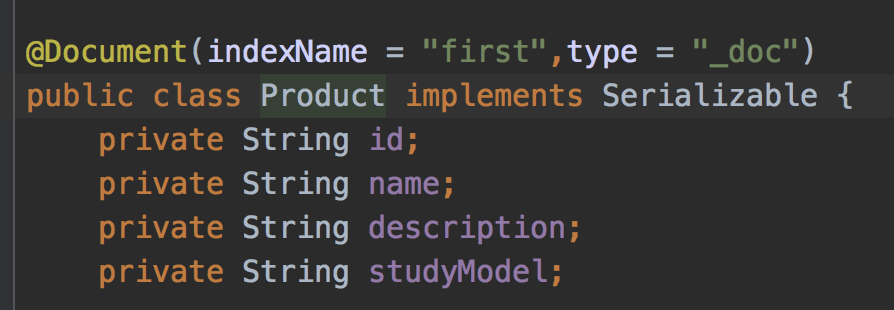
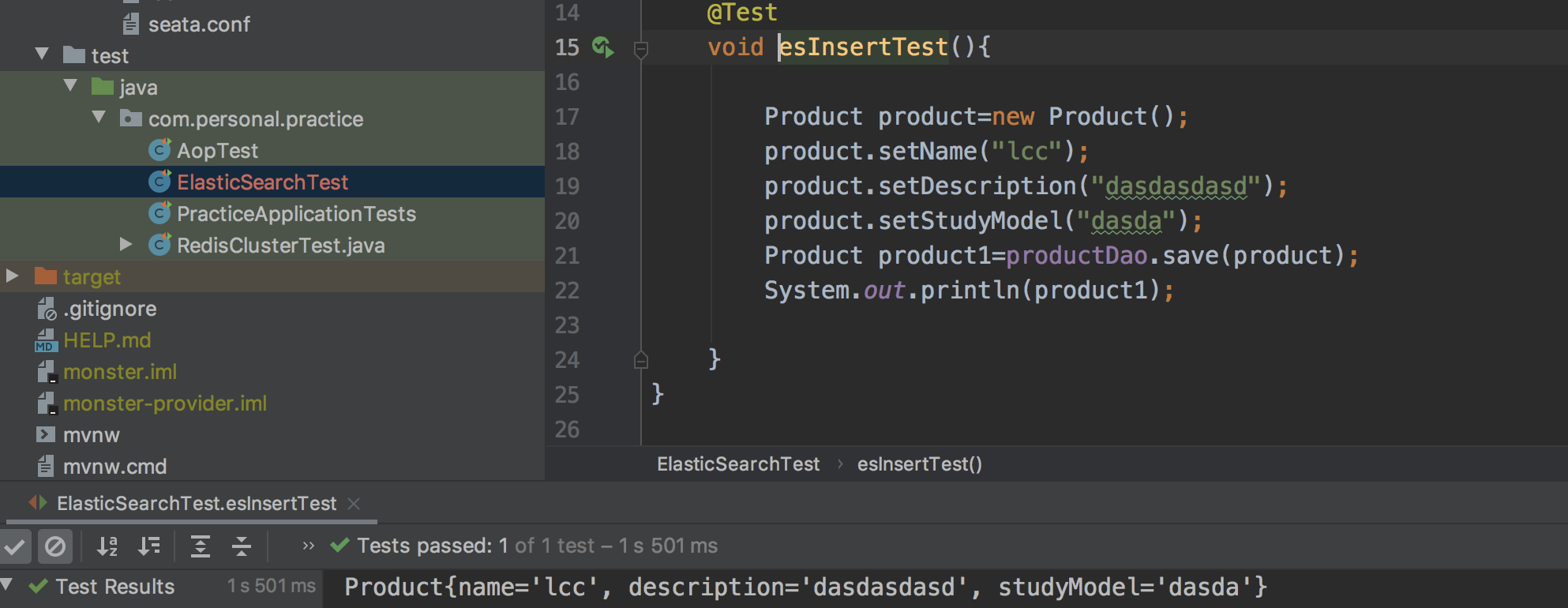
成功了:
看一下head:
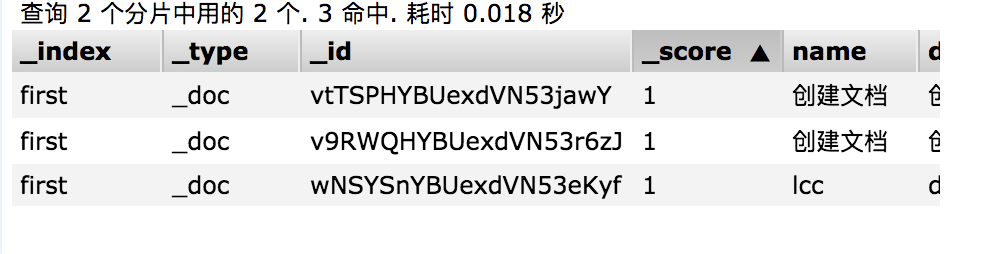
关于type:
_type是早期版本的设计缺陷。
在5.x以前的版本里边,一个所以下面是支持多个type的。
6版本以后改为只支持一个type, type可以自定义。
7以后所有的typr就默认为_doc.
8版本后移除type

 浙公网安备 33010602011771号