
爬虫综合大作业
- import pandas as pd
- import pymysql
- from sqlalchemy import create_engine
- conInfo = "mysql+pymysql://user:passwd@host:port/gzccnews?charset=utf8"
- engine = create_engine(conInfo,encoding='utf-8')
- df = pd.DataFrame(allnews)
- df.to_sql(name = ‘news', con = engine, if_exists = 'append', index = False)
二.爬虫综合大作业
- 选择一个热点或者你感兴趣的主题。
- 选择爬取的对象与范围。
- 了解爬取对象的限制与约束。
- 爬取相应内容。
- 做数据分析与文本分析。
- 形成一篇文章,有说明、技术要点、有数据、有数据分析图形化展示与说明、文本分析图形化展示与说明。
- 文章公开发布。
爬取汽车之家网站信息:
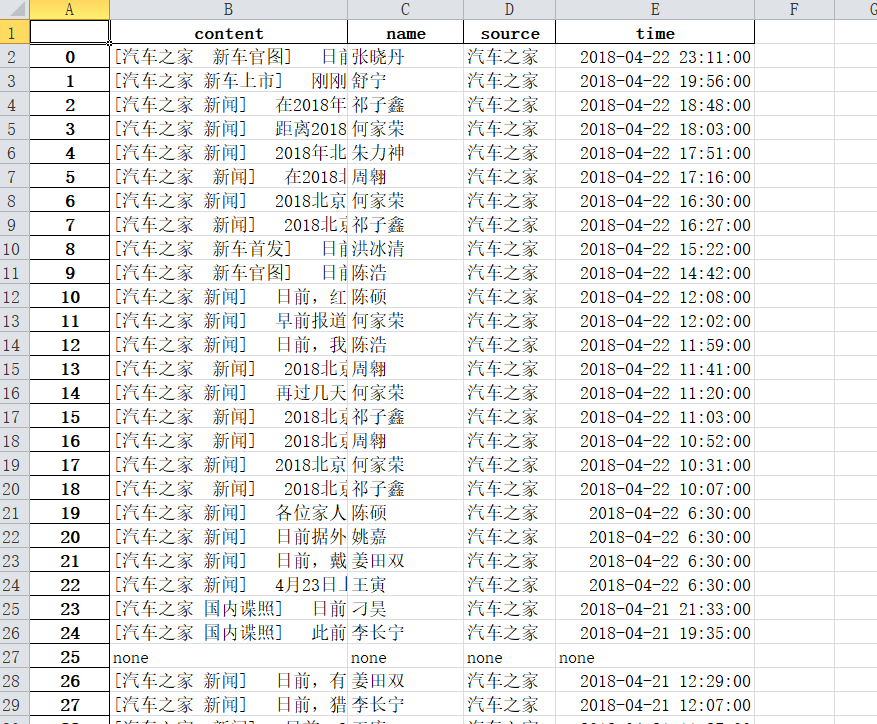
1、主题:爬取汽车之家当中新闻的的内容,对内容中的词语进行分析,生成词云
网址:https://www.autohome.com.cn/news/?p=s#liststart
2、具体步骤实现
|
1
2
3
4
5
6
7
8
9
10
11
12
13
14
15
16
17
18
19
20
21
22
23
24
25
26
27
28
29
|
//获取Url页面中的时间、来源、名字和内容<br>def getNewsDetail(Url): res = requests.get(Url) res.encoding = 'gb2312' Ssoup = BeautifulSoup(res.text, 'html.parser') news={} if len(Ssoup.select('.time'))>0: time = Ssoup.select('.time')[0].text.rstrip(' ').lstrip('\r\n') dt = datetime.strptime(time, '%Y年%m月%d日 %H:%M') else: dt='none' if len(Ssoup.select('.source'))>0: source = Ssoup.select('.source')[0].text.lstrip("来源:") else: source='none' if len(Ssoup.select('.name')) > 0: name = Ssoup.select('.name')[0].text.lstrip('\n').rstrip('\n') else: name='none' if len(Ssoup.select('.details')) > 0: content = Ssoup.select('.details')[0].text.strip() else: content = 'none' news['time'] = dt news['source'] = source news['name'] = name news['content'] = content writeContent(news['content']) print(dt,source,name,Url) return news |
由于是一个函数所以需要适应所有的页面而不是只是适合一个页面,所以需要判断是否存在时间、姓名、来源等,没有的页面给这些值赋予none
|
1
2
3
4
5
6
7
8
9
10
11
|
//获取一个页面中有多少条新闻信息<br>def getListPage(pageUrl): res = requests.get(pageUrl) res.encoding = 'gb2312' soup = BeautifulSoup(res.text, 'html.parser') newslist = [] for a in soup.select(".article-wrapper"): for b in a.select('li'): if len(b.select("a")) > 0: newsUrl = 'http:'+ b.select("a")[0].attrs['href'] newslist.append(getNewsDetail(newsUrl)) return(newslist) |
由于该页面中存在许多li,所以需要对li和a先进行便利
|
1
2
3
4
5
6
7
|
//获取有多少页<br>def getPageN(): res = requests.get(pageUrl) res.encoding = 'gb2312' soup = BeautifulSoup(res.text, 'html.parser') for a in soup.select('.page'): n = int(a.select('a')[10].text) return n |
|
1
2
3
4
5
6
7
|
pageUrl='https://www.autohome.com.cn/news/'newstotal = []newstotal.extend(getListPage(pageUrl))n = getPageN()for i in range(2,n): listPageUrl = 'https://www.autohome.com.cn/news/{}/#liststart'.format(i) newstotal.extend(getListPage(listPageUrl)) |
# df = pandas.DataFrame(newstotal)
# import openpyxl
# df.to_excel('work.xlsx')
由于该新闻网站的页面过多,在爬取过程胡出现连接错误,所以在后面的内容只是爬取到第161页的数据,大概2018年一整年的数据
|
1
2
3
4
5
6
7
8
9
10
11
12
13
14
15
16
17
18
19
20
21
22
|
//将<br>import jiebaf = open('content.txt','r',encoding = 'utf-8')story=f.read()f.close()sep=''',。‘’“”:;()!?、《》 . < > / - 0 1 2 3 4 5 6 7 8 9 A B C D E F G H I J K L M N O P Q R S T U V W X Y J a b c d e f g h i j k l m n o p q r s t u v w x y j'''exclude={' ',' ',' '}for c in sep: story = story.replace(c,'')tem=list(jieba.cut(story))wordDict={}words=list(set(tem)-exclude)for w in range(0,len(words)): wordDict[words[w]]=story.count(str(words[w]))dictList = list(wordDict.items())dictList.sort(key=lambda x:x[1],reverse=True)f = open('news.txt', 'a',encoding="utf-8")for i in range(150): f.write(dictList[i][0]+'\n')f.close() |
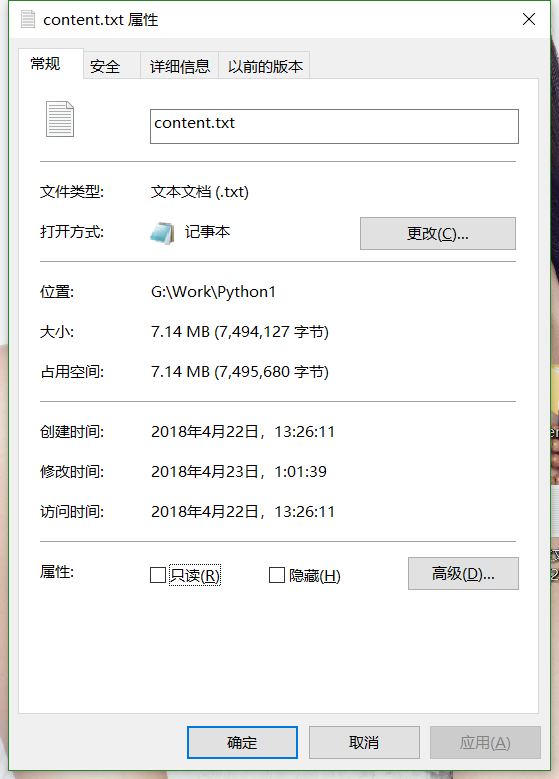
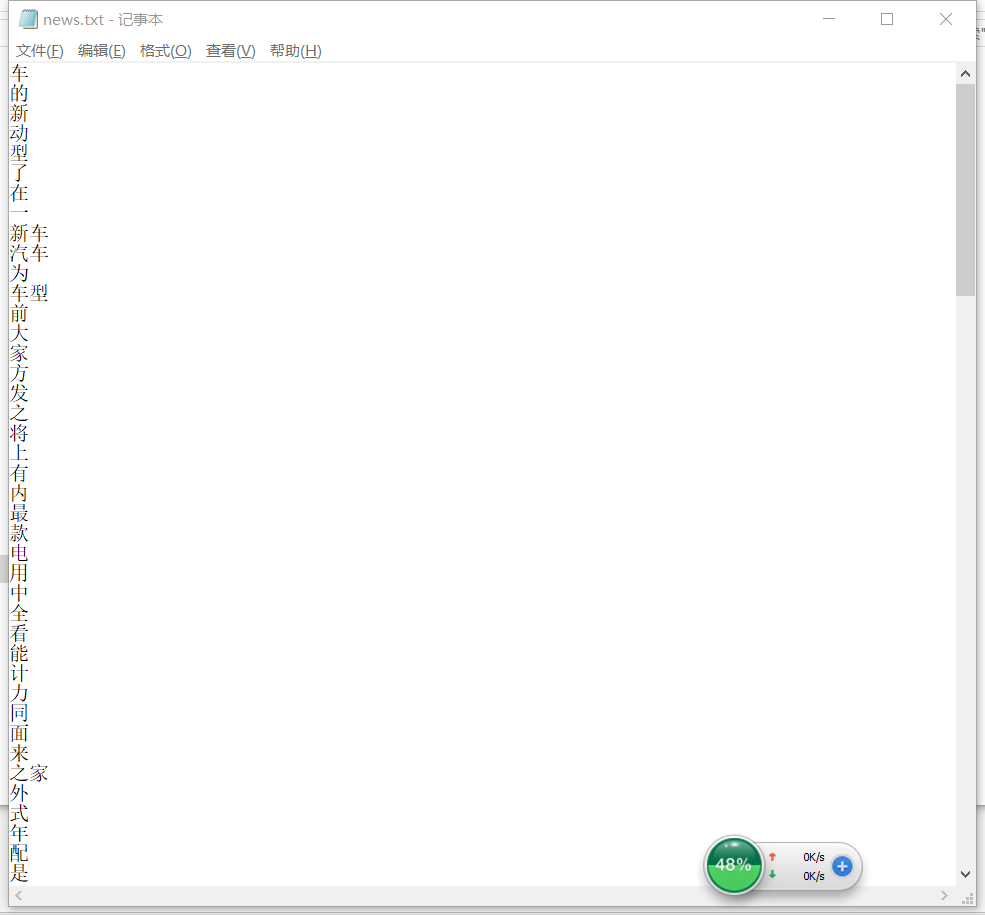
读取刚刚爬取的content.txt中的内容,用jieba词库对内容进行分词,统计前150个祠是什么,然后存储到news.txt中
|
1
2
3
4
5
6
7
8
9
10
11
12
13
14
15
16
17
18
19
20
21
22
23
|
import wordcloudfrom PIL import Image,ImageSequenceimport numpy as npimport matplotlib.pyplot as pltfrom wordcloud import WordCloud,ImageColorGeneratorimport jiebaf = open("news.txt","r",encoding='utf-8')str1 = f.read()stringList =list(jieba.cut(str1))delset = {",","。",":","“","”","?"," ",";","!","、"}stringset = set(stringList) - delsetcountdict = {}for i in stringset: countdict[i] = stringList.count(i)image= Image.open('G:\Work\Python1\\789.jpg')graph = np.array(image)font=r'C:\Windows\Fonts\simhei.TTF'wc = WordCloud(font_path=font,background_color='White',max_words=100,mask=graph)wc.generate_from_frequencies(countdict)image_color = ImageColorGenerator(graph)plt.imshow(wc)plt.axis("off")plt.show() |
读取news.txt中获取的前150个祠,生成词云
3、结果


4、思想及结论
爬虫爬取数据还是具有一定的实际意义,从汽车之家的新闻网站中可以获取到汽车新闻资讯的热门词汇,增长对汽车的了解。
通过这次的爬虫大作业,加深我对爬取数据步骤等的了解和运用,在以后的工作生活中会起到一定作用。

 浙公网安备 33010602011771号