
Linux(centos)下修复“fatal error: jsoncpp/json/json.h: No such file or directory”
问题:我试着在Linux下编译一个C++程序,但是我碰到了以下错误:
“fatal error: jsoncpp/json/json.h: No such file or directory”
我怎样修复这个问题呢?
该错误指出你缺少JsonCpp开发文件(例如,JsonCpp库和头文件)。JsonCpp是一个用于JSON格式数据复制的C++库。下面给出了在不同Linux发行版上安装JsonCpp开发文件的方法。
Debian, Ubuntu或者Linux Mint:
sudo apt-get install libjsoncpp-dev
sudo yum install jsoncpp-devel
CentOS:没有JsonCpp的预编译包。因此你可以通过以下源码构建一个JsonCpp包并安装。
yum install cmake

git clone https://github.com/open-source-parsers/jsoncpp.git

cd jsoncpp

mkdir -p build/debug

cd build/debug

cmake -DCMAKE_BUILD_TYPE=debug -DJSONCPP_LIB_BUILD_SHARED=OFF -G "Unix Makefiles" ../../

make && make install
构建完毕进行安装发现又出问题:
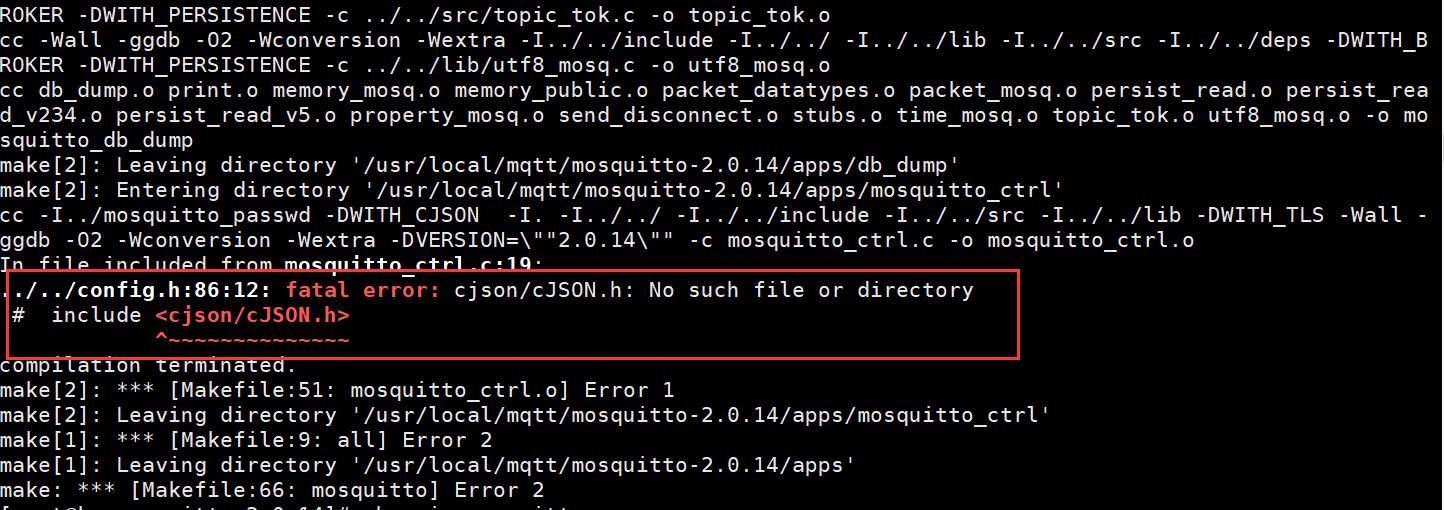
经分析缺少cJSON.h文件,接着下载:
git clone https://github.com/DaveGamble/cJSON.git

cd cJSON/

mkdir build

cd build/

cmake ..

make && make install
vi /etc/ld.so.conf
第二行添加:/usr/local/lib

执行命令:/sbin/ldconfig
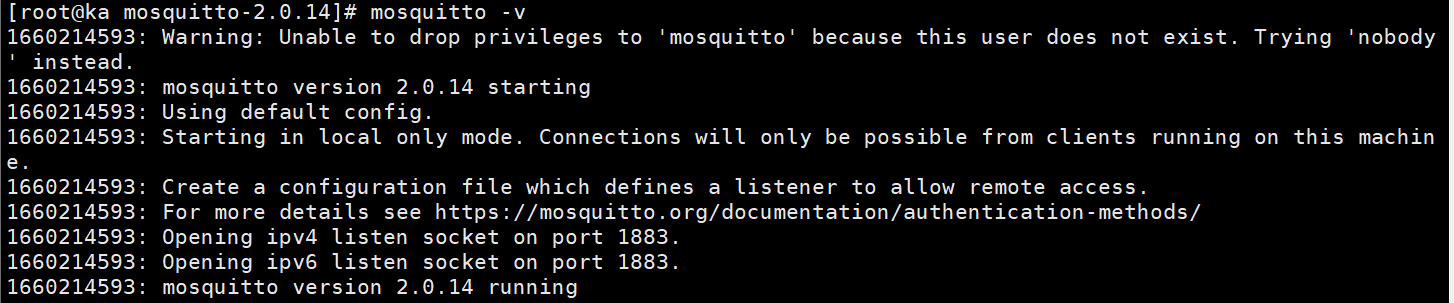
回到mosquitt-2.0.14目录下进行编译安装make && make install 成功

 浙公网安备 33010602011771号