

LR无法连接Mysql_8.0数据库问题总结
1),Client does not support authentication protocol requested by server;
2),row not found;
3),Access denied for user 'root'@'localhost' (using password: YES);
综上本质无法连接数据库,原因:MySql 8换了新的身份验证插件(caching_sha2_password), 原来的身份验证插件为(mysql_native_password)。而客户端工具LR中找不到新的身份验证插件(caching_sha2_password),对此,我们将mysql用户使用的 登录密码加密规则 还原成 mysql_native_password,即可登陆成功。
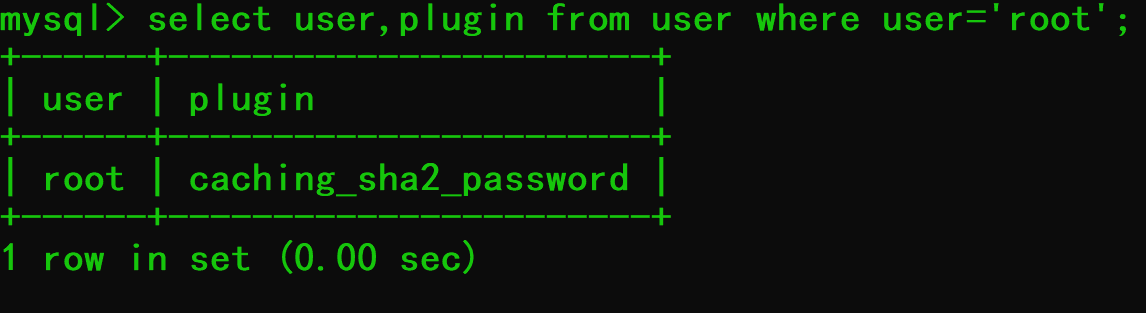
1,命令 select user,plugin from user where user='root'; 发现加密方式是caching_sha2_password;
2,命令:alter user 'root'@'%' identified with mysql_native_password by 'your password';提示ERROR 1396 (HY000): Operation ALTER USER failed for 'root'@'%localhost'”;

3,命令:select user,host from user;
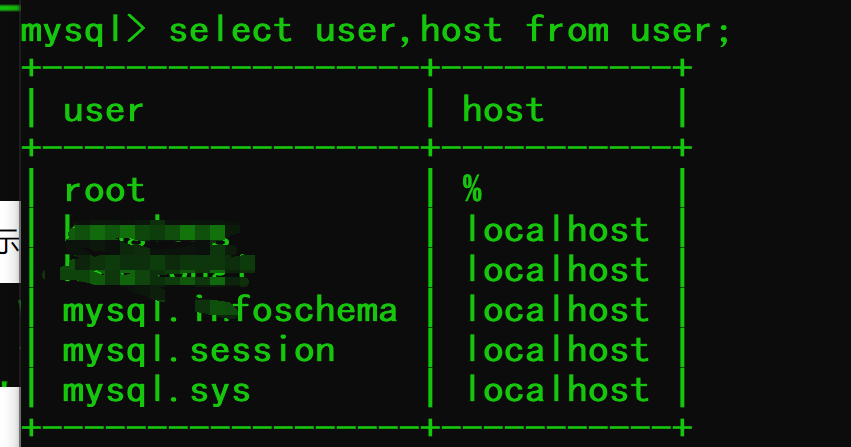
这里我们可以看到,我的user为root,而我的host为%,所以我的命令应该改为:
update user set host ='%' where user ='root';
4,进入my配置文件修改插件加密方式default_authentication_plugin=mysql_native_password;
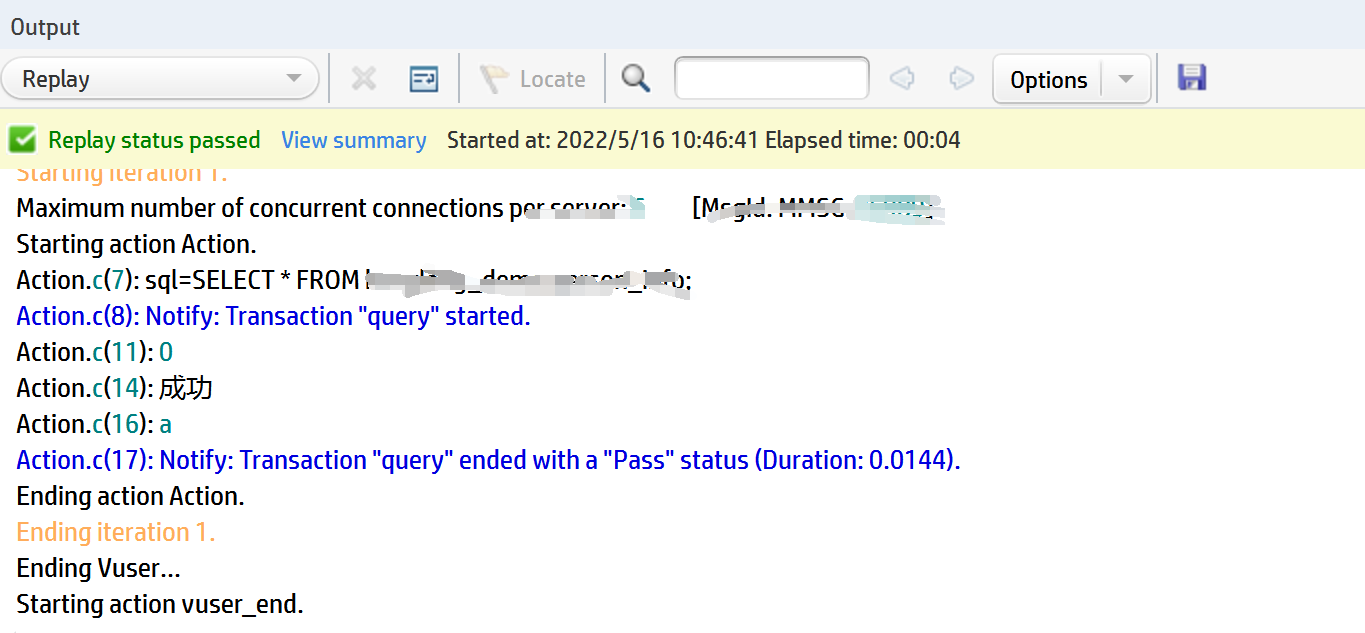
5,重新运行LR成功。

 浙公网安备 33010602011771号