
dubbo-admin控制台搭建
一、下载控制台代码
下载地址:https://github.com/apache/dubbo-admin
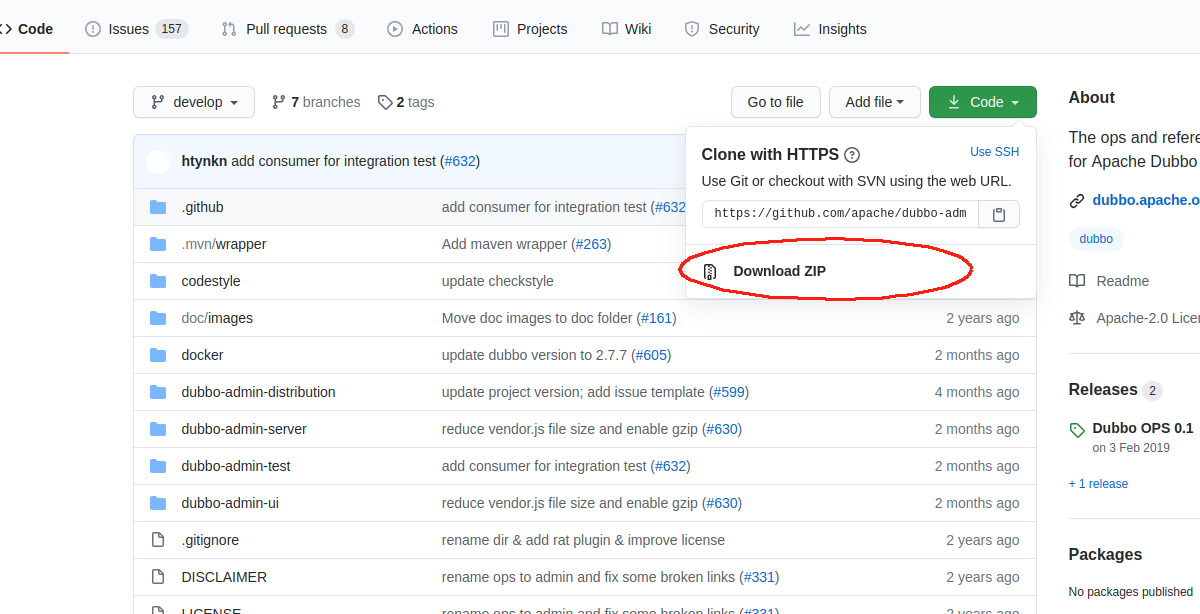
二 、解压文件进入到dubbo-admin-server目录
1、找到application.properties修改注册中心地址
#
# Licensed to the Apache Software Foundation (ASF) under one or more
# contributor license agreements.  See the NOTICE file distributed with
# this work for additional information regarding copyright ownership.
# The ASF licenses this file to You under the Apache License, Version 2.0
# (the "License"); you may not use this file except in compliance with
# the License.  You may obtain a copy of the License at
#
#     http://www.apache.org/licenses/LICENSE-2.0
#
# Unless required by applicable law or agreed to in writing, software
# distributed under the License is distributed on an "AS IS" BASIS,
# WITHOUT WARRANTIES OR CONDITIONS OF ANY KIND, either express or implied.
# See the License for the specific language governing permissions and
# limitations under the License.
#

# centers in dubbo2.7
admin.registry.address=zookeeper://127.0.0.1:2181
admin.config-center=zookeeper://127.0.0.1:2181
admin.metadata-report.address=zookeeper://127.0.0.1:2181

admin.root.user.name=root
admin.root.user.password=root
#group
admin.registry.group=dubbo
admin.config-center.group=dubbo
admin.metadata-report.group=dubbo

admin.apollo.token=e16e5cd903fd0c97a116c873b448544b9d086de9
admin.apollo.appId=test
admin.apollo.env=dev
admin.apollo.cluster=default
admin.apollo.namespace=dubbo

#compress
server.compression.enabled=true
server.compression.mime-types=text/css,text/javascript,application/javascript
server.compression.min-response-size=10240

server.port=9999
2、切换到dubbo-admin-server目录 执行如下命令生成jar包
mvn clean install
jar文件如下

3、后台已生成启动
java -jar dubbo-admin-server-0.2.0-SNAPSHOT.jar
三、前端dubbo-admin-ui目录下
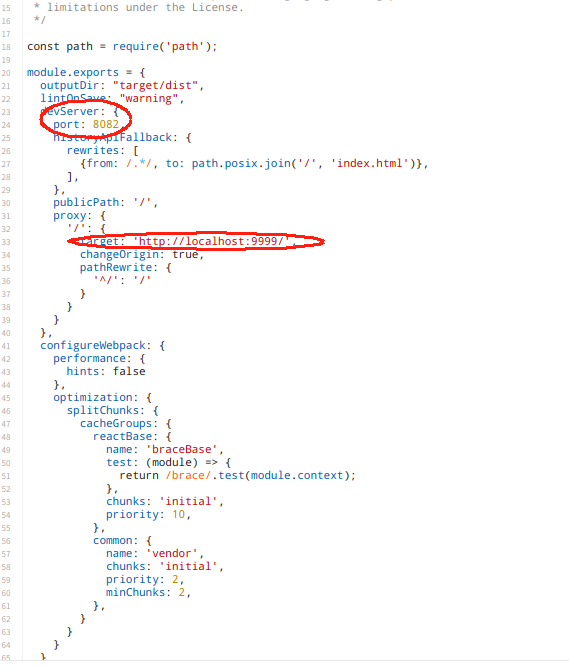
1、找到vue.config.js修改后端地址(不同版本文件名可能不一样),9999端口是上面dubbo-admin-server中修改的端口自行配置
2、执行如下命令加载依赖和启动
npm install

npm run dev
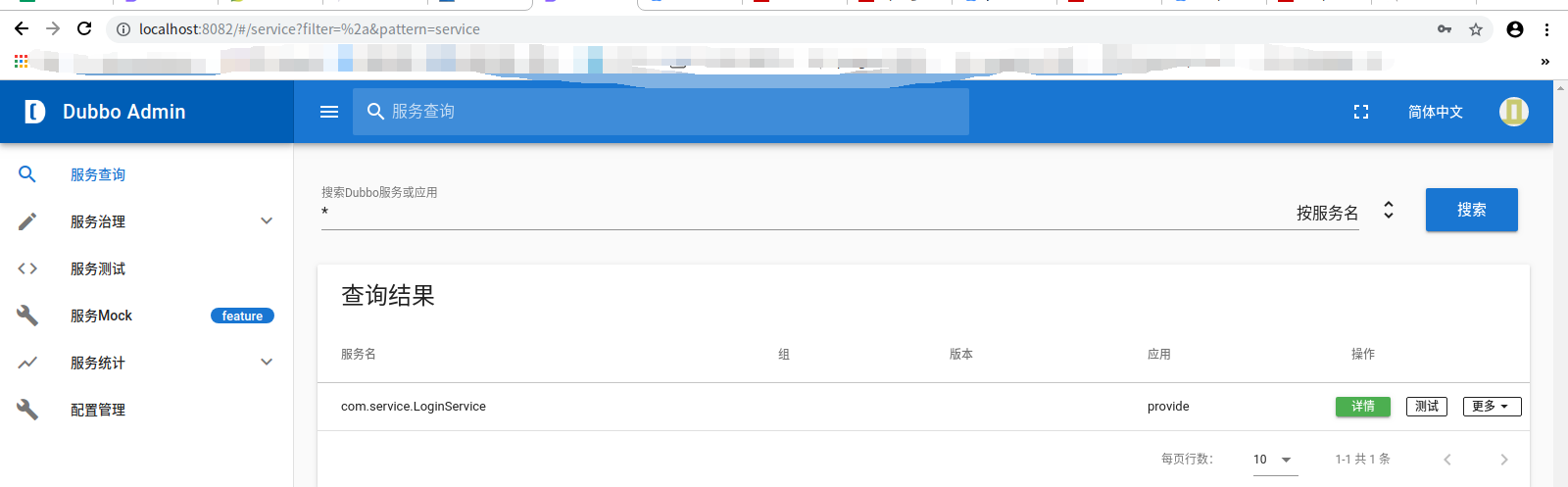
3测试:

 浙公网安备 33010602011771号