
Blazor第三方组件-BootstrapBlazor
1 安装组件模板
dotnet new Bootstrap.Blazor.Templates::*
2 使用Nuget包
2.1 添加:BootstrapBlazor和BootstrapBlazor.FontAwesome
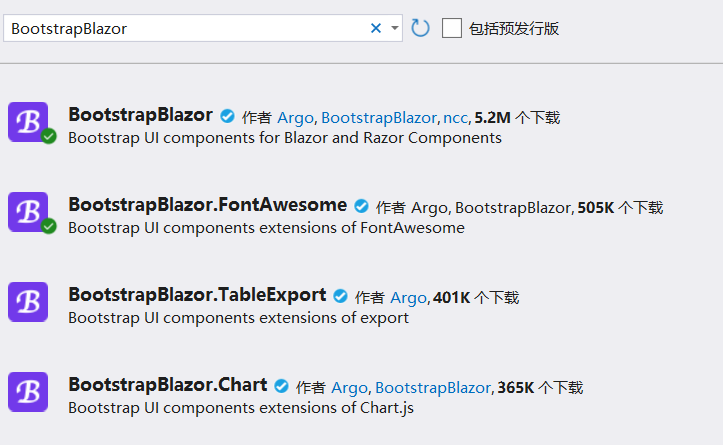
或者: dotnet add package BootstrapBlazor
2.2 在_Imports.razor组件中添加
@using BootstrapBlazor.Components
如:
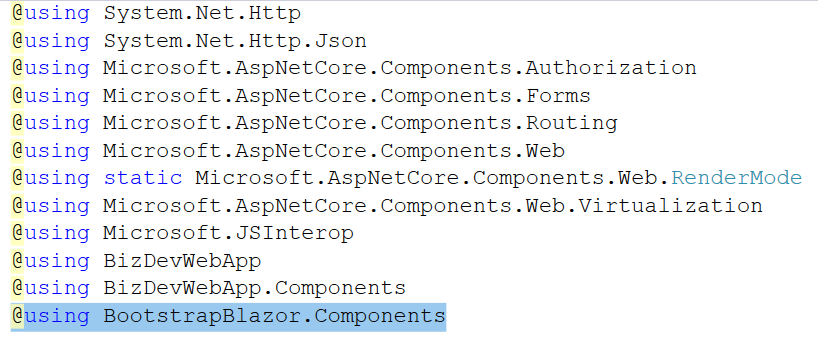
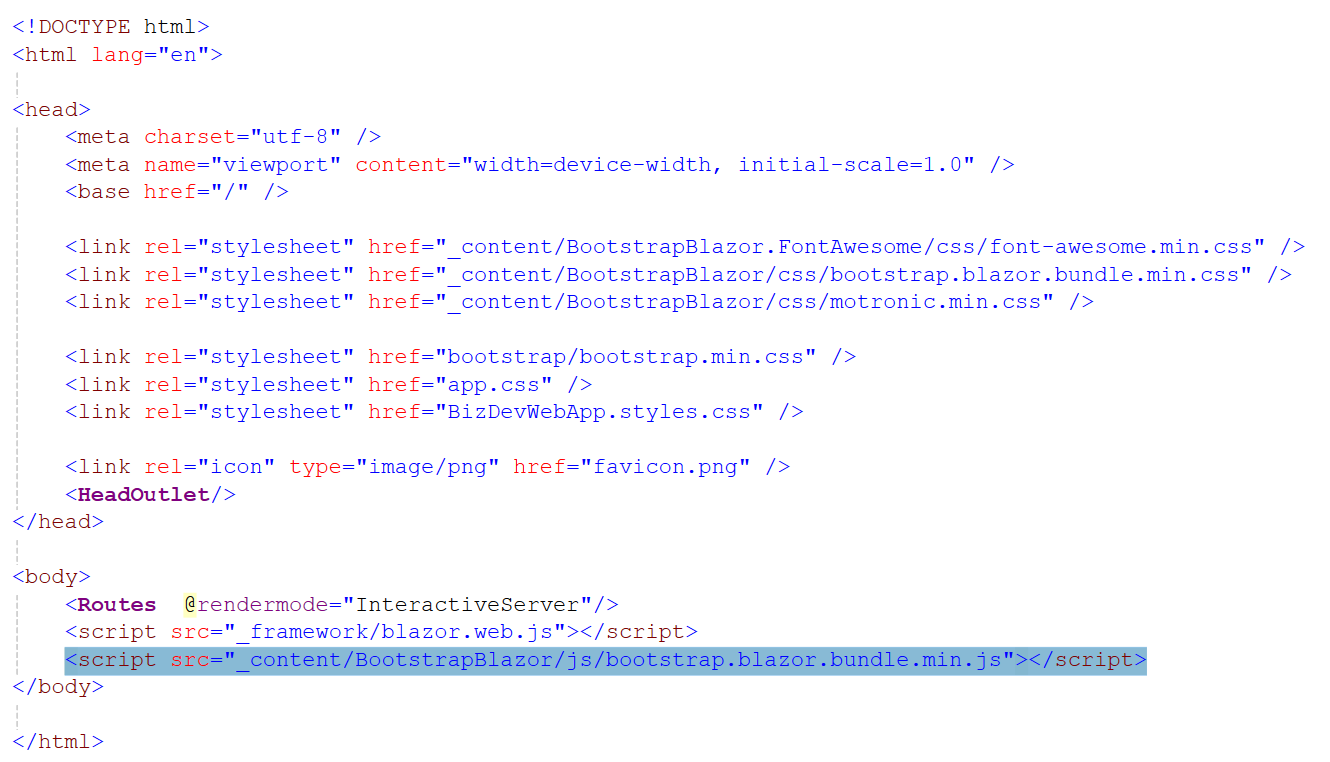
2.3 在App.razor中添加
 <link rel="stylesheet" href="_content/BootstrapBlazor.FontAwesome/css/font-awesome.min.css" />
 <link rel="stylesheet" href="_content/BootstrapBlazor/css/bootstrap.blazor.bundle.min.css" />
 <link rel="stylesheet" href="_content/BootstrapBlazor/css/motronic.min.css" />
<script src="_content/BootstrapBlazor/js/bootstrap.blazor.bundle.min.js"></script>
如下:
2.4 Program.cs注册服务
//BootstrapBlazor
builder.Services.AddBootstrapBlazor();
2.5 接下来就可以使用BootstrapBlazor提供的组件了,但特别要注意保证每个Razor组件都指定rendermode.
3 组件启用或禁用预呈献模式
@rendermode @(new InteractiveAutoRenderMode(prerender:false))
@rendermode @(new InteractiveAutoRenderMode(prerender:true))

 浙公网安备 33010602011771号