
SAPUI5 Walkthrough Step 10: Descriptor for Applications
https://sapui5.hana.ondemand.com/#/topic/8f93bf2b2b13402e9f035128ce8b495f
现在我们将程序配置相关的代码再次封装,统一放到manifest.json文件中。来达到配置和代码的深度分离
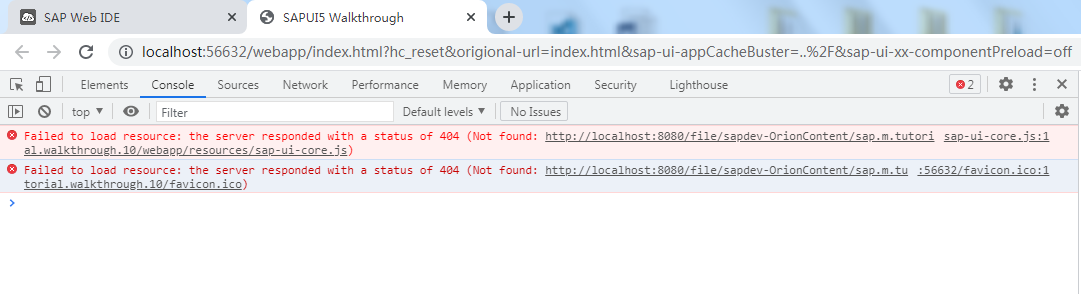
按照文档修改后, 程序执行报错。在浏览器中按F12,查看错误信息。 不知道如何解决
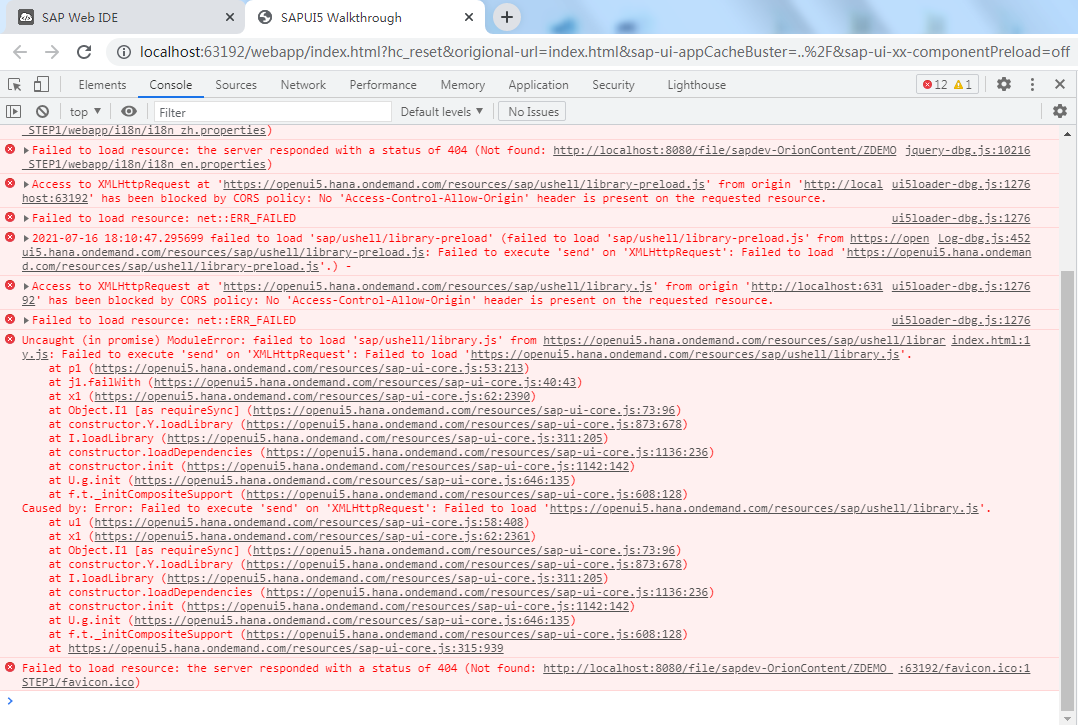
下载sap的源码也无法执行,同样有问题
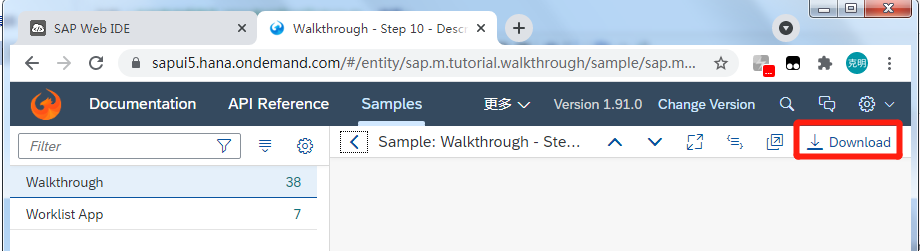
sap源码下载地址在下面网址, 打开后点击右上方的 Download按钮下载
https://sapui5.hana.ondemand.com/#/entity/sap.m.tutorial.walkthrough/sample/sap.m.tutorial.walkthrough.10
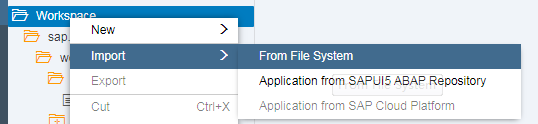
下载后我们得到一个zip压缩包, 选择Workspace,右键Import->From File System, 选择我们的zip压缩包。 导入即可
到这一步,我们使用WEBIDE来创建一个SAPUI5的项目, 并增加按钮和输入框
参考 SAPUI5 WEBIDE使用 来创建空项目,
为了和sap的demo保持一致, Project Name我们填: sap.ui.demo.walkthrough; View Name填: App
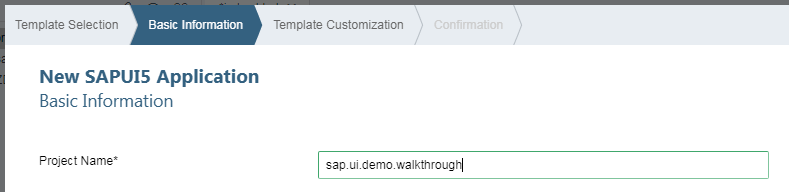
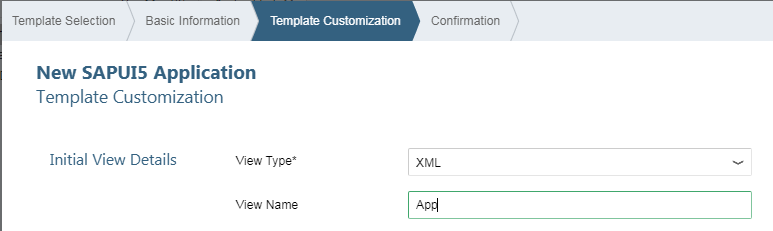
创建完成后执行,查看结果。
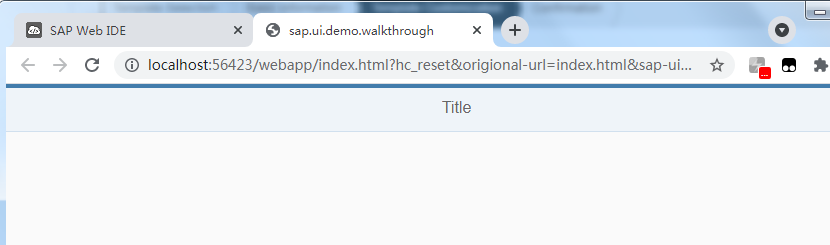
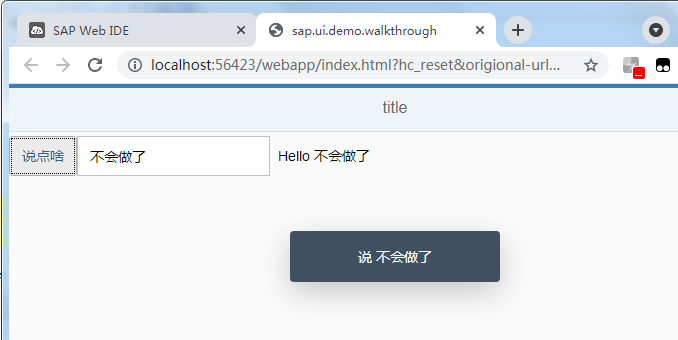
修改webapp/view/App.view.xml, 在视图上增加输入框和按钮
<mvc:View controllerName="sap.ui.demo.walkthrough.controller.App" xmlns:html="http://www.w3.org/1999/xhtml" xmlns:mvc="sap.ui.core.mvc"
    displayBlock="true" xmlns="sap.m">
    <App>
        <pages>
            <Page title="{i18n>title}">
                <content>
                    <Button text="{i18n>showHelloButtonText}"
                            press=".onShowHello" />
                    <Input value="{jsonModel>/recipient/name}"
                            description="Hello {jsonModel>/recipient/name}"
                            valueLiveUpdate="true"
                            width="50%" />
                </content>
            </Page>
        </pages>
    </App>
</mvc:View>
修改webapp/controller/App.controller.js,增加按钮点击事件onShowHello
sap.ui.define([
    "sap/ui/core/mvc/Controller",
    "sap/m/MessageToast"
], function(Controller, MessageToast) {
    "use strict";

    return Controller.extend("sap.ui.demo.walkthrough.controller.App", {

        onShowHello: function(){
            var oBundle = this.getView().getModel("i18n").getResourceBundle();
            var sRecipient = this.getView().getModel("jsonModel").getProperty("/recipient/name");
            var sMsg = oBundle.getText("helloMsg", [sRecipient]);
            MessageToast.show(sMsg);
        }
    });
});
修改webapp/i18n/i18n.properties, 增加对应的文本
# App Descriptor
appTitle=Hello World
appDescription=A simple walkthrough app that explains the most important concepts of SAPUI5

showHelloButtonText=说点啥
helloMsg=说 {0}
修改webapp/Component.js, 在init中,增加模型的设置
sap.ui.define([
    "sap/ui/core/UIComponent",
    "sap/ui/Device",
    "sap/ui/demo/walkthrough/model/models",
    "sap/ui/model/json/JSONModel"
], function(UIComponent, Device, models, JSONModel) {
    "use strict";
    return UIComponent.extend("sap.ui.demo.walkthrough.Component", {
        metadata: {
            manifest: "json"
        },

        init: function() {
            // call the base component's init function
            UIComponent.prototype.init.apply(this, arguments);
            // set the device model
            this.setModel(models.createDeviceModel(), "device");
            // 给Component组件 设置模型jsonModel
            var oJsonData = { recipient: { name: "World" } };
            var oJSONModel = new JSONModel(oJsonData);
            this.setModel(oJSONModel, "jsonModel");
        }
    });
});

 浙公网安备 33010602011771号