

初始pandas
1、数据的读取、索引和计算
导入csv文件
food_info=pd.read_csv("E:/test/pandas/food_info.csv")
查看其数据类型

查看每一列数据类型
print(food_info.dtypes)
查看数据等简单方法
food_info.head() food_info.tail() food_info.columns food_info.index
food_info.loc[0:3]
food_info.["列名"]
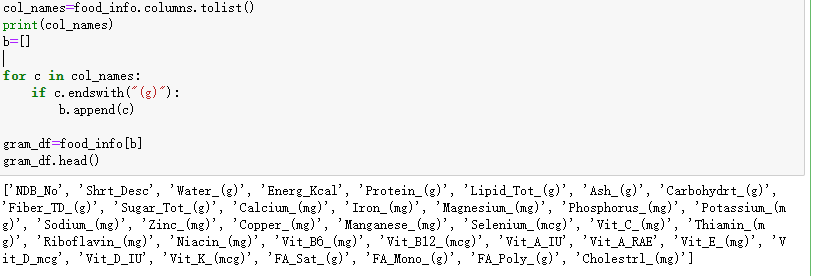
查询83条数据某列得值

简单计算方法
div_1000=food_info["Iron_(mg)"]/1000
food_info["Iron_(mg)"].max() 取最大值
2、数据的预处理
food_info.sort_values("Sodium_(mg)",inplace=True,ascending=False)
参数说明:
axis:0按照行名排序;1按照列名排序
level:默认None,否则按照给定的level顺序排列---貌似并不是,文档
ascending:默认True升序排列;False降序排列
inplace:默认False,否则排序之后的数据直接替换原来的数据框
kind:默认quicksort,排序的方法
na_position:缺失值默认排在最后{"first","last"}
by:按照那一列数据进行排序,但是by参数貌似不建议使用
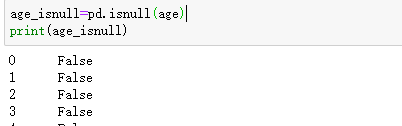
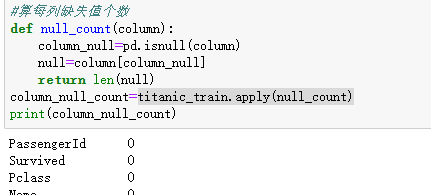
判断是否为空,是则为True反之为False
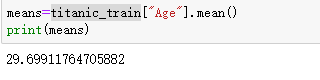
求均值
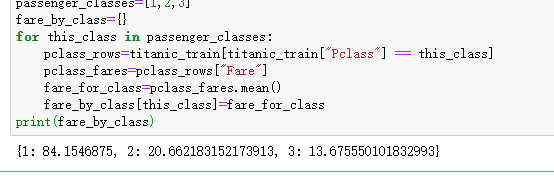
列:求不同仓位均价Pclass代表仓位
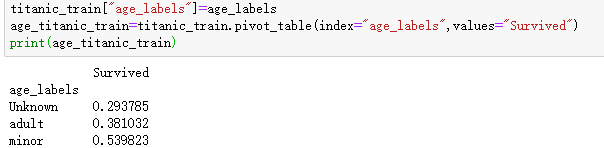
数据透视表


删除含有空值数据

自定义函数引用apply
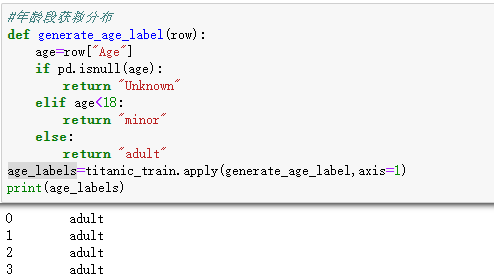
可以根据新加的年龄段用数据透视表展示获救概率
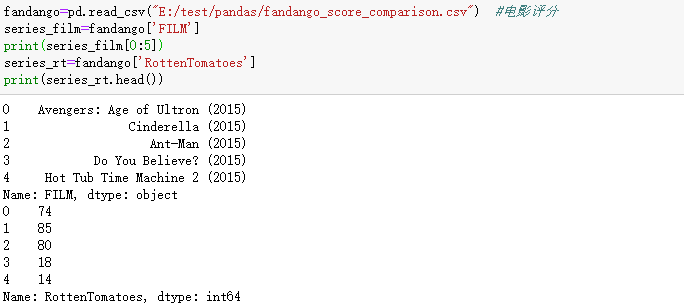
3、Series结构
取单个列并组合
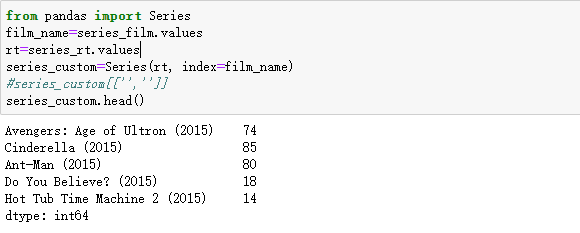
按电影名称排序
ori_index=series_custom.index.tolist()
sorted_index=sorted(ori_index)
sorted_by_index=series_custom.reindex(sorted_index)
#将电影名作为index
fandango_test=pd.read_csv("E:/test/pandas/fandango_score_comparison.csv") #电影评分
fandango_test=fandango_test.set_index('FILM', drop=False)
fandango_test.head()
#找出float列数据
type=fandango_test.dtypes
float_columns=type[type.values == 'float64'].index #找出float列数据
float_df = fandango_test[float_columns]
rt_mt_user=float_df[['RT_user_norm','Metacritic_user_nom']]
rt_mt_user.apply(lambda x: np.std(x), axis=1)#求标准差

 浙公网安备 33010602011771号