
iOS app 自动化测试_XCTest_真机录制(回放报错还没搞定,待续)
Step1. Install WDA(真机调试需要WDA的支持)
Step2. 安装依赖库,同时使用npm 打包响应的js 文件
go to WDA directory, and run ./Scripts/Bootstrap.sh, got error: make sure you have carthage installed
Note: Install carthage as below:
Step2.1 brew install carthage
Step2.2 npm install -g ios-deploy
Step2.3 gem install xcpretty
Step2.4 ./Scripts/Bootstrap.sh
Step3. Create project > Singal View App > Santos project
Step4: Go to Santos project > General > Signing, select katierong121@163.com
Step5. Go to iphone, do Settings > General > Device > Trust katierong121@163.com
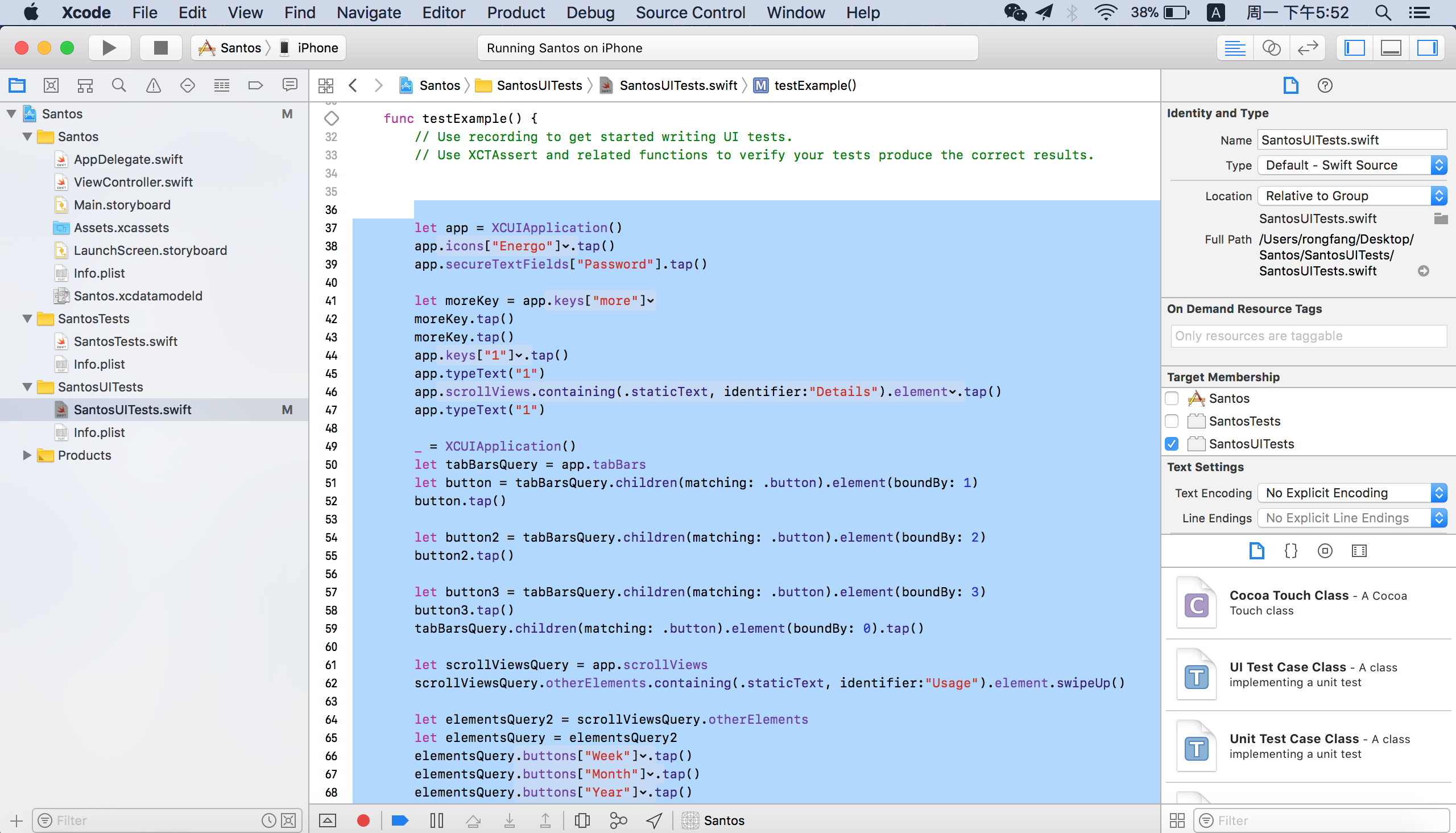
Step6. Go to Santos project > SantosUITests, 光标定位到function里面,点击录制
https://github.com/appium/appium-xcuitest-driver#external-dependencies真机brew install libimobiledevicegem install xcprettynpm install -g ios-deploybrew install carthage
Picture_Step1:

 浙公网安备 33010602011771号