docker 中构建PHP环境
1. 从镜像源中pull 到对应的服务版本
2.新建一个文件夹
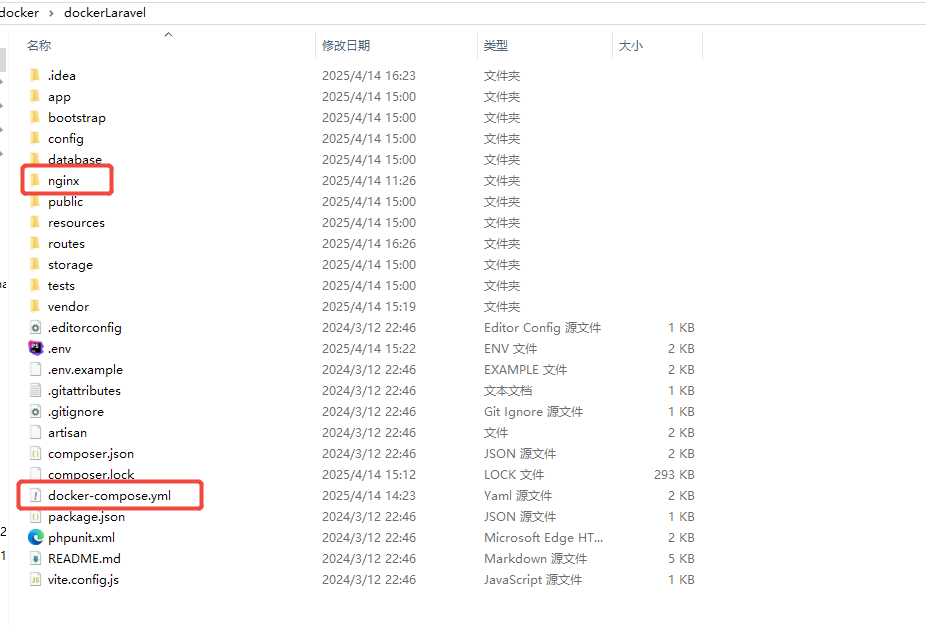
3.配置nginx
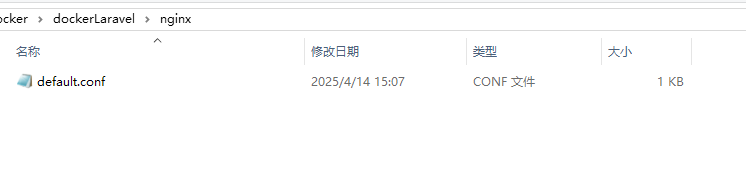
4.default.conf 文件中的内容
server {
    listen 80;
    index index.php index.html;
    server_name laravelaa.cn;
    root /var/www/public;

    location / {
        try_files $uri $uri/ /index.php?$query_string;
    }

    location ~ \.php$ {
        include fastcgi_params;
        fastcgi_pass app:9000;
        fastcgi_param SCRIPT_FILENAME $realpath_root$fastcgi_script_name;
        fastcgi_param DOCUMENT_ROOT $realpath_root;
        internal;
    }

    location ~ /\.ht {
        deny all;
    }
}
5. docker-compose.yml 中的内容
version: '3.8'

services:
  app:
    image: php:8.2-fpm
    container_name: laravel-app
    working_dir: /var/www
    volumes:
      - ./:/var/www
    networks:
      - laravel

  web:
    image: nginx:alpine
    container_name: laravel-web
    ports:
      - "8081:80"
    volumes:
      - ./:/var/www
      - ./nginx/default.conf:/etc/nginx/conf.d/default.conf
    depends_on:
      - app
    networks:
      - laravel

  mysql:
    image: mysql:8
    container_name: laravel-db
    ports:
      - "3307:3306"
    environment:
      MYSQL_ROOT_PASSWORD: root
      MYSQL_DATABASE: laravel
      MYSQL_USER: laravel
      MYSQL_PASSWORD: secret
    volumes:
      - mysql_data:/var/lib/mysql
    networks:
      - laravel

  composer:
    image: composer:latest
    container_name: laravel-composer
    working_dir: /var/www
    volumes:
      - ./:/var/www
    command: install
    networks:
      - laravel

volumes:
  mysql_data:

networks:
  laravel:
    driver: bridge
6.启动容器
docker-compose up -d
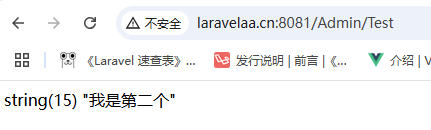
7. 访问浏览器(根据配置)
http://laravelaa.cn:8081
8. 结果 (正常访问)

 浙公网安备 33010602011771号