
Centos7(Liunx)安装PHP7.4版本(remi)
安装源
yum install epel-release
rpm -ivh http://rpms.famillecollet.com/enterprise/remi-release-7.rpm
安装php74
yum --enablerepo=remi install php74-php
安装所需扩展
yum --enablerepo=remi install php74-php php74-php-gd php74-php-xml php74-php-sockets php74-php-session php74-php-snmp php74-php-mysql
查看安装情况
#运行并查看版本
php74 -v
#重启命令php-fpm
systemctl restart php74-php-fpm
#添加自动启动
systemctl enable php74-php-fpm
#查看php7.4的安装路径
whereis php
#链接php文件
ln -s /opt/remi/php74/root/usr/bin/php /usr/bin/php
其他配置、fpm配置
# The current PHP memory limit is below the recommended value of 512MB.
vi /etc/opt/remi/php74/php.ini
memory_limit = 512M

#如果你运行的是nginx而不是apache,修改
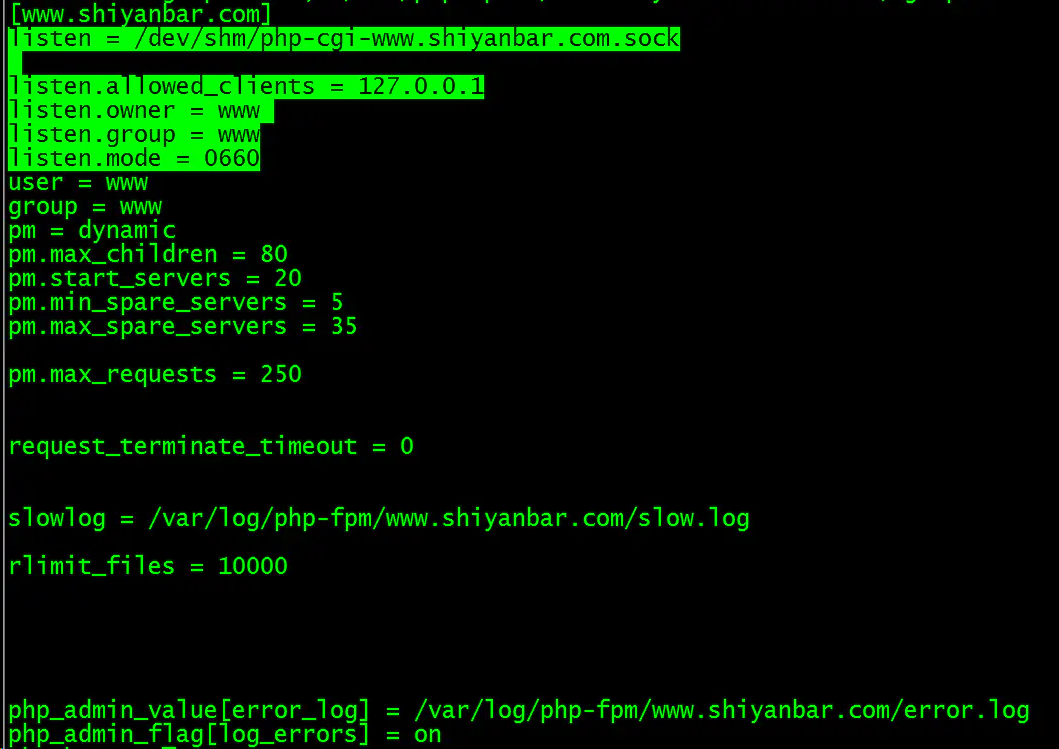
vi /etc/opt/remi/php74/php-fpm.d/www.conf
user = apache
group = apache
# Replace the values with
user = nginx
group = nginx
注意user、group
需要与nginx所用相同
参照:https://mefj.com.cn/lur2727.html
配置gate

注意两者高亮部分(user、group)

 浙公网安备 33010602011771号