
用jq写过后想起来初学vue也写过,想了想思路挺简单,
于是乎,
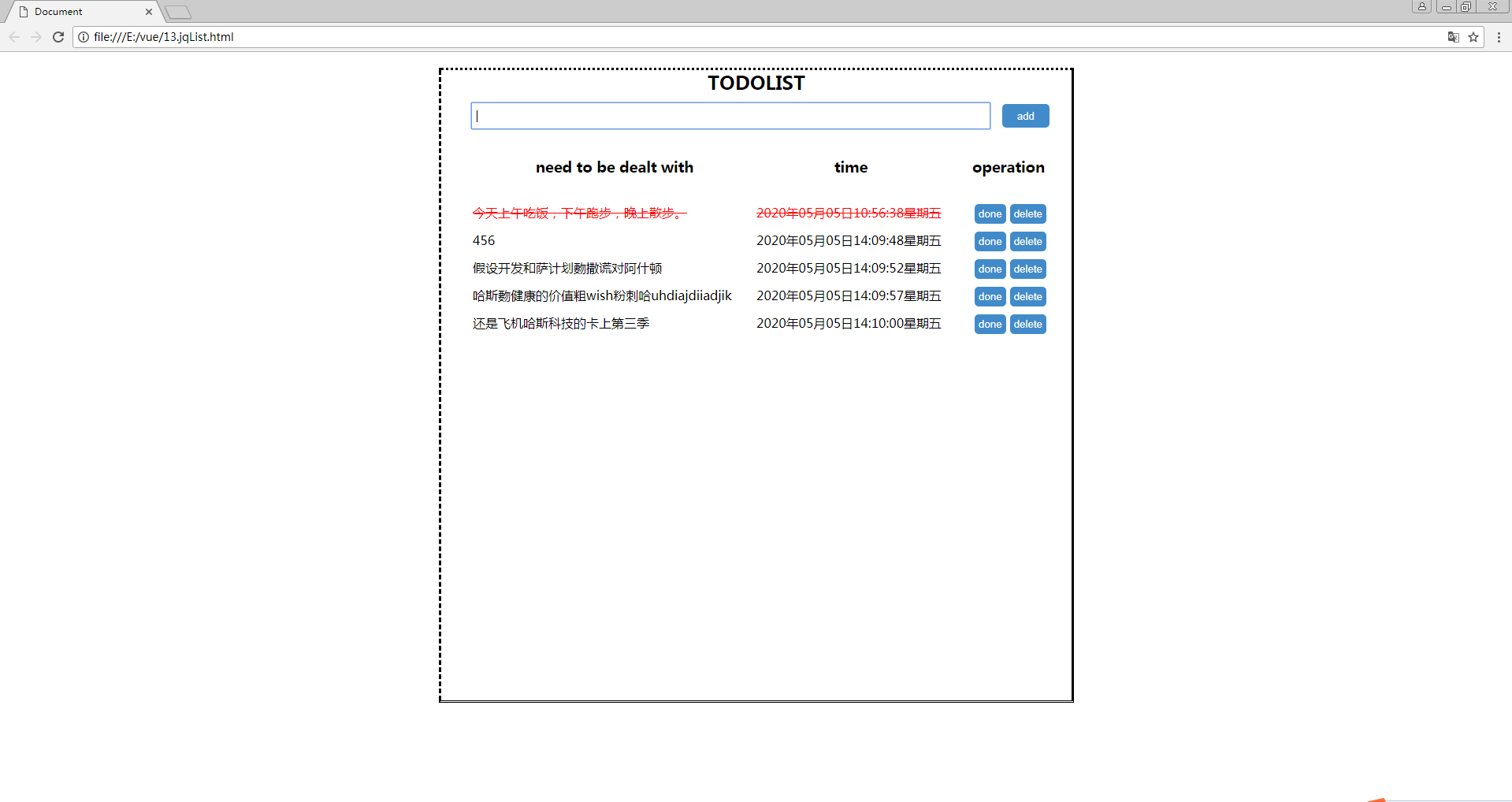
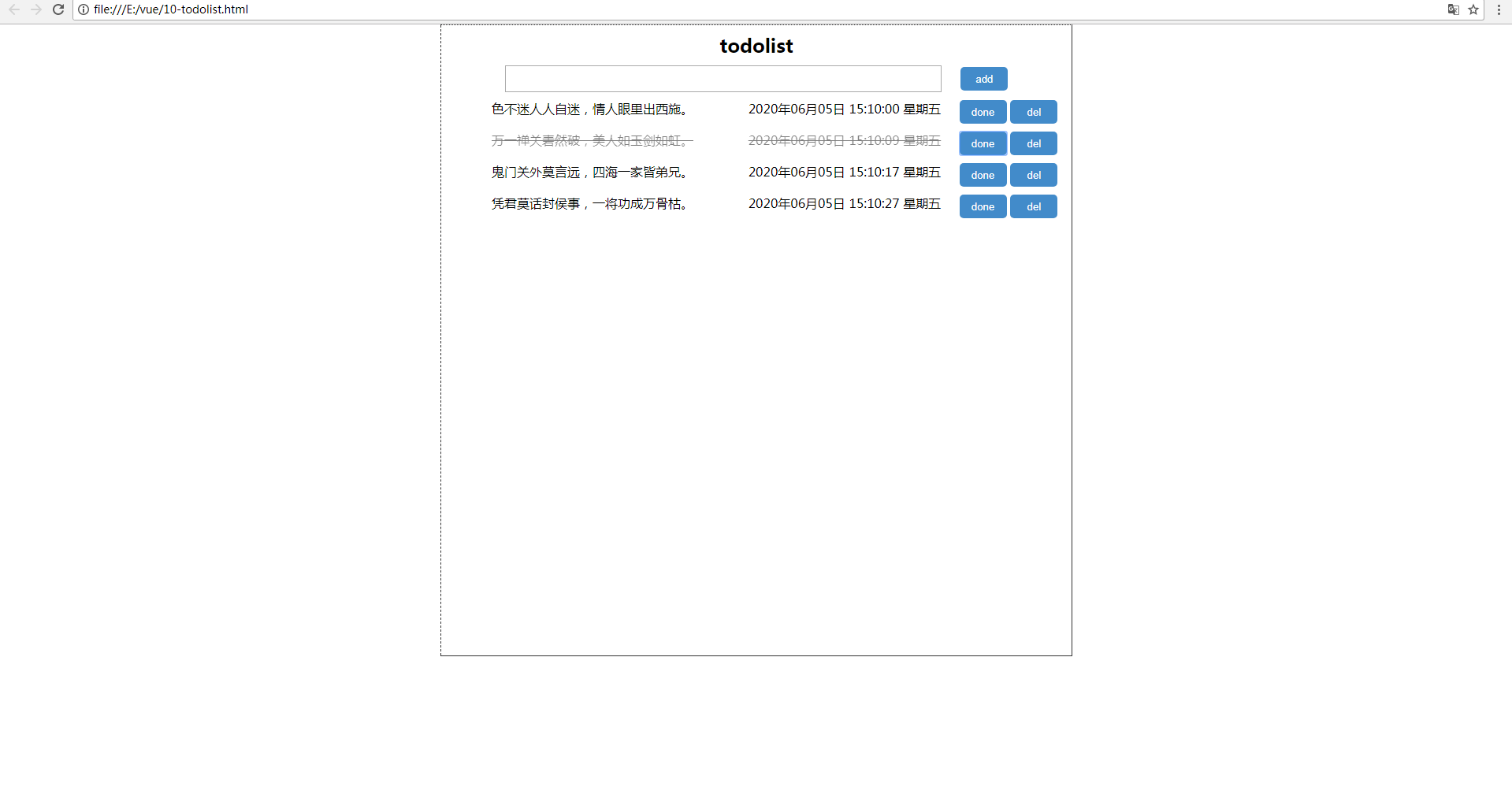
花几十分钟也搞了一个,搓搓小手,先看看效果图吧(第一个jq的,第二个vue的)。
<!DOCTYPE html>
<html lang="en">

<head>
    <meta charset="UTF-8">
    <meta name="viewport" content="width=device-width, initial-scale=1.0">
    <meta http-equiv="X-UA-Compatible" content="ie=edge">
    <title>Document</title>
    <style>
        * {
            margin: 0;
            padding: 0;
            list-style: none;
        }

        #app {
            width: 800PX;
            height: 800px;
            margin: 0 auto;
            border: #333333 1px solid;
            text-align: center;
            border-style: dotted solid double dashed;
        }

        .title {
            margin: 10px 0;
        }

        .finish {
            text-decoration: line-through;
            opacity: .5;
        }

        .uls {
            margin-top: 10px;
        }

        .uls li {
            display: flex;
            margin: 10px 0;
        }

        .uls li span:nth-child(1){
            width:48%;
        }
        .uls li span:nth-child(2){
            width: 32%;
        }
        .but{
            width: 20%;
        }
        input {
            width: 550px;
            height: 30px;
        }

        button {
            width: 60px;
            height: 30px;
            border-radius: 5px;
            border: none;
            color: #fff;
            background-color: #428bca;
        }
        .add{
            margin-left: 20px;
        }
    </style>
</head>

<body>
    <div id="app">
        <h2 class="title">todolist</h2>
        <input type="text" v-model="inputVal" @keyup.enter="add">
        <button @click="add" class="add">add</button>
        <ul class="uls">
            <li v-for="(todo,index) in list" :key="index">
                <!-- <input type="checkbox"> -->
                <span :class="{'finish':todo.finish}">{{todo.text}}</span>
                <span :class="{'finish':todo.finish}">{{todo.time}}</span>
                <div class="but">
                    <button @click="remove(todo)">del</button>
                    <button @click="dones(todo)">done</button>
                </div>

            </li>
        </ul>
    </div>
    <script src="https://cdn.bootcss.com/vue/2.6.10/vue.js"></script>
    <script src="./timer.js"></script>
    <script>
        function set(key, val) {
            localStorage.setItem(key, JSON.stringify(val));
        }
        function get(key) {
            return JSON.parse(localStorage.getItem(key));
        }
        // 本地储存
        var myStorage = {
            set: set,
            get: get
        };
        new Vue({
            el: '#app',
            data: {
                inputVal: "",
                time: "",
                flag: false,
                list: []
            },
            methods: {
                // 添加
                add() {
                    //非空校验
                    if (this.inputVal == "") {
                        return
                    }
                    this.time = getTimer();
                    this.list.push({ text: this.inputVal, time: this.time, finish: this.flag });
                    this.inputVal = "";
                    this.time = "";
                },
                // 移除
                remove(todo) {
                    console.log(todo)
                    console.log(this.list)
                    this.list.splice(this.list.indexOf(todo), 1)
                },
                //已完成
                dones(todo) {
                    this.list[this.list.indexOf(todo)].finish = true;
                }
            },
            watch: {
                // 监听
                list: {
                    deep: true,
                    // immediate: true,  //刷新加载 立马触发一次handler
                    handler: function (newVal, oldVal) {
                        console.log(newVal, oldVal)
                        if (newVal) {
                            myStorage.set('list', newVal)
                        } else {
                            myStorage.set('list', oldVal)
                        }
                    }
                }
            },
            mounted: function () {
                // 页面初始化
                this.list = myStorage.get('list') || [];
                // console.log(this.list)
            },

        })
    </script>
</body>

</html>
对于时间也做了下封装,之前用jq写的忘了每个月还要+1,
还是整个timer.js方便,想用就引用下。
function getTimer() {
    var now = new Date();
    var year = now.getFullYear(); //得到年份
    var month = now.getMonth();//得到月份
    var date = now.getDate();//得到日期
    var day = now.getDay();//得到周几
    var hour = now.getHours();//得到小时
    var minu = now.getMinutes();//得到分钟
    var sec = now.getSeconds();//得到秒
    var MS = now.getMilliseconds();//获取毫秒
    var week;
    month = month + 1;
    if (month < 10) month = "0" + month;
    if (date < 10) date = "0" + date;
    if (hour < 10) hour = "0" + hour;
    if (minu < 10) minu = "0" + minu;
    if (sec < 10) sec = "0" + sec;
    if (MS < 100) MS = "0" + MS;
    var arr_week = new Array("星期日", "星期一", "星期二", "星期三", "星期四", "星期五", "星期六");
    week = arr_week[day];
    var time = "";
    time = year + "年" + month + "月" + date + "日" + " " + hour + ":" + minu + ":" + sec + " " + week;
    return time;
}
相比较而言,思路是一样的,
vue写todolist代码还是比较简洁的,基本几行代码完事,
jq来写代码就比较多了,
vue还是带劲点哈,下次用桌面应用vue+electron+node.js搞个todolist玩玩吧。

 浙公网安备 33010602011771号