
VScode设置用户代码片段快捷方式
一、创建步骤
a、

b、
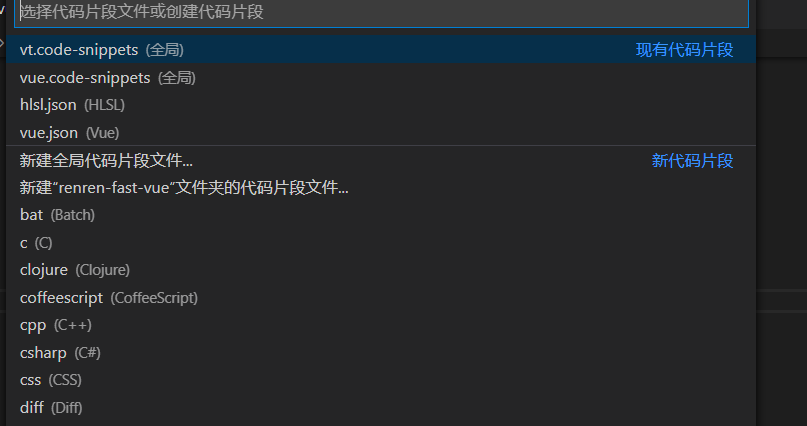
二、创建模板
{
"生成vue模板": {
"prefix": "vue",
"body": [
"",
"",
"$5",
"",
"",
"",
""
],
"description": "Log output to console"
},
"http-get请求": {
"prefix": "httpget",
"body": [
"this.\$http({",
"url: this.\$http.adornUrl(''),",
"method: 'get',",
"params: this.\$http.adornParams({})",
"}).then(({data}) => {",
"})"
],
"description": "httpGET请求"
},
"http-post请求": {
"prefix": "httppost",
"body": [
"this.\$http({",
"url:this.\$http.adornUrl(''),",
"method: 'post',",
"data: this.\$http.adornData(data, false)",
"}).then(({ data }) => { });"
],
"description": " httpPOST请求"
}
}

 浙公网安备 33010602011771号