2021/12/24 12:01
平安夜,天冷,屋里很热
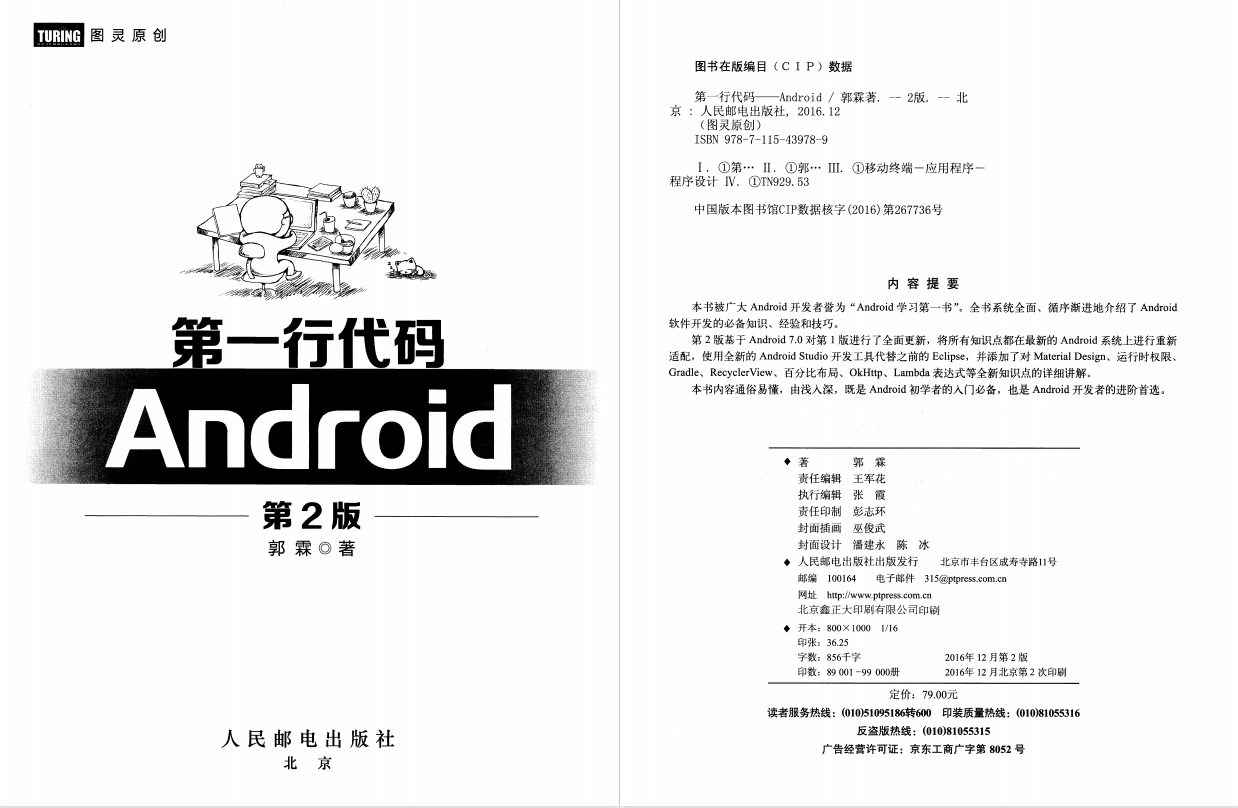
昨天睡前再B站找到了一本免费的书——《第一行代码》(PDF格式),来自B站UID:88710744 的用户——我毕竟不是恶魔“我毕竟不是恶魔的个人空间_哔哩哔哩_bilibili”在“Android开发从入门到精通(项目案例版)_哔哩哔哩_bilibili”视频下的评论所提供,万分感谢这位大佬提供个帮助。这本书属于是Android开发新手的第一本书了。
也非常感谢书本的作者郭霖老师(了解到这位是一位csdn的大佬编的书,莫名的亲切),作者为此书的一版和二版的更新真的是下了不少心思。
![]()
接下来正文开始
今天是第二天的学习
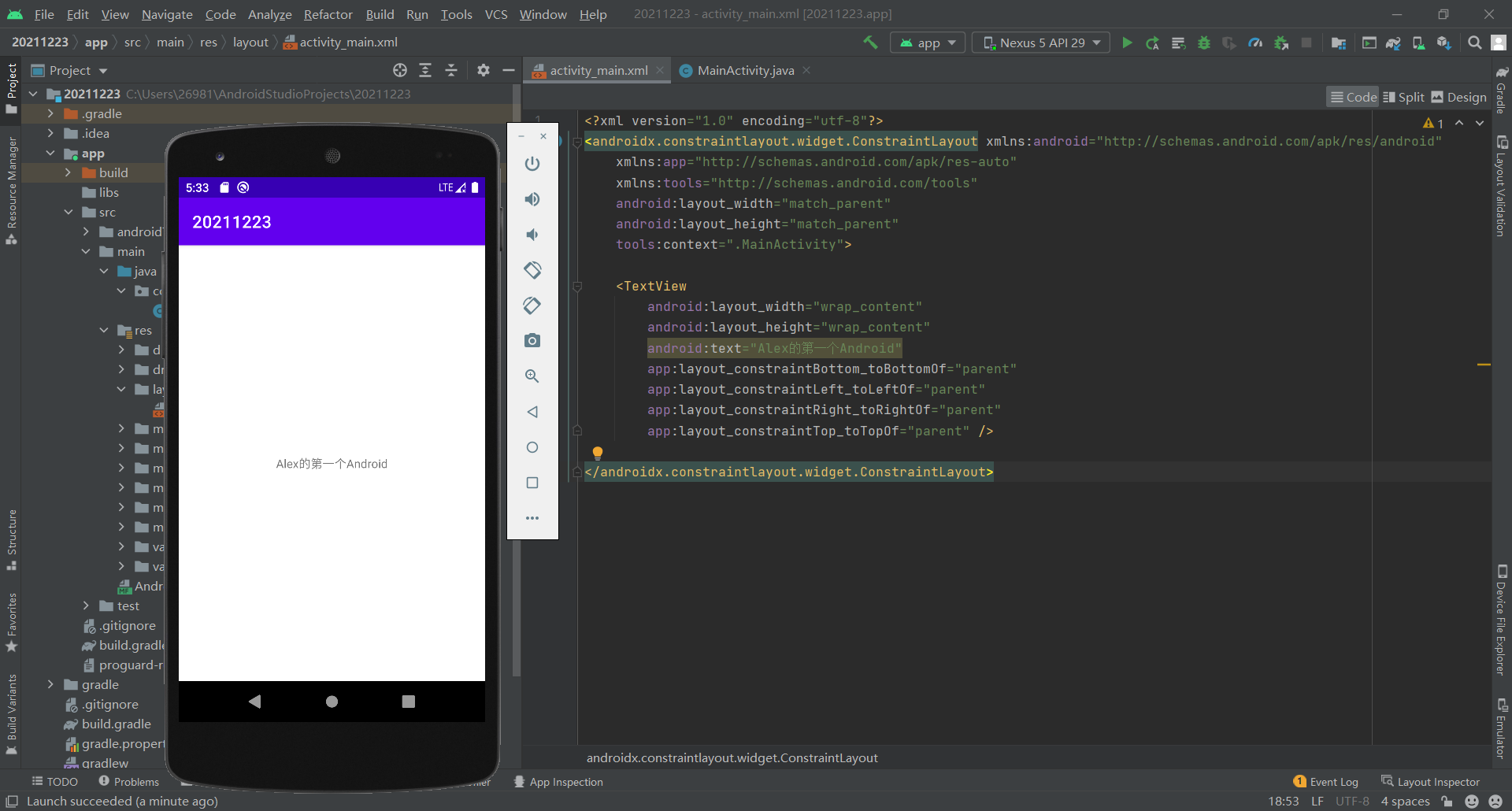
这里我创建了虚拟机,并成功运行,但是虚拟机时Google的nexus,我不太会用
![]()
编写代码前首先需要了解编译器的使用,比如常用快捷键的使用,就在这里咯(79条消息) AndroidStudio 快捷键整理大全_MRYZJ的博客-CSDN博客
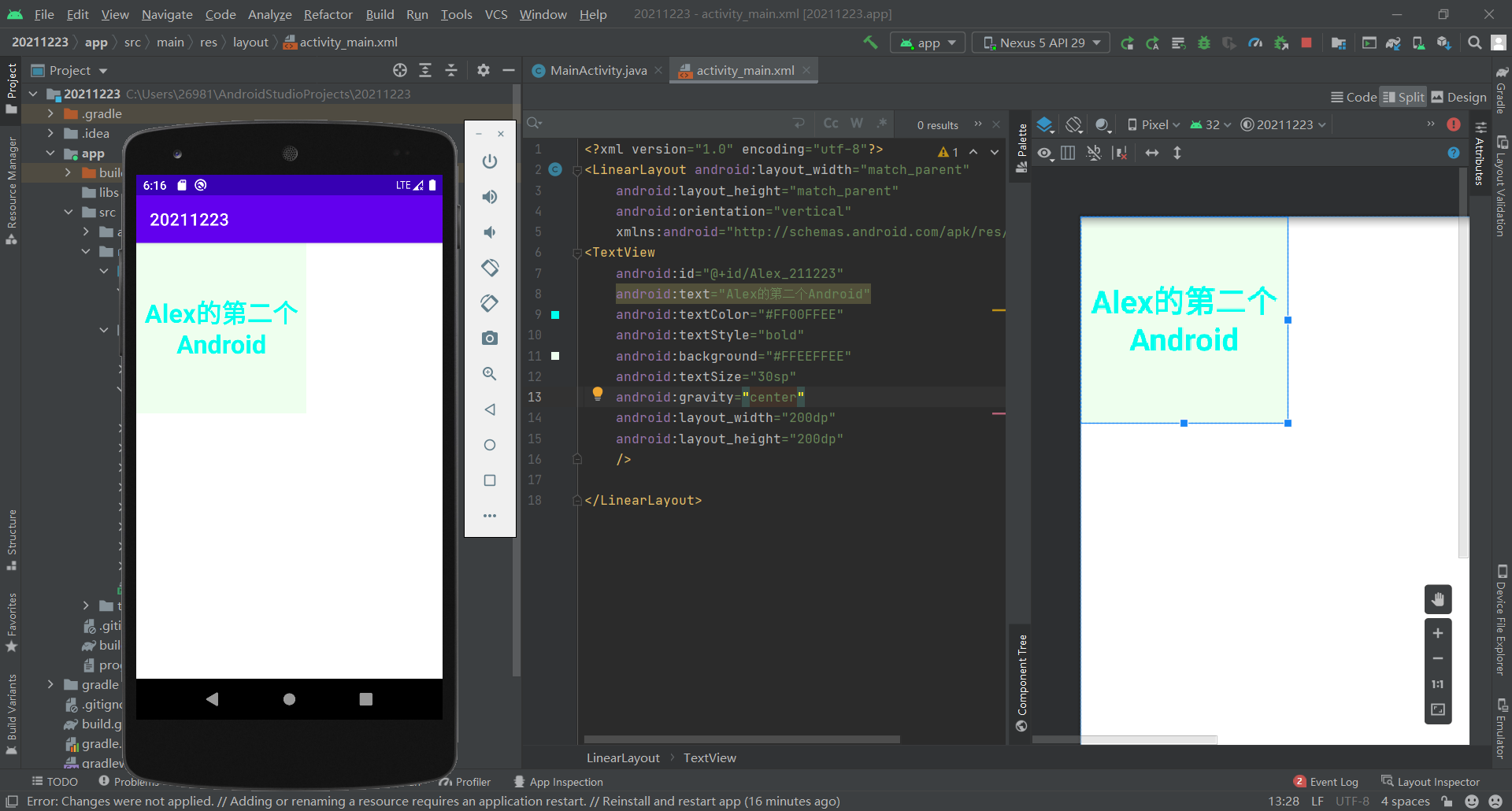
在对activity_main.xml文件进行修改后对文本显示产生了变化
![]()
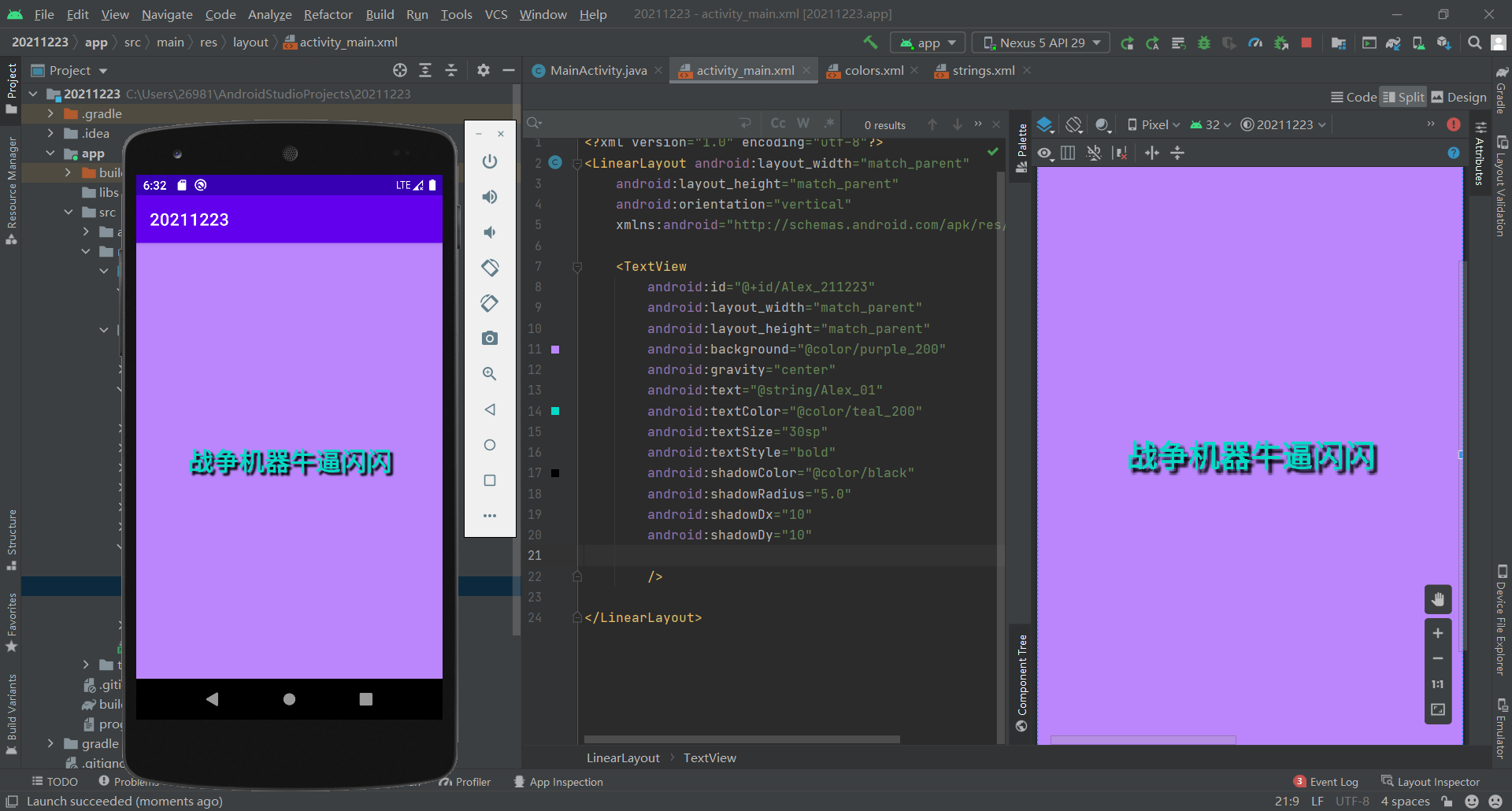
后来了解到这样写不是很正规,需要在value文件下的strings.xml中进行string类定义
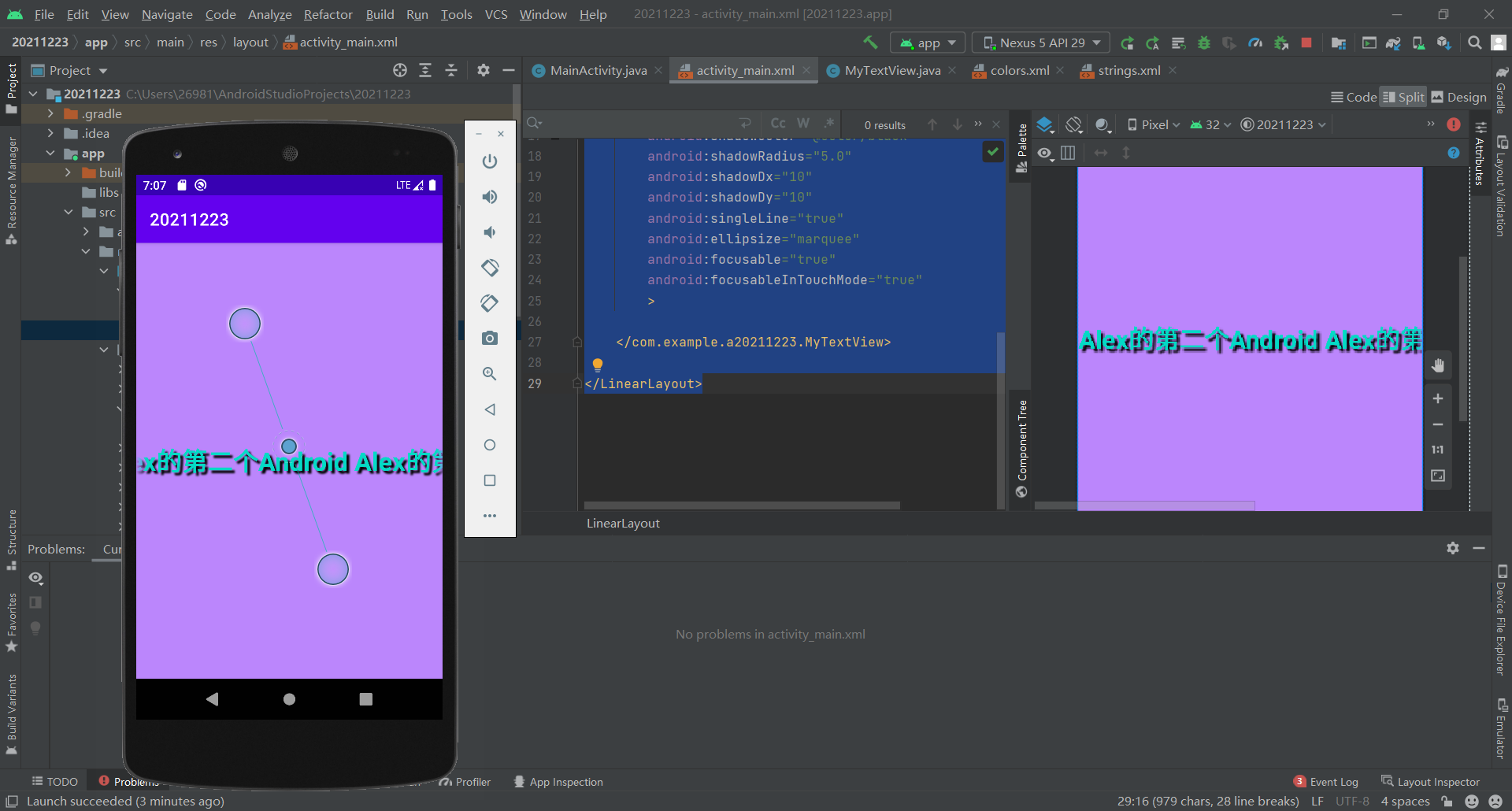
并进行了阴影之类的修改
![]()
自动滚屏Java代码编写.MyTextView
package com.example.a20211223;

import android.content.Context;
import android.util.AttributeSet;
import android.widget.TextView;

import androidx.annotation.Nullable;

public class MyTextView extends TextView {
    public MyTextView(Context context) {
        super(context);
    }

    public MyTextView(Context context, @Nullable AttributeSet attrs) {
        super(context, attrs);
    }

    public MyTextView(Context context, @Nullable AttributeSet attrs, int defStyleAttr) {
        super(context, attrs, defStyleAttr);
    }

    @Override
    public boolean isFocused() {
        return true;
    }
}
|
activity_main.xml中的编写
<?xml version="1.0" encoding="utf-8"?>
<LinearLayout android:layout_width="match_parent"
    android:layout_height="match_parent"
    android:orientation="vertical"
    xmlns:android="http://schemas.android.com/apk/res/android">

    <com.example.a20211223.MyTextView
        android:id="@+id/Alex_211223"
        android:layout_width="match_parent"
        android:layout_height="match_parent"
        android:background="@color/purple_200"
        android:gravity="center"
        android:text="@string/Alex_211224"
        android:textColor="@color/teal_200"
        android:textSize="30sp"
        android:textStyle="bold"
        android:shadowColor="@color/black"
        android:shadowRadius="5.0"
        android:shadowDx="10"
        android:shadowDy="10"
        android:singleLine="true"
        android:ellipsize="marquee"
        android:focusable="true"
        android:focusableInTouchMode="true"
        >

    </com.example.a20211223.MyTextView>

</LinearLayout>
|
效果图![]()
总结:
今日进行了虚拟机的安装与使用,简单文本的输出,输出格式的转化
明日开始学习简单输入和简易计算器的制作,我能行!



 浙公网安备 33010602011771号