
SpringFramework源码导入过程
1.安装gradle 5.6.3 参考 https://blog.csdn.net/moxiaoya1314/article/details/79952937
2.从github下载SpringFramework源码
3.idea导入源码
4.配置gradle
5.配置成阿里云镜像
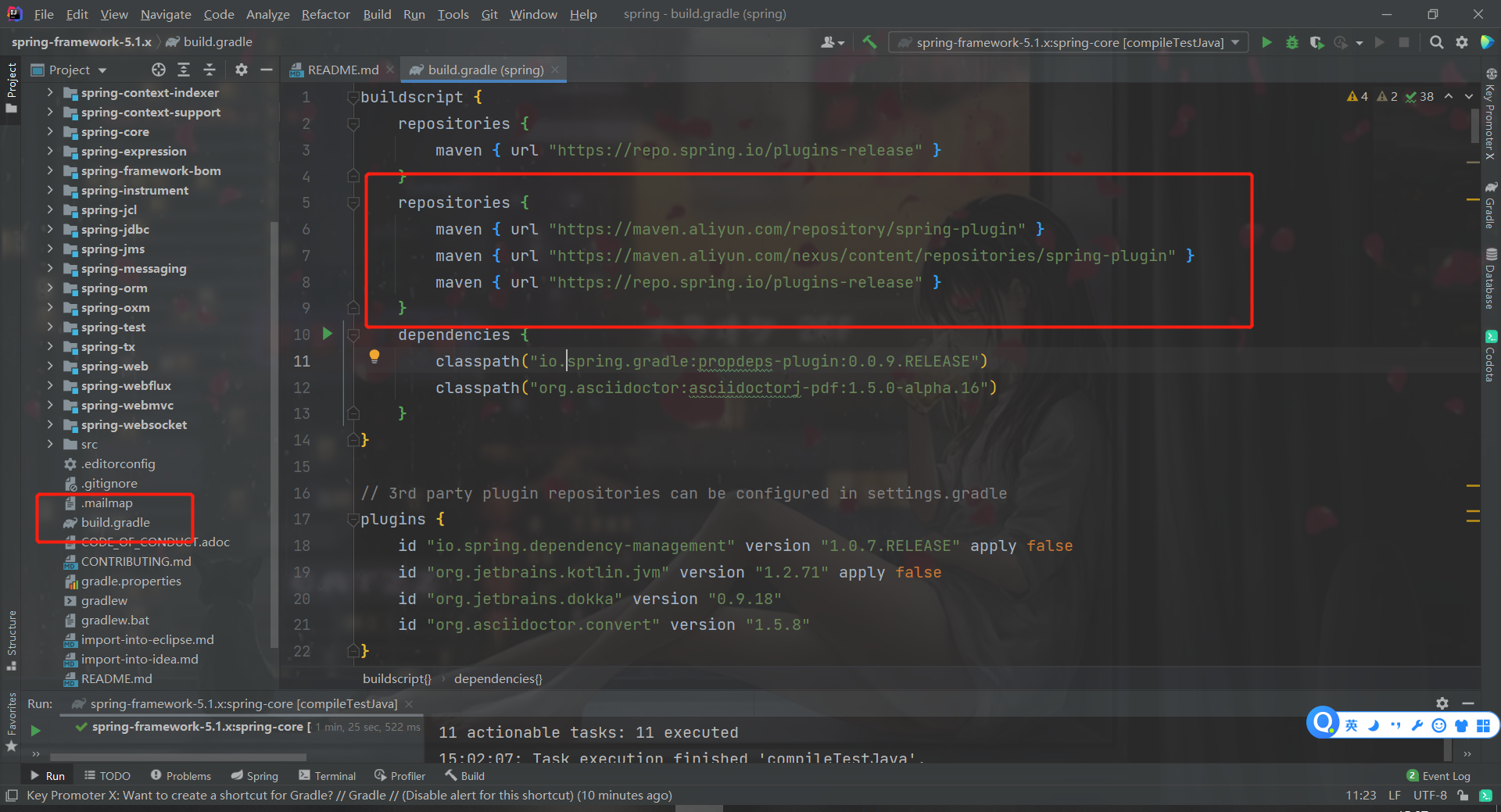
repositories {
   maven { url "https://maven.aliyun.com/repository/spring-plugin" }
   maven { url "https://maven.aliyun.com/nexus/content/repositories/spring-plugin" }
   maven { url "https://repo.spring.io/plugins-release" }
}

repositories {
        maven { url "https://maven.aliyun.com/repository/central" }
        maven { url "https://repo.spring.io/libs-release" }
        mavenLocal()
    }
下载时间过程中本文件会报红,不用管,下载完以后就正常了
6.编译工程
注意编译顺序 core——xom——context——beans——aspects——aop


7.编写测试类测试
8.报错或异常
1.Kotlin: Language version 1.1 is no longer supported; please, use version 1.2 or greater.
解决方式,每个模块都把1.1改成1.4

2.Kotlin: Cannot inline bytecode built with JVM target 11 into bytecode that is being built with JVM target 1.8. Please specify proper '-jvm-target' option
解决方式:没解决,电脑重启以后重新启动就好了,莫名其妙

3.
解决方式,百度
编辑spring-context模块的spring-context.gradle
将optional更新为compile
然后重新编译spring-context


 浙公网安备 33010602011771号