


SourceTree 启用/禁用 Mercurial
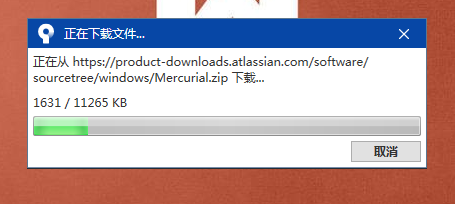
每次重新打开SourceTree都会重新下载Mercurial.zip文件就会浪费时间,所以直接禁用:Mercurial
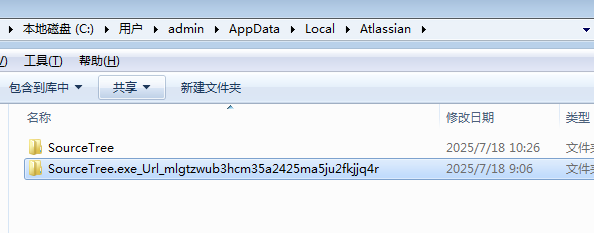
1、SourceTree配置文件路径:用户>admin>AppData>Local>Atlassian 打开下面文件夹
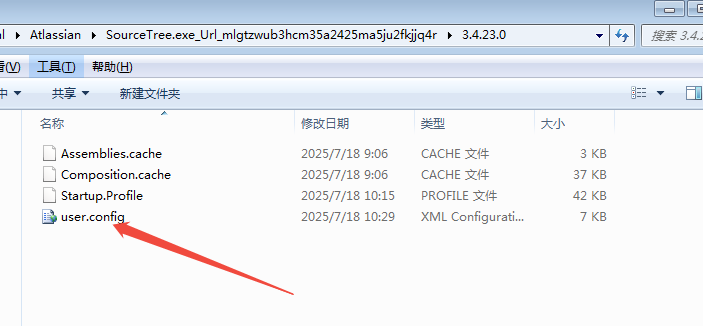
2、找到user.config这个文件,用记事本打开
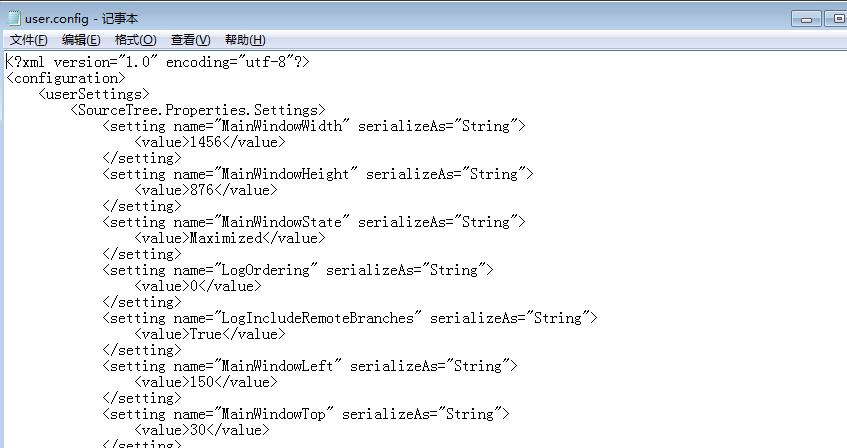
3、搜索"EnableGitSupport"标签名称,value字段就是启用/禁用Git功能,默认是True,我们暂时先不禁用git功能
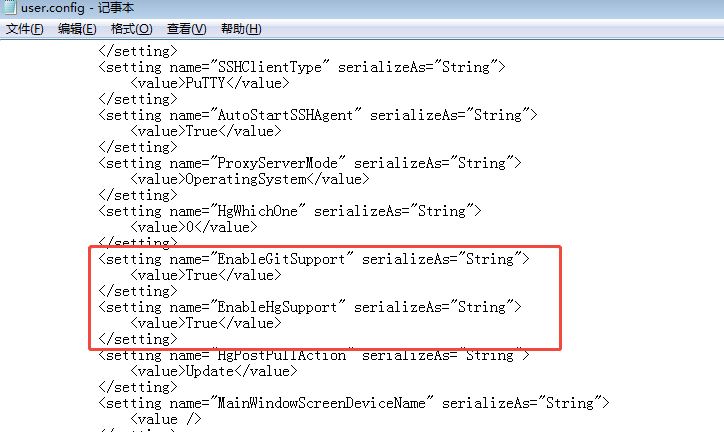
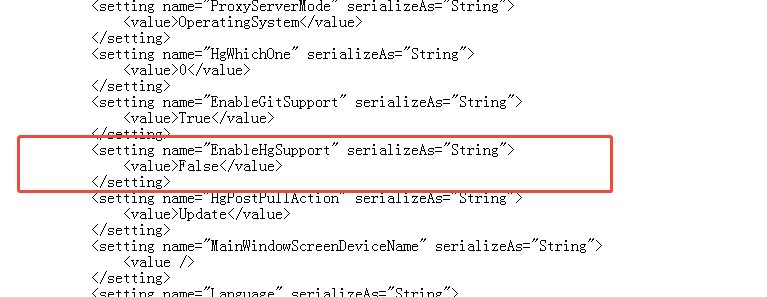
4、搜索"EnableHgSupport"标签名称,"value"设置为False,保存重启就可以了

 浙公网安备 33010602011771号