


Gazebo-Plugins
Tutorial:http://gazebosim.org/tutorials?cat=write_plugin
1.插件是指被编译成共享库并被插入到仿真中的一串代码
2.分为六种插件:
World
Model
Sensor
System
Visual
GUI
3.安装开发依赖文件
sudo apt-get install libgazebo6-dev
4.手写worldPlugin
继承WorldPlugin
Load()函数是必须的,用来接受SDF文件
GZ_REGISTER_WORLD_PLUGIN(WorldPluginTutorial) :使用宏(macro)在仿真器上注册这个插件
export GAZEBO_PLUGIN_PATH=${GAZEBO_PLUGIN_PATH}:~/gazebo_plugin_tutorial/build 将库文件写到环境变量中(只在当前bash中有效,若要在所有bash中有效,必须添加到~/.bashrc)
5.使用
写一个.world文件,添加插件,只要插件在环境变量中,gazebo便能找到。代码如下:
<?xml version="1.0"?>
<sdf version="1.4">
  <world name="default">
    <plugin name="hello_world" filename="libhello_world.so"/>
  </world>
</sdf>
执行命令: gzserver ~/gazebo_plugin_tutorial/hello.world --verbose
结果:
Gazebo multi-robot simulator, version 9.0.0
Copyright (C) 2012 Open Source Robotics Foundation.
Released under the Apache 2 License.
http://gazebosim.org

[Msg] Waiting for master.
[Msg] Connected to gazebo master @ http://127.0.0.1:11345
[Msg] Publicized address: 172.26.155.158
Hello World!
6.手写modelPlugin
插件可以访问到model中的所有元素(link,joint,collision等)
this->model->SetLinearVel(ignition::math::Vector3d(.3, 0, 0));
gzserver -u model_push.world(以静止状态启动gzserver)
7.手写控制世界中的物体脚本
可以实现让设置物体的重力(悬浮也是可以实现的),脚本中创建了一个transport node,然后创建了一个publisher发布~/physic topic
链接:http://gazebosim.org/tutorials?tut=plugins_world_properties&cat=write_plugin
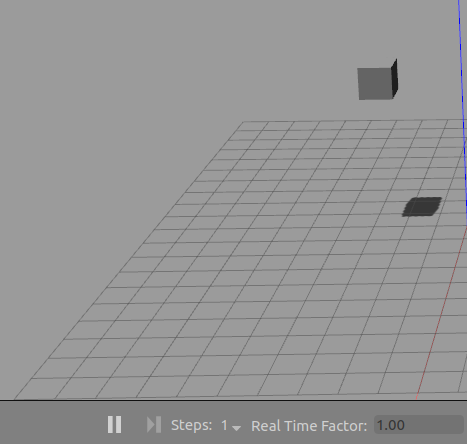
运行时,实现物体的悬浮(设置重力为0)
8.ActorPlugin插件说明
插件地址: /usr/lib/x86_64-linux-gnu/gazebo-9/plugins
源码地址: https://raw.githubusercontent.com/osrf/gazebo/master/plugins/ActorPlugin.cc
头文件: https://raw.githubusercontent.com/osrf/gazebo/master/plugins/ActorPlugin.hh
Actor Class reference: http://osrf-distributions.s3.amazonaws.com/gazebo/api/dev/classgazebo_1_1physics_1_1Actor.html#a81d8000fd8db930ba115730364d8c146
函数:
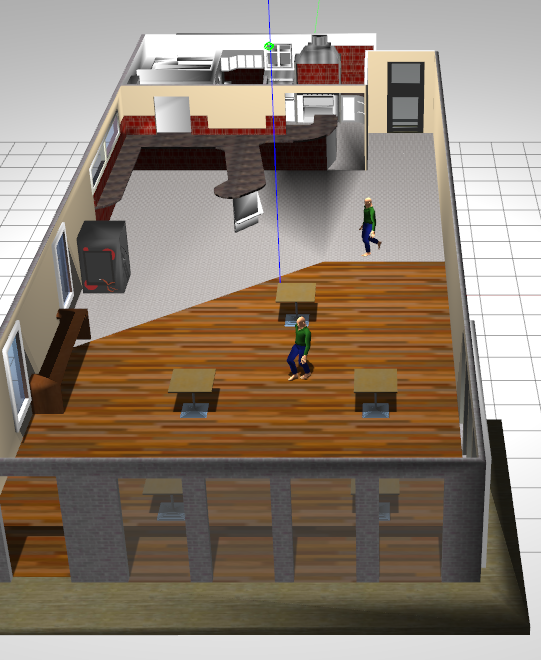
void Load(physics::ModelPtr _model, sdf::ElementPtr _sdf):加载actor plugin,参数_model指向父模型,_sdf指向插件的SDF元素。
void Reset():Documentation Inherited
void OnUpdate(const common::UpdateInfo &_info):每次update将会被自动调用,参数_info只时间信息(Timing information)
void ChooseNewTarget():选择新的目标坐标
void HandleObstacles(ignition::math::Vector3d &_pos):避开障碍物(使用了一个简单的向量域(vector filed)算法),参数_pos为方向向量(将会根据附近的障碍物情况,调整)
变量:
physics::ActorPtr actor:指向父类actor
physics::WorldPtr world:指向世界
sdf::ElementPtr sdf:指向sdf元素
ignition::math::Vector3d velocity:actor的速度
std::vector<event::ConnectionPtr> connections:指向连接(connections)的列表
ignition::math::Vector3d target:当前的目标点坐标
double targetWeight = 1.0:目标点坐标的weight(用于vector field)
double obstacleWeight = 1.0:障碍物weight(用于vector field)
private: double animationFactor = 1.0:时间比例因子,用于相对于actor的坐标变换
private: common::Time lastUpdate:上一update的时间
private: std::vector<std::string> ignoreModels:忽视的模型列表(用于vector field)
private: physics::TrajectoryInfoPtr trajectoryInfo:本地的轨迹信息
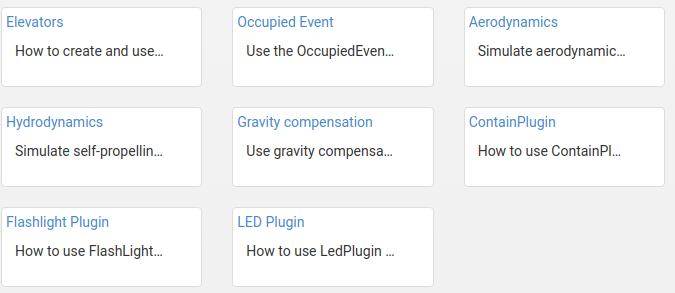
9.Gazebo提供的插件

 浙公网安备 33010602011771号