


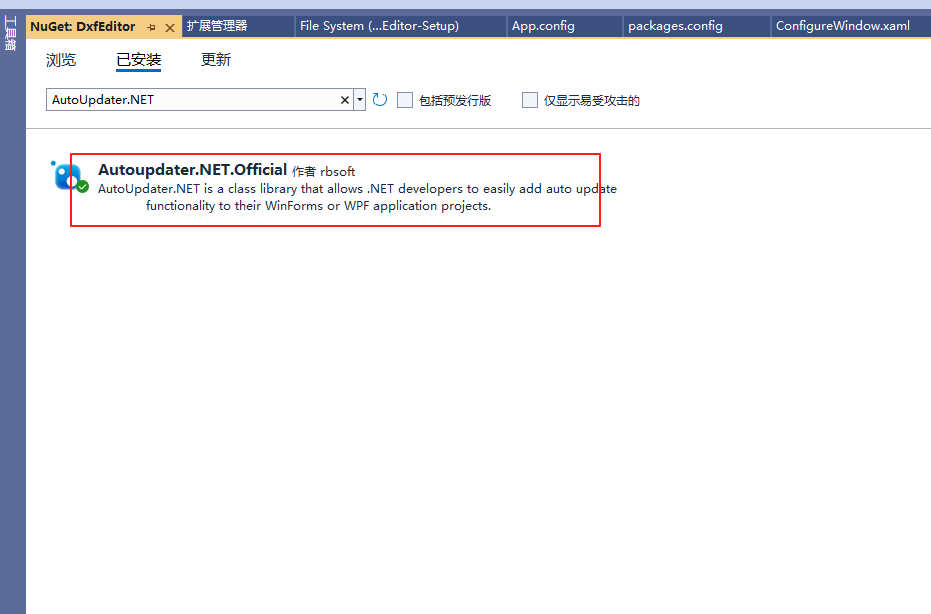
1.使用NuGet安装AutoUpdater.NET的类库包
2.在程序入口处编写代码判断是否需要自动更新
    Assembly assembly = Assembly.GetEntryAssembly();
    this.Title = this.Title + $"     版本号:V{assembly.GetName().Version}";//显示版本号
    Thread.CurrentThread.CurrentCulture = Thread.CurrentThread.CurrentUICulture = CultureInfo.CreateSpecificCulture("zh");
    AutoUpdater.LetUserSelectRemindLater = true;
    AutoUpdater.RemindLaterTimeSpan = RemindLaterFormat.Minutes;
    AutoUpdater.RemindLaterAt = 1;
    AutoUpdater.ReportErrors = true;
    AutoUpdater.Synchronous = true;
    AutoUpdater.ClearAppDirectory = true;
    AutoUpdater.Mandatory = true;
    AutoUpdater.CheckForUpdateEvent += AutoUpdater_CheckForUpdateEvent;
   // AutoUpdater.ApplicationExitEvent += AutoUpdater_ApplicationExitEvent;
    AutoUpdater.Start("http://网站地址/Updates/AutoUpdaterStarter.xml");
3.使用CheckForUpdateEvent事件进行版本的判断,是否进行更新
    private void AutoUpdater_CheckForUpdateEvent(UpdateInfoEventArgs args)
    {
        if (args.Error == null && args.IsUpdateAvailable)
        {
            AutoUpdater.ShowUpdateForm(args);

            // 使用Kill方法强制结束进程
            //Process.GetCurrentProcess().Kill();
        }
        else
        {
            if (IsRun)
            {
                IsRun = false;
                MessageBox.Show("已经是最新版本,无需更新!");
            }
        }
    }
4.在IIS或服务器网站上分别添加Downloads和Updates文件夹,其中Downloads文件放待更新的文件zip或者msi安装包,uapdates文件夹放AutoUpdaterStarter.xml(更新的配置文件)和UpdateLog.html(更新日志文件)
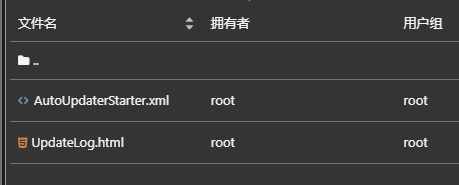
AutoUpdaterStarter.xml文件编写如下
<?xml version='1.0' encoding="UTF-8"?>
<item>
    <version>1.0.0.2</version>
    <url>http://网站地址/Downloads/Setup.msi</url>
    <changelog>http://网站地址/Updates/UpdateLog.html</changelog>
    <mandatory>false</mandatory>
</item>
UpdateLog.html文件编写如下
<html>
    <body>
        <h1>
            UpDate
        </h1>
    </body>

</html>
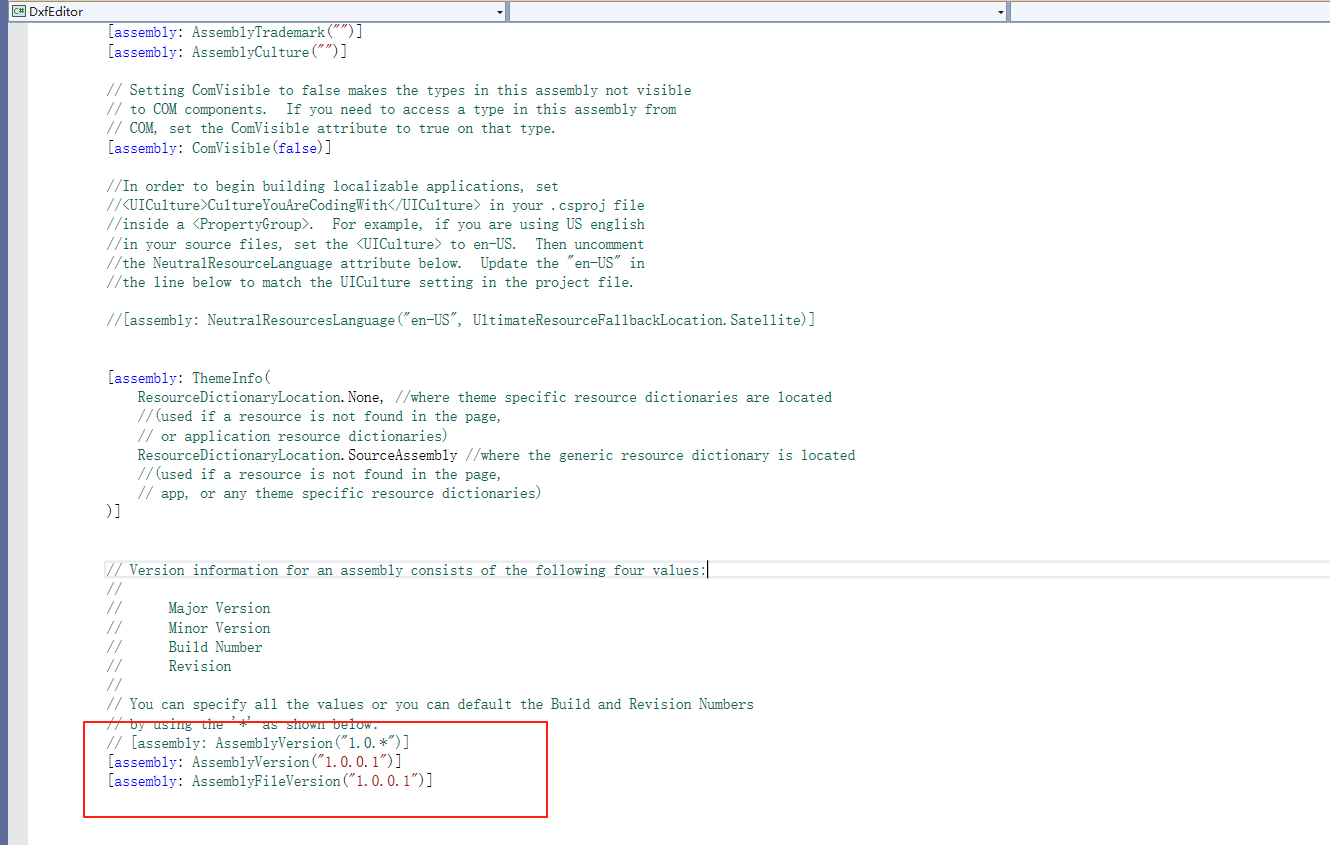
5.通过程序中的AssemblyInfo.cs中的版本号进行比对是否自动更新
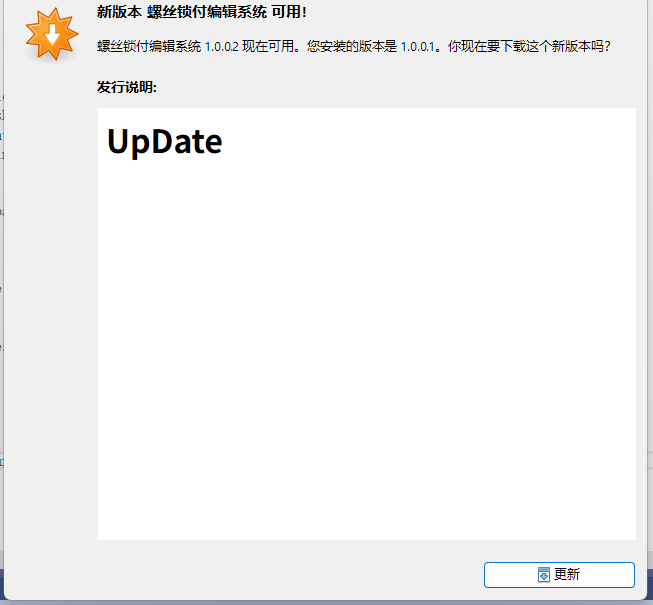
6.展示效果
7.遇到的问题
(1).使用安装包zip进行更新时,会新建一个以安装包名称命名的文件夹,程序打开原程序目录里的exe程序,导致一直自动更新。
考虑更新后将文件进行移动处理,但是无触发的时机,所以只能使用msi安装包进行更新

 浙公网安备 33010602011771号