
Bug:IDEA中Tomcat日志信息乱码
工作环境
- windows10(GBK)+IDEA_2019.3.4+Tomacat_8.5.50
问题
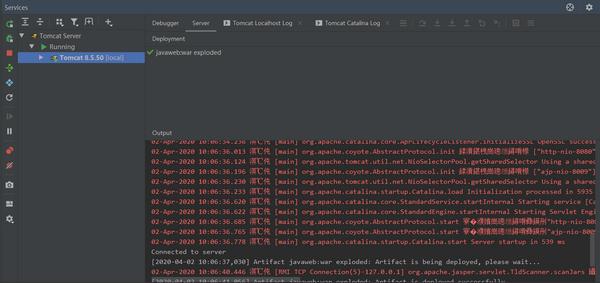
解决
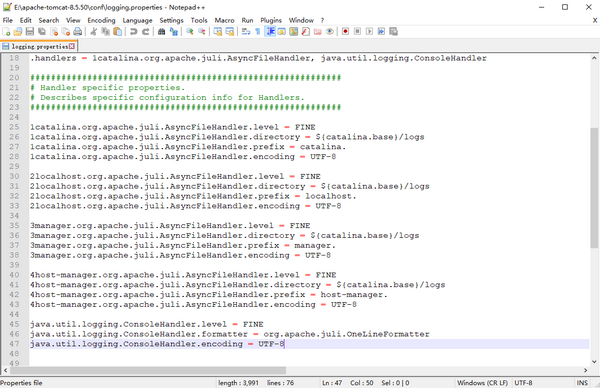
- 步骤一:打开tomacat目录中的conf/logging.properties,配置编码全部为UTF-8
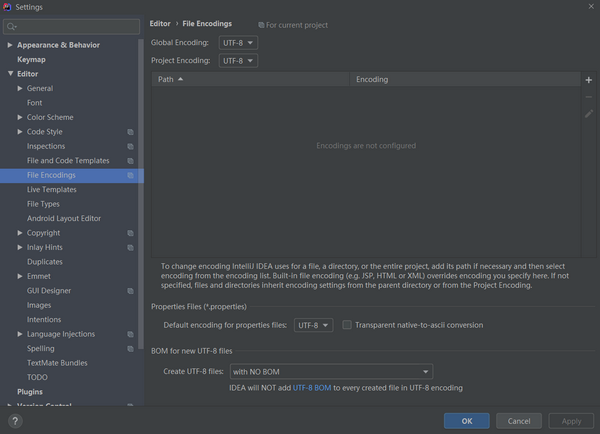
- 步骤二:打开IDEA的窗口中的File/Settings.../Editor/File Encodings,配置编码全部为UTF-8
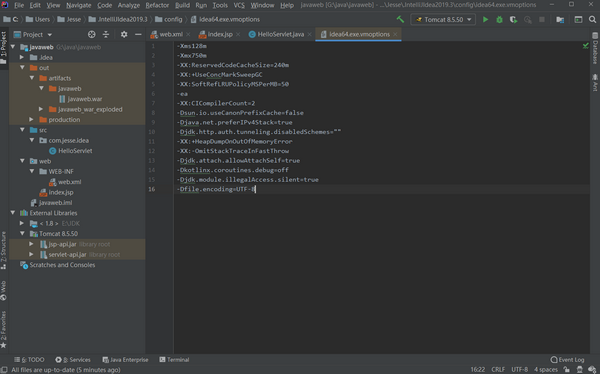
- 步骤三:打开IDEA中窗口中的Help/Edit Custom VM Options...,添加-Dfile.encoding=UTF-8
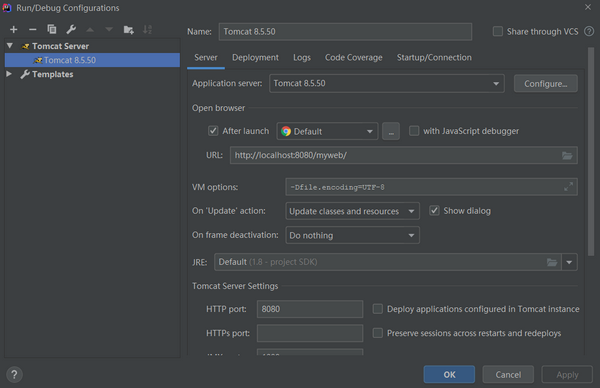
- 步骤四:打开IDEA中窗口中Tomcat的Edit configurations,在VM options文本框中添加-Dfile.encoding=UTF-8
- 步骤五:重启IDEA

 浙公网安备 33010602011771号