
[Sumerian] 01 - Build a room
Ref: 01 - Creating AR/VR Experiences with Amazon Sumerian
1. 添加一个object。
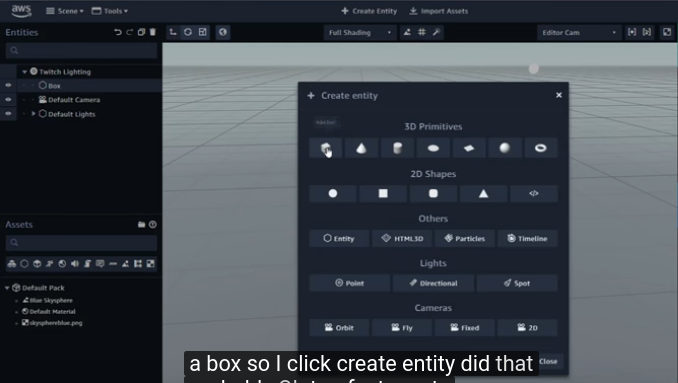
2. 左上角的“resize",还有"copy";右边是精确的resize参数设置。
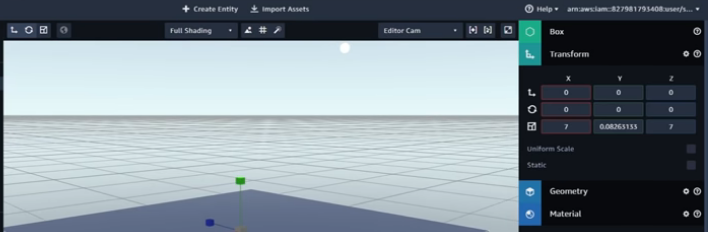
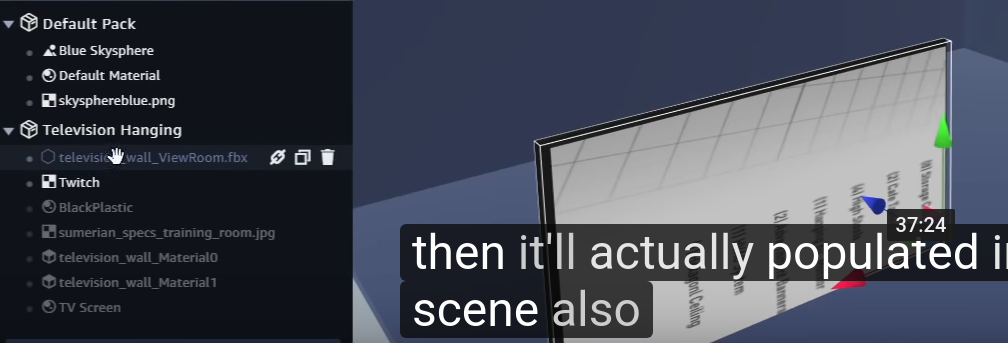
3. 加一个虚拟显示屏 Television Hanging from Assets.
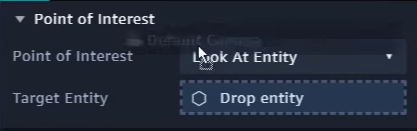
4. 添加虚拟主持人,设置注视对象 为:default camera。
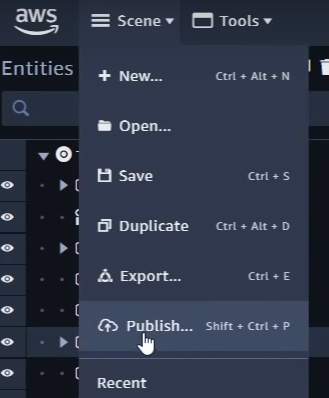
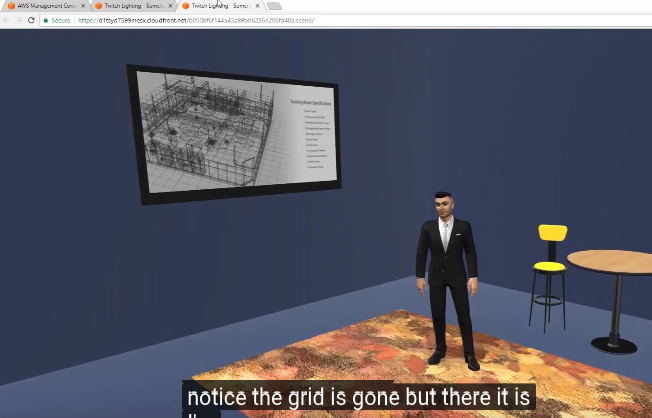
5. 发布,生成链接,通过浏览器体验。
Ref: 02 - Developing AR/VR Experiences with Amazon Sumerian | Ep 2: Creating an Interactive Scene
一、组件准备阶段
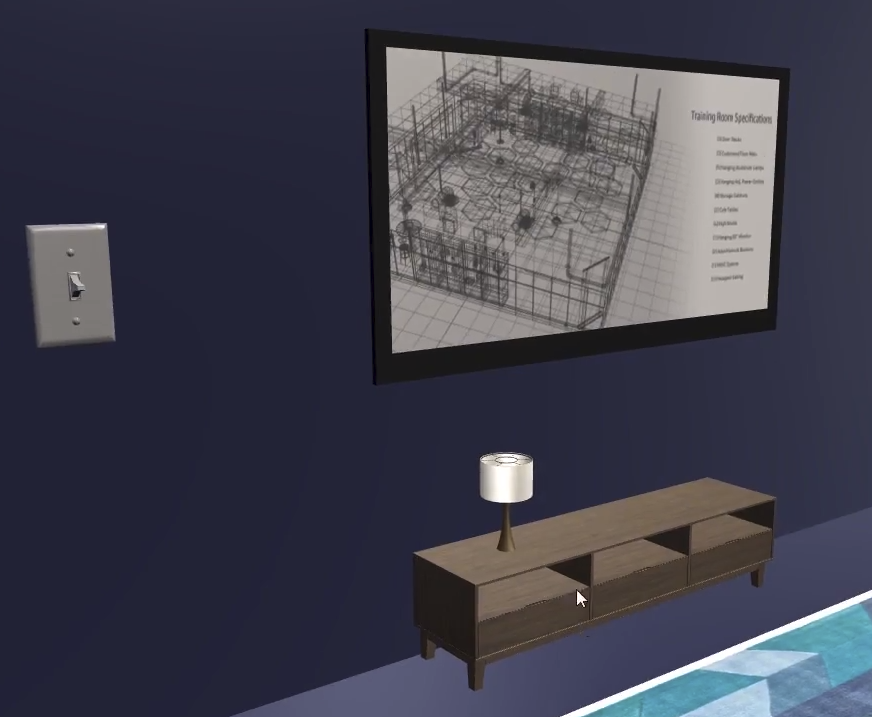
1. 通过一个Switch开关来展示state的状态设置。
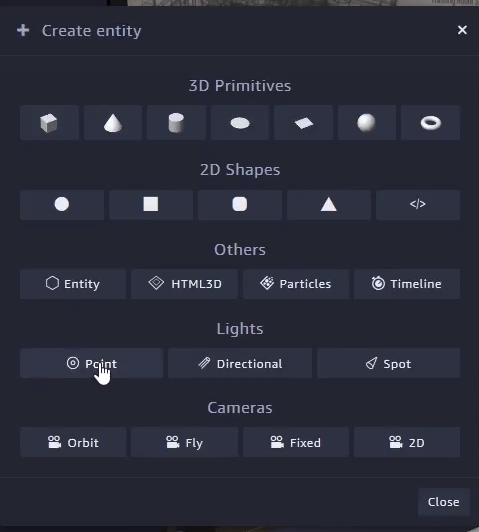
2. 添加“点光源”。
3. 开关子组件的形态控制。
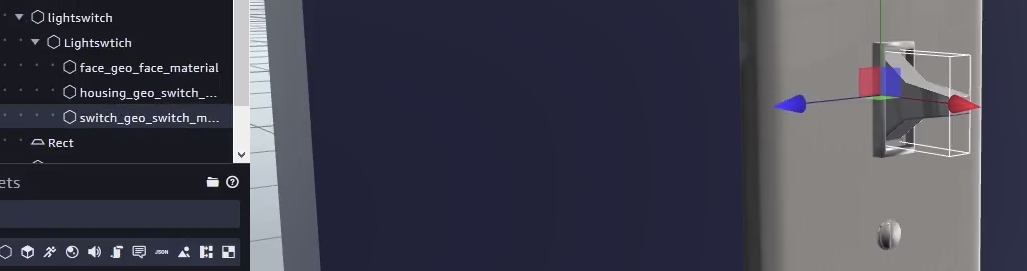
4. 稍加旋转下角度
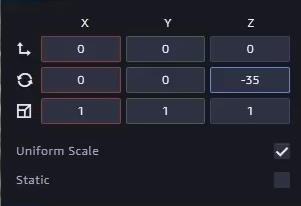
二、状态转移阶段
1. Add component --> State machine --> "Add a new behavior to the component." --> State machine IDE
2. Add action --> "Click/Top on entity"
3. Add another state --> Add its action --> "Tween Rotate"
4. Unselected relative
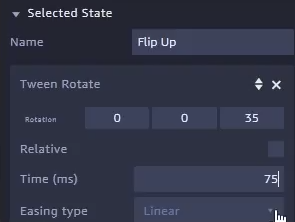
5. 状态转移连线
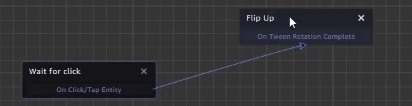
三、状态变化广播
1. Add third state: "Emit 1"
2. Add its action: "Emit message" and set its channel as following:
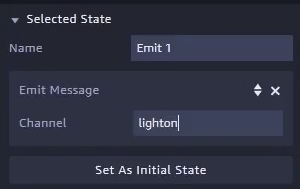
3. Add action for "Emit 1" --> "Transition", then add more as following.
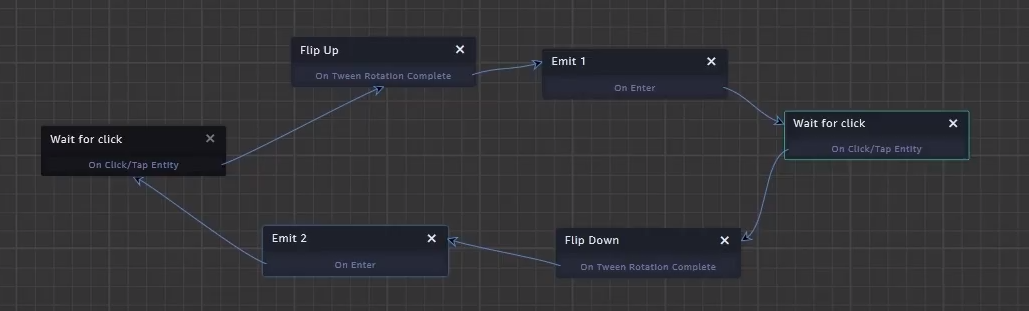
4. Add state machine of Light, so that Switch has releationship with it.
5. Add action: Set Light Properties (drag light Entities from left sidebar to Entity option)
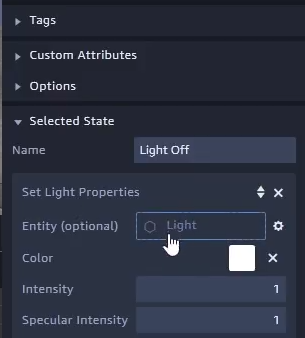
6. Add next state with action: Listen, set Message channel.
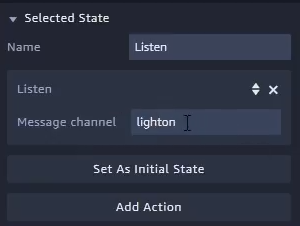
7. Complete the State Machine for Light connected with Switch.
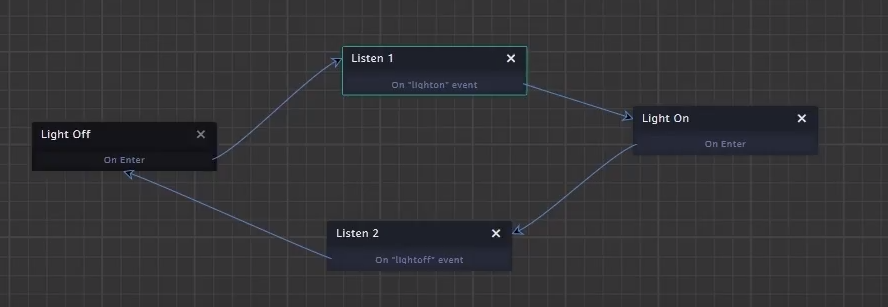
四、植入背景音乐
1. Download from www.jukedeck.com
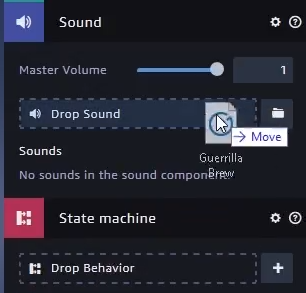
2. Add component for Entity: television, and select Sound.
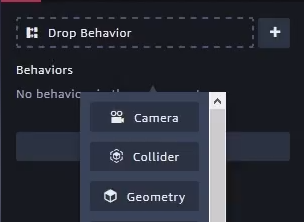
3. Drag sound file in Drop Behavior.
4. Add State Machine for it.
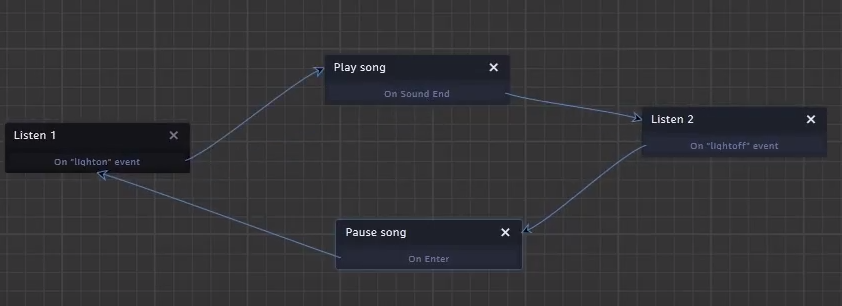
Finally, release your stupid demo project. :-p

 浙公网安备 33010602011771号