

Notepad++下载地址
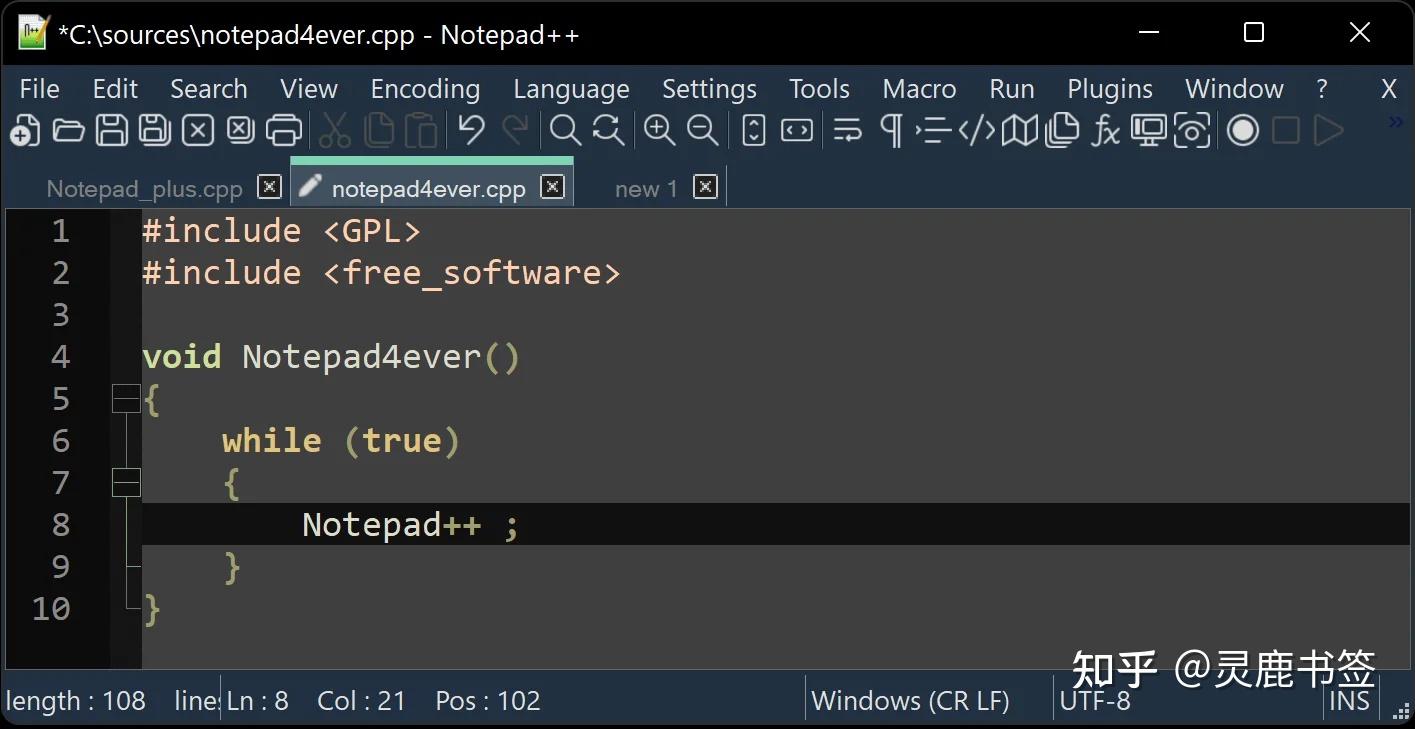
Notepad++是一款流行的文本编辑器,尤其受到程序员和开发者的喜爱。它支持多种编程语言,并且提供了代码高亮、语法折叠、宏等功能,使得代码编辑更加高效。
由于Notepad++官网打不开,导致我们无法直接从官网下载,但实际上官网提供的下载地址是Github的。因此,你可以直接从Github下载https://github.com/notepad-plus-plus/notepad-plus-plus/releases/。
当然,如果你连Github也打不开,或者打开很慢,下载速度也很慢,那么可以通过网盘下载:pan.xunlei.com/s/VOWUvah1OsYEreEo_YkRMbK5A1?pwd=n653 (这里也是从上面的地址下载下来的,都是官方的软件包)
或者你还可以使用Github加速网站:虾壳 - GitHub下载加速网站 GitHub Proxy加速器,进入网站后,复制Notepad++的下载地址粘贴到下载框即可加速下载。
Notepad++的下载地址:
64位:https://github.com/notepad-plus-plus/notepad-plus-plus/releases/download/v8.7.8/npp.8.7.8.Installer.x64.exe
32位:https://github.com/notepad-plus-plus/notepad-plus-plus/releases/download/v8.7.8/npp.8.7.8.Installer.exe
它的下载地址同样是github的,区别是它对github进行了加速。
以上渠道下载的软件都能保证是官方正版。
下载完成后,安装过程通常很简单:
1. 双击安装文件:下载完成后,找到下载的安装文件,双击运行。
2. 跟随安装向导:按照安装向导的提示,选择安装路径,同意许可协议,然后点击“安装”按钮。
3. 完成安装:安装完成后,点击“完成”按钮,Notepad++就会安装到你的电脑上。
Notepad++的特点
1. 多语言支持:Notepad++支持多达27种编程语言,包括但不限于C, C++, Java, C#, XML, HTML, PHP, JavaScript等。
2. 语法高亮和折叠:提供代码的语法高亮显示和语法折叠功能,便于代码的阅读和编辑。
3. 多文档界面:可以同时打开多个文档进行编辑,提高工作效率。
4. 插件支持:拥有丰富的插件库,可以根据需要扩展编辑器的功能。
5. 正则表达式搜索/替换:支持强大的正则表达式进行文本搜索和替换。
6. 宏录制和播放:可以录制宏来执行一系列编辑操作,然后重复使用。
Notepad++是一个免费且功能强大的文本编辑器,无论是对于代码编辑还是日常文本处理,都是一个不错的选择。立即下载并体验Notepad++的强大功能吧!
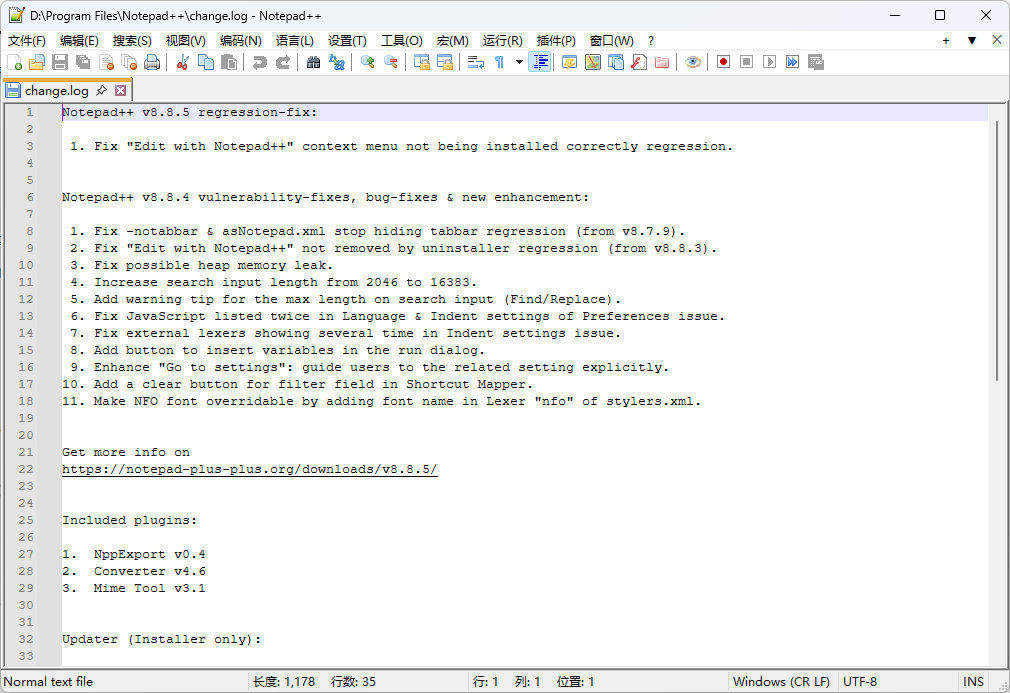
Notepad++ v8.8.5 regression-fix:

 1. Fix "Edit with Notepad++" context menu not being installed correctly regression.


Notepad++ v8.8.4 vulnerability-fixes, bug-fixes & new enhancement:

 1. Fix -notabbar & asNotepad.xml stop hiding tabbar regression (from v8.7.9).
 2. Fix "Edit with Notepad++" not removed by uninstaller regression (from v8.8.3).
 3. Fix possible heap memory leak.
 4. Increase search input length from 2046 to 16383.
 5. Add warning tip for the max length on search input (Find/Replace).
 6. Fix JavaScript listed twice in Language & Indent settings of Preferences issue.
 7. Fix external lexers showing several time in Indent settings issue.
 8. Add button to insert variables in the run dialog.
 9. Enhance "Go to settings": guide users to the related setting explicitly.
10. Add a clear button for filter field in Shortcut Mapper.
11. Make NFO font overridable by adding font name in Lexer "nfo" of stylers.xml.


Get more info on
https://notepad-plus-plus.org/downloads/v8.8.5/


Included plugins:

1.  NppExport v0.4
2.  Converter v4.6
3.  Mime Tool v3.1


Updater (Installer only):

* WinGUp (for Notepad++) v5.3.3

 浙公网安备 33010602011771号