基于rsync的文件收集系统
一、中转站depot
使用rsync后台进程进行文件收集,监听端口873
二、前置机
1、使用ssh转发来自appServer和pgServer的请求
ssh -NfL localIp:localPort:remoteIp:remotePort localUser@localIp
-N 表示不执行命令
-f 表示后台运行
-L 表示正向代理
-R 表示反向代理
文档 https://man.openbsd.org/ssh.1
上面的命令表示,将 发到localIp:localPort 的请求 都转发到 remoteIp:remotePort 那里去
使用netstat可以查看是否成功
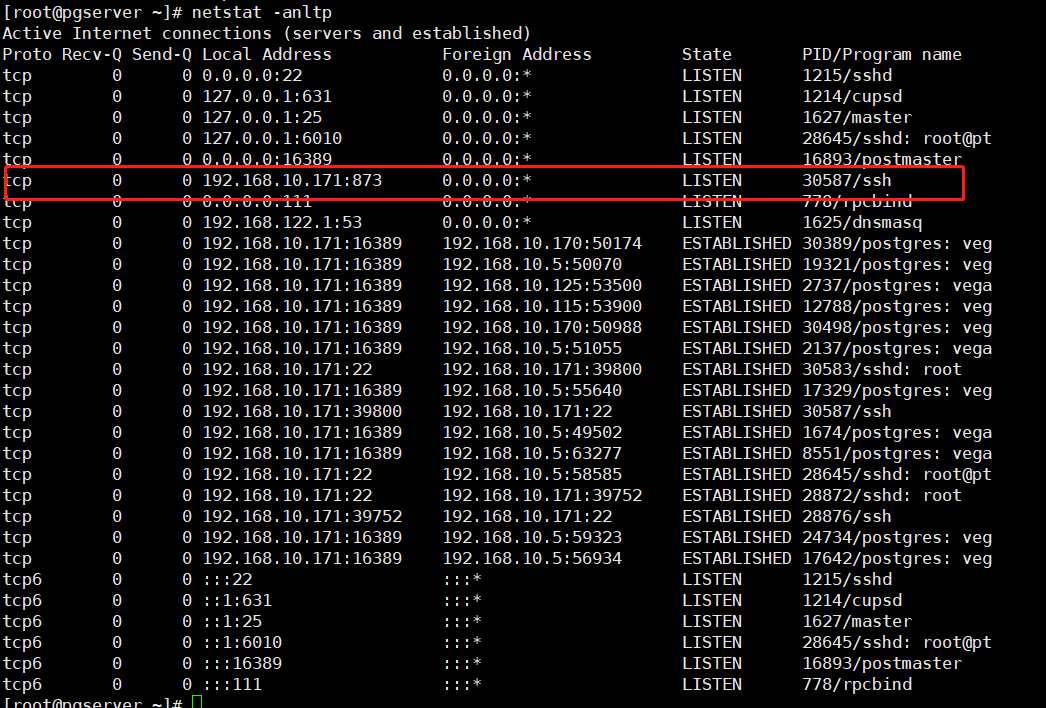
使用curl可以检测是否真的完成转发

直接使用ssh进行转发会有网络波动导致断开的问题
2、使用autossh来维持代理高可用
yum install autossh
autossh -M 874 -NfL localIp:localPort:remoteIp:remotePort localUser@localIp
-M autossh的参数,用于指定检测的端口
文档 https://www.harding.motd.ca/autossh/README.txt
-NfL ssh的参数 见上方
上面的命令表示,将 发到localIp:localPort 的请求 都转发到 remoteIp:remotePort 那里去,并使用echoPort进行检测
使用netstat可以查看是否成功
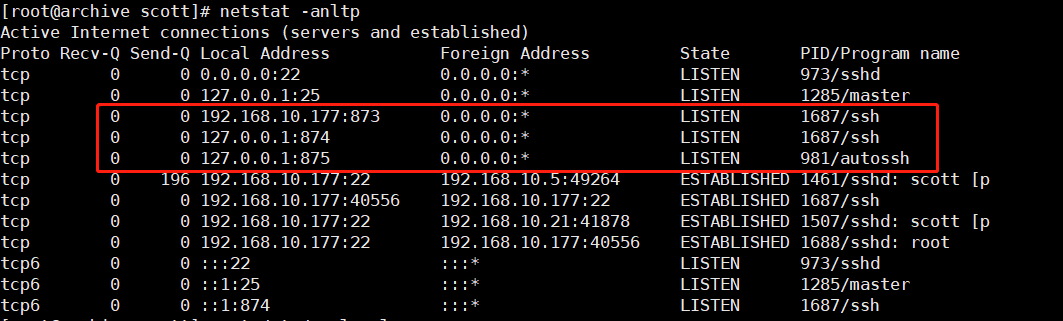
为了解决开机自启的问题,我们可以在/etc/rc.local中配置
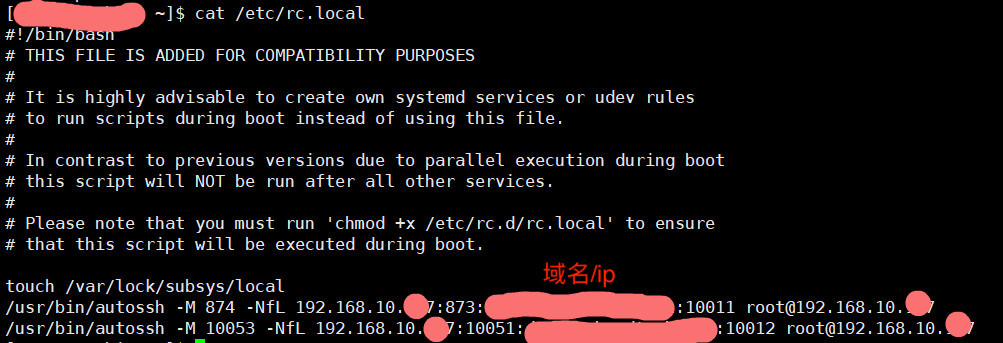
为了解决autossh调用ssh是需要输入密码的问题,我们将本机设置成免密登录
ssh-keygen -t rsa
cd /root/.ssh/
cat id_ras.pub
复制放在
authorized_keys 中(没有则创建)
注意:
1、需要给/etc/rc.local 600的权限 chmod 600 /etc/rc.local
2、autossh需要填写完整路径,不然解析不到
3、需要将本机设置成本机的ssh免密登录,不然使用autossh会失败。
三、医院内网服务器
使用sersync 或 lsyncd 或 rclone进行监控文件修改或新增,然后通过rsync push到远程服务器
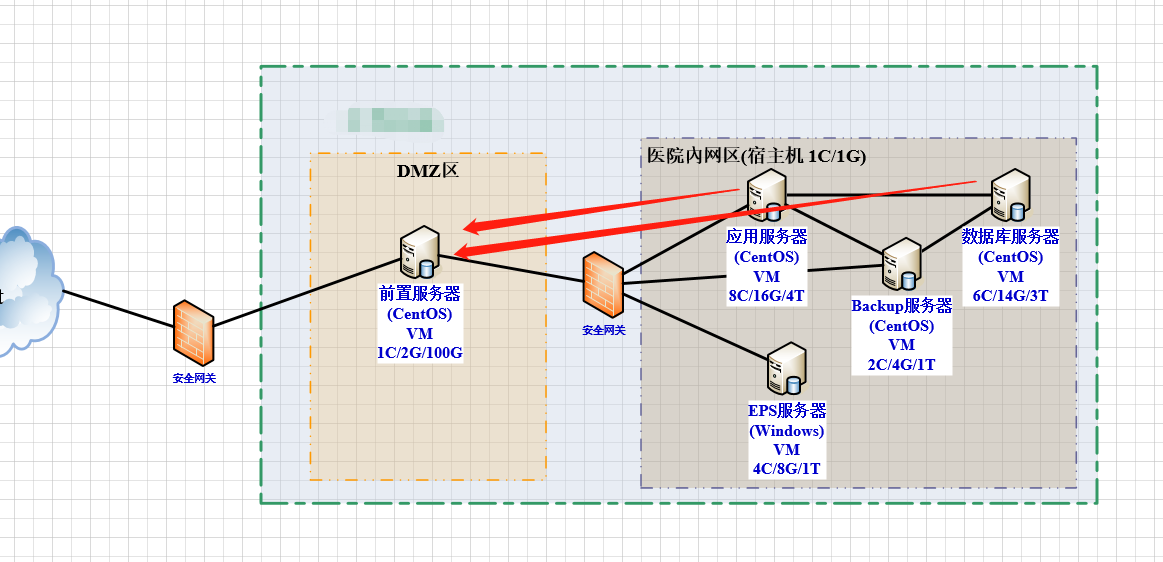
如上图,直接使用前置机的873端口进行文件传输;
rsync -avh /monitDir rsync@gateway.janescott.cn::module_name/dir --password-file=/etc/rsyncd.passwd
通过前置机直接将 monitDir中文件 通过gateway.janescott.cn 传输到depot.janescott.cn的module_name 对应的dir下面
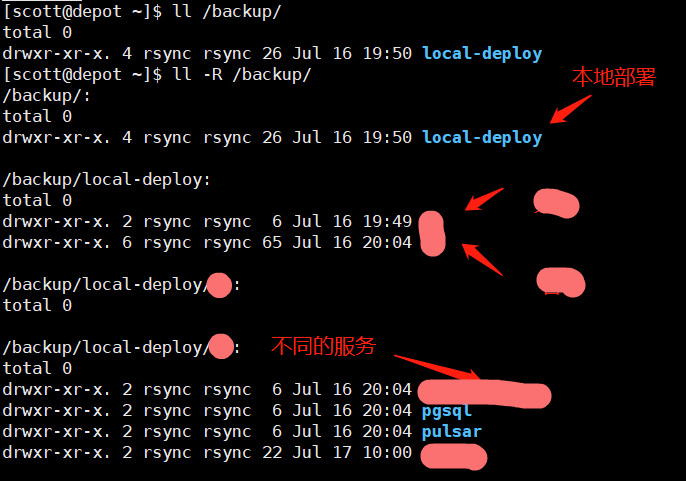
汇总:
生产使用的文件收集地址 depot.janescott.cn:873
rsync搭建参考文档 rsync + sersync
每个服务器将 frontend.janescott.cn 设置成前置机的内网ip

 浙公网安备 33010602011771号