

eclipse找不到Server配置项解决方法
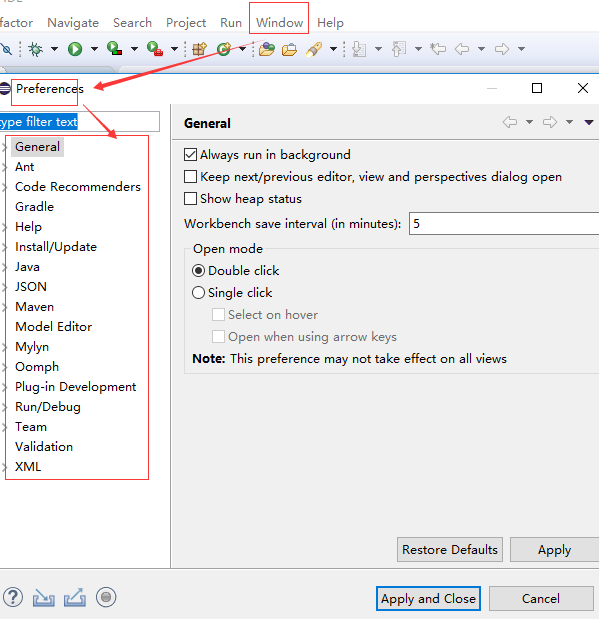
1.打开eclipse,点击工具条Window--》Preferences,在左侧配置栏中没有找到Server配置项,下边是解决方法。
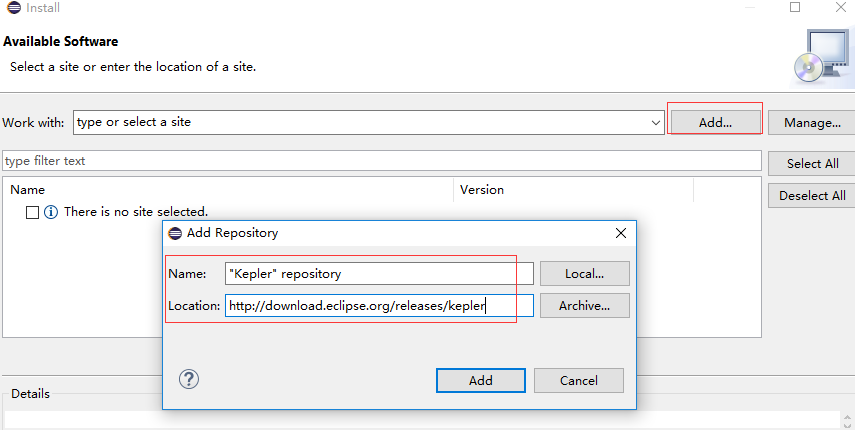
2.点击eclipse工具条的Help--》Install New Software,在Work with中点击Add;
添加 Name——"Kepler" repository;
Location——http://download.eclipse.org/releases/kepler
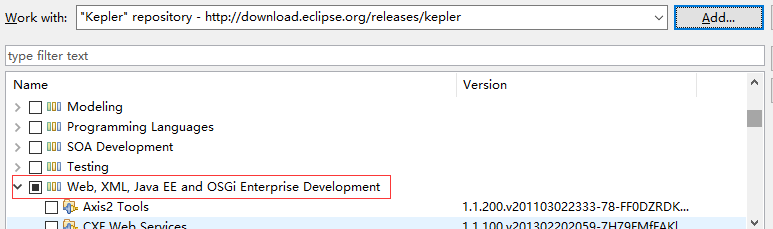
3. 点击Add,找到选项Web,XML, Java EE and OSGi Enterprise Development下JST Server Adapters Extensions,进行勾选
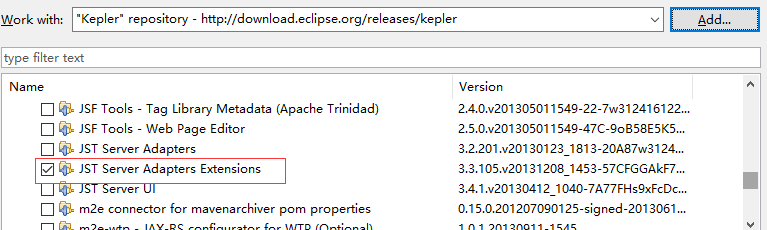
4.点击Next,出现下图
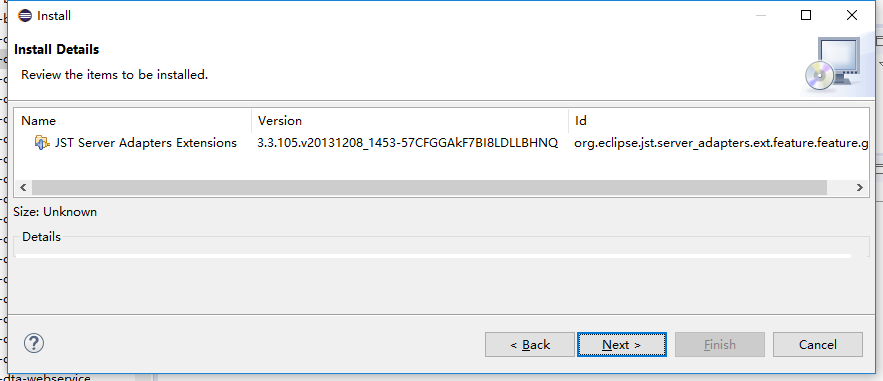
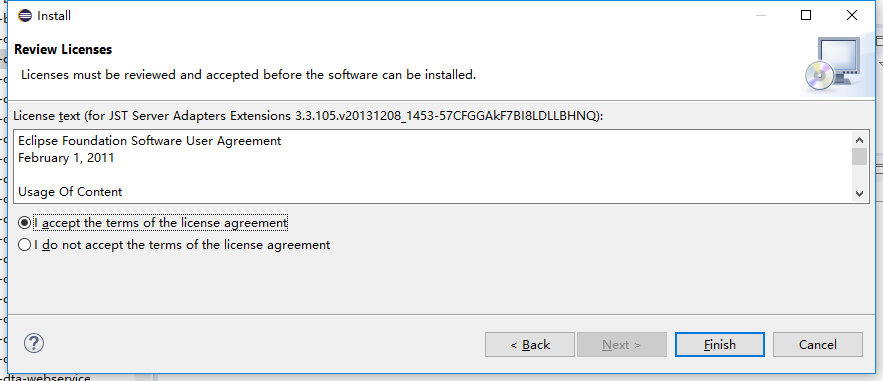
5.再点击Next,选择I accept ...单选按钮,点击Finish等待安装。
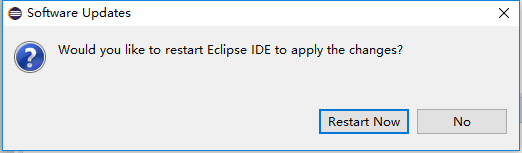
6.安装完成后,点击Restart Now按钮,重启eclipse。
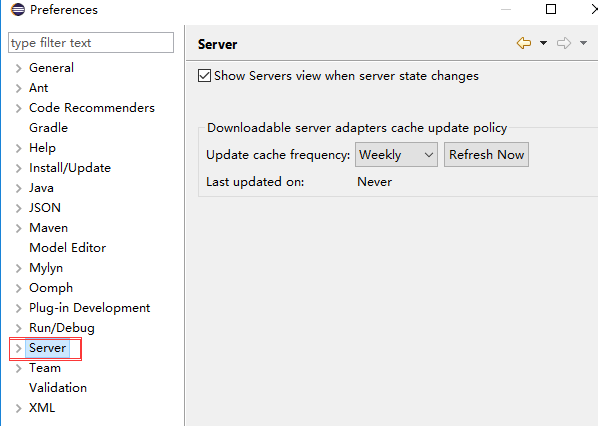
7.eclipse出现Server配置项。

 浙公网安备 33010602011771号