
Vuejs学习笔记(三)-16.vue-router的基本使用-参数化(params)-动态路由(父到路由,路由到子)
一、动态路由:
需求:希望页面点击不同用户名称链接(父组件),进入不同用户详情的Url(路由),且在用户详情页显示不同的详情信息(子组件)
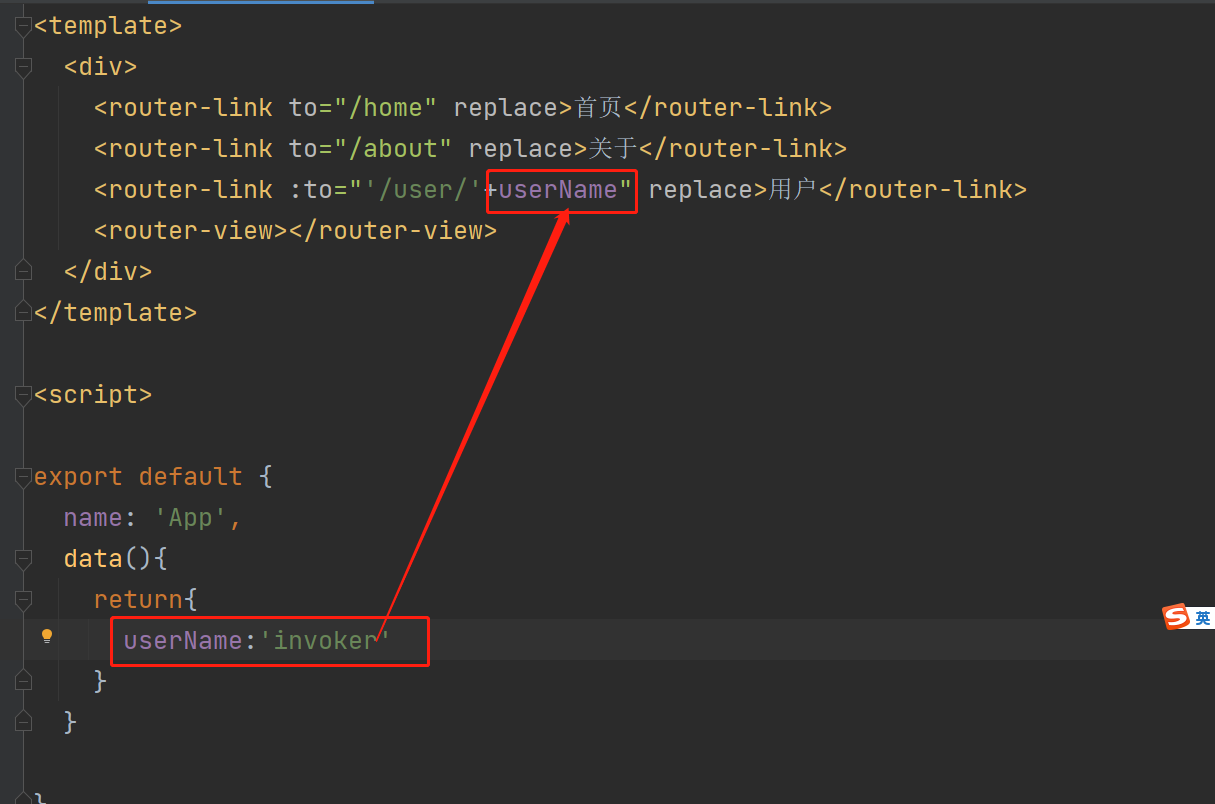
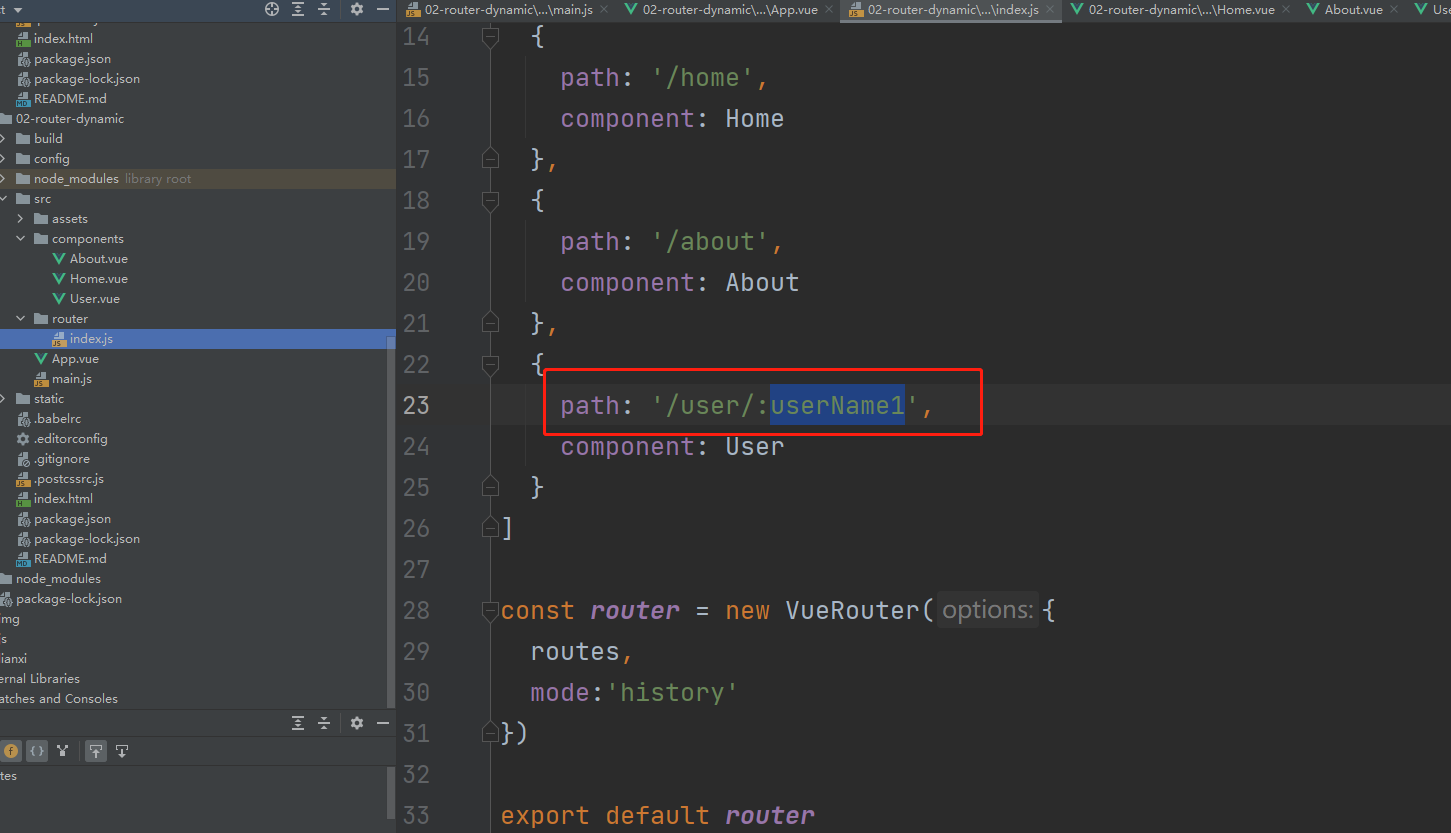
逻辑:父组件的用户名称userName(数据源)-->将名称传给父组件的router-link(<router-link :to="‘/user/+userName’">用户</router-link>)------>router/index.js中配置路由与组件的映射关系中有变量userName1---------->子组件文件(User.vue)中使用当前活跃路由的属性,$this.route.params.userName1------->使用计算属性在页面上展示
本质上:父组件将数据传给路由,路由解析出变量在传给子组件。
步骤1:
父组件代码:
App.vue
 1 <template>
 2   <div>
 3     <router-link to="/home" replace>首页</router-link>
 4     <router-link to="/about" replace>关于</router-link>
 5     <router-link :to="'/user/'+userName" replace>用户</router-link>
 6     <router-view></router-view>
 7   </div>
 8 </template>
 9
10 <script>
11
12 export default {
13   name: 'App',
14   data(){
15     return{
16       userName:'invoker'
17     }
18   }
19
20 }
21 </script>
22
23 <style>
24
25 </style>
步骤2:路由文件中以冒号分割显示接收父组件传给路由的变量
router/index.js
 1 import Vue from 'vue'
 2 import VueRouter from 'vue-router'
 3 import Home from '../components/Home'
 4 import About from '../components/About'
 5 import User from '../components/User'
 6
 7 Vue.use(VueRouter)
 8
 9 const routes = [
10   {
11     path: '',
12     redirect: '/home'
13   },
14   {
15     path: '/home',
16     component: Home
17   },
18   {
19     path: '/about',
20     component: About
21   },
22   {
23     path: '/user/:userName1',
24     component: User
25   }
26 ]
27
28 const router = new VueRouter({
29   routes,
30   mode:'history'
31 })
32
33 export default router
步骤3:子组件引用当前活跃路由的地址。this.$route.params.userName1
User.vue
 1 <template>
 2   <h2>我叫{{userName2}}</h2>
 3 </template>
 4
 5 <script>
 6 export default {
 7   name: "User",
 8   computed:{
 9     userName2(){
10       return this.$route.params.userName1
11     }
12   }
13 }
14 </script>
15
16 <style scoped>
17
18 </style>
4.子组件通过计算属性展示路由处得到的变量值
本文来自博客园,作者:kaer_invoker,转载请注明原文链接:https://www.cnblogs.com/invoker2021/p/14985808.html

 浙公网安备 33010602011771号