Vue入门【学习笔记】
学习来源:黑马JavaEE 57期
Vue
1、Vue概述
2、Vue的快速入门
3、Vue的语法
插值表达式
事件的绑定
数据的显示
逻辑判断和循环输出
4、Vue的生命周期
8个生命周期的执行点
4个基本的
4个特殊的
5、axios的ajax异步请求
它和jquery的ajax比较相似
6、综合案例
实现用户的查询列表和更新操作
前端:Vue
后端:ssm
-
Vue概述

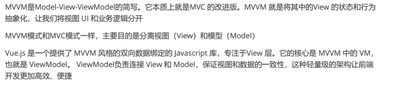
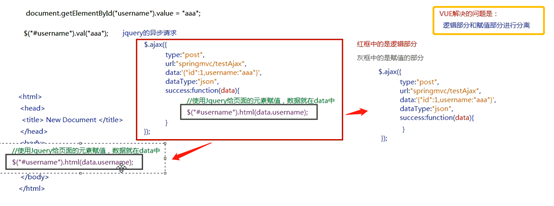
MVVM模式
-
Vue的快速入门
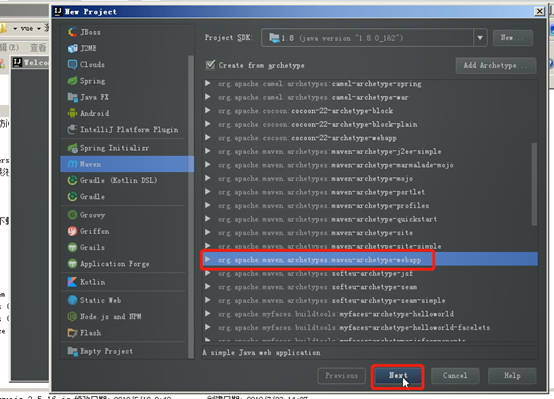
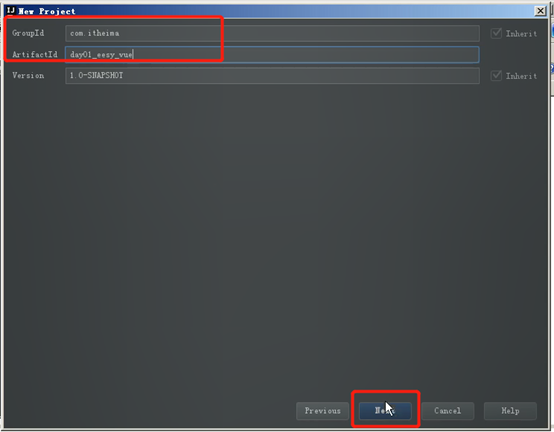
前期准备:
Finish后等待文件下载完成
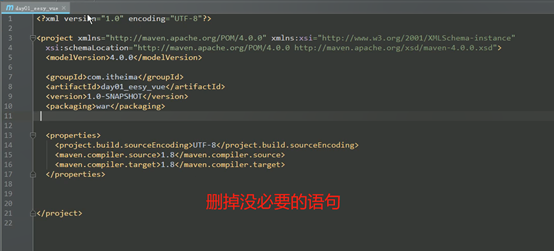
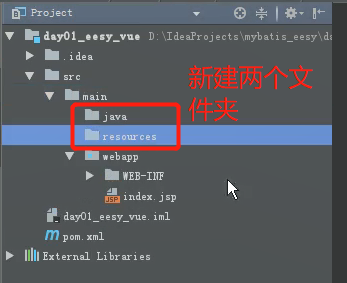
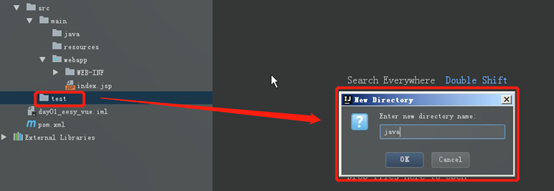
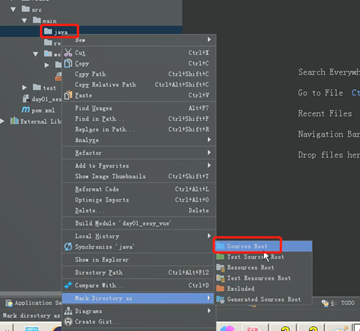
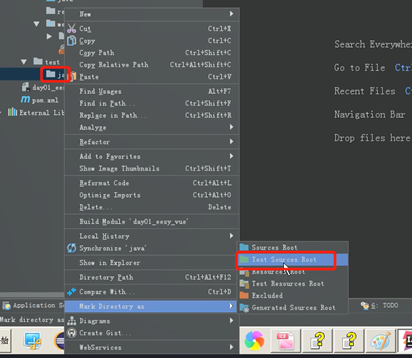
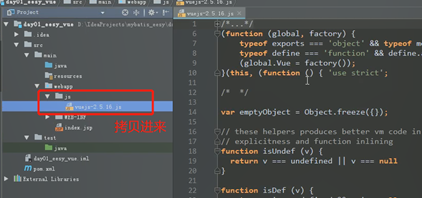
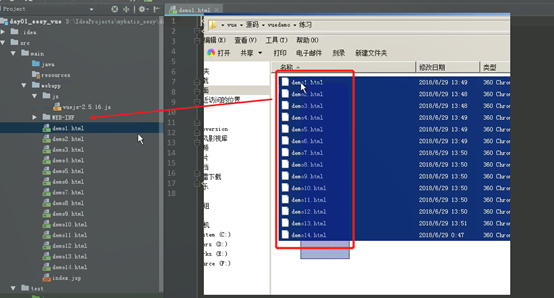
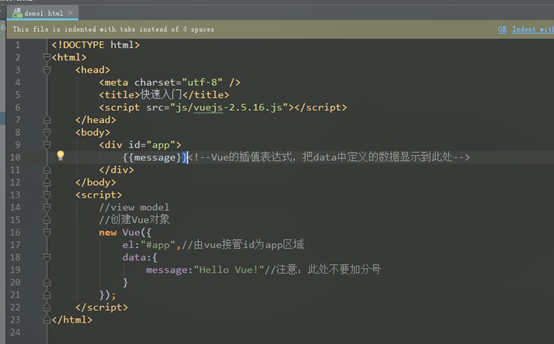
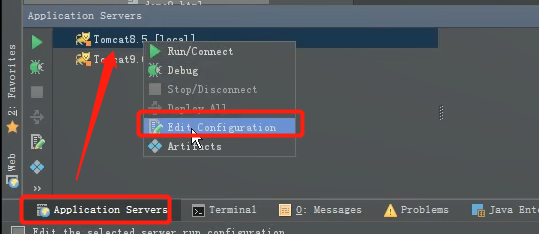
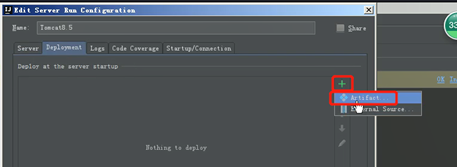
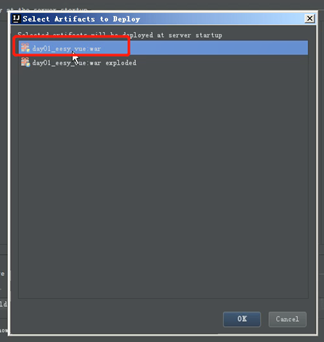
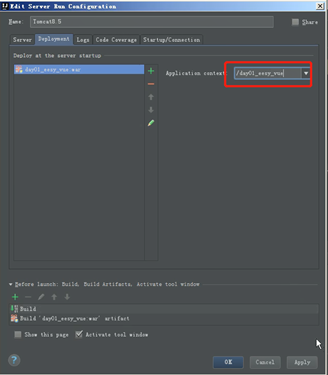

默认主页: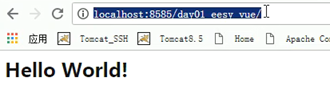
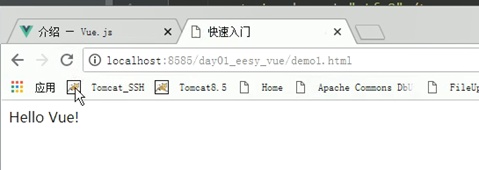
设置项目跟着修改重新部署
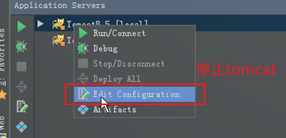
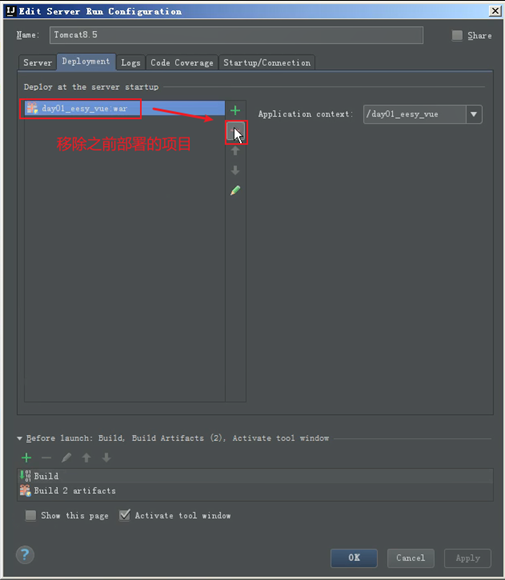
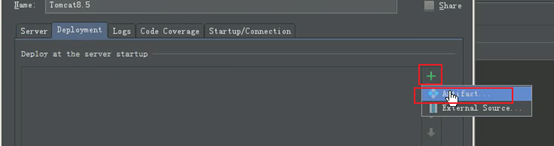
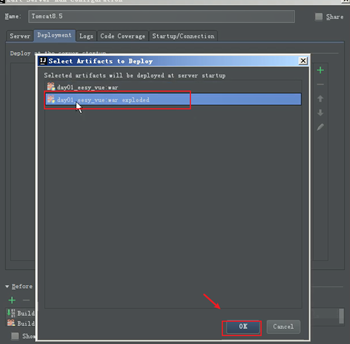
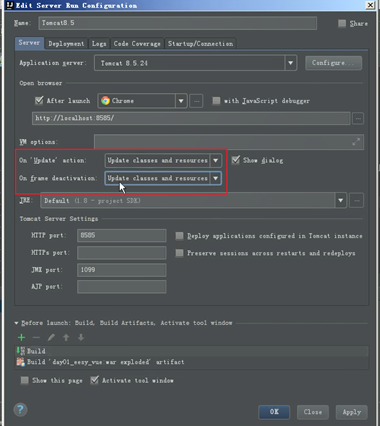
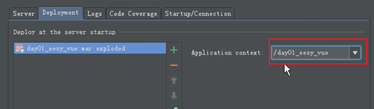
3、Vue的语法
插值表达式


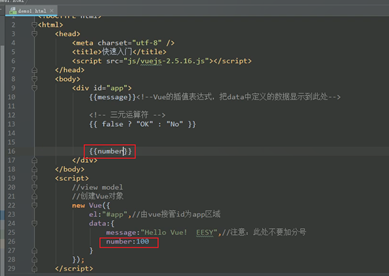

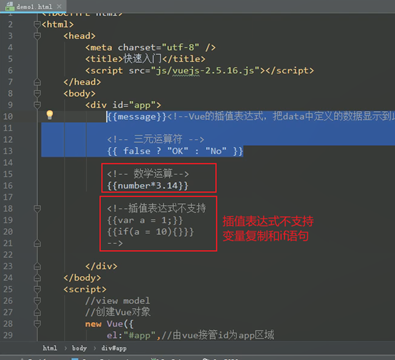
事件的绑定(VueJS常用系统指令)
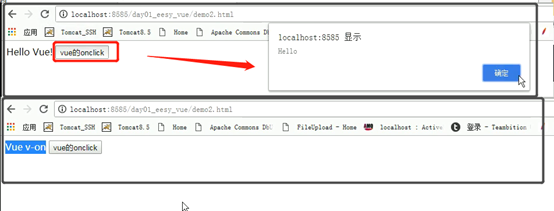
Vue的v-on绑定点击事件
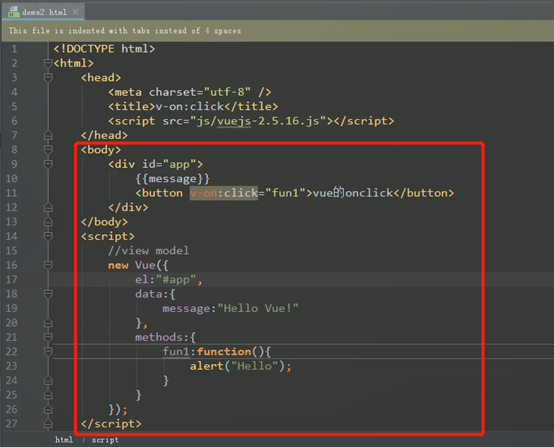

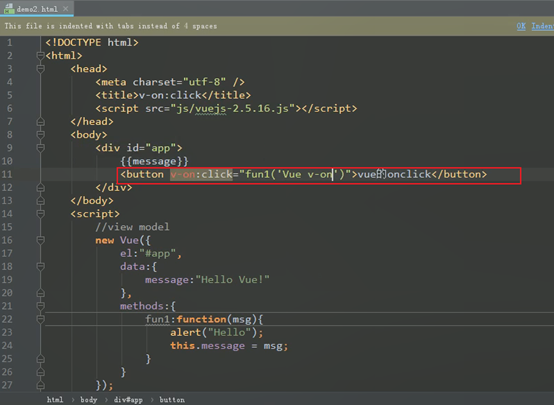
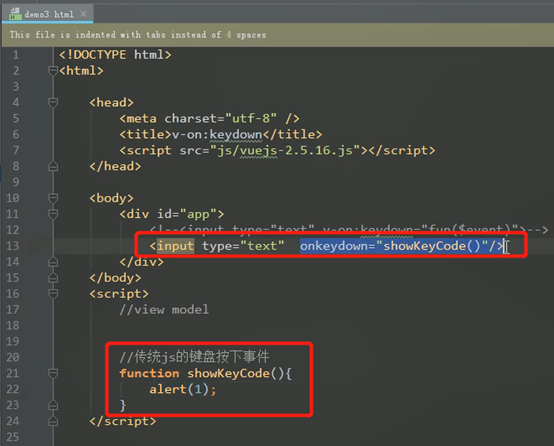
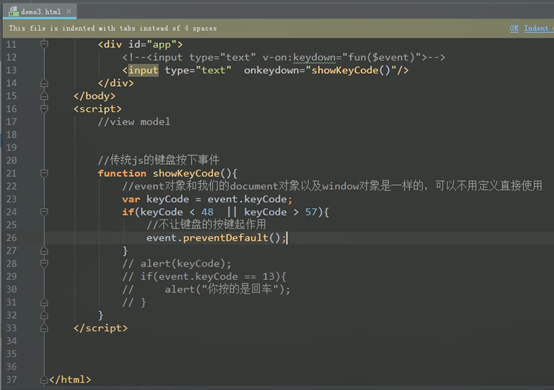
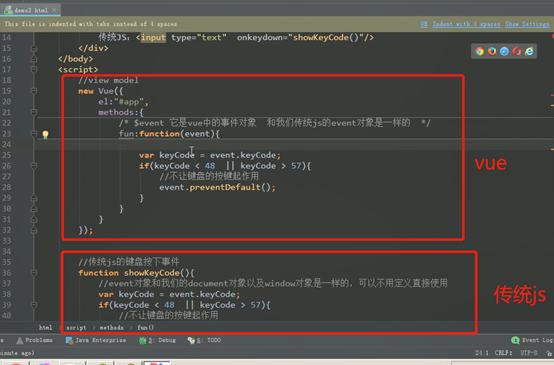
Vue 的v-on键盘事件和阻止事件传播:
键盘事件showKeyCode():

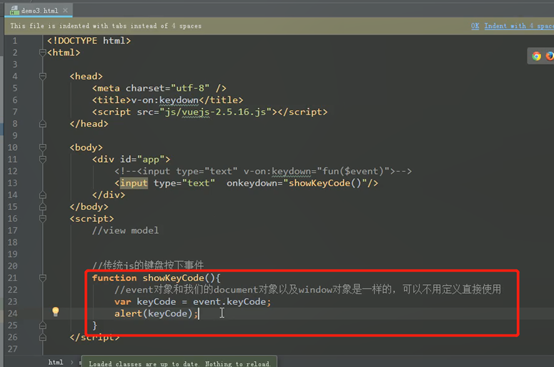

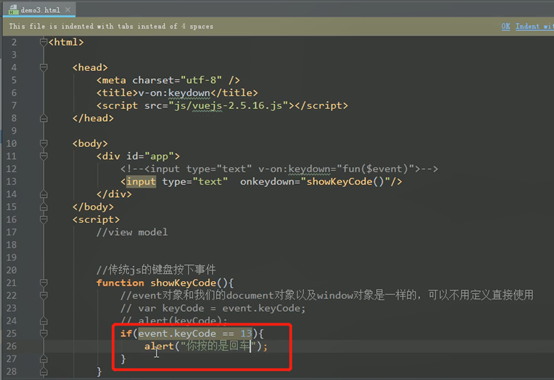

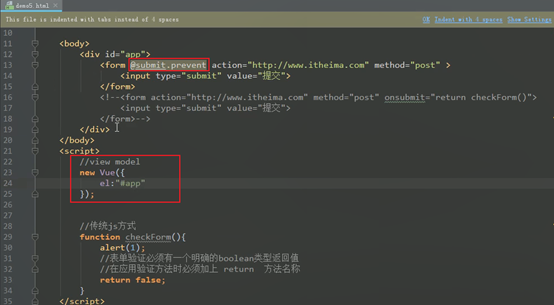
阻止事件传播:
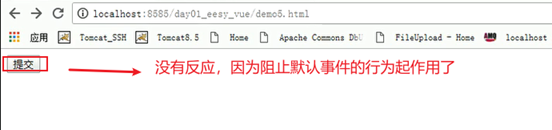
preventDefault()
传统js:
Vue:
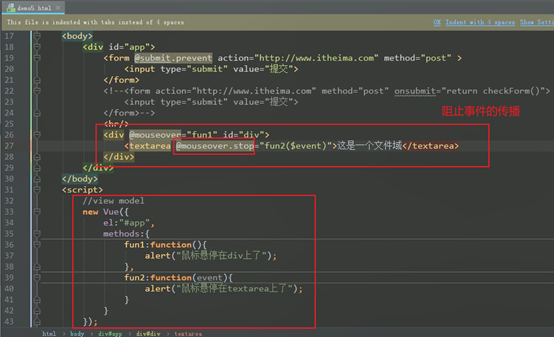
Vue的v-on鼠标移动事件和阻止事件传播:
传统js:
鼠标移动事件:
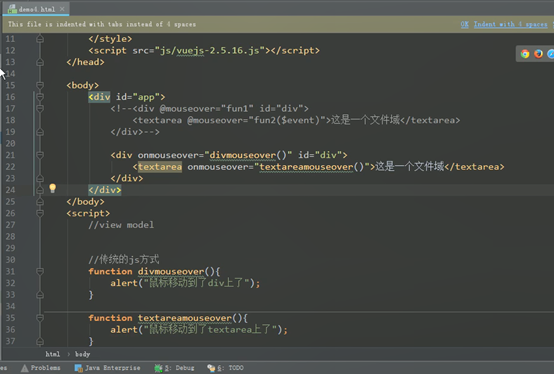
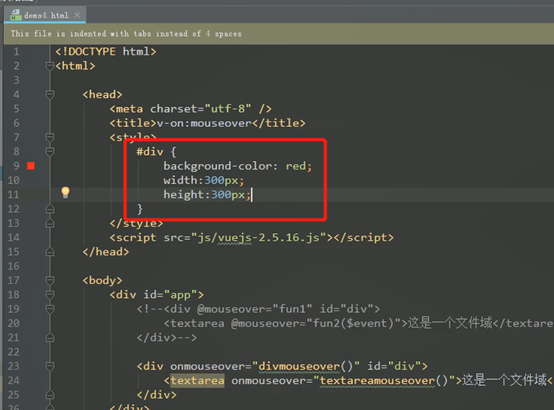
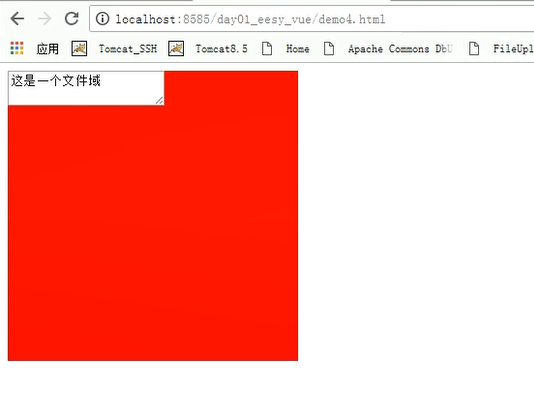

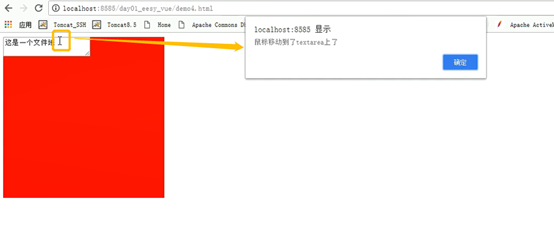
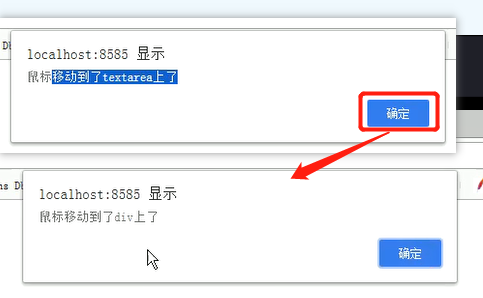
阻止事件传播:
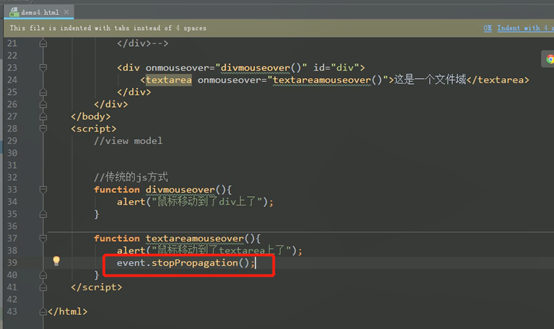
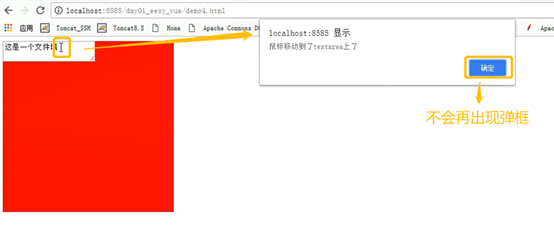
Vue的使用:
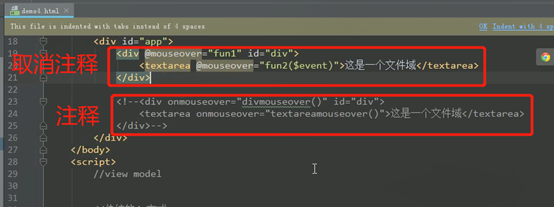
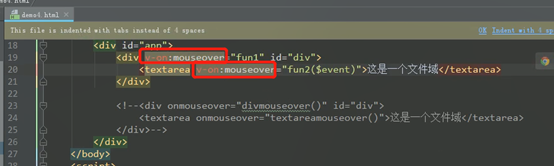
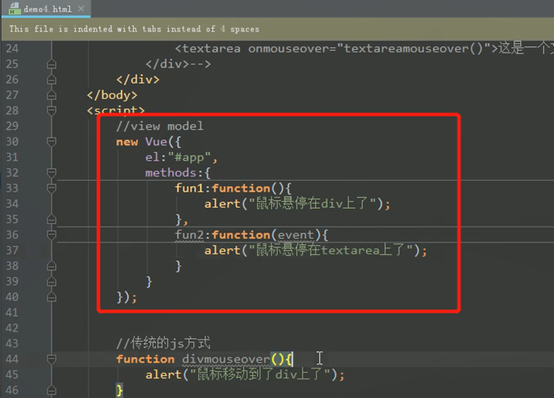
鼠标事件的阻止:

Vue中的事件修饰符
传统Js:
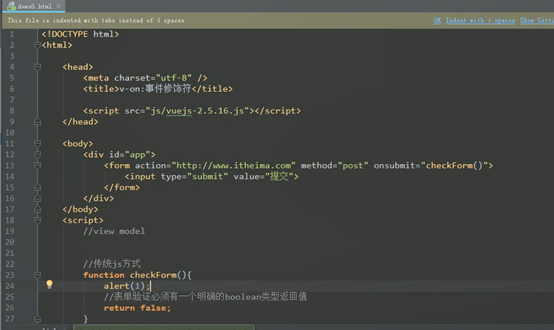
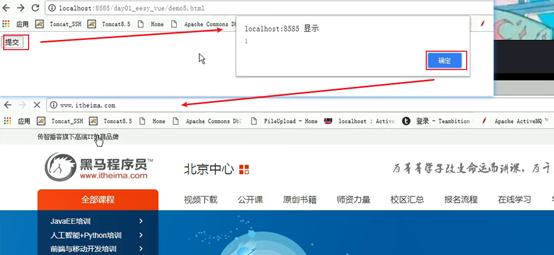
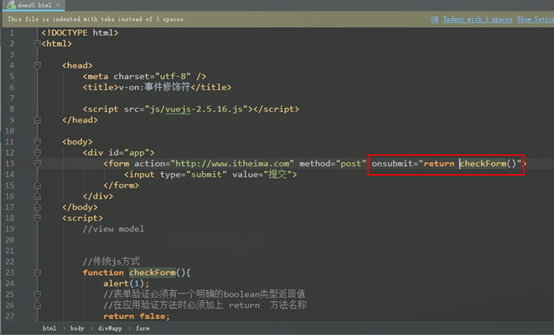

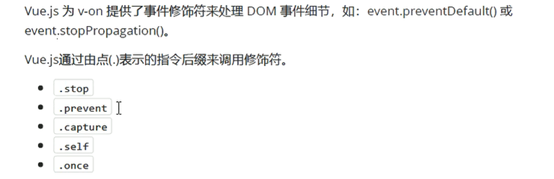
Vue:
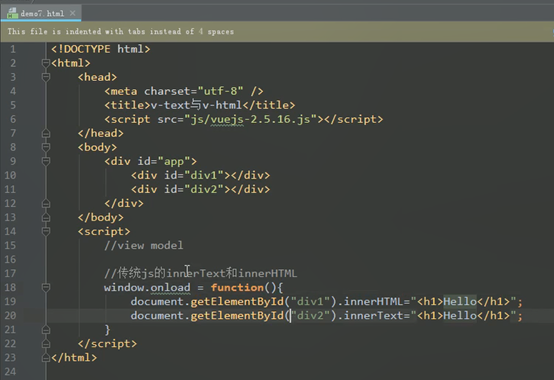
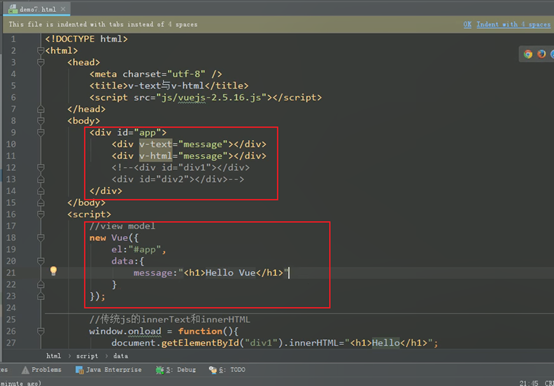
v-text 和 v-html
传统js:
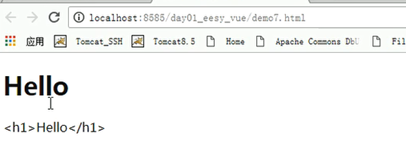
Vue
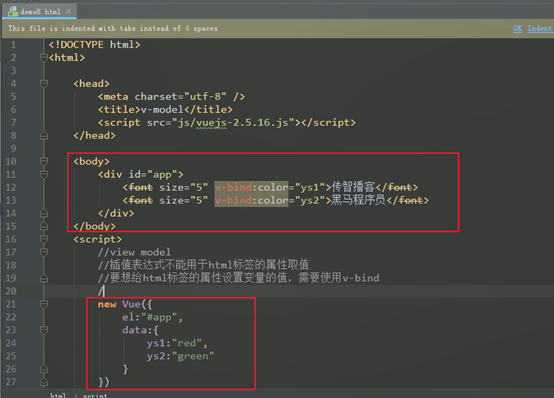
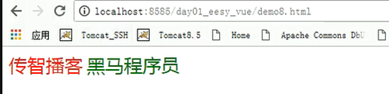
v-bind:
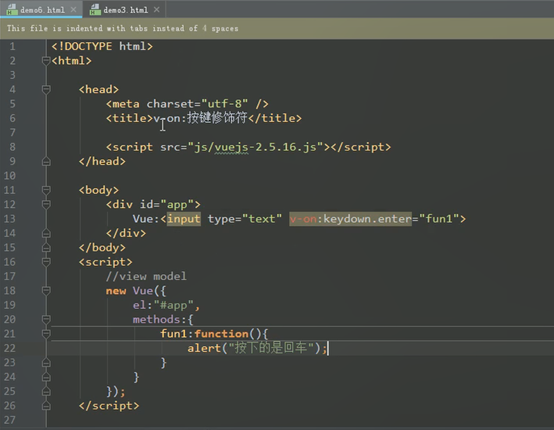
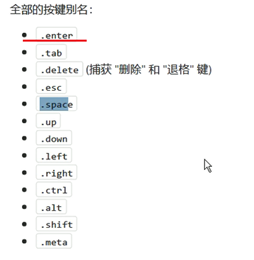
按键修饰符:

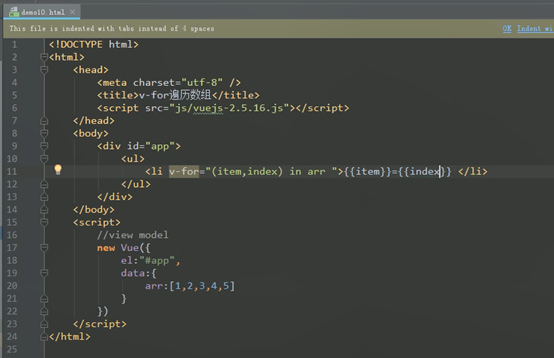
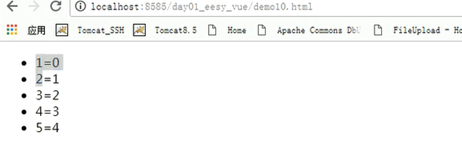
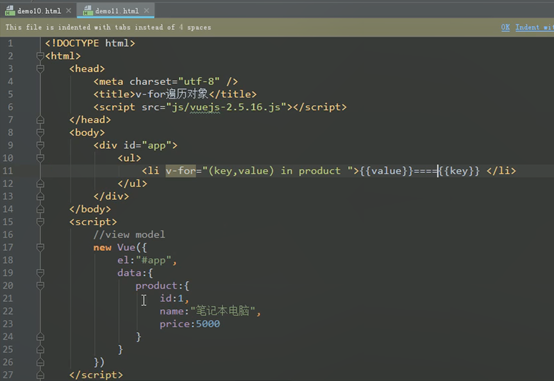
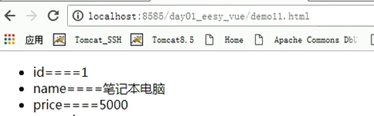
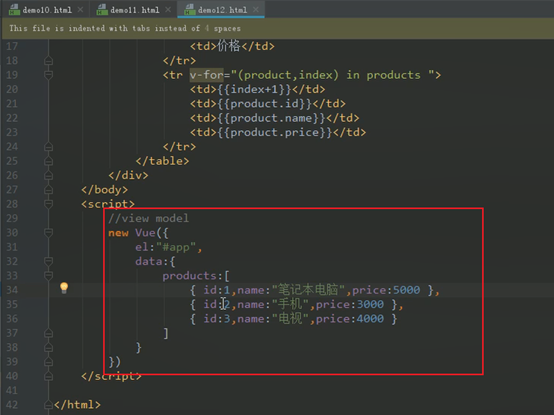
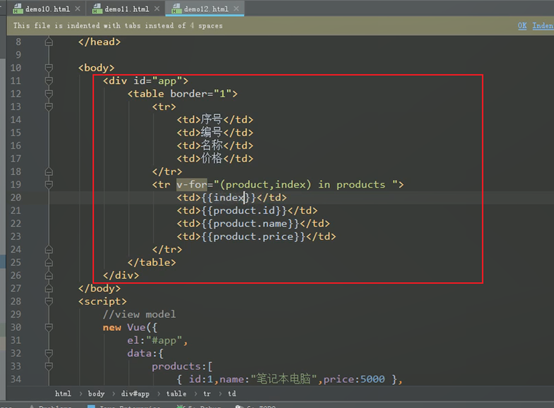
v-for:

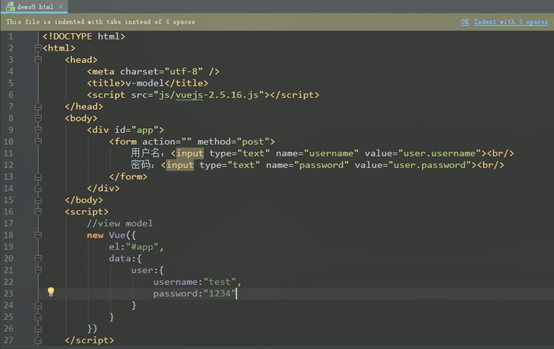
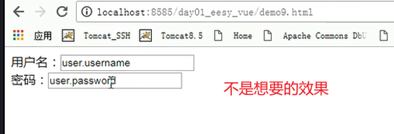
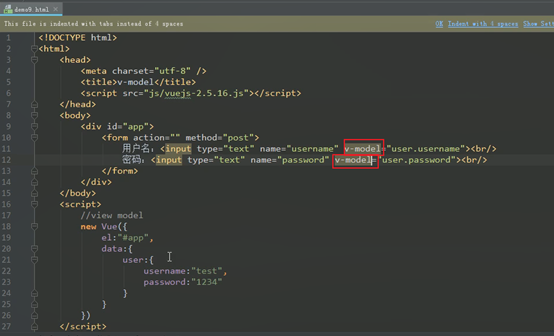
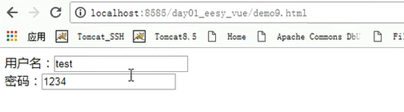
v-model:
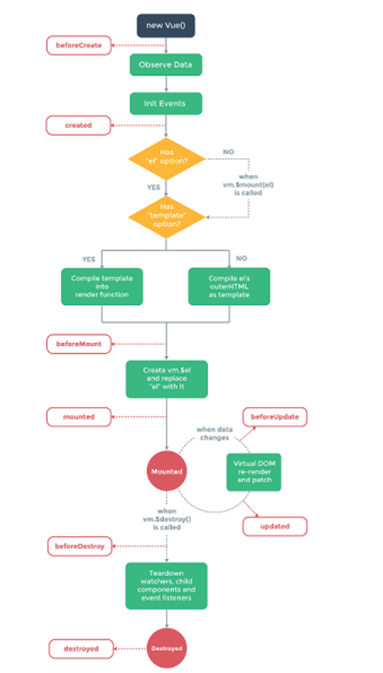
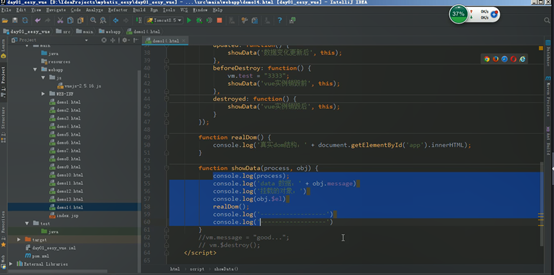
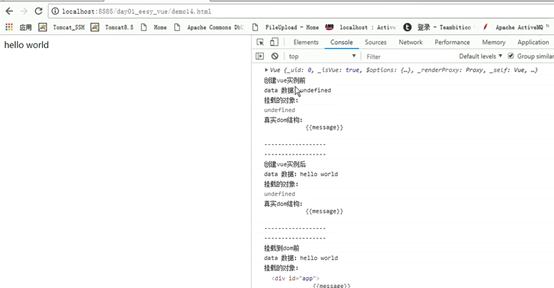
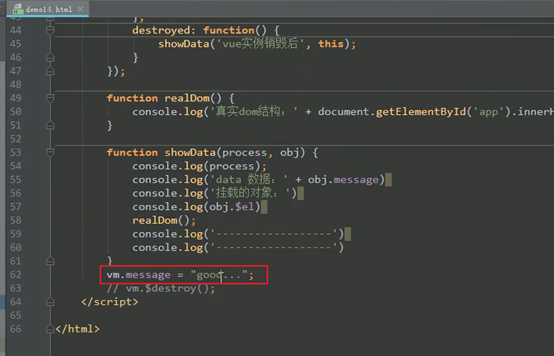
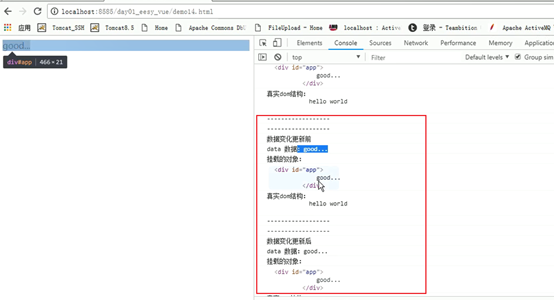
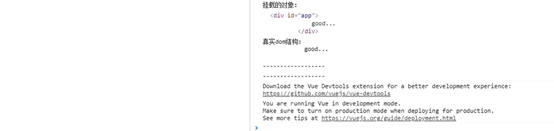
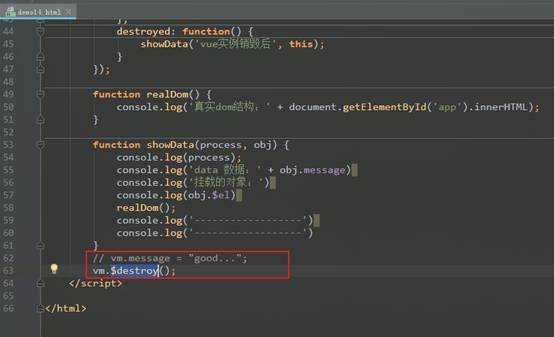
4、Vue的生命周期
8个生命周期的执行点
4个基本的
4个特殊的


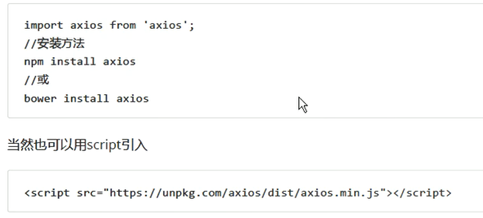
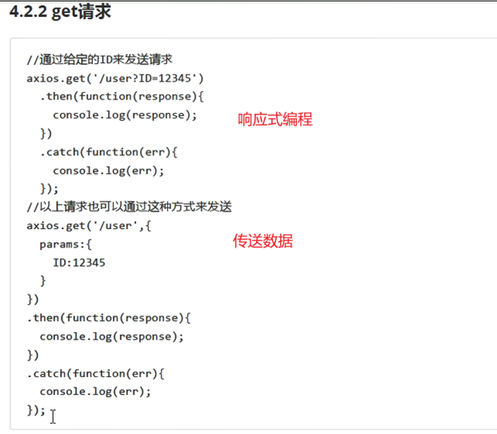
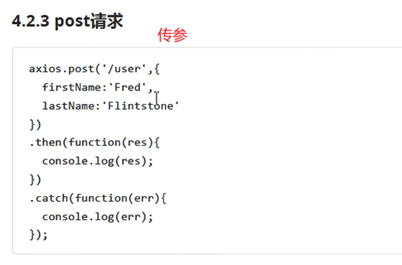
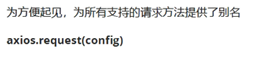
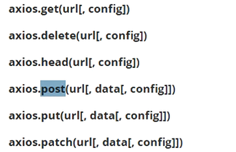
5、axios的ajax异步请求
它和jquery的ajax比较相似
6、综合案例
实现用户的查询列表和更新操作
前端:Vue
后端:ssm
Vue的ajax以及案例的介绍

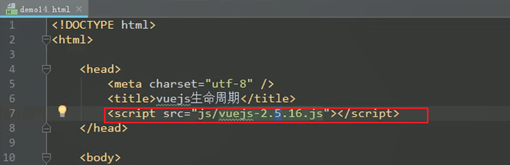
不支持vue-resource,了解一下即可



综合案例:
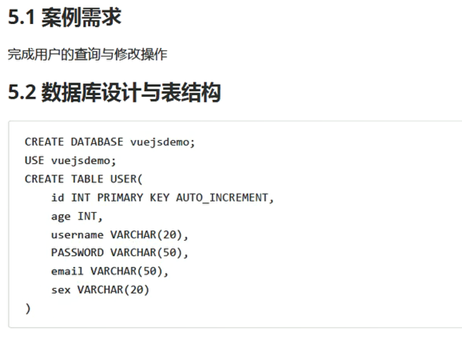
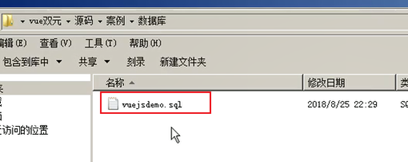
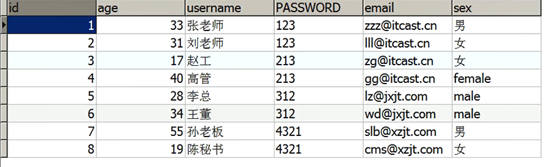
准备数据库
 、
、
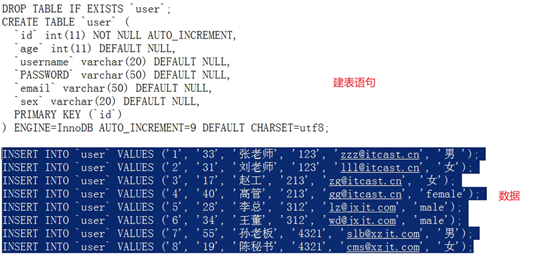
Mysql中执行
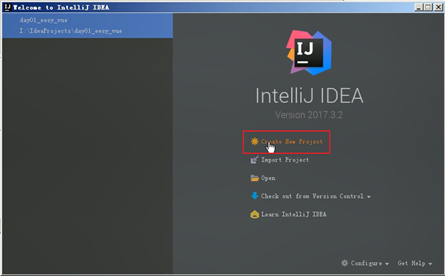
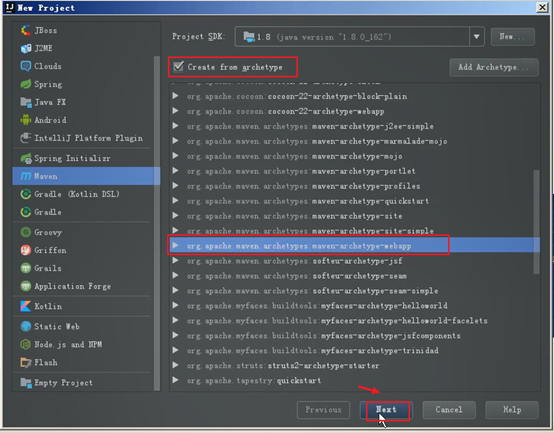
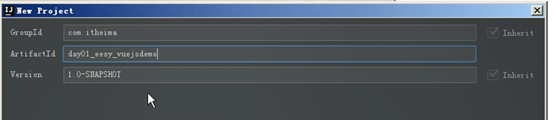
等待软件准备环境后
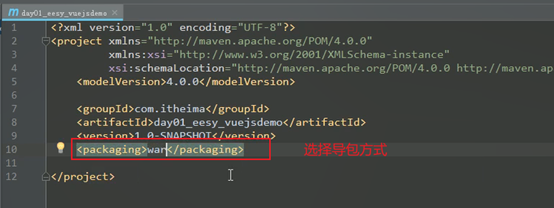

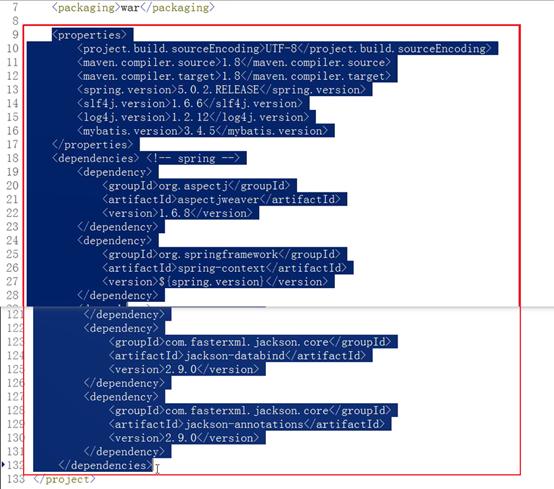
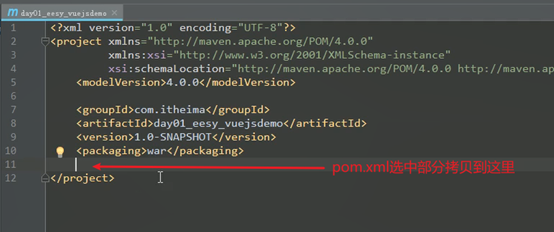

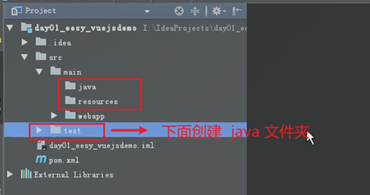
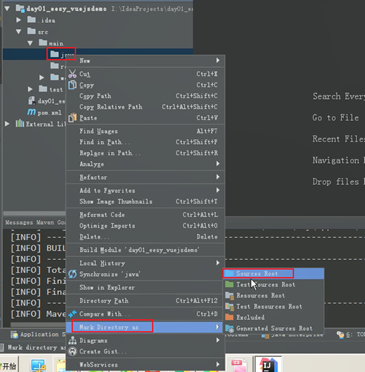
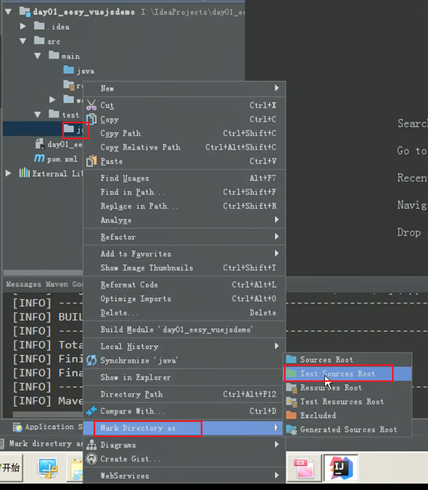
编写实体类持久层
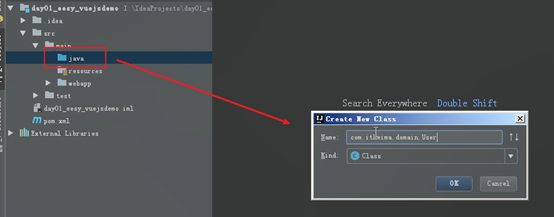
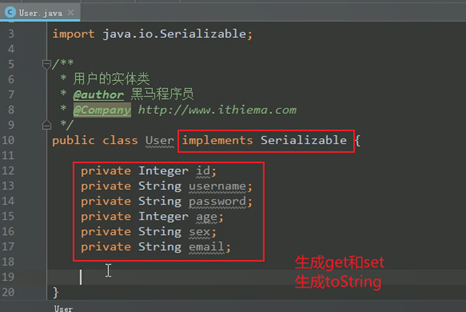

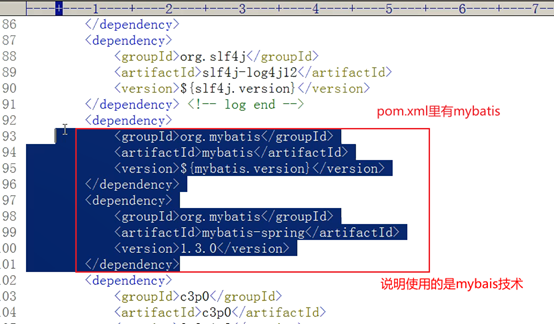
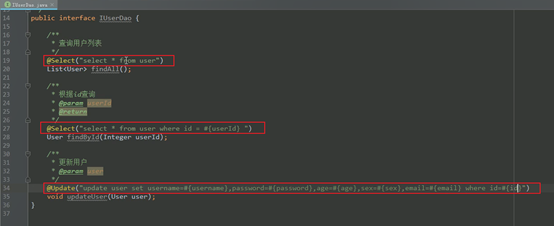
IUserDao.java
package com.itheima.dao;
import com.itheima.domain.User;
import org.apache.ibatis.annotations.Select;
import org.apache.ibatis.annotations.Update;
import java.util.List;
/**
* 用户的持久层接口
* @author 黑马程序员
* @Company
*/
public interface IUserDao {
/**
* 查询用户列表
*/
@Select("select * from user")
List<User> findAll();
/**
* 根据id查询
* @param userId
* @return
*/
@Select("select * from user where id = #{userId} ")
User findById(Integer userId);
/**
* 更新用户
* @param user
*/
@Update("update user set username=#{username},password=#{password},age=#{age},sex=#{sex},email=#{email} where id=#{id}")
void updateUser(User user);
}
编写实体类的业务层
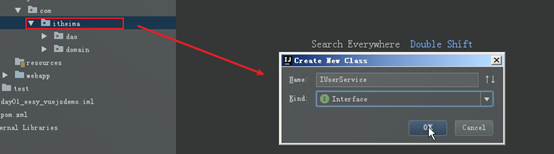
IUserService.java
package com.itheima.service;
import com.itheima.domain.User;
import java.util.List;
/**
* 用户的业务层接口
* @author 黑马程序员
* @Company
*/
public interface IUserService {
/**
* 查询用户列表
*/
List<User> findAll();
/**
* 根据id查询
* @param userId
* @return
*/
User findById(Integer userId);
/**
* 更新用户
* @param user
*/
void updateUser(User user);
}
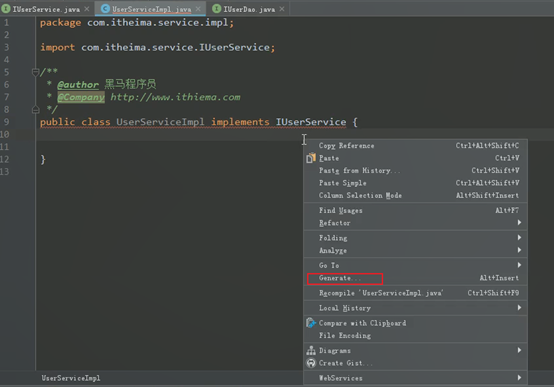
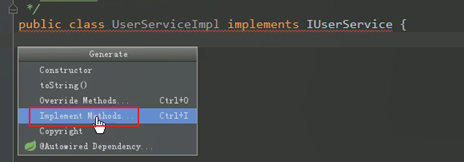
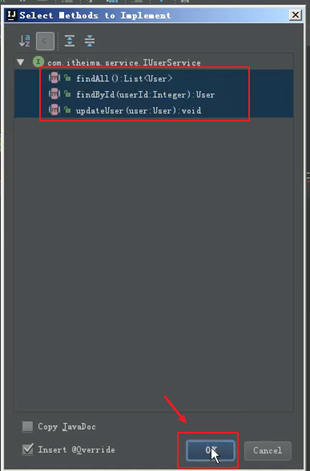
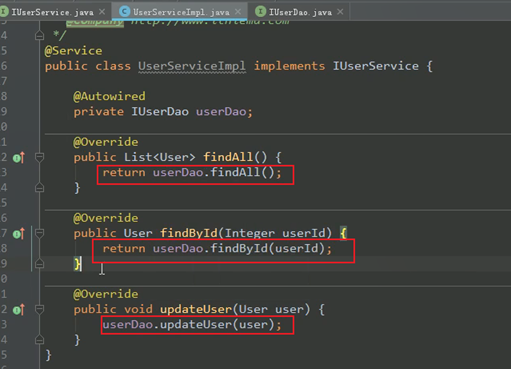
编写业务层的实体类
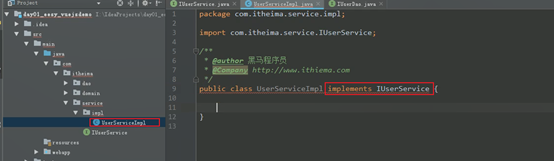
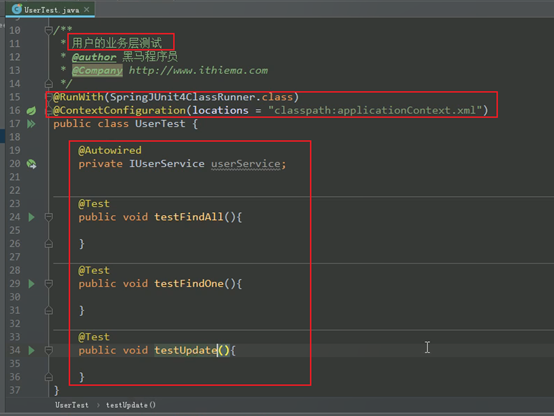
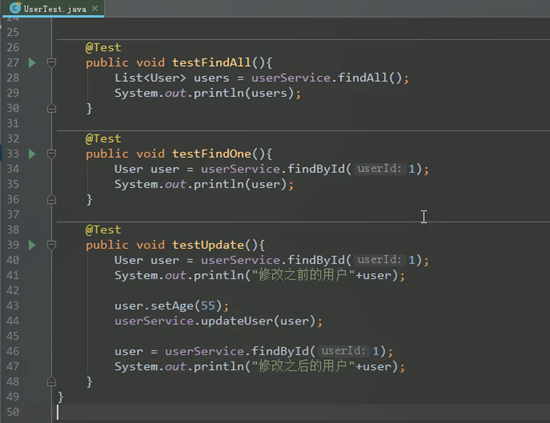
导入spring配置文件并编写测试类
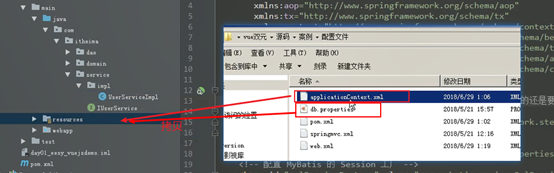
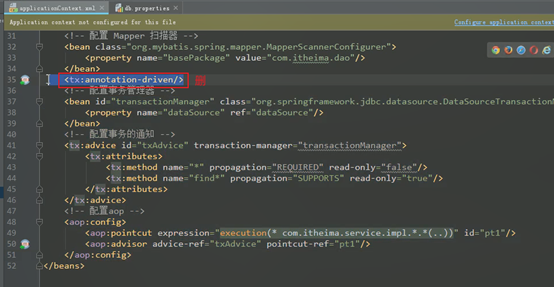
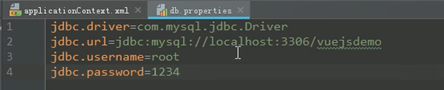
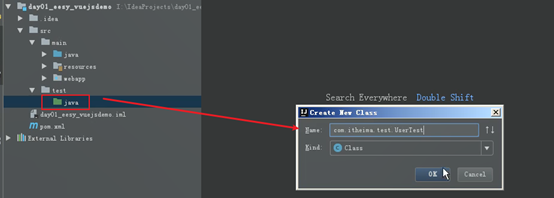
编写单元测试:



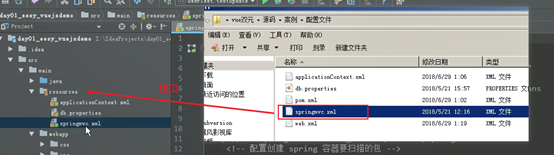
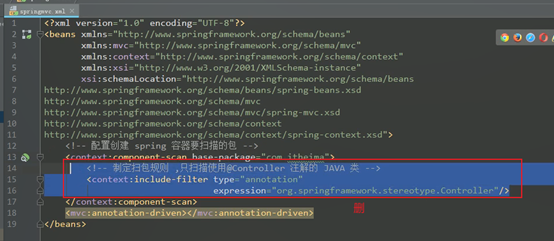
导入springmvc的配置并编写控制器代码:

拷贝需要一些时间
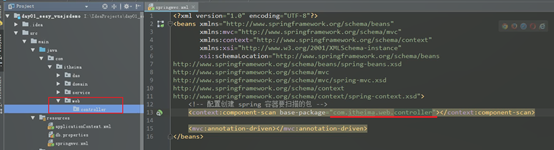
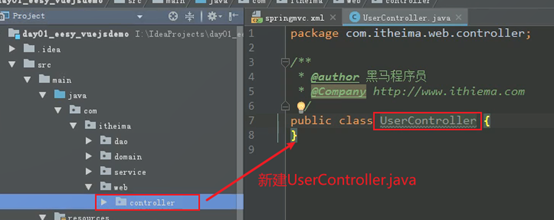
UserController.java:
package com.itheima.web.controller;
import com.itheima.domain.User;
import com.itheima.service.IUserService;
import org.springframework.beans.factory.annotation.Autowired;
import org.springframework.stereotype.Controller;
import org.springframework.web.bind.annotation.RequestBody;
import org.springframework.web.bind.annotation.RequestMapping;
import org.springframework.web.bind.annotation.ResponseBody;
import java.util.List;
/**
* @author 黑马程序员
* @Company
*/
@Controller
@RequestMapping("/user")
@ResponseBody
public class UserController {
@Autowired
private IUserService userService;
/**
* 查询所有
* @return
*/
@RequestMapping("/findAll")
public List<User> findAll(){
System.out.println("test");
return userService.findAll();
}
/**
* 根据id查询
* @param id
* @return
*/
@RequestMapping("/findById")
public User findById(Integer id){
return userService.findById(id);
}
/**
* 更新
* @param user
*/
@RequestMapping("/updateUser")
public void updateUser(@RequestBody User user){
System.out.println(user);
userService.updateUser(user);
}
}
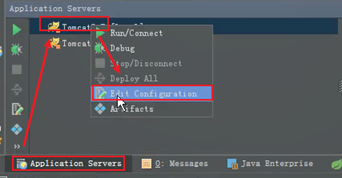
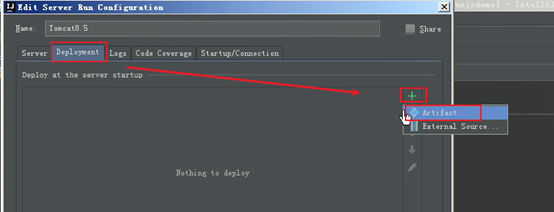

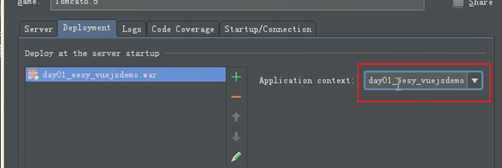
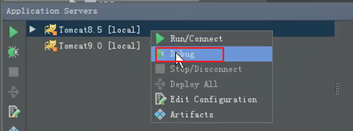
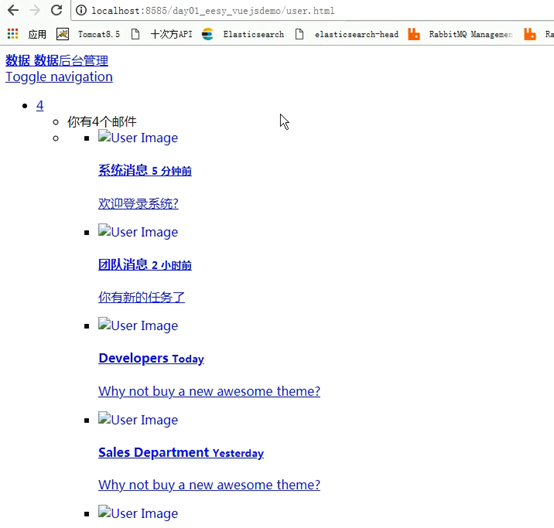


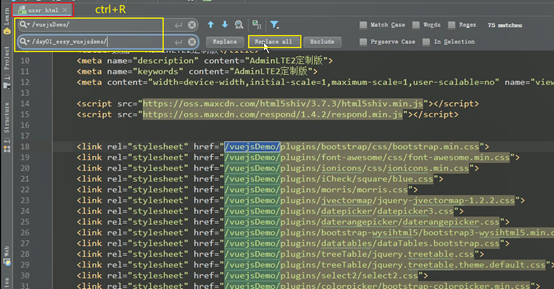
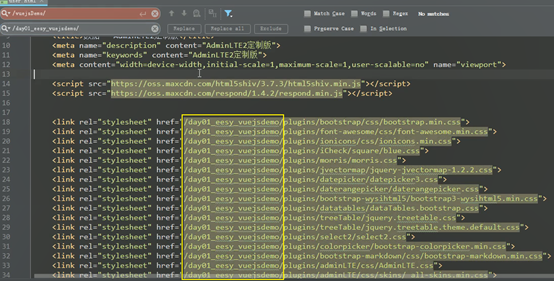
保存后再次启动tomcat服务
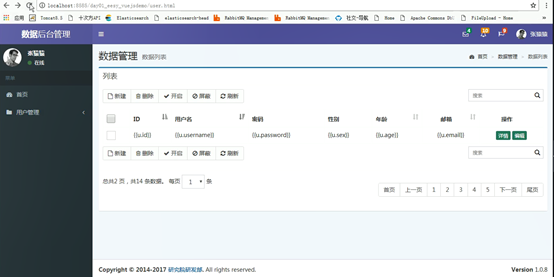
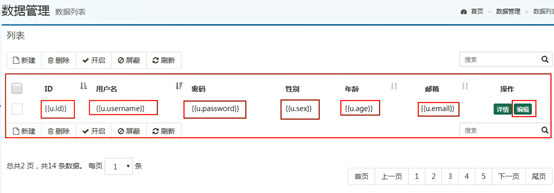
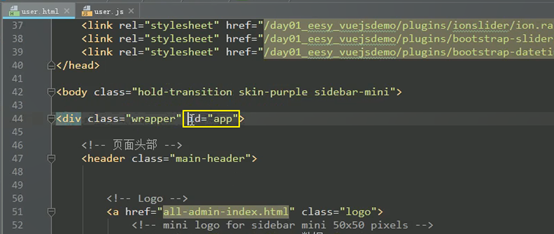
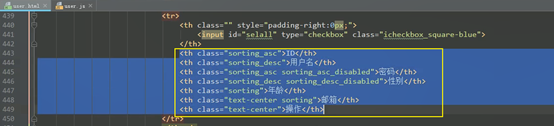
编写js:

User.js
new Vue({
el:"#app",
data:{
user:{
id:"",
username:"",
password:"",
email:"",
age:"",
sex:""
},
userList:[]
},
methods:{
findAll:function(){
//在当前方法中定义一个变量,表明是vue对象
var _this = this;
axios.get('/day01_eesy_vuejsdemo/user/findAll.do')
.then(function (response) {
_this.userList = response.data;//响应数据给userList赋值
console.log(response);
})
.catch(function (error) {
console.log(error);
})
},
findById:function (userid) {
},
update:function (user) {
}
},
created:function() {//当我们页面加载的时候触发请求,查询所有
this.findAll();
}
});
重新启动运行tomcat
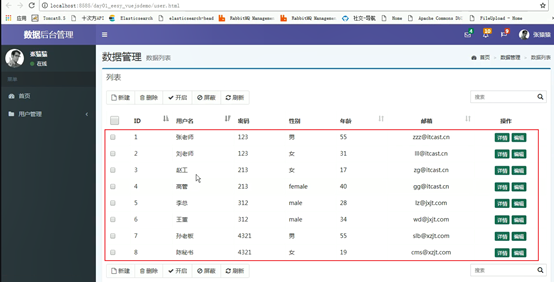
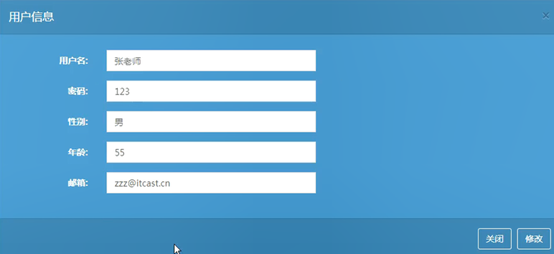
根据id查询:


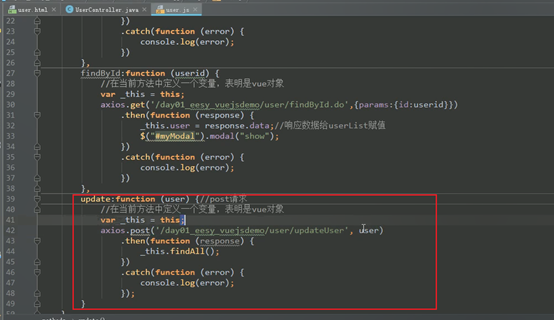
实现点击修改按钮触发修改请求:(post请求)
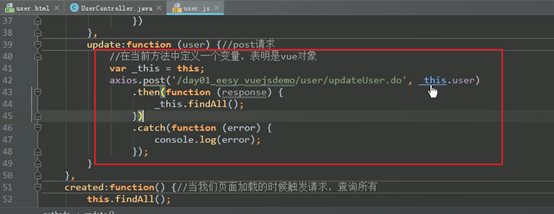
重启tomcat并运行

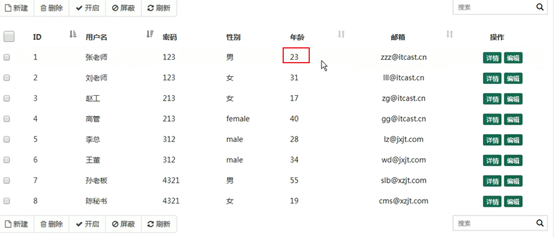
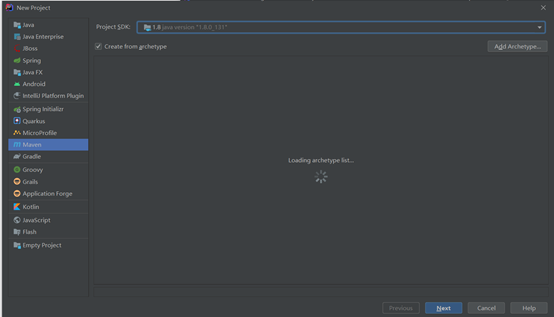
出现问题:
idea创建maven项目时一直显示"Loading archetype list "

删掉

 浙公网安备 33010602011771号