
CS61B 学习笔记 Lab 1 Setup: Setting Up Your Computer
Lab 1 Setup: https://sp21.datastructur.es/materials/lab/lab1setup/lab1setup
目录
A. Installing a Text Editor (optional)
The three most popular GUI text editors these days seem to be:
- Sublime Text (free but nags you until you pay): https://www.sublimetext.com/
- Atom (free): https://atom.io/
- Visual Studio Code (free): https://code.visualstudio.com/
B. Configure Your Computer
Windows: https://sp21.datastructur.es/materials/lab/lab1setup/windows.html
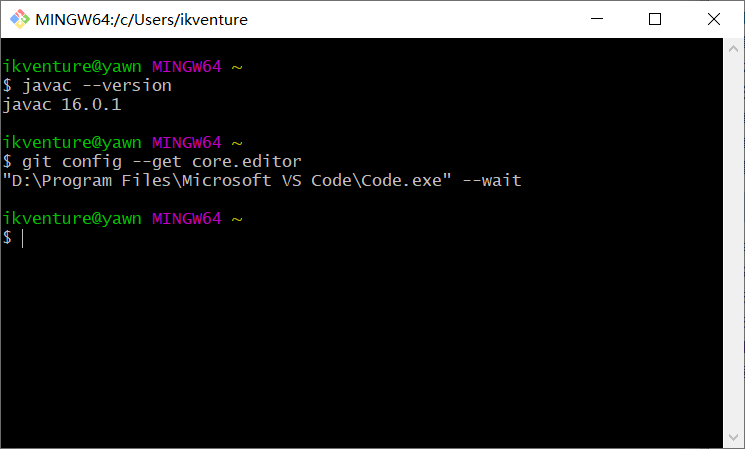
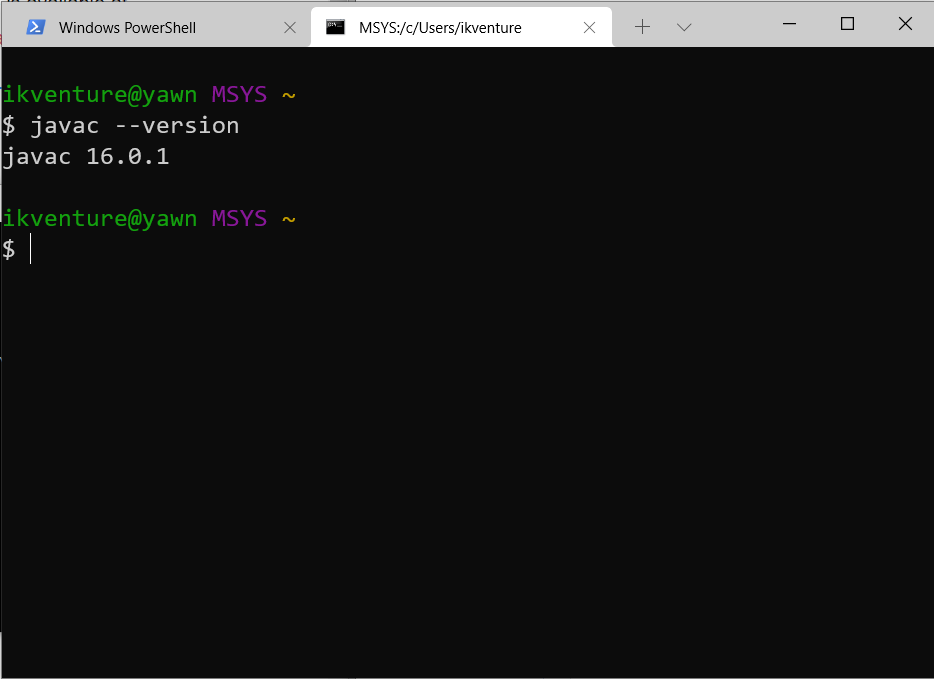
安装Java、Git、Windows Terminal。
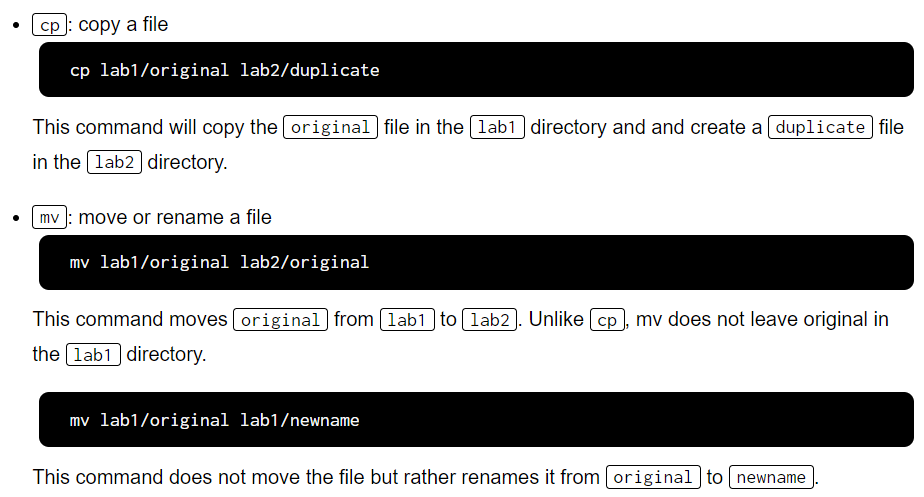
C. Learn to Use the Terminal (Optional)
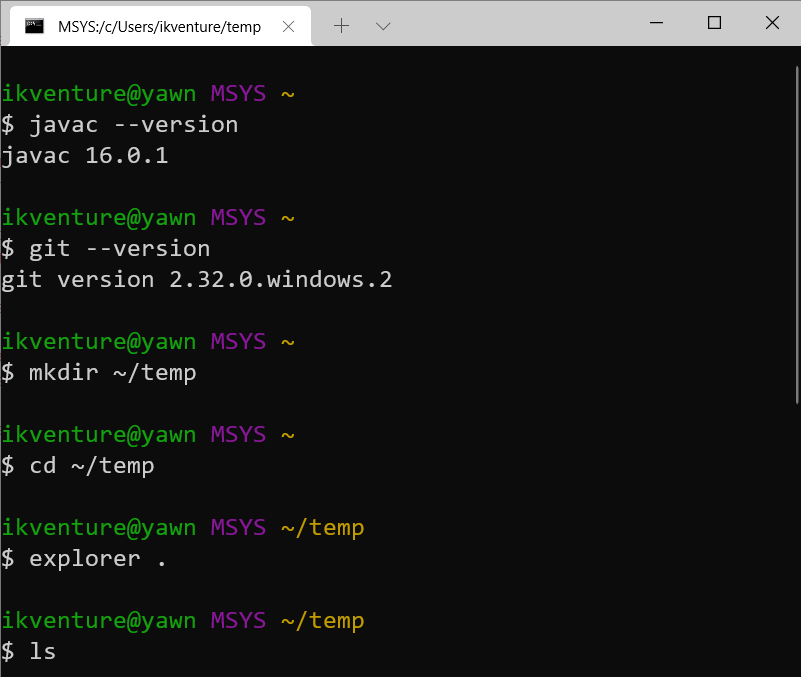
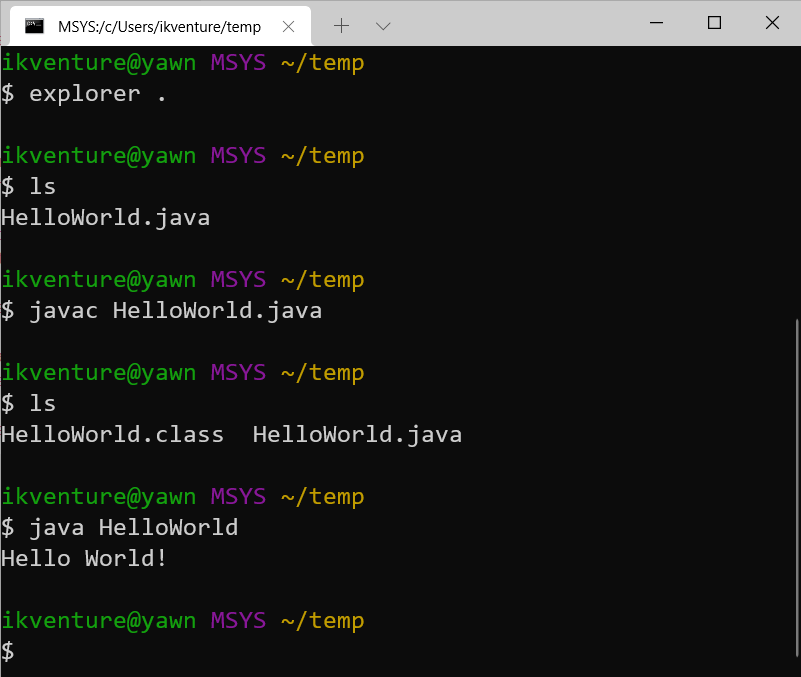
D. Test Run for your Setup from Step B
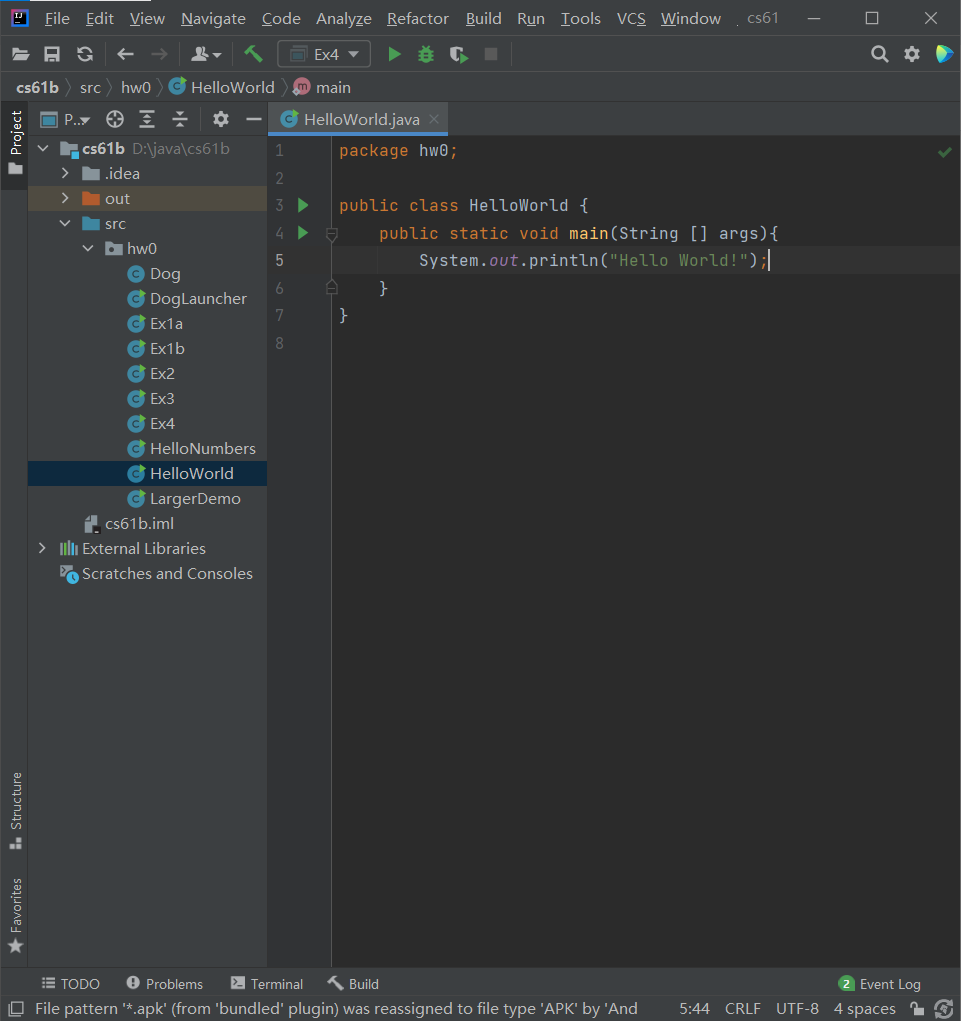
E. Install IntelliJ
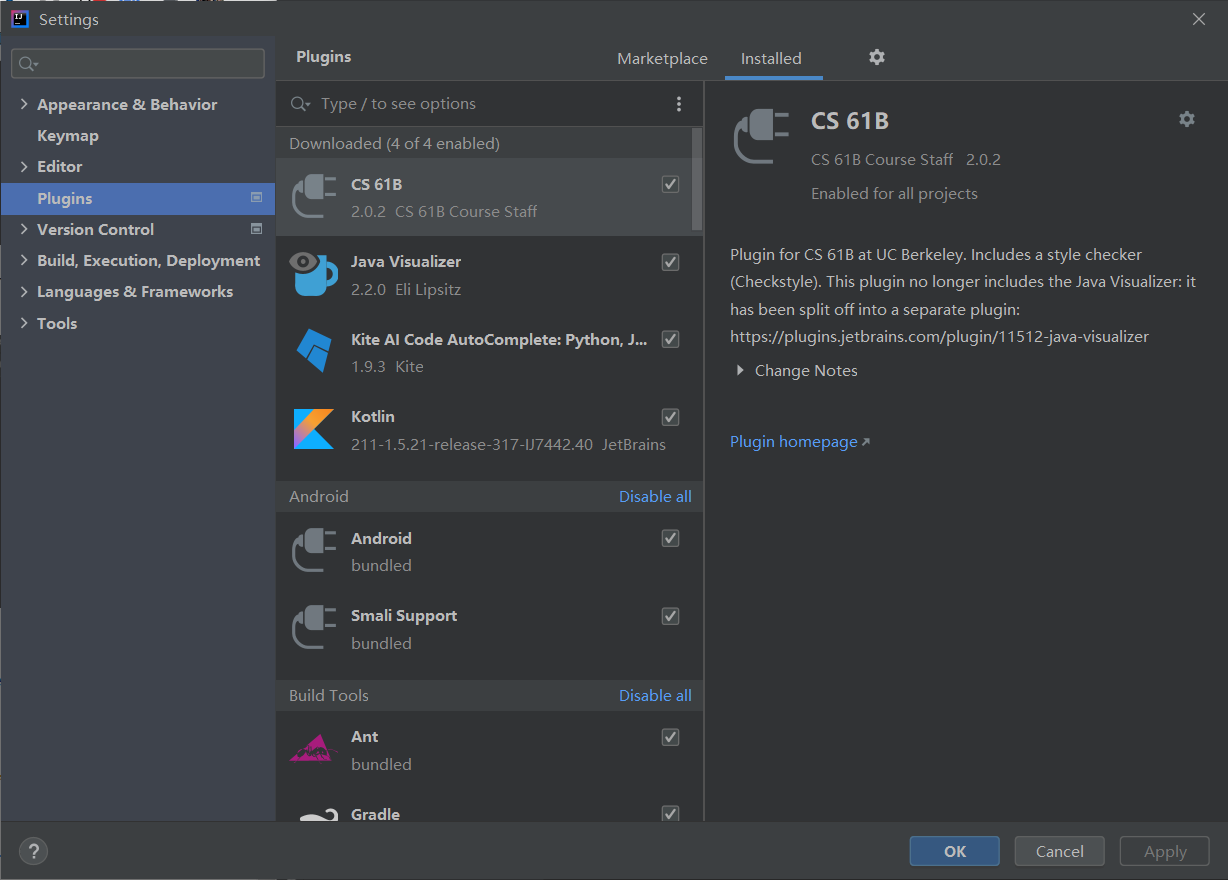
F. Installing the IntelliJ CS 61B Plugins
G. Celebrate
Phew! You’re finally done setting everything up. You can now proceed to lab 1.

 浙公网安备 33010602011771号