
Creating a DotNetNuke Module using notepad - For absolute beginners! (Page 3)
Creating a DotNetNuke Module using notepad -
For absolute beginners! (Page 3) page 2
Changing the module: |
|
|||
You are now ready to make a change to the module and view the change. In the file "ImportantMessages.vb" find the line:
and change it to:
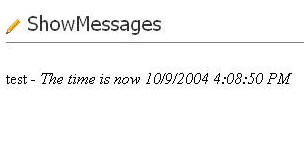
Save the file and click the TEST tab in DNN in your web browser. You will now see the current time appended to the message. |
||||
|
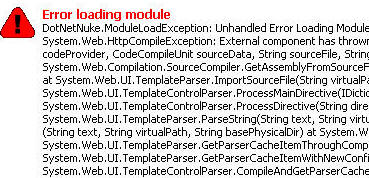
You can continue to make changes to the module and view the changes through the web browser. The downside to this method of module development is that when there is an error you do not get good error messages. It is best to develop your program using controls placed on pages and only use this method for the final integration into DNN. |
|
|||
We are now ready to compile and package the DNN module. |
||||
Next... compile the module

|
3 of 5 |

|

 浙公网安备 33010602011771号